
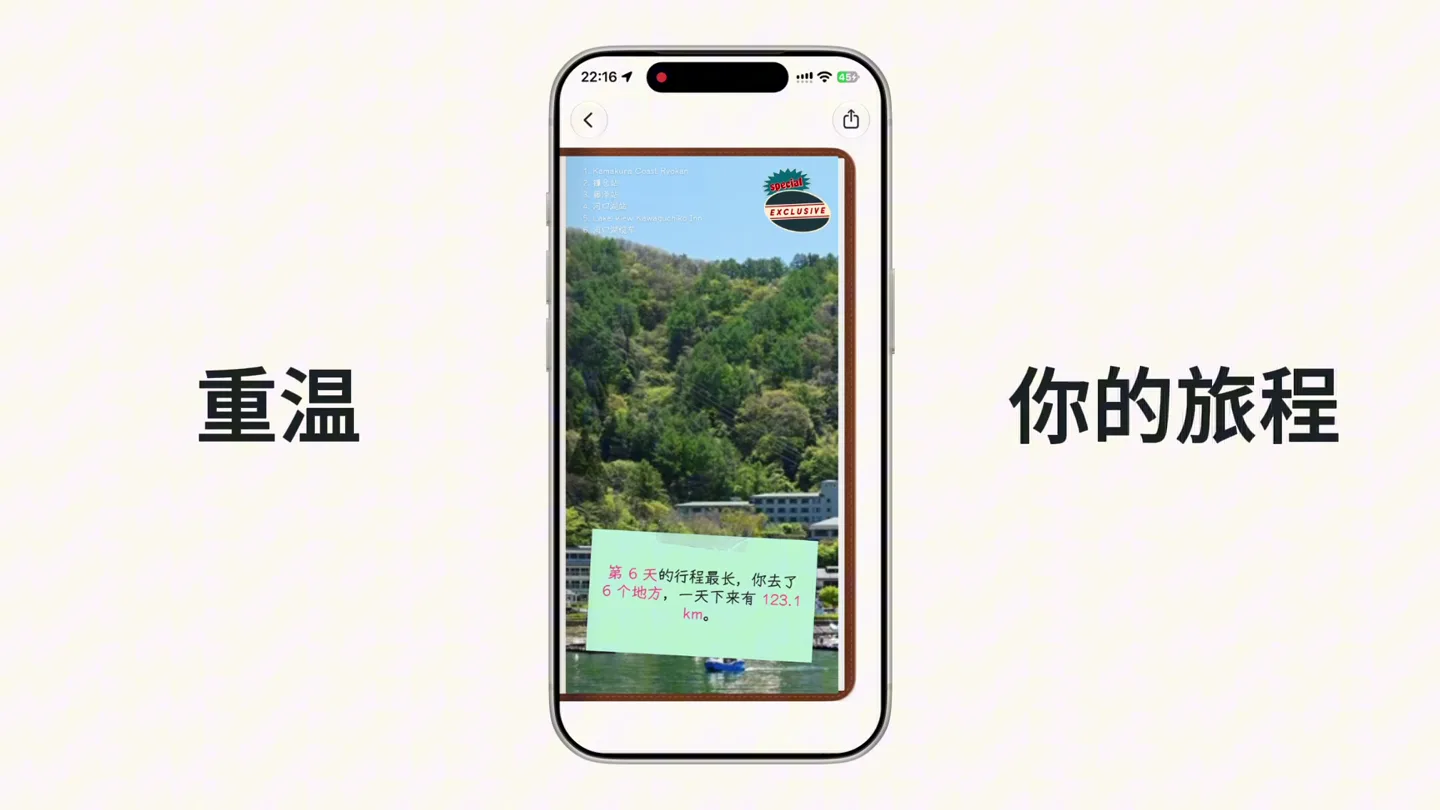
Placify · Launch Video Breakdown: Hook, Pacing & Motion Design
Placify 2.0 turns a saved place into a trip and keeps the journey you actually took on your own map. It plans places, routes, stays, and transport by day, and adds Now, a daily review, and trip memories.
Scene-by-scene timeline & spoken transcript
The Hook
Placify 2.0: Seamless Trip Planning
“(No spoken dialogue — A consistent, driving electronic beat with a prominent sub-bass line and pizzicato synth melodies creates a light, airy feel. A subtle riser begins at 0:08.)”
- On screen
- Placify 2.0
- Camera
- Static wide shot of the app screen, then a subtle zoom out to reveal the phone frame. Subsequent scenes feature a static phone frame with internal UI elements scrolling or transitioning.
- Motion
- Text reveal with subtle scale and opacity, followed by rapid UI element transitions and icon reveals. Smooth scrolling within the app interface.
Product Reveal
Comprehensive Planning & Daily Review
“(No spoken dialogue — A beat drop at 0:09 introduces a more rhythmic section. The electronic beat continues with pizzicato synths. A build-up begins at 0:26.)”
- On screen
- 交通 住宿 餐厅 景点 自然 娱乐 购物 专注于 下一程 每日 回顾
- Camera
- Static phone frame, with internal UI elements animating. Text appears and disappears on either side of the phone, maintaining a central focus.
- Motion
- Icon carousel animation, text wipe/fade-in, and dynamic UI element reveals. Map and timeline animations within the app demonstrate functionality. Polaroid-style photo reveals.
Feature Teaser
Relive Your Journey & Memories
“(No spoken dialogue — A sub-bass impact and rhythmic shift occur at 0:27, creating a more intense feel. The electronic beat continues. A final, more intense riser occurs at 0:36.)”
- On screen
- Placify 2026 9月24日 Been 重温 你的旅程
- Camera
- Static phone frame, with internal UI elements animating. Text appears and disappears on either side of the phone, maintaining a central focus.
- Motion
- Stamp animation with a checkmark, map route tracing, and dynamic data visualization within the app. Text reveals with a subtle bounce.
Call to Action
Placify: Your Ultimate Travel Companion
“(No spoken dialogue — A beat drop and layered synth elements at 0:37 bring the track to a high-energy conclusion, fading out with the final logo reveal.)”
- On screen
- Placify
- Camera
- Zoom out from the phone screen to reveal the full Placify logo, then a final static shot of the logo.
- Motion
- Logo reveal with a subtle glow and scale animation, concluding the video with brand identity.
Motion design primitives
Synthesizable in Remotion · key components of the finflow-launch-motion-graphics template.
AppScreenCarousel
A series of circular icons representing categories (e.g., transport, accommodation) slide horizontally across the screen, revealing new options as they move. Each icon is a detailed 3D render.
+ Code construction recipe
Use a <Sequence> component with <AbsoluteFill> for the phone frame. Implement a horizontal <ScrollView> or a custom animated carousel using `interpolate` for `translateX` and `opacity` based on scroll position. Each icon should be a separate <Img> component with a circular mask. Use `spring` for smooth entry/exit animations of individual icons.
DynamicMapRouteTrace
A map within the phone app animates, showing a route being drawn dynamically, highlighting points of interest and displaying travel statistics. Text overlays appear and disappear with the map.
+ Code construction recipe
Utilize an <AbsoluteFill> for the map background. Overlay an <SVG> path for the route, animating the `stroke-dashoffset` property to create a drawing effect. Use `interpolate` for text opacity and position, and `spring` for subtle bounce on data points or markers. Map pins can scale in with a `spring` animation.
PolaroidPhotoStack
Multiple polaroid-style photos with travel images appear on screen, rotating and scaling into position, creating a dynamic collage effect. They then animate off-screen.
+ Code construction recipe
Create individual <Img> components for each polaroid, styled with white borders and a subtle shadow. Animate `translateX`, `translateY`, `rotate`, and `scale` using `spring` for a natural, slightly randomized placement. Use `Sequence` to stagger their entry and exit, and `interpolate` for opacity fades.
Style DNA & aesthetic system
Visual aesthetic
Typography
Motion
Special effects
Pacing & rhythm
Conceptual story rhythm
- 1
The Brand Introduction
Purpose. Establish the product name and its core identity immediately.
Execution. Clean, centered logo reveal with a subtle scale and glow, setting a premium tone.
- 2
Feature Showcase & Planning
Purpose. Demonstrate the app's comprehensive trip planning capabilities.
Execution. Rapid-fire UI animations showing route planning, category selection, and daily itinerary views within the phone frame.
- 3
Memory & Review Integration
Purpose. Highlight the unique 'Now' and 'Memories' features, showing how the app captures the actual journey.
Execution. Dynamic map tracing, polaroid photo collages, and a 'Been' stamp animation, visually reinforcing the idea of reliving experiences.
- 4
Concluding Brand Statement
Purpose. Reinforce the brand and leave a lasting impression.
Execution. Final logo reveal with a subtle animation, bringing the video to a clean, impactful close.
Remix in Animatiq Studio
Master remix prompt · agent-ready
Sample remix
Objective
Launch a new personal finance app called 'FinFlow' that helps users visualize spending and savings.How the recipe adapts
The AppScreenCarousel primitive would be adapted to showcase different financial categories like 'Spending', 'Savings', 'Investments', and 'Budgeting', using icons such as a wallet, piggy bank, stock chart, and calendar. The DynamicMapRouteTrace would transform into a 'Spending Trendline' primitive, animating a line graph showing financial activity over a month, with key transactions popping up as markers. The PolaroidPhotoStack would become 'Financial Milestones', displaying animated cards with 'Goal Achieved' or 'Savings Target Met' messages, featuring subtle celebratory animations. The overall color palette would shift to a cool blue and green scheme, maintaining the minimalist aesthetic.Remix blueprint · finflow-launch-motion-graphics
Scene durations (4 scenes, 44s)
Key Remotion components
Related Consumer & Apps Product Launches
Explore all Consumer & Apps launches →
Grand Theft Auto VI: An Extended Look premieres on Netflix Thursday, August 27.
Polymarket Perps is live with up to 20x leverage on crypto, stocks, commodities, and more. Long BTC, predict the Fed, or short the S&P reaction.
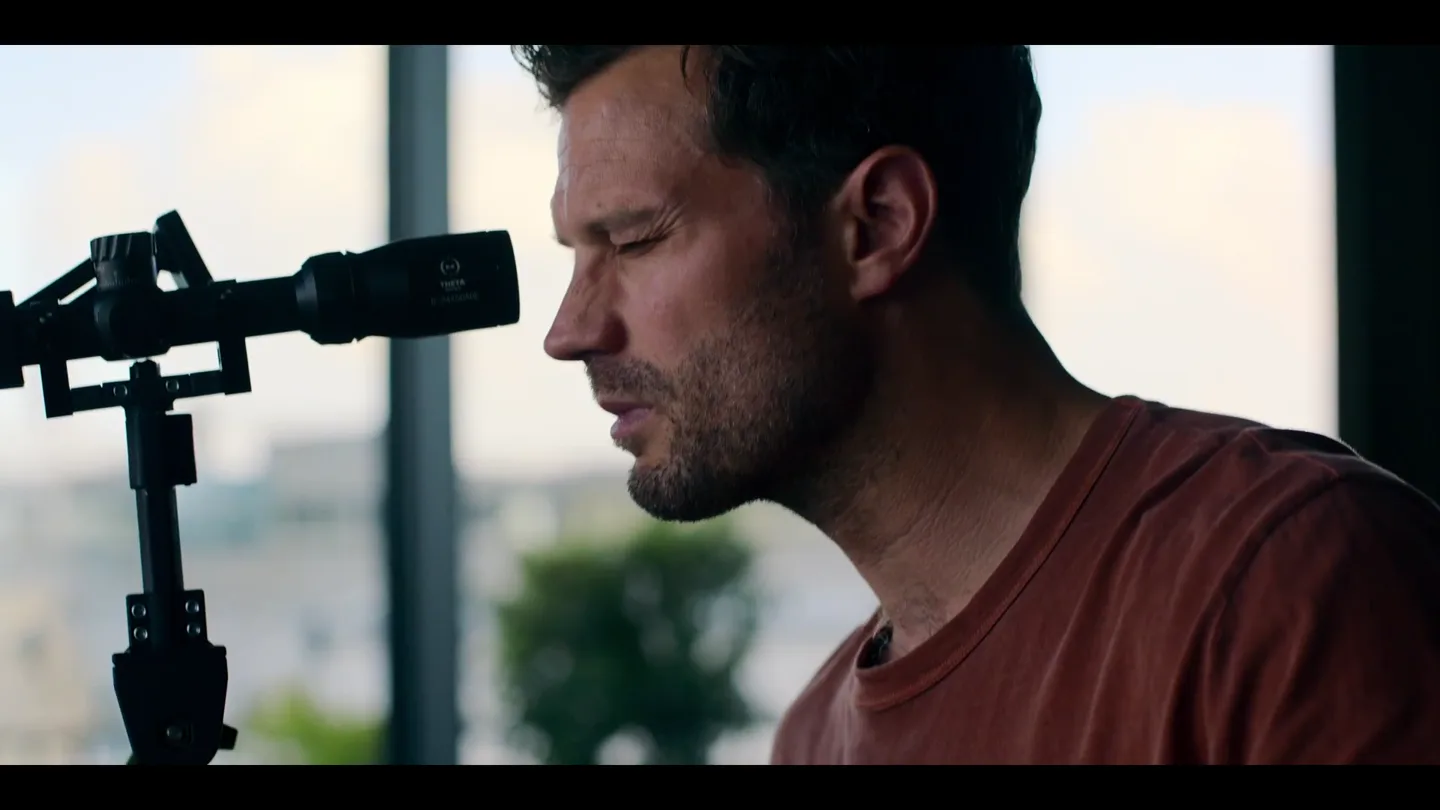
12 months to plan. 12 hours to execute. 12 days to make it out alive. 12 12 12 premieres November 13 on Apple TV+.