
Alibaba Qwen · Launch Video Breakdown: Hook, Pacing & Motion Design
Powered by Qwen3 Agent + Qwen-Image 2.0. Type an idea, wall of text, or document — search agent researches and builds structure; image model generates polished slides.
Scene-by-scene timeline & spoken transcript
The Hook
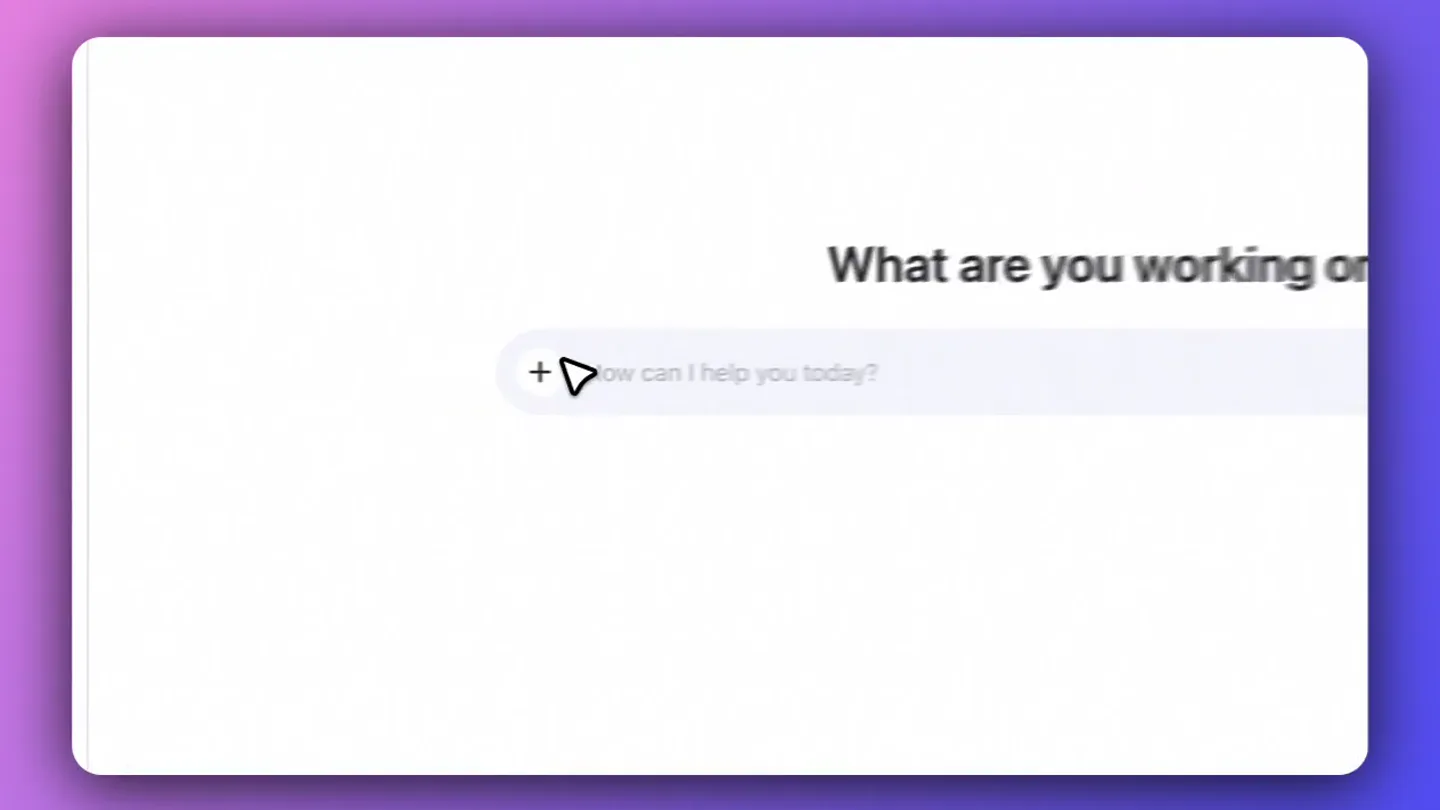
Initial Interface & Prompt
“(No spoken dialogue — silent video with ambient visual focus.)”
- On screen
- Qwen3-Max What are you working on? + How can I help you today?
- Camera
- Static wide shot of a clean web interface, centered on the main input field.
- Motion
- Subtle cursor hover animation, drawing attention to the input area.
Feature Teaser
Feature Menu Expansion
“(No spoken dialogue — silent video with ambient visual focus.)”
- On screen
- Upload attachment file,image,video,audio Deep Research Create Image Create Video Web Dev Web search ... More
- Camera
- Zoom-in and pan to the left, focusing on the expanding menu from the '+' icon.
- Motion
- Smooth dropdown menu reveal with a slight bounce, followed by a cursor selection highlight.
Product Reveal
Nested Feature Selection
“(No spoken dialogue — silent video with ambient visual focus.)”
- On screen
- Slides Artifacts Learn Travel Planner
- Camera
- Slight pan right to reveal a nested menu, maintaining focus on the cursor interaction.
- Motion
- Cascading menu animation, where a second menu slides out from the 'More' option, indicating depth of features.
Call to Action
Content Generation & Selection
“(No spoken dialogue — silent video with ambient visual focus.)”
- On screen
- What are you working on? + Slides Help me generate PPT materials intro ducing the "National Museum of Chi... National Museum of Help me generate PPT materials intro ducing the "British Museum" with th... The British Muse Use Prompt Help me create PPT materials introdu cing the paper with the following re... Qwen3-TTS Technical
- Camera
- Quick zoom-out and pan to the right, showcasing generated content cards.
- Motion
- Rapid content card generation animation, with cards sliding in from the right, followed by a cursor hover and 'Use Prompt' button reveal.
Motion design primitives
Synthesizable in Remotion · key components of the ai-design-tool-showcase template.
CursorInteractionHighlight
A mouse cursor moves and clicks, accompanied by a subtle expanding blue circle highlight on click, drawing attention to user interaction points.
+ Code construction recipe
Use `interpolate` for cursor position and `spring` for the expanding circle's scale and opacity on click. SVG filters for the glow effect.
CascadingMenuReveal
Dropdown menus appear with a smooth, slightly delayed animation, where nested menus slide out sequentially, creating a sense of organized depth.
+ Code construction recipe
Implement `spring` for `y` position and `opacity` for the initial dropdown, then `x` position and `opacity` with a staggered delay for nested menus.
ContentCardSlideIn
Generated content cards slide in rapidly from the right side of the screen, settling into a grid layout, followed by a hover state revealing an action button.
+ Code construction recipe
Utilize `interpolate` for `translateX` and `opacity` for the cards, with a `stagger` effect for each card. Implement `spring` for the 'Use Prompt' button's `opacity` and `scale` on hover.
Style DNA & aesthetic system
Visual aesthetic
Typography
Motion
Special effects
Pacing & rhythm
Conceptual story rhythm
- 1
The Blank Canvas
Purpose. Introduce the clean interface and the core prompt, inviting user input.
Execution. Wide shot of the application, cursor hovering over the input field.
- 2
Unveiling Capabilities
Purpose. Showcase the breadth of features available through a simple interaction.
Execution. Clicking the '+' icon reveals a comprehensive dropdown menu of actions.
- 3
Targeted Creation
Purpose. Demonstrate the ability to refine and specify the desired output.
Execution. Navigating through nested menus to select a specific output type, like 'Slides'.
- 4
Instant Results
Purpose. Highlight the product's efficiency in generating polished content.
Execution. Rapid display of generated content cards, ready for selection.
Remix in Animatiq Studio
Master remix prompt · agent-ready
Sample remix
Objective
A user wants to quickly generate social media ad creatives using an AI design tool.How the recipe adapts
The initial prompt would be 'Design a social media ad for a new coffee shop'. The '+' menu would reveal options like 'Generate Image', 'Write Copy', 'Choose Template'. Selecting 'Generate Image' would lead to a nested menu for 'Style' and 'Platform'. Finally, content cards would slide in, displaying various ad creative options with 'Use Creative' buttons.Remix blueprint · ai-design-tool-showcase
Scene durations (4 scenes, 5.2s)
Key Remotion components
Related AI Agents Product Launches
Explore all AI Agents launches →
To ensure that artificial general intelligence benefits all of humanity

Gopuff introduces Go, an AI shopping assistant built with SpaceXAI: say what you need and the order is placed.

Iliad (Troy) trailer made by Grok Imagine 1.5, which was just released