
reel · Launch Video Breakdown: Hook, Pacing & Motion Design
reel records a real terminal session and edits it like video: speed up waits, add captions, re-render in milliseconds. One Rust binary — no ttyd or ffmpeg.
Scene-by-scene timeline & spoken transcript
The Hook
Terminal Session Setup
“(No spoken dialogue — Ethereal pad with percussive synth stabs and clicks.)”
- On screen
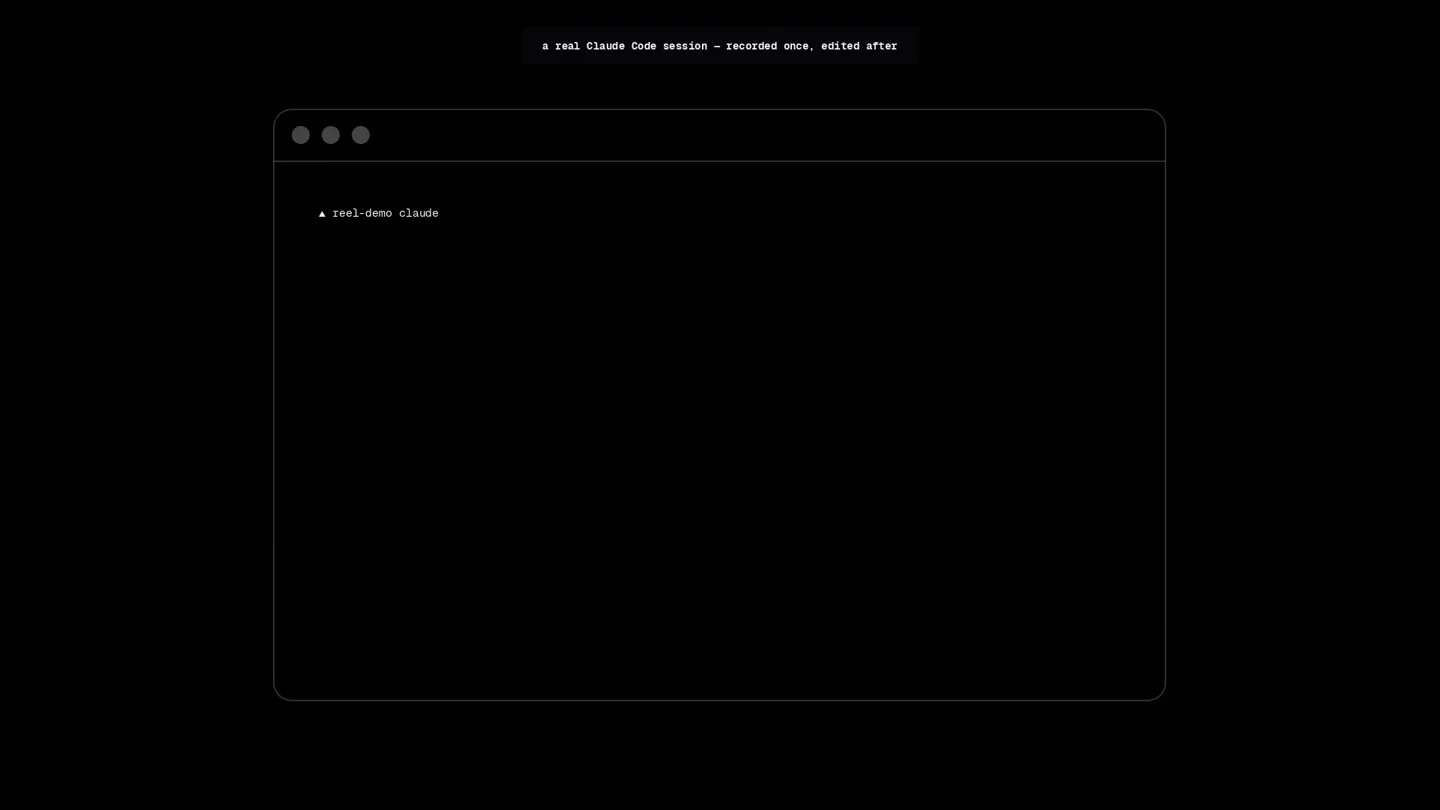
- reel-demo a real Claude Code session – recorded once, edited after
- Camera
- Static, centered terminal window. Text appears as if typed.
- Motion
- Typewriter effect for terminal input, subtle text fade-in for overlay.
Problem Agitation
Simulated Code Environment
“(No spoken dialogue — Continued ethereal pad with percussive synth stabs and clicks.)”
- On screen
- Claude Code v2.1.238 Welcome back Valentin! Tips for getting started Run /init to create a CLAUDE.md file with instructions for Cla... What's new Added a "keybindingFlavor" setting: set it to "readline" to ... Plugin marketplaces: "headersHelper" on a url marketplace or a... A catalog entry's "headersHelper" runs only when you install o... /release-notes for more Fable 5 with high effort - Claude Max ......... % Organization ./scratchpad/reel-demo 2 MCP servers need authentication . run /mcp Transcript saving is off - inherited CLAUDE_CODE_CHILD_SESSION_MARKER : restart with CLAUDE_CODE_FORCE_SESSION_PE... Auto mode on (shift+tab to cycle) esc to interrupt high . /effort
- Camera
- Static, full terminal view. Content appears rapidly.
- Motion
- Instantaneous content reveal, simulating a fast terminal output.
Product Reveal
Interactive Editing Demonstration
“(No spoken dialogue — High-energy audio transition with rising synth sweep and sub-bass drop/impact at 0:07-0:08, followed by silence and then percussive clicks.)”
- On screen
- the 12-second wait? sped 6x in the edit > explain what reel does, in one short paragraph Reading top of README and listing files $ head -60 README.md 2>/dev/null ls + Honking.. (5s + 132 tokens thought for 1s) You've used 81% of your Fable 5 limit . resets Aug 22 at 2am (America/Cozoboba) Listed 1 directory reel is a terminal-demo recorder with a video editor's workflow: You record a terminal session once (as an asciinema-style .cast file), then describe edits in a small .reel script - cuts, speed ramps, zooms, captions, window styling, even sound - and reel re-renders the result to a GIF in milliseconds, without ever re-running the program you recorded. It ships as a single Rust binary (no ttyd or ffmpeg) and is designed to be driven by a coding agent via its bundled shell, so you can just ask for "a README GIF with the boring install part sped up" and get one. Sauteed for 10s
- Camera
- Static, full terminal view. Text appears, then a highlight box, then more text.
- Motion
- Typewriter effect, animated highlight box, rapid text reveal, and a subtle 'sauteed' text animation.
Feature Teaser
Key Differentiator Highlight
“(No spoken dialogue — Intense build-up with faster rising sweep and heavier sub-bass impact at 0:14-0:16, concluding with a sharp electronic click at 0:17.)”
- On screen
- every answer is real - nothing scripted, nothing re-typed > how is it different from VHS? answer in one sentence VHS generates a demo by executing scripted keystrokes from a tape file - every tweak re-runs your program - whereas Cooking.. (3s + 130 tokens thought for 1s) Tip: like git worktrees to run multiple Claude sessions in parallel.
- Camera
- Static, full terminal view. Text appears, then a highlight box, then more text.
- Motion
- Typewriter effect, animated highlight box, rapid text reveal, and a subtle 'cooking' text animation.
Motion design primitives
Synthesizable in Remotion · key components of the terminal-workflow-showcase template.
TerminalTypewriterReveal
Text appears character by character within a terminal window, simulating live typing, often followed by a rapid burst of output.
+ Code construction recipe
Utilize Remotion's `Sequence` and `spring` or `interpolate` for character opacity and position. Implement a `delay` for each character to create the typing effect. For rapid output, use `AbsoluteFill` with `Text` components and `spring` for quick opacity and scale transitions.
ContextualTextOverlay
Short, informative text captions appear above the main terminal window, often fading in and out to provide context or highlight key features.
+ Code construction recipe
Employ `AbsoluteFill` with `Text` components. Use `spring` or `interpolate` for `opacity` and `translateY` to create a subtle fade-in from slightly above, and a fade-out. Control visibility with `Sequence` and `durationInFrames`.
DynamicHighlightBox
A rectangular highlight box animates to enclose specific lines of text within the terminal, drawing attention to important information or commands.
+ Code construction recipe
Create a `View` component with a `border` and `borderRadius`. Animate its `width`, `height`, `top`, and `left` properties using `spring` or `interpolate` to smoothly transition between target text line positions and sizes. Ensure `overflow: hidden` on the parent terminal container if needed.
Style DNA & aesthetic system
Visual aesthetic
Typography
Motion
Special effects
Pacing & rhythm
Conceptual story rhythm
- 1
The Setup
Purpose. Introduce the core environment and hint at the product's function.
Execution. A clean terminal window appears, and a command is typed, setting the stage for a 'recorded and edited' session.
- 2
The Problem/Context
Purpose. Show a typical developer workflow and implicitly highlight inefficiencies.
Execution. Rapid display of a complex terminal session, simulating a real-world scenario with various outputs and prompts.
- 3
The Solution in Action
Purpose. Demonstrate the product's unique capability to edit terminal sessions like video.
Execution. A command is typed to 'explain what reel does', followed by a highlight box and a detailed explanation appearing rapidly, showcasing the 'sped up' and 're-rendered' aspects.
- 4
The Differentiator
Purpose. Clearly articulate what makes the product superior to existing alternatives.
Execution. A question about how it differs from VHS is typed, followed by a concise, highlighted answer that emphasizes the 'real' and 'not re-typed' nature of reel.
Remix in Animatiq Studio
Master remix prompt · agent-ready
Sample remix
Objective
Launch a new CLI tool called 'Synapse' that simplifies cloud resource provisioning.How the recipe adapts
The Synapse launch video would open with a terminal window, typing 'synapse init --project animatiq'. A contextual overlay would appear saying 'Automating cloud infra, one command at a time'. The video would then rapidly display a 'synapse deploy' command output, with a highlight box drawing attention to 'Provisioning complete in 5s (sped 10x)'. The final beat would compare Synapse to manual Terraform, highlighting its 'instant, idempotent deployments' with a dynamic highlight.Remix blueprint · terminal-workflow-showcase
Scene durations (4 scenes, 19.8s)
Key Remotion components
Related Developer Tools Product Launches
Explore all Developer Tools launches →
Agentic CLI for coding, building apps, and automating workflows.

Sakana AI launches Fugu, a multi-agent orchestration system served through a single model API, led by its Fugu Ultra model.
Get paid to wait The Claude Code spinner might be the most watched line on Earth. So I turned it into an ad marketplace. Advertisers bid on it. You keep 50% of the money. Install the extension → ge…