
Reve · Launch Video Breakdown: Hook, Pacing & Motion Design
Show, not tell.
Scene-by-scene timeline & spoken transcript
The Hook
Evolution of Creation Tools
“(No spoken dialogue — Synth riser at 0:00 leading into a sub-bass drop/impact at 0:01, followed by a driving electronic beat with pizzicato synths.)”
- On screen
- (No on-screen text)
- Camera
- Close-up shots of writing implements (pencil, fountain pen, digital stylus) transitioning to a UI element, then a slight zoom out to reveal a full UI bar.
- Motion
- Rapid cuts, object morphing, UI element reveal, subtle camera push-in/out.
Problem Agitation
The Power of Visual Expression
“(No spoken dialogue — Synth riser at 0:06 with a subsequent impact at 0:07, maintaining the driving electronic beat with percussive synth elements.)”
- On screen
- tatio
- Camera
- Extreme close-up on a handwritten word, then a close-up on a woman's eyes, followed by a wider shot of her face, and then a series of environmental scene transitions.
- Motion
- Text reveal, masked image reveal, rapid scene cuts, environmental transitions (winter to summer to night).
Product Reveal
Interactive Creative Control
“(No spoken dialogue — The driving electronic beat continues, emphasizing rhythmic percussive elements.)”
- On screen
- ectiy, Invert this graphic, Spotlight, or, or just drawe
- Camera
- Close-up on UI elements and text, then a full-screen text reveal, followed by a dynamic text animation.
- Motion
- UI interaction simulation, text masking, text reveal with a spotlight effect, handwritten text animation.
Call to Action
Reve: Show, Not Tell
“(No spoken dialogue — Final synth riser at 0:28 followed by an impact at 0:29, leading into a sustained electronic beat with a prominent sub-bass line.)”
- On screen
- (No on-screen text)
- Camera
- Static shot of a stylized butterfly logo, then a subtle zoom out to reveal the full logo and company name.
- Motion
- Logo reveal, subtle animation of the logo, final brand statement.
Motion design primitives
Synthesizable in Remotion · key components of the reve-style-fast-cut-montage template.
ToolMorphTransition
A rapid sequence of close-up shots of different writing tools (pencil, fountain pen, digital stylus) that seamlessly morph into each other, culminating in a digital UI element.
+ Code construction recipe
Use `Sequence` and `AbsoluteFill` for rapid scene changes. Implement `interpolate` for `opacity` and `scale` on SVG paths or image assets to create the morphing effect. Utilize `spring` for subtle bounce on the final UI element reveal.
DynamicTextSpotlight
Text appears on screen with a dynamic masking effect, as if a spotlight is revealing it, followed by a handwritten text animation.
+ Code construction recipe
Employ `AbsoluteFill` with a `LinearGradient` or `RadialGradient` for the spotlight effect, animating its position and size using `interpolate`. For handwritten text, use `SVGPath` animation with `stroke-dasharray` and `stroke-dashoffset` properties, interpolating the offset over time.
ContextualSceneShift
A quick succession of diverse environmental scenes (winter forest, summer meadow, night camping) that visually represent different contexts or moods, often initiated by a human element.
+ Code construction recipe
Utilize `Sequence` for rapid image or video clip transitions. Apply `spring` for subtle camera movements (e.g., slight pan or zoom) within each scene. Use `Blur` or `CrossFade` transitions between scenes for a smooth, yet fast, shift.
Style DNA & aesthetic system
Visual aesthetic
Typography
Motion
Special effects
Pacing & rhythm
Conceptual story rhythm
- 1
The Evolution of Expression
Purpose. To establish the historical context of creative tools and hint at a modern, digital evolution.
Execution. Rapid cuts of traditional writing tools morphing into a digital stylus and UI elements.
- 2
The Human Connection to Creativity
Purpose. To connect the abstract concept of creation to human emotion and diverse applications.
Execution. Close-ups of a smiling face and diverse environmental scenes, suggesting broad applicability and emotional impact.
- 3
Interactive Control & Simplicity
Purpose. To showcase the product's intuitive interface and powerful, yet simple, creative controls.
Execution. Dynamic UI animations demonstrating features like 'Invert graphic' and 'Spotlight', culminating in a handwritten text reveal.
- 4
The Reve Promise
Purpose. To deliver the brand's core message and call to action, reinforcing its value proposition.
Execution. A stylized logo reveal with a subtle animation, followed by the tagline 'Show, not tell'.
Remix in Animatiq Studio
Master remix prompt · agent-ready
Sample remix
Objective
Launch video for 'Synapse AI', a collaborative document editor.How the recipe adapts
The ToolMorphTransition primitive would adapt to show different document types (e.g., text, spreadsheet, presentation slide) morphing into each other within the Synapse AI interface. DynamicTextSpotlight would highlight real-time collaborative edits or AI-generated suggestions. ContextualSceneShift could illustrate different teams or industries using Synapse AI, transitioning between office, remote, and field work environments.Remix blueprint · reve-style-fast-cut-montage
Scene durations (4 scenes, 35.5s)
Key Remotion components
Related Tech & SaaS Product Launches
Explore all Tech & SaaS launches →
Unreal Engine 6 has been announced with Rocket League.
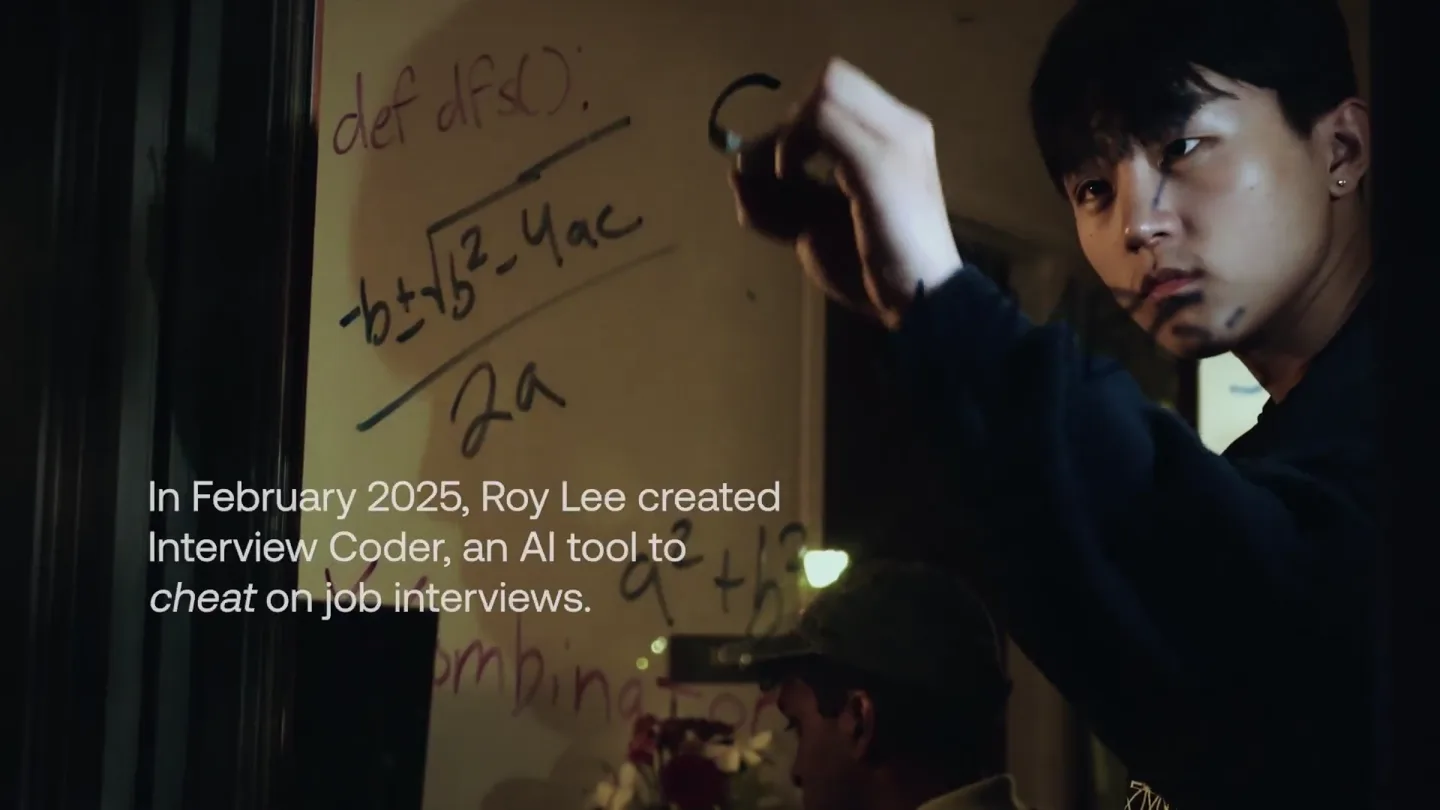
announcing @cluely's $15M fundraise, led by @a16z. cheat on everything.
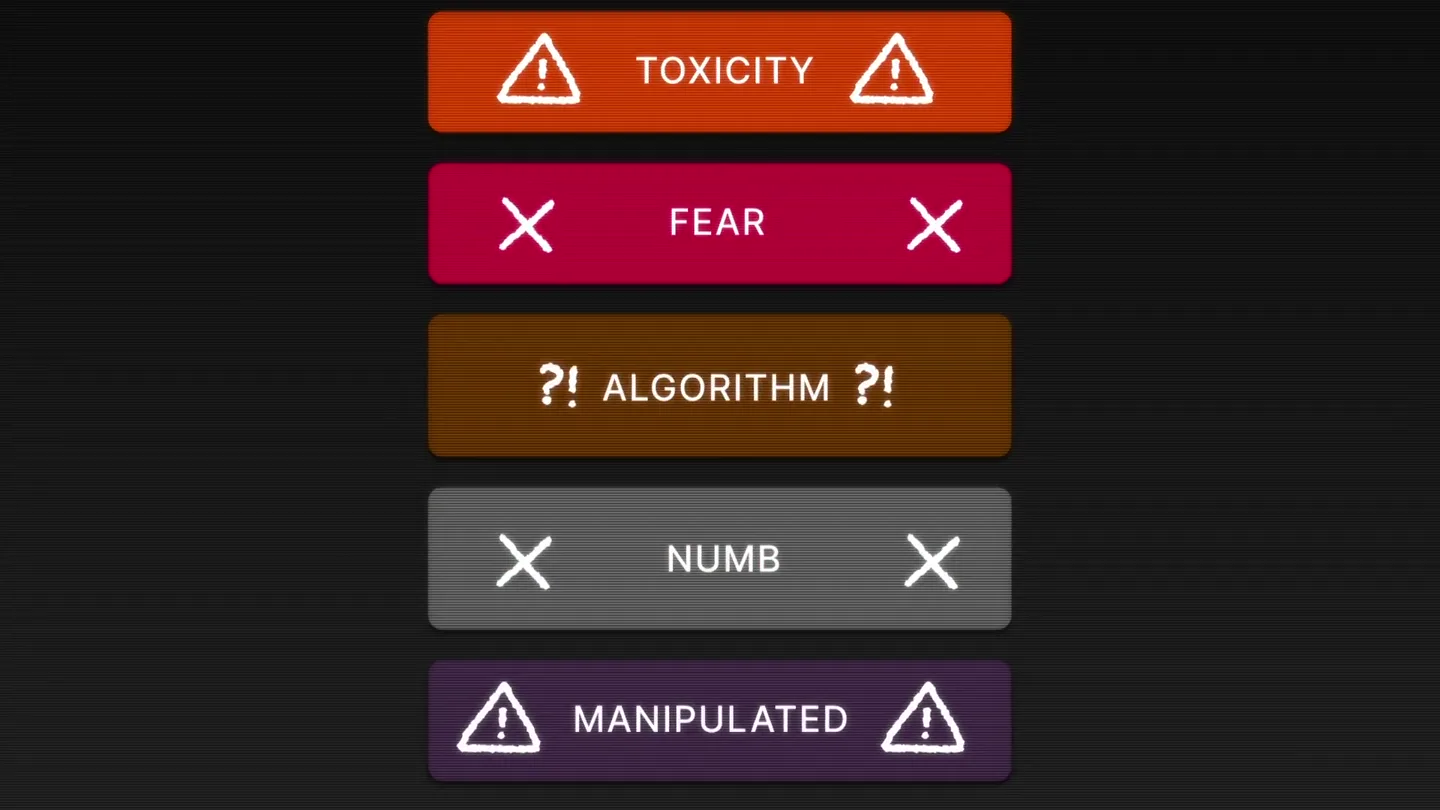
Yesterday we launched Bouncer to put users in control of their Twitter feed. Today, we open sourced the Chrome extension. We believe software should align with your interests, not the company that…