
RXlingo · Launch Video Breakdown: Hook, Pacing & Motion Design
A Chrome extension that turns browsing X into English practice. Launch film from @83dwn.
Scene-by-scene timeline & spoken transcript
The Hook
Introducing RXlingo: Learn English on X
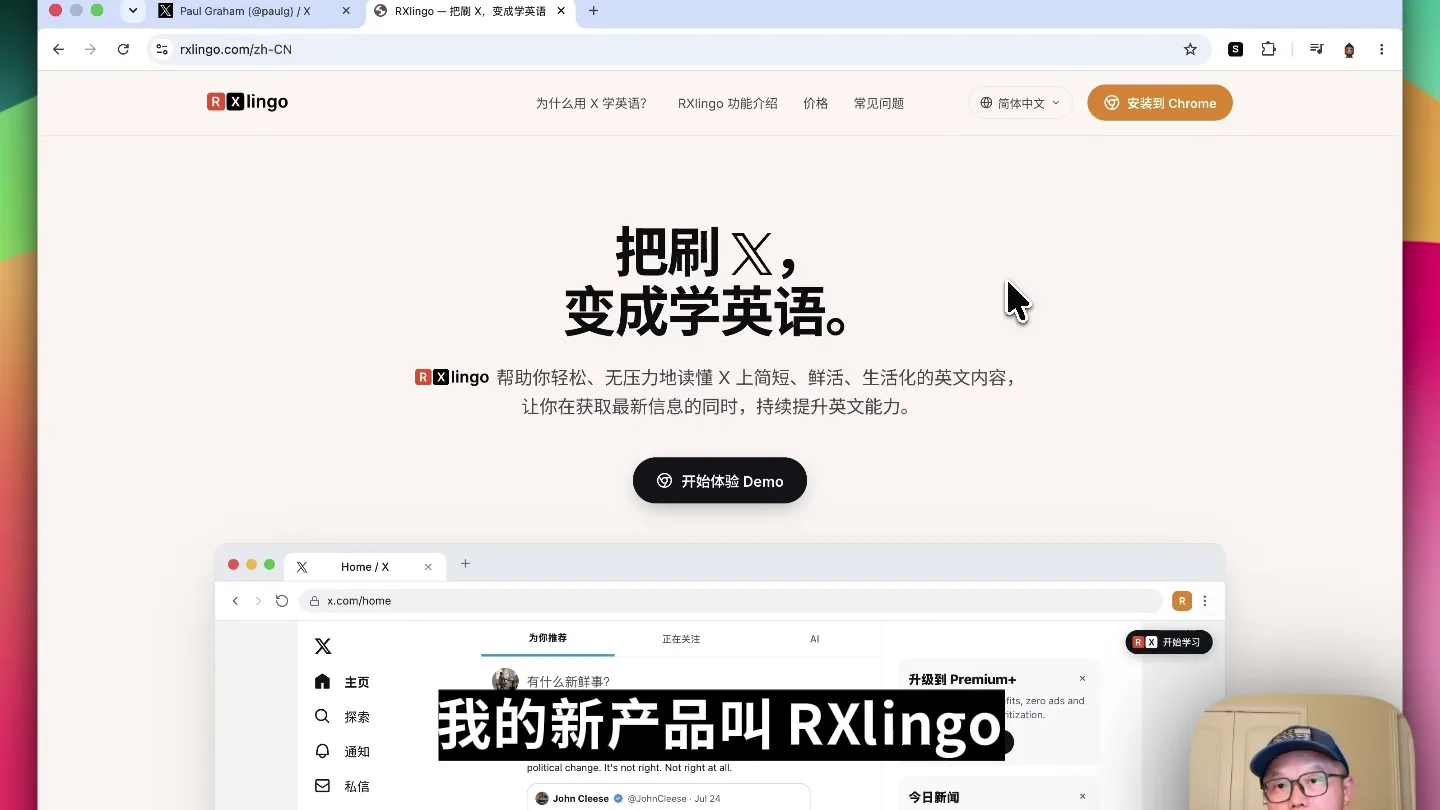
“今天给大家介绍一款把刷X变成学英语的浏览器插件,RX Lingo。X内容它足够的轻量,而且它足够的生活化,第三获取信息的同时,你还能学英语。”
- On screen
- 把刷X, 变成学英语。RXlingo 帮助你轻松、无压力地读懂 X 上简短、鲜活、生活化的英文内容,让你在获取最新信息的同时,持续提升英语能力。开始体验 Demo
- Camera
- Static wide shot of a browser window, with the presenter in the bottom right corner. The camera remains fixed.
- Motion
- Text highlights and animated underlines draw attention to key phrases on the webpage. A mouse cursor animates to simulate user interaction.
Product Reveal
Installation & Activation
“首先你需要安装这个插件。”
- On screen
- 安装到 Chrome
- Camera
- Static wide shot of a browser window, with the presenter in the bottom right corner. The camera remains fixed.
- Motion
- A mouse cursor animates to click the 'Add to Chrome' button. A loading animation with the RXlingo logo appears briefly before transitioning to the active extension.
Feature Teaser
Seamless Translation & Pronunciation
“简洁优雅。右边的上面是母语翻译,然后你点击一个单词,它就会出现一个弹窗,你可以去听声音。”
- On screen
- 母语翻译 简洁优雅
- Camera
- Static wide shot of a browser window, with the presenter in the bottom right corner. The camera remains fixed.
- Motion
- A mouse cursor animates to highlight text, triggering a pop-up dictionary definition with a play button for pronunciation. Text highlights emphasize the translation panel.
Call to Action
Effortless Navigation & Simplicity
“点击右边的导航可以切到下一条内容。非常的简单的一个应用。”
- On screen
- 可按键盘上的 ↑ ↓ 键切换
- Camera
- Static wide shot of a browser window, with the presenter in the bottom right corner. The camera remains fixed.
- Motion
- A mouse cursor animates to click navigation arrows, demonstrating content switching. Text highlights emphasize the navigation controls.
Motion design primitives
Synthesizable in Remotion · key components of the founder-ui-walkthrough-template template.
MouseClickHighlight
A mouse cursor animates to a specific UI element, performs a click, and the clicked element briefly highlights or triggers a visual change (e.g., a pop-up or page transition).
+ Code construction recipe
Use `interpolate` for cursor path animation. Apply a `spring` animation to the clicked element's `scale` or `opacity` for a subtle bounce/flash effect. Implement conditional rendering for pop-ups or new UI states.
DynamicTextUnderline
Key phrases on the screen are dynamically underlined or highlighted with a solid color, drawing the viewer's attention to the spoken content.
+ Code construction recipe
Utilize `interpolate` to animate the `width` of an SVG line or a `div` with a background color, appearing from left to right beneath the text. Coordinate `startFrame` and `endFrame` with spoken dialogue.
ContentScrollTransition
The browser window content smoothly scrolls or transitions to reveal new information, simulating user navigation within the application.
+ Code construction recipe
Employ `interpolate` on the `translateY` property of the content container to simulate scrolling. For page-like transitions, use `opacity` and `translateY` to fade out old content and fade in new content.
Style DNA & aesthetic system
Visual aesthetic
Typography
Motion
Special effects
Pacing & rhythm
Conceptual story rhythm
- 1
Problem/Opportunity Introduction
Purpose. Establish the context and value proposition of learning English through X.
Execution. Display the RXlingo landing page, highlighting key benefits with animated text underlines as the speaker introduces the product.
- 2
Product Installation & Activation
Purpose. Showcase the ease of getting started with the extension.
Execution. Animate a mouse cursor clicking the 'Add to Chrome' button, followed by a brief loading animation and the extension icon appearing.
- 3
Core Feature Demonstration
Purpose. Illustrate the primary functionalities of the extension.
Execution. Demonstrate word lookup with pop-up definitions and pronunciation, and the native translation panel, using animated mouse interactions.
- 4
Seamless User Experience & CTA
Purpose. Highlight the intuitive navigation and simplicity, then invite users to try it.
Execution. Show content navigation via arrows, emphasizing the smooth flow, and conclude with a reinforcing statement about the app's simplicity.
Remix in Animatiq Studio
Master remix prompt · agent-ready
Sample remix
Objective
A browser extension called 'TabMaster' that organizes open tabs into thematic groups and provides quick search functionality.How the recipe adapts
The video would open on the TabMaster landing page, with animated text highlighting its benefits like 'declutter your browser' and 'find tabs instantly'. The founder would then demonstrate clicking 'Add to Chrome', followed by a quick animation of the extension icon appearing. Subsequent scenes would show the founder interacting with the TabMaster UI, dragging tabs into groups, using the search bar with animated typing, and smoothly transitioning between different tab groups, all guided by a mouse cursor and subtle text highlights.Remix blueprint · founder-ui-walkthrough-template
Scene durations (5 scenes, 77s)
Key Remotion components
Related Productivity Product Launches
Explore all Productivity launches →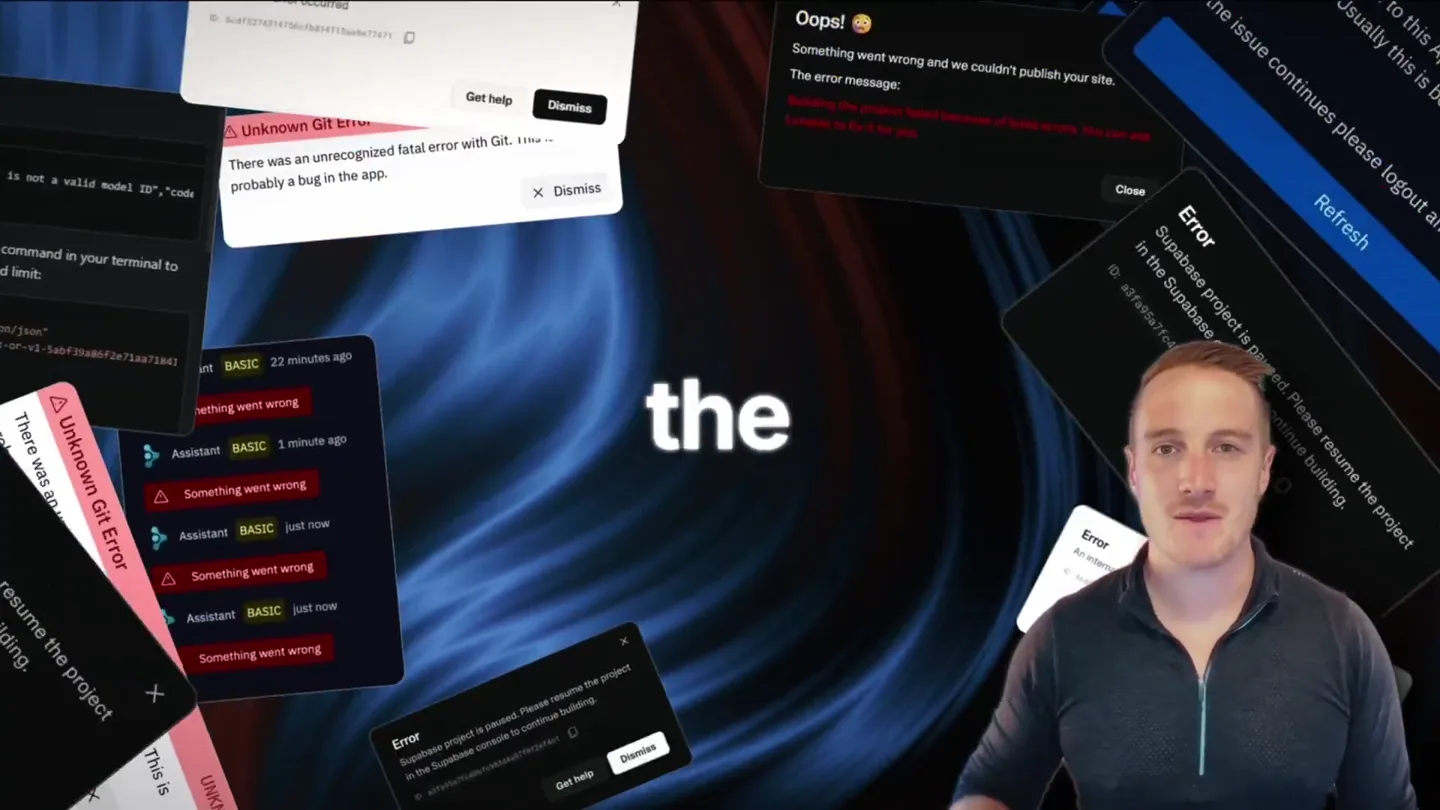
Bolt v2 pairs Claude Code and Codex agents with built-in hosting, database and storage so apps ship without setup.
Anthropic introduces Cowork, which brings the Claude Code way of delegating tasks to everyday, non-technical work.

Making life multiplanetary