
Fayaz Ahmed · Launch Video Breakdown: Hook, Pacing & Motion Design
Open-source screenshot, screen recording, and editor. Native capture, video compressor, and self-host with R2 plus a tiny Hono worker.
Scene-by-scene timeline & spoken transcript
The Hook
Instant Annotation & Sharing
“(No spoken dialogue — Pizzicato synths, deep sub-bass, and atmospheric pads with a high-energy riser at 0:04 and sub-bass drop at 0:05.)”
- On screen
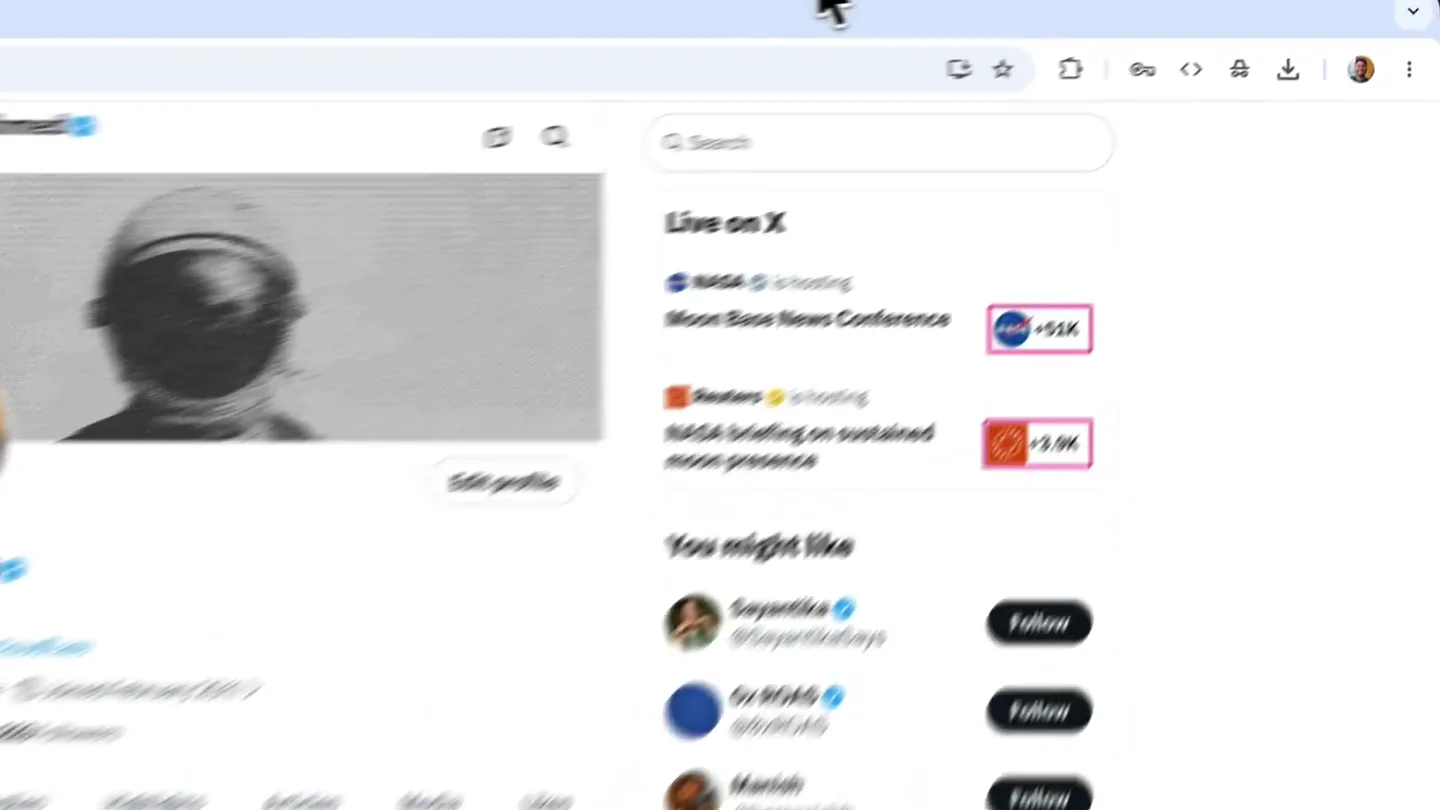
- Fayaz Ahmed @fayazara Sr. Dev Educator @cloudflare Bengaluru, India Joined February 2011 > 1,987 Following 6,223 Followers Posts v Replies Highlights Articles Media Likes Fayaz Ahmed @fayazara · 2h You can gate dark mode from your users with Flagship. It's in public beta today Flagship now in public beta - Changelog From developers.cloudflare.com 20 1.7K Fayaz Ahmed @fayazara TOOLS STYLE Red Stroke 4px Density None Gradients Wallpapers Plain color Padding Shadow Corners Alignment Ratio Auto Save as... Done Copy Save Link copied ScreenDrop Annotate Chrome File Edit View History Bookmarks Profiles Tab Window Help x.com/fayazara Q Search Live on X NASA is hosting Moon Base News Conference Reuters is hosting NASA briefing on sustained moon presence You might like Sayantika Says @SayantikaSays Ox ROAS @0xROAS Manish @bemanihsh What's happening Politics Trending Manipur Sports Trending Royal Challengers Bengaluru Gaming Trending Xbox Series Trending Hermes Show more Follow Follow Follow +51K +3.9K Post Home Explore Notifications Chat Grok Premium Bookmarks Creator Studio Articles Profile More ScreenDrop_2026-05-27-00-12-48.png Anonymous 3789x2567 2.3 MB Just now https://screenshots.fayazahmed.com/5838001B Google Search AI Mode Gmail Github Trending ChatGPT Twitter Polar Add shortcut
- Camera
- The camera starts with a wide shot of a desktop screen, then zooms in and pans to highlight specific UI interactions. It maintains a user's perspective.
- Motion
- Rapid UI interaction simulation, cursor tracking, zoom-in/zoom-out transitions, and contextual pop-up animations. A quick blur transition occurs at 0:02.
Product Reveal
Deep Dive into ScreenDrop Settings
“(No spoken dialogue — The electronic score continues with a high-energy riser at 0:15 and a sub-bass drop at 0:16.)”
- On screen
- Capture Fullscreen Capture Window Capture Area Record Screen History Settings Check for Updates... Quit Screendrop General Screenshots Video Overlay Cloud History About After Capture Auto save captures Automatically save screenshots to the export folder. Copy to clipboard Automatically copy the captured image to your clipboard. File Format Format JPEG Compression quality 70% Lower values produce smaller files with reduced image quality. Preview Card Overlay settings Configure the floating preview card that appears after taking a screenshot or recording. More options coming soon. 26 captures Screendrop_2...00-12-48.png 27 May 2026 at 12:12 AM 3789x2567 Screendrop_2...10-36-25.png 25 May 2026 at 12:06 PM 2882x1620 Screendrop_2...10-20-03.png 25 May 2026 at 11:50 AM 2686x1930 Screendrop_2...10-19-48.png 25 May 2026 at 11:49 AM 2678x1798 Screendrop_2...10-19-35.png 25 May 2026 at 11:49 AM - 2322x990 Screendrop_2...10-19-23.png 25 May 2026 at 11:49 AM 3010x1922 Screendrop_2...09-09-32.png 24 May 2026 at 1:39 PM 3663x2375 Screendrop_2...15-45-07.mov 19 May 2026 at 8:15 PM 3456x2234 Screendrop Version 1.0 (1) A native screenshot and recording tool for macOS. Updates Automatically check for updates Check for Updates... Project Screendrop is a lightweight opensource app for capturing screenshots and screen recordings on macOS. GitHub Credits Built by Fayaz Ahmed Follow on Twitter Chrome File Edit View History Bookmarks Profiles Tab Window Help Fayaz Ahmed @fayazara Q Search Live on X NASA is hosting Moon Base News Conference Reuters is hosting NASA briefing on sustained moon presence You might like Sayantika Says @SayantikaSays Ox ROAS @0xROAS Manish @bemanihsh What's happening Politics Trending Manipur Sports Trending Royal Challengers Bengaluru Gaming Trending Xbox Series Trending Hermes Show more Follow Follow Follow +51K +3.9K Post Home Explore Notifications Chat Grok Premium Bookmarks Creator Studio Articles Profile More
- Camera
- The camera maintains a close-up on the application's settings panel, following the cursor's navigation through various menu items.
- Motion
- Precise cursor tracking, menu item highlighting, and smooth panel transitions. Each click triggers a subtle visual feedback.
Feature Teaser
Cloud Integration & Self-Hosting
“(No spoken dialogue — The electronic score continues with a high-energy riser at 0:26 and a sub-bass drop at 0:27.)”
- On screen
- (No on-screen text)
- Camera
- The camera dynamically shifts between different UI elements, showcasing cloud integration options and self-hosting configurations.
- Motion
- Animated data flow visualizations, subtle glow effects on active elements, and quick, impactful transitions between different configuration screens.
Feature Teaser
Advanced Editing & Compression
“(No spoken dialogue — The electronic score continues with a high-energy riser at 0:37 and a sub-bass drop at 0:38.)”
- On screen
- (No on-screen text)
- Camera
- The camera focuses on the editing interface, demonstrating various tools and then transitions to show video compression in action.
- Motion
- Interactive UI element highlighting, real-time preview of edits, and a visual representation of file size reduction during compression.
Call to Action
Download & Get Started
“(No spoken dialogue — The electronic score builds anticipation with a high-energy riser at 0:48 and a sub-bass drop at 0:49, culminating in a final riser at 0:59 and sub-bass drop at 1:00.)”
- On screen
- (No on-screen text)
- Camera
- The camera pulls back to reveal the full application, then transitions to a call-to-action screen with download links.
- Motion
- Smooth camera pull-back, animated text reveals for the call to action, and a final impactful logo animation.
Motion design primitives
Synthesizable in Remotion · key components of the screendrop-productivity-launch template.
CursorHighlightAndZoom
A cursor moves precisely to a UI element, which then subtly highlights and the camera performs a quick, focused zoom into that area.
+ Code construction recipe
Use `interpolate` for cursor position and scale. Apply a `spring` animation for the zoom effect and a `CSS filter` for the highlight (e.g., `brightness` or `drop-shadow`). Use `AbsoluteFill` for screen capture and `Img` for UI elements.
PanelSlideTransition
UI panels slide in or out smoothly, revealing new content or settings, often accompanied by a subtle fade or blur effect.
+ Code construction recipe
Implement with `AbsoluteFill` and `interpolate` for `translateX` or `translateY` properties. Use `spring` for a natural feel. Apply `CSS blur` filter during the transition for added polish.
InteractiveElementGlow
Key interactive elements (buttons, text fields) emit a soft, pulsating glow when the cursor hovers or clicks, indicating activity.
+ Code construction recipe
Utilize `CSS box-shadow` or `filter: drop-shadow` with `interpolate` on `opacity` or `spread` for the glow effect. Animate with `loop` or `sequence` for pulsation. Integrate with `onClick` or `onHover` events.
Style DNA & aesthetic system
Visual aesthetic
Typography
Motion
Special effects
Pacing & rhythm
Conceptual story rhythm
- 1
Problem/Solution Introduction
Purpose. Quickly demonstrate the core problem (cumbersome screenshot/sharing) and introduce the immediate solution (ScreenDrop's ease of use).
Execution. Rapid-fire UI interactions showing capture, annotation, and sharing, with cursor highlights and quick zooms.
- 2
Feature Deep Dive
Purpose. Showcase the breadth of ScreenDrop's capabilities, from settings customization to advanced features like cloud integration.
Execution. Smooth panel transitions through settings, animated data flows for cloud, and visual cues for compression.
- 3
Technical Advantage Highlight
Purpose. Emphasize the unique selling points like self-hosting, native performance, and advanced editing tools.
Execution. Focused demonstrations of specific tools, real-time editing previews, and visual representations of efficiency gains.
- 4
Call to Action & Brand Reinforcement
Purpose. Conclude with a clear directive for the viewer and reinforce the brand's identity.
Execution. Camera pull-back to reveal the full application, followed by a clean, animated call-to-action screen with logo reveal.
Remix in Animatiq Studio
Master remix prompt · agent-ready
Sample remix
Objective
A developer wants to quickly refactor a large codebase using CodeFlow's AI suggestions.How the recipe adapts
The CursorHighlightAndZoom primitive would highlight specific code blocks and the AI suggestion pop-up. PanelSlideTransition would show CodeFlow's settings for language preferences or AI model selection. InteractiveElementGlow would animate the 'Accept Suggestion' button, making the AI's contribution visually impactful and seamless within the IDE.Remix blueprint · screendrop-productivity-launch
Scene durations (5 scenes, 58s)
Key Remotion components
Related Productivity Product Launches
Explore all Productivity launches →
Don't type, just speak. Flawless voice-to-text across every app at 240 WPM.

One workspace for knowledge scattered across Slack, email, Docs, and Notion. Connect your tools and build apps and agents that stay live with your data.

Notion positions itself as the backbone of your dock — a brand film of the Notion icon among everyday apps, ending on “Works with everything.”