
Shotbase · Launch Video Breakdown: Hook, Pacing & Motion Design
Shotbase is a Mac app that combines screenshot, screen recording, trim, annotate, and share so you don't export between four tools.
Scene-by-scene timeline & spoken transcript
The Hook
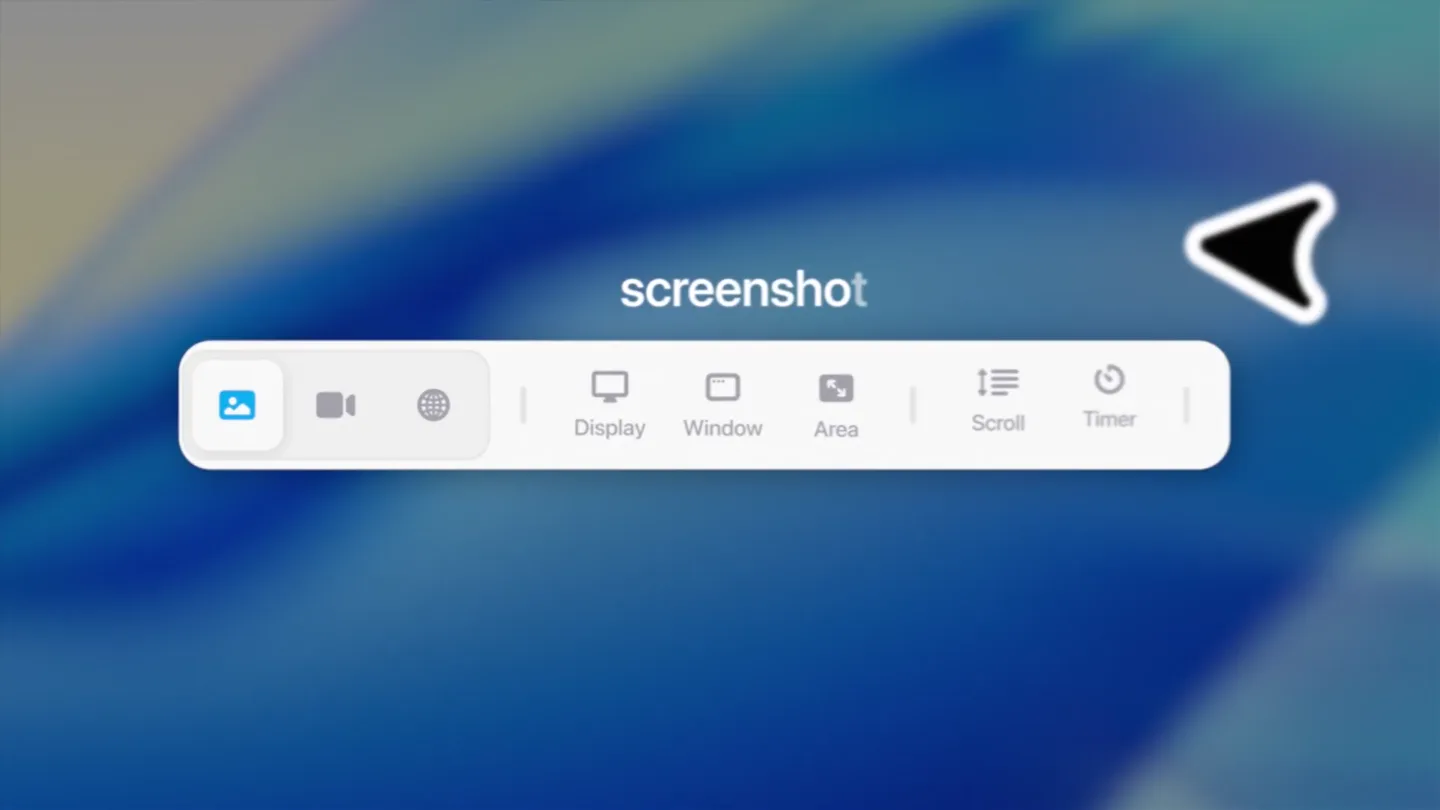
Instant Capture & Recording
“You screenshot, you record your screen, or you just paste.”
- On screen
- command % 5 record your screen. shotbase.com interface
- Camera
- Close-up on keyboard keys, then wide shot of screen recording UI, followed by a blurred web interface.
- Motion
- Quick cuts, UI element highlights, subtle camera push-ins, and a soft blur transition.
Feature Teaser
Dynamic Annotation & Motion
“Mark it up exactly how you want. Switch it to motion.”
- On screen
- blur Drop in a background blur this Static Motion The AI writing assistant that work
- Camera
- Zoomed-in view of a web application, then a close-up on a 'Static' button, transitioning to a timeline UI.
- Motion
- Animated red arrow highlights, UI element interaction, text reveal, and a timeline scrub animation.
Product Reveal
Seamless Sharing & Organization
“Every screenshot, every recording, every link, every file, all in one place.”
- On screen
- 0:00 0:01 toolfolio stuff Project 1. shot screencord for client.shotbase Macfolio Update Use Stacks Group Stacks By Show View Options Rico B. Today 3:57 PM pls show me how to stack all icons on desktop... @dudu How to stack icons on Desktop How to stack icons on Desktop share.shotbase.com here you go Toolfolio Website Screen Recording 22/07/26 5 hours ago Screen recording 22/06/26 1 day ago
- Camera
- Close-up on a recording UI, then a full desktop view with a picture-in-picture recording, followed by a messaging app interface, and finally a gallery view.
- Motion
- UI overlays, screen-within-screen composition, message bubble animations, and a grid layout reveal.
Call to Action
Capture & Share Instantly
“Capture beautifully, share instantly.”
- On screen
- one place Capture beautifully. Share instantly.
- Camera
- Static wide shot of text on a solid background, then a static wide shot of the product logo and tagline.
- Motion
- Text fade-in, subtle background pixel animation, and a clean logo reveal.
Motion design primitives
Synthesizable in Remotion · key components of the shotbase-productivity-launch template.
UIHighlightPulse
A specific UI element (e.g., button, text field) is highlighted with a pulsating glow or a quick, animated outline, often accompanied by a cursor interaction.
+ Code construction recipe
Use `interpolate` for opacity and scale on a pseudo-element or overlay. Apply `spring` for a subtle bounce on cursor click. SVG filters for glow effects.
ContentRevealSlide
New content or UI panels slide into view from the edge of the screen or expand from a central point, often with a slight overshoot and settle.
+ Code construction recipe
Utilize `spring` for `translateX` or `translateY` properties with a high damping ratio for the overshoot. Masking with `overflow: hidden` on parent containers.
TimelineScrubTransition
A visual timeline UI animates, showing progress markers or clip durations, often with a playhead scrubbing across the timeline to indicate time progression.
+ Code construction recipe
Implement `interpolate` for `width` or `translateX` of a progress bar element. Use `sequence` to coordinate multiple timeline events. SVG path animations for dynamic markers.
Style DNA & aesthetic system
Visual aesthetic
Typography
Motion
Special effects
Pacing & rhythm
Conceptual story rhythm
- 1
The Efficiency Hook
Purpose. Immediately demonstrates the core value proposition: consolidating multiple tools into one seamless workflow.
Execution. Rapid cuts showcasing screenshot, screen recording, and pasting, highlighting the speed and integration.
- 2
Creative Control Unleashed
Purpose. Showcases the product's advanced features for customization and dynamic content creation.
Execution. Animated annotations, background customization, and the 'Static' to 'Motion' toggle, emphasizing creative flexibility.
- 3
Effortless Organization & Sharing
Purpose. Illustrates how the product simplifies content management and instant communication.
Execution. Gallery views, desktop organization, and a simulated chat interaction demonstrating quick sharing.
- 4
The Unified Solution
Purpose. Reinforces the product's overarching benefit as a single, powerful platform.
Execution. A clean, impactful final screen with the product logo and tagline, summarizing its value proposition.
Remix in Animatiq Studio
Master remix prompt · agent-ready
Sample remix
Objective
Launch a new AI-powered code refactoring tool, 'CodeSculpt', that integrates directly into IDEs.How the recipe adapts
The video would open with a rapid sequence of common coding frustrations (e.g., messy code, manual refactoring) using quick cuts and UIHighlightPulse on IDE elements. Then, ContentRevealSlide would introduce CodeSculpt's clean interface, demonstrating features like 'Auto-Refactor' and 'Style Guide Enforcement' with animated code snippets and syntax highlighting. TimelineScrubTransition could visualize the refactoring process or version history. The overall aesthetic would maintain the blue and white palette, with a driving electronic soundtrack, emphasizing speed and precision for developers.Remix blueprint · shotbase-productivity-launch
Scene durations (10 scenes, 58s)
Key Remotion components
Related Productivity Product Launches
Explore all Productivity launches →
Don't type, just speak. Flawless voice-to-text across every app at 240 WPM.

One workspace for knowledge scattered across Slack, email, Docs, and Notion. Connect your tools and build apps and agents that stay live with your data.

Notion positions itself as the backbone of your dock — a brand film of the Notion icon among everyday apps, ending on “Works with everything.”