
Lamina Labs · Launch Video Breakdown: Hook, Pacing & Motion Design
Prompt, document, or script in; explainer video out in under a minute. Designed to teach, not just look good. YC P26.
Scene-by-scene timeline & spoken transcript
The Hook
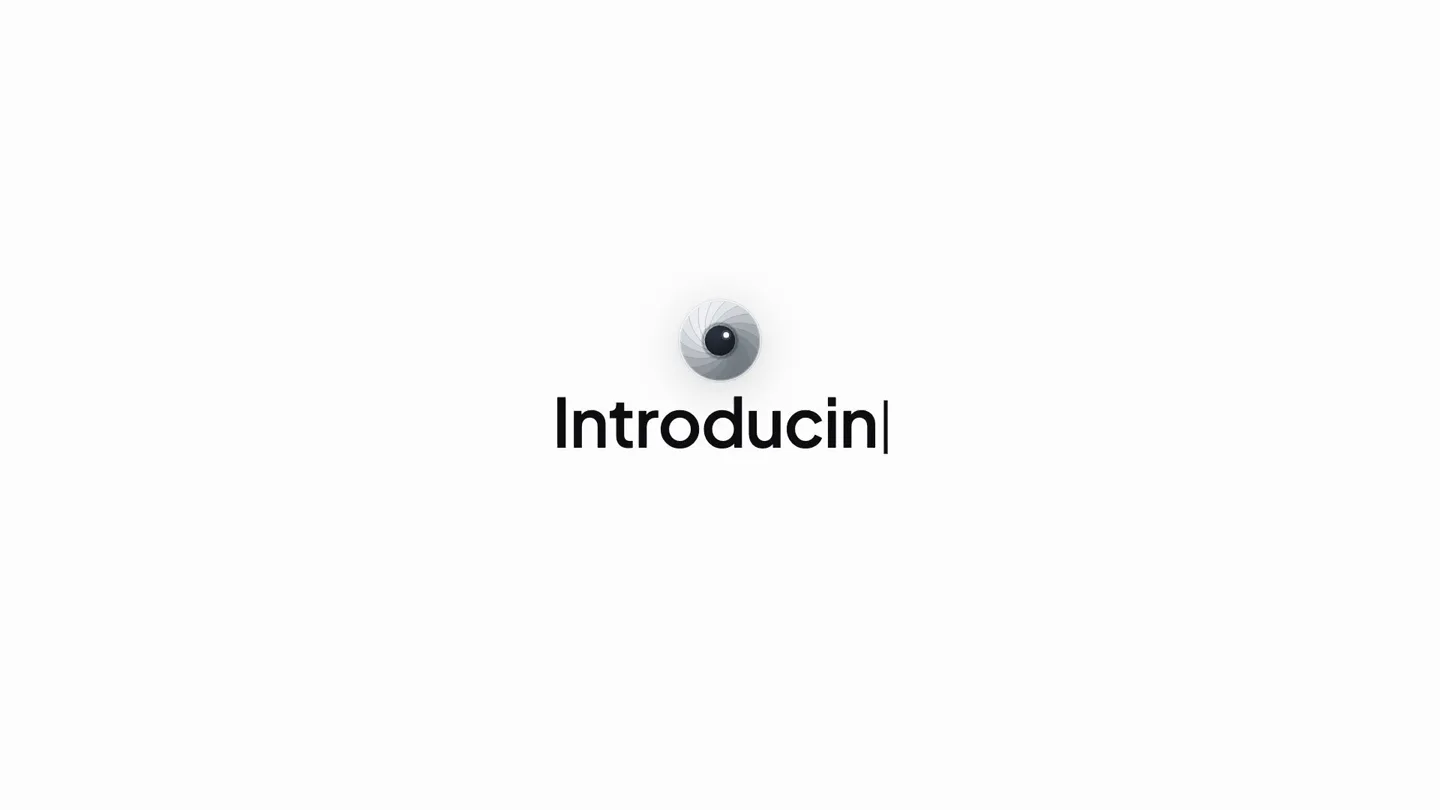
The Eye of Simi
“(No spoken dialogue — A subtle, almost imperceptible electronic hum accompanies the visual, setting a calm, anticipatory tone.)”
- On screen
- (No on-screen text)
- Camera
- Extreme close-up on a stylized iris, slowly dilating and contracting, then fading to white.
- Motion
- Subtle organic animation, radial wipe, soft fade-out.
Product Reveal
Prompt-to-Video Generation
“(No spoken dialogue — The mellow electronic beat with pizzicato synths and sub-bass establishes a consistent, focused rhythm.)”
- On screen
- What should Simi make clear? Start with a concept, a document, or a question that needs a visual explanation. Train the team on our new screening platform. Start with the basics. platform-spec.pdf GENERATING... Turn a 94-page spec into something people a| CLEARPATH SCREENING: GETTING STARTED Download 0:18 / 9:58 NORTHSTAR TALENT PARTNERS Try at laminalabs.ai! Make| 0:22 / 8:58 LENGTH 20 minutes Simi New chat Pricing Report bug Search chats TODAY Train the team o... Create a vertica... Topic API Key... Final Simi Prom... Ibrahim
- Camera
- Static wide shot of the UI, with elements appearing and animating within the frame. Occasional subtle camera push-ins to highlight specific UI interactions.
- Motion
- Typewriter text animation, UI element reveals (fade-in, slide-up), progress bar animation, content generation simulation, dynamic UI resizing, cursor interaction.
Feature Teaser
Multi-Language & Multi-Format Output
“(No spoken dialogue — The consistent electronic beat continues, providing a steady backdrop for the feature demonstration.)”
- On screen
- Teach in 80+ languages. + Now make it for every office around the world. Simi Auto CLEARPATH SCREENING: GETTING STARTED English 0:58 CLEARPATH SCREENING: GETTING STARTED Recruiter Onboarding Coordinator Compliance Team CLEARPATH SCREENING NORTHSTAR TALENT PARTNERS Try at laminalabs.ai! HI-EN 0:58 CLEARPATH SCREENING: GETTING STARTED Recruiter Onboarding Coordinator Compliance Team CLEARPATH SCREENING NORTHSTAR TALENT PARTNERS Try at laminalabs.ai! ZH-CN 0:58
- Camera
- Static wide shot of the UI, then a subtle pan to reveal multiple generated videos in different languages.
- Motion
- Typewriter text animation, UI element reveals, horizontal slide transition for multiple video outputs, content generation simulation.
Feature Teaser
Seamless Integration & Cost Efficiency
“(No spoken dialogue — The mellow electronic beat maintains its calm, reflective mood, underscoring the ease of use.)”
- On screen
- # onboarding 9:41 Simi NOW Your course is ready — Screening Basics. 4 parts. SCREENING BASICS languages · generated in 11 seconds · for cents Put Simi to work on everything|
- Camera
- Static wide shot of the UI, then a subtle zoom out to reveal multiple device mockups.
- Motion
- UI element reveals, device mockup animation (slide-in, scale), text highlight, typewriter text animation.
Call to Action
Simi: Understand Anything
“(No spoken dialogue — The electronic beat gently fades out, leaving a sense of completion and clarity.)”
- On screen
- Simi Understand anything. laminalabs.ai
- Camera
- Extreme close-up on the stylized iris, slowly contracting, then a quick zoom out to reveal the logo and tagline.
- Motion
- Subtle organic animation, radial wipe, soft fade-in, text reveal (fade-in, scale).
Motion design primitives
Synthesizable in Remotion · key components of the ai-design-tool-launch template.
TypewriterTextReveal
Text appears character by character, simulating a typing effect, often with a blinking cursor at the end of the current line. This is used for headlines and prompt inputs.
+ Code construction recipe
Use `interpolate` to animate the `clipPath` or `width` property of a text element from 0 to 100% over a specified duration. A blinking cursor can be achieved with a `spring` animation on its opacity or a simple `loop` with `keyframes`.
UIDynamicReveal
User interface elements (buttons, input fields, generated content cards) slide into view, fade in, or scale up from a smaller size, often with a slight overshoot for a tactile feel.
+ Code construction recipe
Combine `spring` animations for `translateY` or `scale` with `interpolate` for `opacity`. Stagger the start times of these animations for different UI elements to create a cascading effect.
IrisWipeTransition
A circular aperture (stylized eye/iris) expands or contracts, revealing or concealing the next scene. This serves as a distinctive visual motif and scene transition.
+ Code construction recipe
Implement using an SVG circle or a `radial-gradient` CSS property. Animate the `r` (radius) property of the SVG circle or the `circle()` function's size in `radial-gradient` using `interpolate` or `spring` for a smooth, organic expansion/contraction.
Style DNA & aesthetic system
Visual aesthetic
Typography
Motion
Special effects
Pacing & rhythm
Conceptual story rhythm
- 1
The Enigmatic Glimpse
Purpose. To create intrigue and establish a unique visual identity for the AI agent, Simi, hinting at its 'seeing' or 'understanding' capabilities.
Execution. A stylized iris dilates and contracts, serving as a visual metaphor for AI perception, before fading to a clean UI.
- 2
Effortless Creation
Purpose. To demonstrate the core value proposition: transforming complex inputs into clear, teachable video content with minimal user effort.
Execution. A user types a prompt or uploads a document, and the UI seamlessly generates a video, showcasing the speed and simplicity.
- 3
Global Reach & Adaptability
Purpose. To highlight the product's versatility in supporting multiple languages and adapting content for diverse audiences and use cases.
Execution. The generated video is shown in various languages and formats, emphasizing its broad applicability across different offices and teams.
- 4
Ubiquitous Utility
Purpose. To convey that the AI agent can be integrated into existing workflows and used for a wide range of tasks, making it an indispensable tool.
Execution. The generated content is shown across different platforms (Slack, mobile) and the tagline reinforces its comprehensive utility.
Remix in Animatiq Studio
Master remix prompt · agent-ready
Sample remix
Objective
A user wants to generate a series of social media ads for a new coffee brand.How the recipe adapts
The video would open with the IrisWipeTransition, revealing a clean UI. The user types 'Generate social media ads for 'Morning Brew' coffee, focusing on freshness and energy' using TypewriterTextReveal. UIDynamicReveal would then show various generated ad creatives (Instagram story, Facebook post, banner ad) appearing on screen, demonstrating different aspect ratios and visual styles. The final scene would use the IrisWipeTransition to reveal the product logo and tagline, 'Design at the speed of thought.'Remix blueprint · ai-design-tool-launch
Scene durations (5 scenes, 66.1s)
Key Remotion components
Related AI Agents Product Launches
Explore all AI Agents launches →
To ensure that artificial general intelligence benefits all of humanity

Gopuff introduces Go, an AI shopping assistant built with SpaceXAI: say what you need and the order is placed.

Iliad (Troy) trailer made by Grok Imagine 1.5, which was just released