
skud · Launch Video Breakdown: Hook, Pacing & Motion Design
skud.app is a simple document-sharing tool, now live.
Scene-by-scene timeline & spoken transcript
The Hook
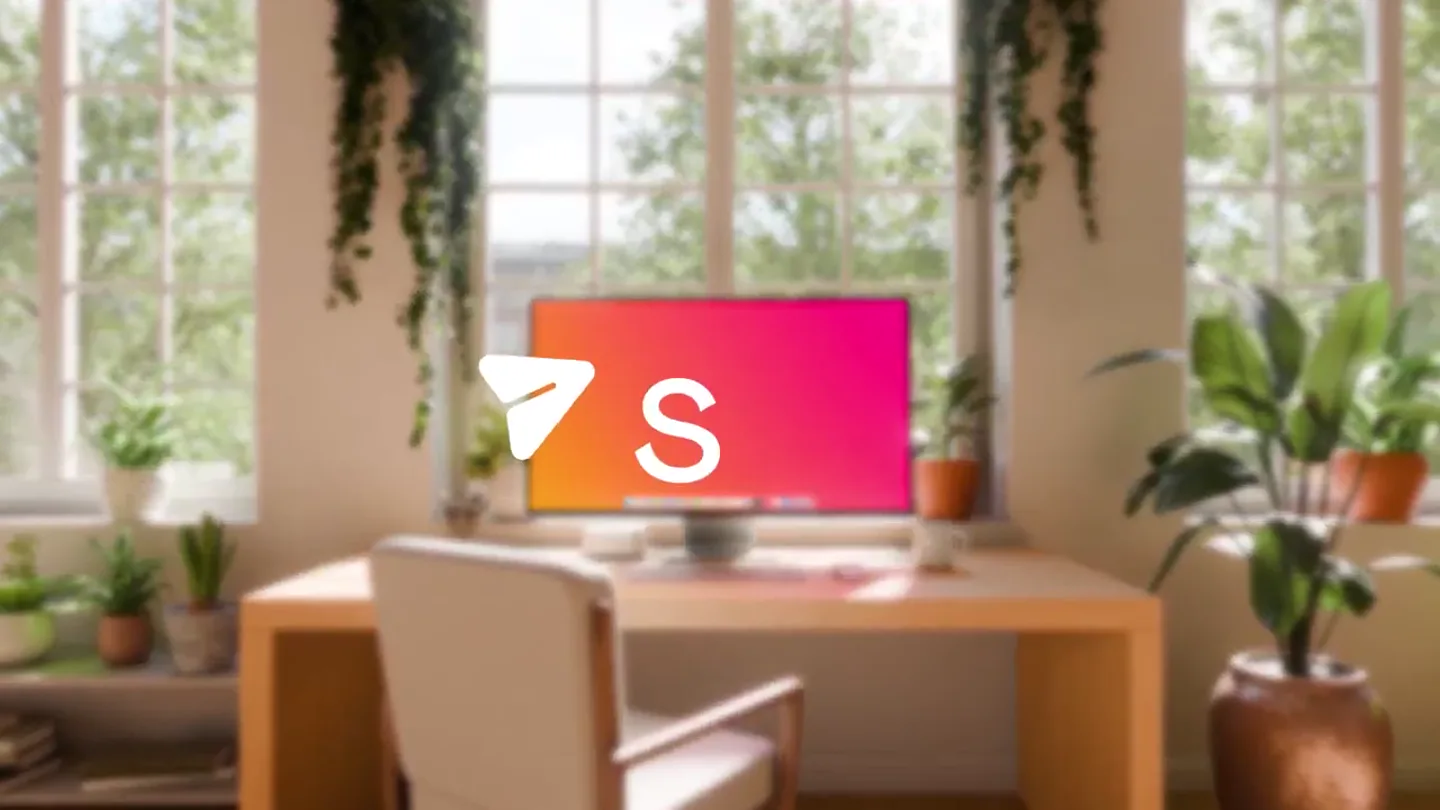
Brand Reveal & Product Context
“(No spoken dialogue — High-energy audio transition/riser from 0:00 to 0:01, followed by a subtle sub-bass drop/impact at 0:01. Pizzicato synths create a rhythmic, ticking sound.)”
- On screen
- Skud
- Camera
- Static wide shot of a desk with a monitor, then a slight zoom in as the logo appears, followed by a subtle camera shake on impact.
- Motion
- Blur transition, scale-up and fade-in for logo, subtle camera shake for impact.
Product Reveal
Effortless Drag & Drop Upload
“(No spoken dialogue — Pizzicato synths continue rhythmic ticking, accompanied by a deep sub-bass.)”
- On screen
- Easy drag & drop upload everything Image-001.jpg Skud Drag files here Uploading 17% Presentation.pdf 11MB 24 12 Copy link Completed Image-001.jpg 5.45 0 0 Copied
- Camera
- Close-up on the monitor, slightly angled, with a subtle left-to-right pan.
- Motion
- UI animation demonstrating drag-and-drop functionality, progress bar, and completion feedback. Text slides in from the left.
Feature Teaser
Seamless Sharing & Tracking
“(No spoken dialogue — Pizzicato synths maintain rhythmic ticking, deep sub-bass continues.)”
- On screen
- New Message Fonda, Jane Next Season Campaign Assets Hi Send Cc Bcc Hi Jane, I've uploaded all ca Drag, send & track in seconds Hi Jane, I've uploaded all campaign assets and supporting documents. https://skud.app/t/hzp4yt3e
- Camera
- Static shot of an email client on the monitor, then a quick zoom into the email body.
- Motion
- Typing animation, link generation, and text reveal. Text slides in from the left.
Feature Teaser
Link Access & Download
“(No spoken dialogue — Pizzicato synths continue rhythmic ticking, deep sub-bass. A prominent riser occurs from 0:19 to 0:20.)”
- On screen
- h https://skud.app/t/hzp4yt3e Fol Image-001.jpg Download 2.8 MB
- Camera
- Zoomed-in shot of a search bar, then a split-screen showing an office environment and a download prompt.
- Motion
- Typing animation in search bar, split-screen transition, UI animation for download prompt. Gradient background transition.
Call to Action
Final Brand Call to Action
“(No spoken dialogue — Final sub-bass impact at 0:20. Pizzicato synths fade out with the sub-bass.)”
- On screen
- (No on-screen text)
- Camera
- Wide shot of the desk and monitor, similar to the opening, with a subtle zoom out.
- Motion
- Subtle pulsing animation on the monitor screen, then a quick fade to black.
Motion design primitives
Synthesizable in Remotion · key components of the vibrant-ui-showcase template.
GradientBlurReveal
A blurred background transitions into a sharp, vibrant gradient, often accompanied by a logo or text appearing with a scale and fade effect.
+ Code construction recipe
Use Remotion's `AbsoluteFill` with a `LinearGradient` component. Apply a `Blur` effect from `remotion-filters` and animate its `radius` property. For text/logo, use `spring` for `scale` and `interpolate` for `opacity`.
UIDragDropFlow
Simulates user interaction with a desktop UI, showing files being dragged, uploaded with a progress indicator, and a completion state.
+ Code construction recipe
Render a `Sequence` of UI components. Animate `x` and `y` positions for drag, `width` or `scale` for progress bars, and `opacity` for status icons. Use `delay` and `duration` to sequence events realistically.
DynamicTextEntry
Text appears as if being typed, followed by a generated link or additional descriptive text, often with a subtle zoom or pan.
+ Code construction recipe
Utilize `Sequence` and `spring` for character-by-character text reveal. For link generation, animate `opacity` and `scale` of the link element. Camera motion can be achieved with `interpolate` on `transform` properties of the main scene container.
Style DNA & aesthetic system
Visual aesthetic
Typography
Motion
Special effects
Pacing & rhythm
Conceptual story rhythm
- 1
Intrigue & Reveal
Purpose. Capture attention and introduce the brand name and core product context.
Execution. Blurred natural setting, sharp logo reveal with a subtle camera shake, setting a dynamic tone.
- 2
Problem/Solution Showcase
Purpose. Demonstrate the primary pain point (complex file sharing) and skud's elegant solution.
Execution. Detailed UI animation of drag-and-drop file upload, showing simplicity and speed.
- 3
Expanded Utility
Purpose. Illustrate how the product integrates into existing workflows (email) and offers additional benefits (tracking).
Execution. Email client simulation with typing animation, link generation, and a clear feature callout.
- 4
Impact & Call to Action
Purpose. Reinforce the product's value proposition and guide the user to the next step.
Execution. Split-screen showing real-world application and download, culminating in a final brand shot and subtle animation.
Remix in Animatiq Studio
Master remix prompt · agent-ready
Sample remix
Objective
Launch video for 'SyncFlow', a collaborative project management tool.How the recipe adapts
The GradientBlurReveal primitive would introduce the SyncFlow logo against a vibrant gradient. UIDragDropFlow would be adapted to show dragging tasks between columns or attaching files to project cards. DynamicTextEntry would simulate team members typing comments or updating task statuses in real-time. The overall aesthetic would shift from document sharing to project workflow, using a modern co-working space as the backdrop instead of a home office.Remix blueprint · vibrant-ui-showcase
Scene durations (5 scenes, 25s)
Key Remotion components
Related Productivity Product Launches
Explore all Productivity launches →
Don't type, just speak. Flawless voice-to-text across every app at 240 WPM.

One workspace for knowledge scattered across Slack, email, Docs, and Notion. Connect your tools and build apps and agents that stay live with your data.

Notion positions itself as the backbone of your dock — a brand film of the Notion icon among everyday apps, ending on “Works with everything.”