
StudyFetch · Launch Video Breakdown: Hook, Pacing & Motion Design
StudyFetch Calendar 2.0 knows which exam is coming, which topics it covers, and how well you know each one, so study sessions don't start with deciding what to study.
Scene-by-scene timeline & spoken transcript
The Hook
Intelligent Semester Planning
“(No spoken dialogue — Upbeat electronic score with rhythmic synth bassline and crisp hi-hats. Riser at 0:07.)”
- On screen
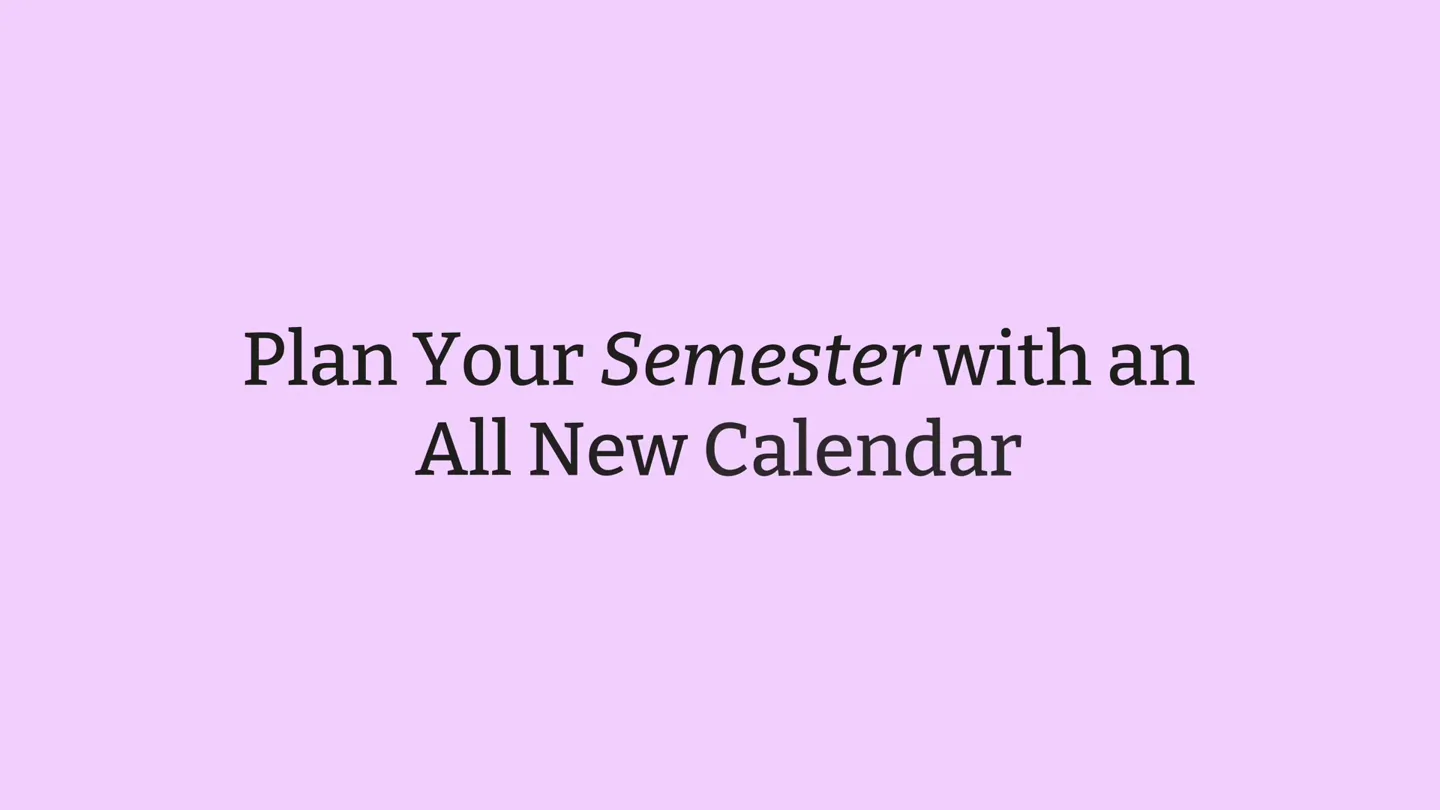
- Plan Your Semester
- Camera
- Static shot of text, then a slight zoom out revealing a desktop application interface. The camera then pans and zooms to highlight specific UI elements.
- Motion
- Text reveal with subtle easing, followed by a dynamic camera pan and zoom to simulate user interaction within the application.
Product Reveal
Automated Syllabus Integration & Study Session Creation
“(No spoken dialogue — Sub-bass drop and beat introduction at 0:08. Subtle riser at 0:14.)”
- On screen
- Upload your syllabus. We'll fill in your exam dates and tell you what to study. Parsing your syllabus... Extracting topics, exam dates, and the lesson schedule. This usually takes 20-60 seconds. PHYS-201-Syllabus-Fall-2026.md (1).pdf. Block out time for Study Sessions. New study session. Study session. Exam. Class. Other. DATE. 08/25/2026. START. END. 11:15 AM. 12:30 PM. Repeat weekly on Tue. Cancel. Create. Build your schedule around Exams. New exam. Exam. Class. Other. Date/Time. Related Topics. STUDY SET. HIST 270. EXAM NAME. Midterm. Date. 08/28/2026. EXAM COLOR. Next. Search topics... Sort: Recommended. Foundations of Modernity. The Scientific Revolution. Enlightenment Philosophy. Modern Political Thought. Select all. The Age of Revolution. The American Revolution. The French Revolution. Latin American Independence. Select all. The Industrial Revolution. Technological Innovation and Mechanization. Urbanization and City Life. Social Class and Labor Reform. Select all. Imperialism and Global Expansion. 7 topics selected. Motives for Imperialism. Save. Midterm added. Friday, August 28, 12:30 PM. Study sessions automatically update to include topics the exam will cover. Study Session. Tuesday, August 25. 11:15 AM - 12:30 PM. Repeats every Tuesday. All study sets. HIST 270. Next exam: Midterm, Aug 2. This exam covers: Standard. Comprehensive. Comprehensive.
- Camera
- The camera focuses on the application's calendar view, simulating user interaction with pop-up modals and form inputs. It tracks mouse movements and clicks.
- Motion
- UI element reveals (modals, dropdowns) with smooth transitions. Mouse cursor animation guides the viewer through the interaction flow. Content populates dynamically with subtle fades and slides.
Feature Teaser
Seamless Calendar Integration & AI-Powered Scheduling
“(No spoken dialogue — Pronounced riser at 0:21 culminating in a sub-bass impact and beat drop at 0:22.)”
- On screen
- Connect your Google Calendar. Connect your Google Calendar to see everything in one place. Calendar settings. Notifications. Connections. Google Calendar. Not connected. See your Google events next to your study plan, and get your StudyFetch sessions, classes, and exams synced out, and events from the connected calendar come in as read-only. Connect Google Calendar. Ask Sparky to add an event to your calendar. Add Epistemology Exam. Add an exam for tomorrow at 6 pm for epistemology. Thinking... Ask your AI tutor anything... Guided. Got it, Lily! I've added your Epistemology Exam for tomorrow, Wednesday, August 26th, at 6:00 PM. Sparky plans around your real life. Optimize Study Schedule. Based on my availability, max out my studying schedule with my current calendar in mind. Filling gaps in the schedule with HIST 270 study sessions. Applying changes... HIST 270 Study Session. Tue, Aug 25, 7:00 PM - 9:00 PM. HIST 270 Study Session. Wed, Aug 26, 1:15 AM - 1:00 PM. HIST 270 Study Session. Thu, Aug 27, 3:30 PM - 4:00 PM. HIST 270 Study Session. Fri, Aug 28, 1:30 PM - 3:00 PM. Thinking... Jump to latest. 7 changes applied.
- Camera
- The camera continues to navigate the application, demonstrating integrations and AI features. It highlights chat interactions and dynamic calendar updates.
- Motion
- Smooth camera movements follow the mouse cursor. UI elements animate in response to simulated user input, such as chat bubbles appearing and calendar events populating with a subtle 'snap' effect.
Call to Action
StudyFetch: Your Smart Study Companion
“(No spoken dialogue — Powerful riser and sub-bass drop at 0:38, introducing a new melodic synth layer. Risers at 0:44, 0:51, and 0:58, each followed by a sub-bass impact and beat intensification.)”
- On screen
- StudyFetch
- Camera
- A final zoom out reveals the StudyFetch logo and name, centered on a solid background.
- Motion
- Logo reveal with a slight scale and fade-in, accompanied by a subtle motion blur effect to emphasize the final brand presence.
Motion design primitives
Synthesizable in Remotion · key components of the studyfetch-calendar-launch-remix template.
UIDynamicPanZoom
The camera smoothly pans and zooms across a desktop application interface, highlighting specific interactive elements like buttons, input fields, and modals, simulating a user's focused interaction.
+ Code construction recipe
Utilize Remotion's 'interpolate' and 'spring' functions for camera position (x, y) and scale. Implement a 'useCurrentFrame' hook to drive the animation, ensuring smooth easing curves (e.g., 'easeOutCubic') for natural movement between key UI states.
InteractiveModalReveal
Pop-up modals and dropdown menus appear with a subtle scale-up and fade-in effect, often accompanied by a simulated mouse click or hover state, indicating user interaction.
+ Code construction recipe
Employ Remotion's 'spring' for scale and opacity properties of the modal component. Trigger the animation based on a 'delay' or 'sequence' to align with the simulated user actions. Use 'z-index' to ensure proper layering over the main application UI.
DynamicContentPopulation
Text and calendar events dynamically populate the screen with a quick, subtle slide-in or fade-in animation, often accompanied by a small 'bounce' or 'snap' effect, indicating data loading or user input confirmation.
+ Code construction recipe
Animate the 'y' position and 'opacity' of text elements and calendar event blocks using 'spring' with a low damping ratio for a slight bounce. Stagger the animations for multiple items using 'sequence' or 'delay' to create a natural flow.
Style DNA & aesthetic system
Visual aesthetic
Typography
Motion
Special effects
Pacing & rhythm
Conceptual story rhythm
- 1
The Intelligent Setup
Purpose. Introduce the core problem of disorganized study and present StudyFetch's automated syllabus parsing as the immediate solution.
Execution. Opening with a clear text overlay, transitioning to a close-up of the app's UI demonstrating syllabus upload and automatic calendar population.
- 2
Personalized Study Crafting
Purpose. Showcase how users can customize their study schedule around exams, linking topics directly to study sessions.
Execution. Detailed UI walkthrough of creating study sessions, adding exams, and selecting related topics, with dynamic updates to the calendar.
- 3
Life-Integrated Learning
Purpose. Highlight the seamless integration with external calendars and the AI's ability to adapt study plans to real-life commitments.
Execution. Demonstration of Google Calendar connection and the AI assistant (Sparky) intelligently scheduling and optimizing study times based on existing events.
- 4
Brand Reinforcement
Purpose. Conclude with a strong brand presence, leaving a lasting impression of StudyFetch as the ultimate productivity tool.
Execution. A clean, impactful reveal of the StudyFetch logo and name, synchronized with the peak energy of the audio track.
Remix in Animatiq Studio
Master remix prompt · agent-ready
Sample remix
Objective
Launch 'TaskFlow AI', a project management tool that uses AI to automate project planning.How the recipe adapts
The video would open with 'Plan Your Project' text, then show a simulated user uploading a project brief. The UIDynamicPanZoom primitive would highlight the AI parsing the brief and generating a timeline. InteractiveModalReveal would demonstrate task assignment and dependency setting. DynamicContentPopulation would show tasks populating the calendar and team dashboards. The color palette would shift to TaskFlow AI's brand colors, maintaining the bright, clean aesthetic. The upbeat electronic music would be adapted to match TaskFlow AI's brand energy, with risers and drops aligning with key feature reveals.Remix blueprint · studyfetch-calendar-launch-remix
Scene durations (5 scenes, 69s)
Key Remotion components
Related Productivity Product Launches
Explore all Productivity launches →
Don't type, just speak. Flawless voice-to-text across every app at 240 WPM.

One workspace for knowledge scattered across Slack, email, Docs, and Notion. Connect your tools and build apps and agents that stay live with your data.

Notion positions itself as the backbone of your dock — a brand film of the Notion icon among everyday apps, ending on “Works with everything.”