
Higgsfield AI 🧩 · Launch Video Breakdown: Hook, Pacing & Motion Design
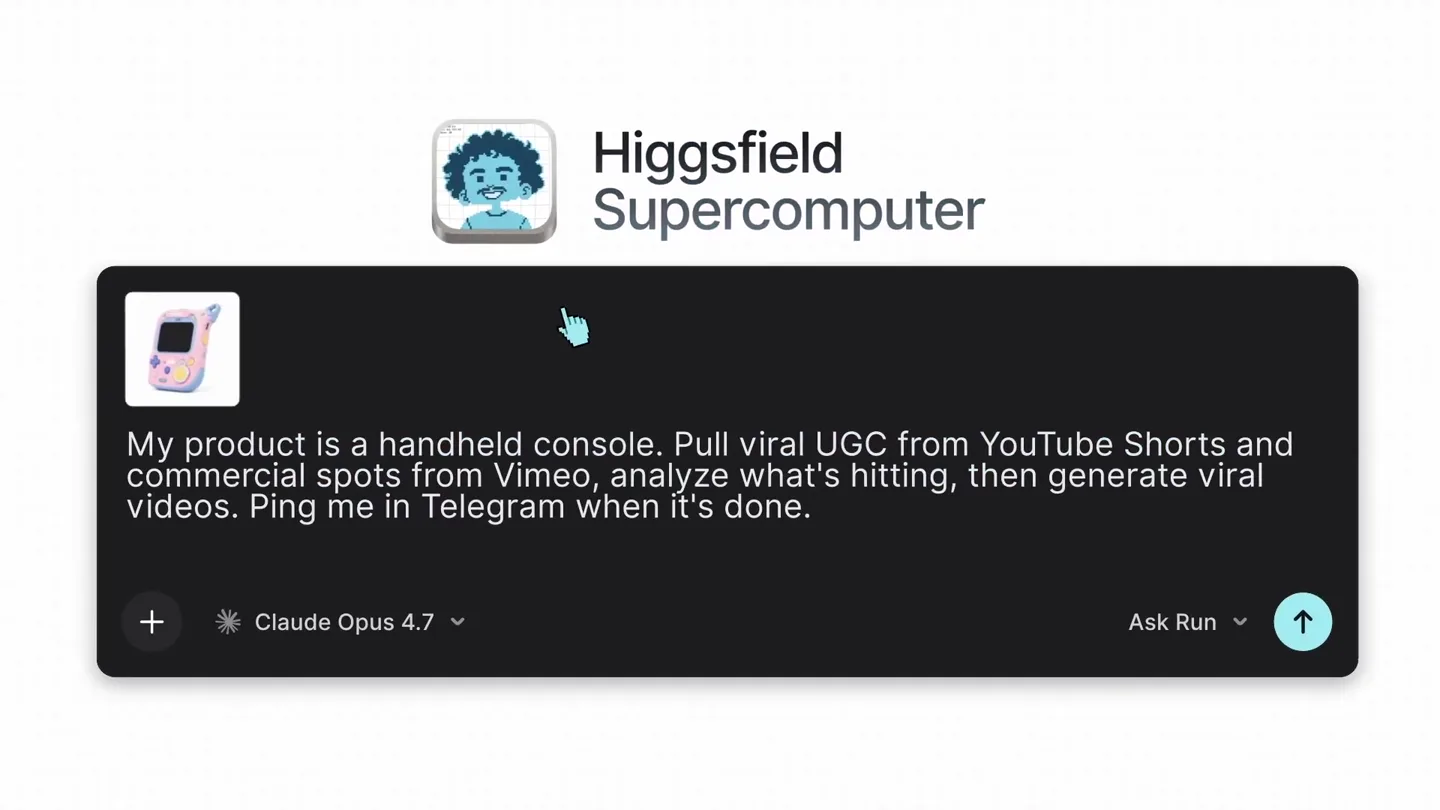
How to run paid ads on Supercomputer with 1 prompt: > analyze top competitors 24/7. > learn winning acquisition funnels, pricing, and content strategies 24/7. display on a dashboard. > turn insight…
Scene-by-scene timeline & spoken transcript
The Hook
AI-Powered Creative Generation Prompt
“(No spoken dialogue — Distinct riser, sub-bass drop/impact, synth arpeggios, driving sub-bass, 808-style drum machine percussion.)”
- On screen
- Higgsfield Supercomputer My product is a handheld console. Pull viral UGC from YouTube Shorts and commercial spots from Vimeo, analyze what's hitting, then generate viral videos. Ping me in Telegram when it's done. + Claude Opus 4.7 Ask Run Use Skill Connectors Running 10 subagents. Analyzing your product Crawling the product page, spec sheets, and any linked materials to extract claim, pricing, Building the brand kit Locking palette, typography, logo treatment, lighting language, and visual texture. Sampling color Creating your product's playbook Mapping target audience, hero benefits, primary objections, and creative pillars for Juss. Defining Use skill shot-matrix.md Compiling the brandbook Packaging every signal — product claim, tone, palette, audience, hooks, shot matrix — into a single brandbook. Producing the artifact that lands in your Telegram for approval. Twenty pages, no filler: who Juss is, who it's for, what it sounds like, what it looks like, and exactly which videos come next. Use skill brandbook-compiler Research locked across two registers — raw UGC from Shorts, craft from Vimeo Staff Picks. Hooks matched, scripts drafted, frames ready. Building the brandbook now.
- Camera
- Static, top-down perspective on a UI, then a slight zoom out to reveal more UI elements. The camera then pans down to follow text as it appears.
- Motion
- UI element reveals, text typing animation, smooth scrolling, and expanding content sections. Cursor interaction highlights key actions.
Product Reveal
Brandbook & Creative Output Showcase
“(No spoken dialogue — Significant riser, sweeps and whooshes, synth arpeggios, driving sub-bass, 808-style drum machine percussion.)”
- On screen
- JUSS BUTTON SYSTEM POWER SELECT START PLAYER 1 JUSS PRESS PLAY ON YOU JUSS PRESS PLAY ON YOU Aa Ss 01 BRICOLAGE GROTESQUE SORA SPACE MONO PRESS PLAY ON YOU A new way to hold something you love. 2026 Confirm and I'll start the generations. Let's go! 11:43 Generating commercial Locked-off macro of handheld console on charcoal seamless, single overhead source. 360° slow rotation around vertical axis. Anamorphic squeeze. Rack focus from foreground bezel to signature element. SFX: low room tone, subtle mechanical detent. Generating UGC Guy on couch, late evening, soft TV glow off-camera. Pulls handheld console out of hoodie pocket mid-sentence, holds it up to lens with mock-shocked expression. Vertical phone capture, auto-exposure shift on reveal, slight rolling shutter. SFX: muffled music bleed from other room, fabric rustle. Soul 2.0 9:16 15s Run 32 UGC videos, statics, and social posts are ready
- Camera
- Rapid cuts between various product mockups and UI elements. The camera then zooms out to reveal a grid of generated images and videos.
- Motion
- Grid layout animation, rapid image transitions, text reveals, and UI element pop-ins. The overall effect is a dynamic showcase of creative output.
Feature Teaser
Generated Commercial & UGC
“Magically, I know I”
- On screen
- in progess 30-second commercial 0:15 / 0:30
- Camera
- Close-up on a generated video playing within a UI, then a wider shot of a woman on an airplane holding the product. The camera focuses on the product and her interaction.
- Motion
- Video playback within UI, smooth camera movements following the product, and subtle UI overlays indicating progress.
Call to Action
Automation & Final Reveal
“I know I”
- On screen
- Automate the uploads to YouTube Shorts every Thursday at 7pm. Ping me in Telegram before each push. + Claude Opus 4.7 Ask Run Pushing live now. 11:45 Skill locked: full campaign generation runs every Thursday a Higgsfield Supercomputer
- Camera
- Static UI shot, then a zoom into a Telegram chat, followed by a circular reveal of a generated image. The camera then pulls back to a final product logo reveal.
- Motion
- UI interaction, text typing, circular mask reveal, glowing lines connecting elements, and a final logo animation with a subtle gradient background.
Motion design primitives
Synthesizable in Remotion · key components of the higgsfield-ai-launch-remix template.
UITypingReveal
Text appears character by character within a UI input field, simulating real-time typing. This is often accompanied by a blinking cursor.
+ Code construction recipe
Use Remotion's `Sequence` and `spring` for character-by-character opacity and scale animations. Implement a `useCurrentFrame` to control the typing speed and cursor blink. Utilize `Text` components with `overflow: hidden` for the typing effect.
DynamicGridPopIn
A grid of images or UI elements rapidly appears and arranges itself on screen, often with a slight delay and scale animation for each item, creating a dynamic, organized reveal.
+ Code construction recipe
Employ `AbsoluteFill` for the grid container. Map over an array of image data, rendering each image with a `spring` animation for `scale` and `opacity`. Stagger the `delay` for each item based on its index in the grid to create a ripple effect.
CircularMaskReveal
An image or video is revealed from the center outwards by an expanding circular mask, creating a focused and dramatic entrance.
+ Code construction recipe
Use an `AbsoluteFill` with a `maskImage` property set to a radial gradient or an SVG circle. Animate the `r` (radius) property of the SVG circle or the `background-size` of the radial gradient using `interpolate` or `spring` to control the expansion.
Style DNA & aesthetic system
Visual aesthetic
Typography
Motion
Special effects
Pacing & rhythm
Conceptual story rhythm
- 1
The Prompt & Processing
Purpose. Introduces the core AI capability through a user prompt and shows the initial stages of the AI's internal processing.
Execution. UI typing animation, expanding task lists, and scrolling text, simulating an AI agent's workflow.
- 2
Creative Output Generation
Purpose. Showcases the AI's ability to generate a full brand identity and diverse creative assets.
Execution. Rapid montage of brandbook elements, product mockups, and a dynamic grid of generated images and videos.
- 3
Real-World Application & Impact
Purpose. Demonstrates the generated content in a realistic context, highlighting its quality and effectiveness.
Execution. Playback of a high-quality generated commercial and UGC video, integrated into a UI and then shown in a lifestyle context.
- 4
Automation & Conclusion
Purpose. Emphasizes the product's automation capabilities and delivers a final brand statement.
Execution. UI interaction for scheduling uploads, a Telegram notification, a circular reveal of a successful campaign image, and a final logo reveal.
Remix in Animatiq Studio
Master remix prompt · agent-ready
Sample remix
Objective
A smart home energy optimizer called 'EcoFlow'.How the recipe adapts
The UI typing animation will show a user prompting EcoFlow to 'Optimize energy usage for peak savings this month'. The dynamic grid reveal will display various data visualizations like 'Daily Consumption', 'Savings Forecast', and 'Device Activity'. Circular mask reveals will highlight specific EcoFlow device features, such as its sleek design or a glowing energy-saving indicator. The overall aesthetic will shift to a palette of cool blues, greens, and whites, reflecting energy and efficiency, while maintaining the rapid cuts and electronic soundtrack to convey innovation and speed.Remix blueprint · higgsfield-ai-launch-remix
Scene durations (6 scenes, 68s)
Key Remotion components
Related Tech & SaaS Product Launches
Explore all Tech & SaaS launches →
Unreal Engine 6 has been announced with Rocket League.
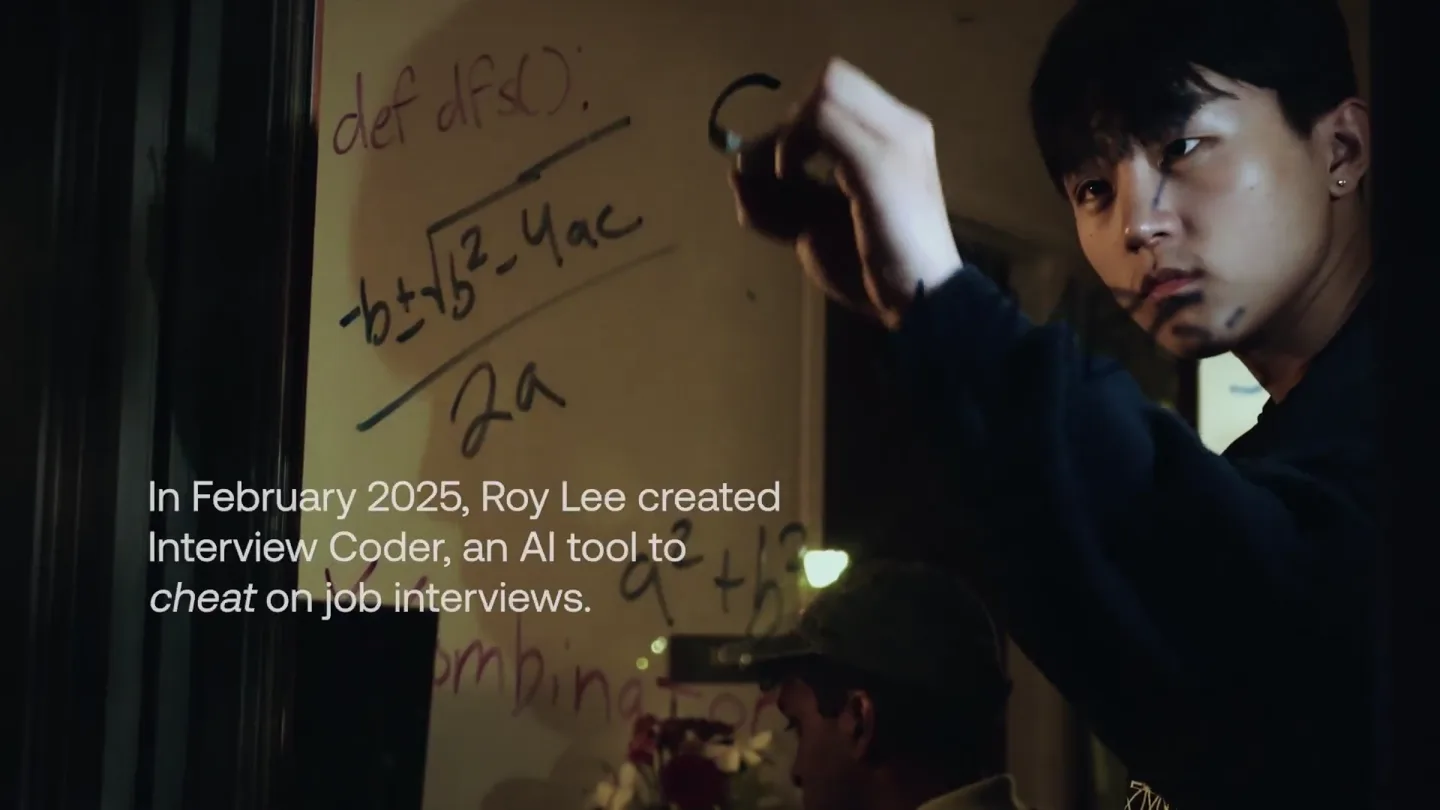
announcing @cluely's $15M fundraise, led by @a16z. cheat on everything.
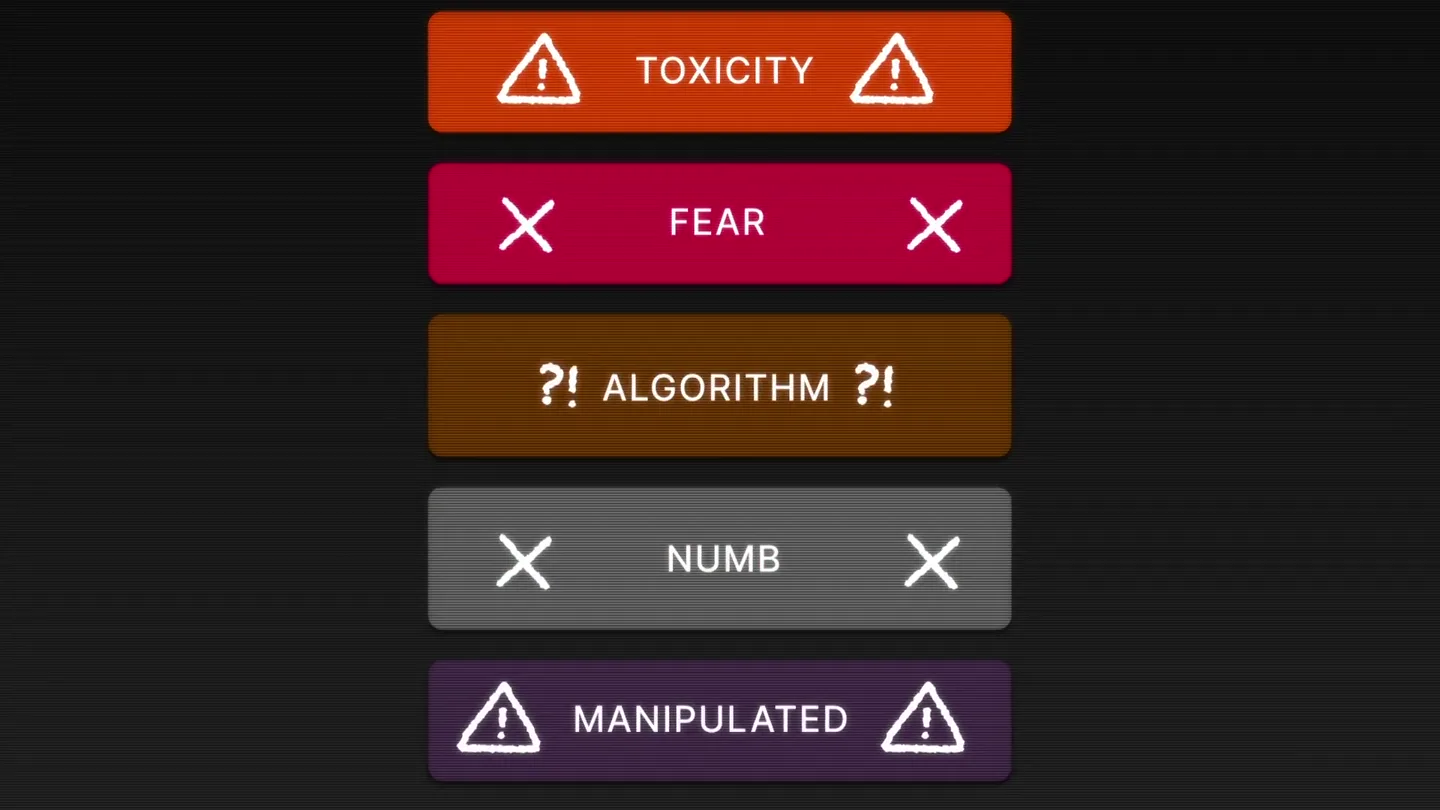
Yesterday we launched Bouncer to put users in control of their Twitter feed. Today, we open sourced the Chrome extension. We believe software should align with your interests, not the company that…