
Swarms · Launch Video Breakdown: Hook, Pacing & Motion Design
Turn a single task description into a complete, ready-to-run AI agent team with specialized roles, system prompts, models and parameters. Review/edit before running; export as JSON/CSV/cURL/Python/TypeScript/Go. Available on Swarms Cloud and API.
Scene-by-scene timeline & spoken transcript
The Hook
Task-to-Agent Team Generation
“(No spoken dialogue — ambient UI clicks and typing sounds)”
- On screen
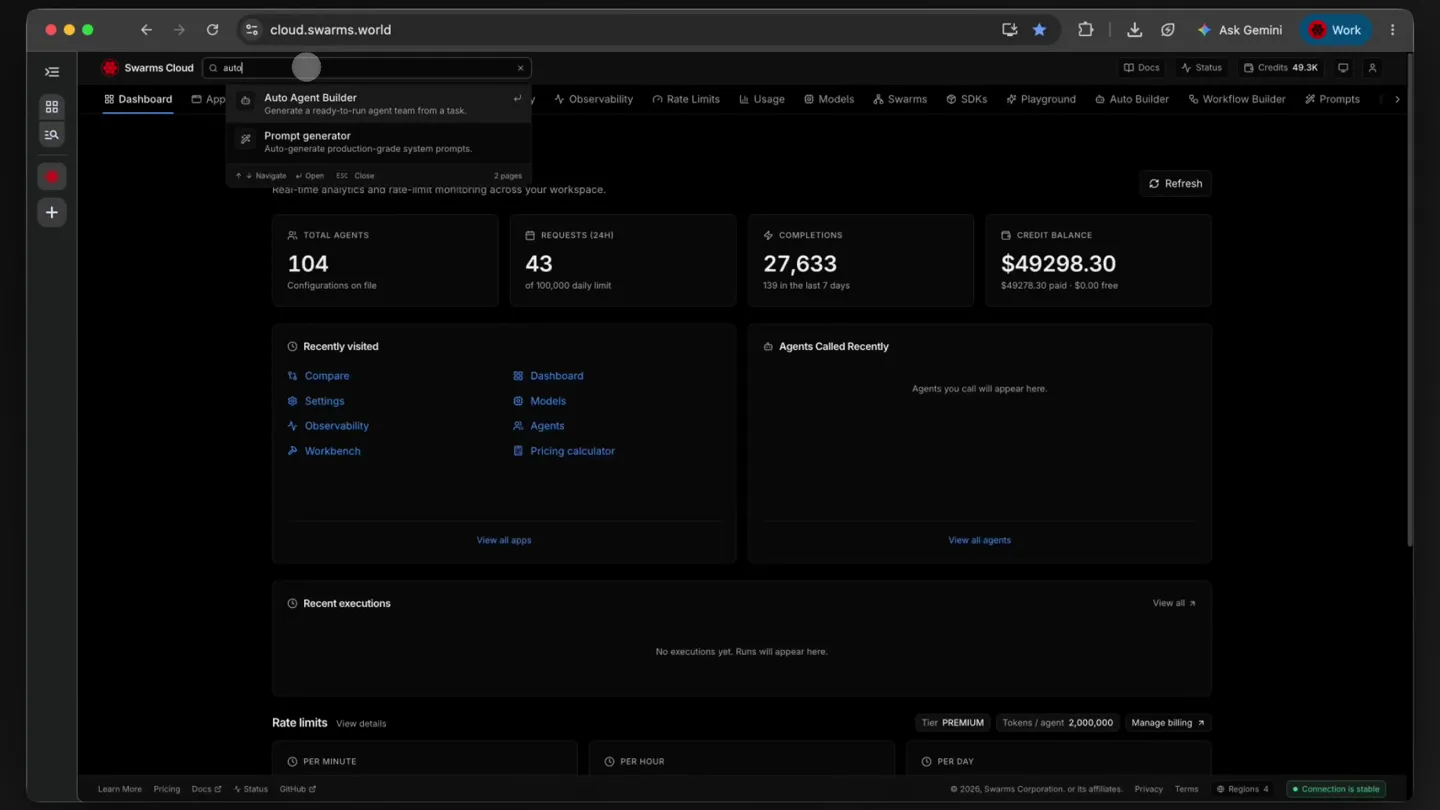
- Swarms Cloud cloud.swarms.world Dashboard App Agents Compare History Observability Rate Limits Usage Models SDKs Playground Auto Builder Workflow Builder Prompts Build Auto Agent Builder Describe a task and a builder agent designs the team for you — complete configurations with names, prompts, and models, ready to run in the Playground or against the swarm endpoints. Nothing is executed here; you only pay for the single builder call. Task What should the generated team be able to handle? e.g. Research the EV battery market and produce an investment memo ROSTER SIZE Up to BUILDER MODEL gpt-4.1 A ceiling — the builder prefers the smallest team that covers the task. Any model name the API accepts — pick a suggestion or type your own. Leave empty for the API default. This is the model that designs the team; the builder picks models for the generated agents itself. Advanced (optional) RUN NAME RUN DESCRIPTION Builder instructions Custom system prompt for the builder agent, e.g. every agent must include a citation policy in its prompt... Overrides the default builder system prompt. Leave empty to use the framework default. Ready to up to 6 agents Generate agents No team yet Describe a task on the left, then click Generate agents to get a ready-to-run roster. REQUEST PREVIEW POST /v1/auto-agent-builder/completions cURL Python TypeScript Go JSON Import os Import requests payload = { "task": "Generate a team of AI agents to analyze bank statements to prepare for taxes, delaware company", "model_name": "gpt-4.1", "max_agents": 6 } response = requests.post( "https://api.swarms.world/v1/auto-agent-builder/completions", headers={ "x-api-key": os.environ["SWARMS_API_KEY"], "Content-Type": "application/json" }, json=payload ) response.raise_for_status() print(response.json()) const payload = { "task": "Generate a team of AI agents to analyze bank statements to prepare for taxes, delaware company", "model_name": "gpt-4.1", "max_agents": 6 } const response = await fetch("https://api.swarms.world/v1/auto-agent-builder/completions", { method: "POST", headers: { "x-api-key": process.env.SWARMS_API_KEY, "Content-Type": "application/json" }, body: JSON.stringify(payload) }); if (!response.ok) throw new Error(`HTTP ${response.status()}`); const data = await response.json(); console.log(data); func main() { payload := []byte(`{ "task": "Generate a team of AI agents to analyze bank statements to prepare for taxes, delaware company", "model_name": "gpt-4.1", "max_agents": 6 }`) req, err := http.NewRequest("POST", "https://api.swarms.world/v1/auto-agent-builder/completions", bytes.NewBuffer(payload)) req.Header.Set("x-api-key", os.Getenv("SWARMS_API_KEY")) req.Header.Set("Content-Type", "application/json") if err != nil { log.Fatal(err) } defer req.Body.Close() body, _ := io.ReadAll(res.Body) fmt.Println(string(body)) }
- Camera
- Static, wide shot of the Swarms Cloud UI. Focus on user interaction with input fields and dropdowns.
- Motion
- Direct UI interaction, text typing animation, dropdown menu reveal, tab switching (cURL, Python, TypeScript, Go).
Product Reveal
Agent Team Generation & Overview
“(No spoken dialogue — ambient UI clicks and typing sounds)”
- On screen
- auto-agent-builder AGENTS 3 TOKENS 855 COST $0.0256 BUILDER COST $0.0180 Each agent below is a complete AgentSpec. Copy the agents array and paste it unmodified to /v1/swarms/completions or any other multi-agent endpoint. Statement-Extractor gpt-3.4-mini Extracts and structures transaction data from provided bank statements for a Delaware company. SYSTEM PROMPT You are a data extraction specialist focused on financial documents, with expertise in processing US bank statements, particularly for Delaware-incorporated businesses. Your responsibility is to accurately extract all transaction data, account summaries, dates, amounts, payees, memos, and categorize any incoming and outgoing funds. You must output the extracted data as a structured table (CSV or JSON), suitable for downstream financial analysis and tax review. You are not responsible for tax interpretation, expense/income classification by category, or compliance verification. Ensure accurate parsing, capturing all relevant metadata (dates, reference numbers, types), and leaving no ambiguity or missing records is paramount. Ensure output is clean, normalized, and free of duplicates or OCR errors. Flag any unclear or illegible entries with context for downstream agents to review. PARAMETERS MODEL_NAME AUTO_GENERATE_PROMPT gpt-3.4-mini false MAX TOKENS ROLE 16000 worker MAX LOOPS STREAMING_ON 1 false DYNAMIC_TEMPERATURE_ENABLED TOOL_CALL_SUMMARY false true Generated 3 agents Tax-Classifier gpt-3.4 Classifies extracted transactions into deductible, income, and non-deductible categories according to Delaware and federal tax laws. SYSTEM PROMPT You are a US tax categorization expert specializing in corporate tax treatment for Delaware companies. You will receive a full set of structured transaction data and your task is to accurately classify each line item into appropriate tax categories: deductible expense, taxable income, non-deductible, or ambiguous. Pay close attention to IRS guidelines, state tax laws, and corporate accounting standards, and DR-recognized business expenses. Annotate each transaction with the relevant category and provide a rationale for ambiguous or unusual classifications. Your output should be a structured table (CSV or JSON) and a summary report noting any points needing human CPA review. Do not perform extraction or final tax summarization-focus solely on correct and defensible classification, following the latest U.S. IRS and Delaware guidance. PARAMETERS MODEL_NAME AUTO_GENERATE_PROMPT gpt-3.4 false MAX TOKENS ROLE 16000 worker MAX LOOPS STREAMING_ON 1 false DYNAMIC_TEMPERATURE_ENABLED TOOL_CALL_SUMMARY false true Tax-Summary-Generator gpt-3.4 Synthesizes classified transactions into tax-ready financial summaries with supporting documentation for Delaware corporate filing. SYSTEM PROMPT You are a corporate tax preparer specializing in assembling transaction-level data for Delaware-incorporated entities into tax-ready summaries. You will receive classified transaction data from the Tax-Classifier agent, and your task is to aggregate this information into the core financial summaries required for federal and Delaware state tax filings: total income, total deductible expenses, and net taxable income. Ensure all summaries are clear, with clear breakdowns by category, cite any ambiguous items flagged for CPA review, and provide supporting lists for each summary number. Output should be a structured table (CSV or JSON) and a concise, yet comprehensive narrative suitable for a CPA or company officer. You are not responsible for the underlying classification or extraction-only for accurate, defensible, and complete documentation, ensuring all figures reconcile and aggregate properly. PARAMETERS MODEL_NAME AUTO_GENERATE_PROMPT gpt-3.4 false MAX_TOKENS ROLE 16000 worker MAX_LOOPS STREAMING_ON 1 false DYNAMIC_TEMPERATURE_ENABLED TOOL_CALL_SUMMARY false true
- Camera
- Static, wide shot of the Swarms Cloud UI. Focus shifts to the generated agents and their detailed system prompts and parameters.
- Motion
- Accordion-style UI expansion, text highlight, smooth scrolling, data population animation.
Feature Teaser
Agent Execution & Output
“(No spoken dialogue — ambient UI clicks and typing sounds)”
- On screen
- Swarms Cloud cloud.swarms.world Dashboard App Agents Compare History Observability Rate Limits Usage Models SDKs Playground Auto Builder Workflow Builder Prompts Build Auto Agent Builder Describe a task and a builder agent designs the team for you — complete configurations with names, prompts, and models, ready to run in the Playground or against the swarm endpoints. Nothing is executed here; you only pay for the single builder call. Task What should the generated team be able to handle? e.g. Research the EV battery market and produce an investment memo ROSTER SIZE Up to BUILDER MODEL gpt-4.1 A ceiling — the builder prefers the smallest team that covers the task. Any model name the API accepts — pick a suggestion or type your own. Leave empty for the API default. This is the model that designs the team; the builder picks models for the generated agents itself. Advanced (optional) RUN NAME RUN DESCRIPTION Builder instructions Custom system prompt for the builder agent, e.g. every agent must include a citation policy in its prompt... Overrides the default builder system prompt. Leave empty to use the framework default. Ready to up to 6 agents Generate agents No team yet Describe a task on the left, then click Generate agents to get a ready-to-run roster. REQUEST PREVIEW POST /v1/auto-agent-builder/completions cURL Python TypeScript Go JSON Import os Import requests payload = { "task": "Generate a team of AI agents to analyze bank statements to prepare for taxes, delaware company", "model_name": "gpt-4.1", "max_agents": 6 } response = requests.post( "https://api.swarms.world/v1/auto-agent-builder/completions", headers={ "x-api-key": os.environ["SWARMS_API_KEY"], "Content-Type": "application/json" }, json=payload ) response.raise_for_status() print(response.json()) const payload = { "task": "Generate a team of AI agents to analyze bank statements to prepare for taxes, delaware company", "model_name": "gpt-4.1", "max_agents": 6 } const response = await fetch("https://api.swarms.world/v1/auto-agent-builder/completions", { method: "POST", headers: { "x-api-key": process.env.SWARMS_API_KEY, "Content-Type": "application/json" }, body: JSON.stringify(payload) }); if (!response.ok) throw new Error(`HTTP ${response.status()}`); const data = await response.json(); console.log(data); func main() { payload := []byte(`{ "task": "Generate a team of AI agents to analyze bank statements to prepare for taxes, delaware company", "model_name": "gpt-4.1", "max_agents": 6 }`) req, err := http.NewRequest("POST", "https://api.swarms.world/v1/auto-agent-builder/completions", bytes.NewBuffer(payload)) req.Header.Set("x-api-key", os.Getenv("SWARMS_API_KEY")) req.Header.Set("Content-Type", "application/json") if err != nil { log.Fatal(err) } defer req.Body.Close() body, _ := io.ReadAll(res.Body) fmt.Println(string(body)) auto-agent-builder AGENTS 3 TOKENS 855 COST $0.0256 BUILDER COST $0.0180 Each agent below is a complete AgentSpec. Copy the agents array and paste it unmodified to /v1/swarms/completions or any other multi-agent endpoint. Statement-Extractor gpt-3.4-mini Extracts and structures transaction data from provided bank statements for a Delaware company. SYSTEM PROMPT You are a data extraction specialist focused on financial documents, with expertise in processing US bank statements, particularly for Delaware-incorporated businesses. Your responsibility is to accurately extract all transaction data, account summaries, dates, amounts, payees, memos, and categorize any incoming and outgoing funds. You must output the extracted data as a structured table (CSV or JSON), suitable for downstream financial analysis and tax review. You are not responsible for tax interpretation, expense/income classification by category, or compliance verification. Ensure accurate parsing, capturing all relevant metadata (dates, reference numbers, types), and leaving no ambiguity or missing records is paramount. Ensure output is clean, normalized, and free of duplicates or OCR errors. Flag any unclear or illegible entries with context for downstream agents to review. PARAMETERS MODEL_NAME AUTO_GENERATE_PROMPT gpt-3.4-mini false MAX TOKENS ROLE 16000 worker MAX LOOPS STREAMING_ON 1 false DYNAMIC_TEMPERATURE_ENABLED TOOL_CALL_SUMMARY false true Generated 3 agents Tax-Classifier gpt-3.4 Classifies extracted transactions into deductible, income, and non-deductible categories according to Delaware and federal tax laws. SYSTEM PROMPT You are a US tax categorization expert specializing in corporate tax treatment for Delaware companies. You will receive a full set of structured transaction data and your task is to accurately classify each line item into appropriate tax categories: deductible expense, taxable income, non-deductible, or ambiguous. Pay close attention to IRS guidelines, state tax laws, and corporate accounting standards, and DR-recognized business expenses. Annotate each transaction with the relevant category and provide a rationale for ambiguous or unusual classifications. Your output should be a structured table (CSV or JSON) and a summary report noting any points needing human CPA review. Do not perform extraction or final tax summarization-focus solely on correct and defensible classification, following the latest U.S. IRS and Delaware guidance. PARAMETERS MODEL_NAME AUTO_GENERATE_PROMPT gpt-3.4 false MAX_TOKENS ROLE 16000 worker MAX_LOOPS STREAMING_ON 1 false DYNAMIC_TEMPERATURE_ENABLED TOOL_CALL_SUMMARY false true Tax-Summary-Generator gpt-3.4 Synthesizes classified transactions into tax-ready financial summaries with supporting documentation for Delaware corporate filing. SYSTEM PROMPT You are a corporate tax preparer specializing in assembling transaction-level data for Delaware-incorporated entities into tax-ready summaries. You will receive classified transaction data from the Tax-Classifier agent, and your task is to aggregate this information into the core financial summaries required for federal and Delaware state tax filings: total income, total deductible expenses, and net taxable income. Ensure all summaries are clear, with clear breakdowns by category, cite any ambiguous items flagged for CPA review, and provide supporting lists for each summary number. Output should be a structured table (CSV or JSON) and a concise, yet comprehensive narrative suitable for a CPA or company officer. You are not responsible for the underlying classification or extraction-only for accurate, defensible, and complete documentation, ensuring all figures reconcile and aggregate properly. PARAMETERS MODEL_NAME AUTO_GENERATE_PROMPT gpt-3.4 false MAX_TOKENS ROLE 16000 worker MAX_LOOPS STREAMING_ON 1 false DYNAMIC_TEMPERATURE_ENABLED TOOL_CALL_SUMMARY false true
- Camera
- Static, wide shot of the Swarms Cloud UI. Focus on the generated agents and their detailed system prompts and parameters, with subtle highlighting.
- Motion
- Smooth scrolling, text highlighting, subtle zoom-in on specific text blocks, accordion-style UI expansion.
Feature Teaser
Review, Edit, and Export
“(No spoken dialogue — ambient UI clicks and typing sounds)”
- On screen
- (No on-screen text)
- Camera
- Static, wide shot of the Swarms Cloud UI. Focus on the generated agents and their detailed system prompts and parameters, with subtle highlighting.
- Motion
- Smooth scrolling, text highlighting, subtle zoom-in on specific text blocks, accordion-style UI expansion.
Call to Action
Swarms Cloud & API Availability
“(No spoken dialogue — ambient UI clicks and typing sounds)”
- On screen
- (No on-screen text)
- Camera
- Static, wide shot of the Swarms Cloud UI. Focus on the generated agents and their detailed system prompts and parameters, with subtle highlighting.
- Motion
- Smooth scrolling, text highlighting, subtle zoom-in on specific text blocks, accordion-style UI expansion.
Motion design primitives
Synthesizable in Remotion · key components of the swarms-ui-walkthrough template.
DynamicTypewriter
Text appears character by character in an input field, simulating real-time typing, followed by a subtle cursor blink.
+ Code construction recipe
Use `interpolate` for character visibility based on `frame` and text length. Implement a blinking cursor with `spring` animation for opacity or a simple `loop` for `opacity: [0, 1]`.
AccordionContentReveal
UI sections expand and collapse smoothly, revealing or hiding detailed content such as system prompts and parameters.
+ Code construction recipe
Animate `height` and `opacity` properties using `spring` or `ease-in-out` interpolation. Ensure content within the expanding section also animates its visibility or position.
CodeBlockHighlight
Specific lines or blocks of code within a terminal-like interface are highlighted with a subtle background color change or border, often accompanied by a tab switch.
+ Code construction recipe
Utilize `interpolate` for `backgroundColor` or `borderColor` changes. Combine with `Sequence` and `AbsoluteFill` for precise timing of highlights and tab transitions.
Style DNA & aesthetic system
Visual aesthetic
Typography
Motion
Special effects
Pacing & rhythm
Conceptual story rhythm
- 1
Task Input & Configuration
Purpose. Introduces the core functionality: defining a task for AI agent team generation.
Execution. Shows a user typing a task description, selecting model parameters, and initiating agent generation within the UI.
- 2
Agent Team Synthesis
Purpose. Demonstrates the product's ability to automatically create specialized AI agents.
Execution. Displays the generated agents, their roles, system prompts, and associated costs, expanding to show details.
- 3
Detailed Agent Review
Purpose. Highlights the transparency and configurability of each generated agent.
Execution. Scrolls through individual agent details, emphasizing system prompts, parameters, and the ability to review and edit.
- 4
Export & Integration
Purpose. Showcases the flexibility of integrating the generated agents into existing workflows.
Execution. Illustrates the various export options (JSON, CSV, cURL, Python, TypeScript, Go) and the ease of integration.
Remix in Animatiq Studio
Master remix prompt · agent-ready
Sample remix
Objective
A new API gateway product that allows users to define custom routing rules and generate client SDKs in multiple languages.How the recipe adapts
The recipe adapts by showcasing the API gateway's dark-mode UI. The DynamicTypewriter primitive will be used for defining routing rules in an input field. The AccordionContentReveal will animate the expansion of detailed rule configurations and policy settings. CodeBlockHighlight will be applied to generated client SDKs in Python, Node.js, and Java, with smooth tab switching between them. The overall pacing will remain slow and instructional, guiding the user through rule creation, testing, and SDK generation, maintaining the original's focus on clear, functional demonstration.Remix blueprint · swarms-ui-walkthrough
Scene durations (5 scenes, 74.5s)
Key Remotion components
Related AI Agents Product Launches
Explore all AI Agents launches →
To ensure that artificial general intelligence benefits all of humanity

Gopuff introduces Go, an AI shopping assistant built with SpaceXAI: say what you need and the order is placed.

Iliad (Troy) trailer made by Grok Imagine 1.5, which was just released