
Kailash · Launch Video Breakdown: Hook, Pacing & Motion Design
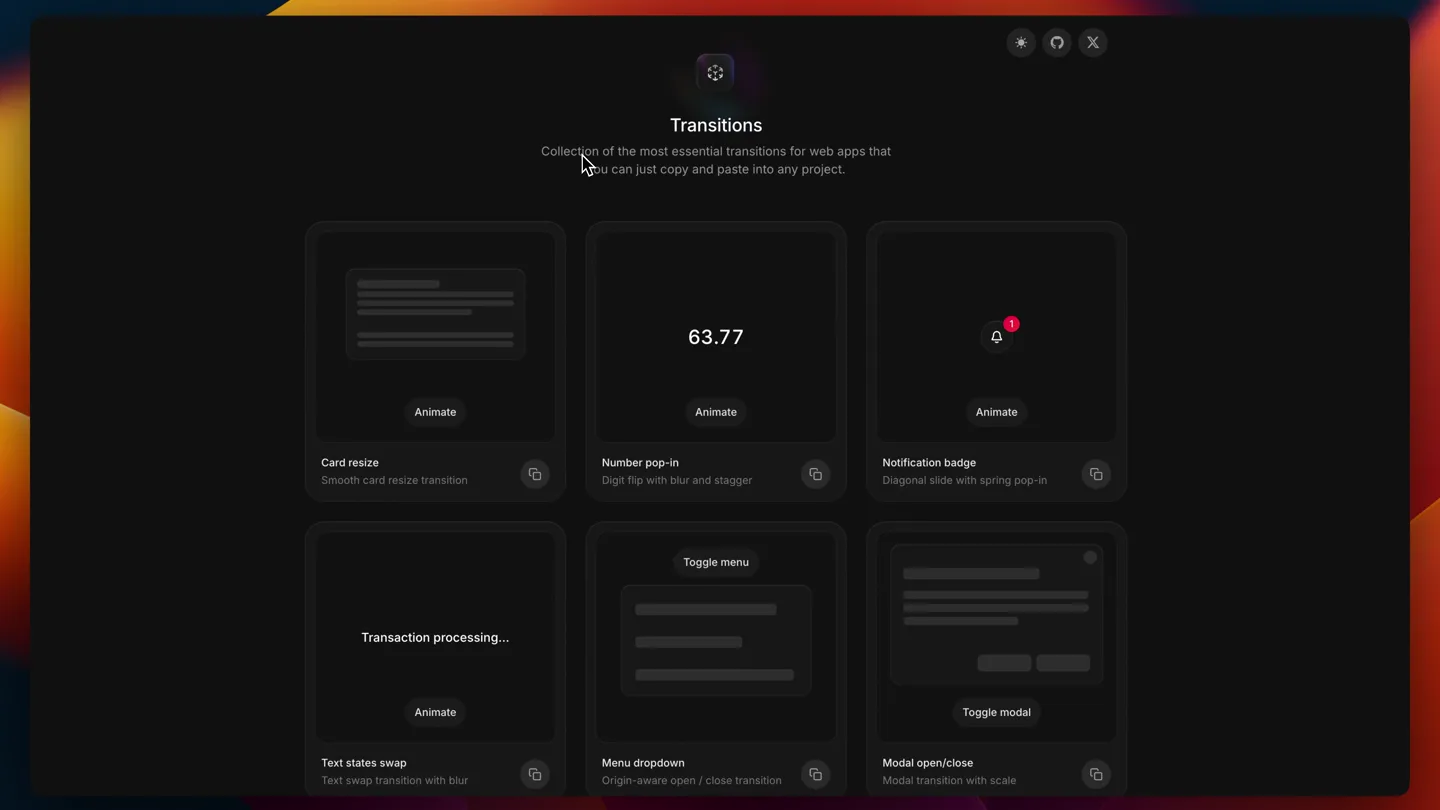
Good transitions make apps feel premium. → http://transitions.dev A collection of essential transitions for web apps. Just: • copy • paste • ship Simple. Smooth. Beautiful. Credits: @Jakubantalik
Scene-by-scene timeline & spoken transcript
The Hook
Product Overview & Value Proposition
“(No spoken dialogue — ambient visual with subtle mouse cursor movement.)”
- On screen
- Transitions Collection of the most essential transitions for web apps that you can just copy and paste into any project.
- Camera
- Static wide shot of the application interface, with a mouse cursor subtly moving to highlight the product name.
- Motion
- Subtle cursor animation, gentle glow effect on the product logo, and a smooth, almost imperceptible zoom out.
Product Reveal
Interactive Transition Demos
“(No spoken dialogue — silent demonstration of various UI transitions.)”
- On screen
- Card resize Smooth card resize transition Number pop-in Digit flip with blur and stagger Notification badge Diagonal slide with spring pop-in Animate
- Camera
- Close-up on individual transition cards, following the mouse cursor as it clicks 'Animate' buttons.
- Motion
- Rapid, precise mouse clicks triggering distinct UI animations: card resize, number flip, and notification badge pop-in. Each animation is smooth and responsive.
Feature Teaser
Advanced UI Transition Examples
“(No spoken dialogue — silent demonstration of more complex UI transitions.)”
- On screen
- Transaction processing... Text states swap Text swap transition with blur Menu dropdown Origin-aware open / close transition Modal open/close Modal transition with scale Toggle panel Panel open / close transition Page side-by-side Forward / back page transition Ethereum ETH Avalanche AVAX BNB Animate
- Camera
- Panning across the grid of transition examples, focusing on the mouse interaction with each 'Animate' or 'Toggle' button.
- Motion
- Demonstration of text state swaps with blur, menu dropdowns, modal open/close with scale, panel reveals, and side-by-side page transitions. The cursor movement is fluid and intentional.
Call to Action
Seamless Interaction & Learn More
“(No spoken dialogue — silent demonstration of final transitions and call to action.)”
- On screen
- $10 25% 50% Max $66.11 available Icon swap Scale and blur icon swap Copied Take the course Made by Jakub Antalik
- Camera
- Continues panning and zooming to highlight the final transition examples and the call to action button.
- Motion
- Smooth page-side-by-side transition, icon swap with scale and blur, and a 'Copied' confirmation animation. The video concludes with a clear call to action button.
Motion design primitives
Synthesizable in Remotion · key components of the interactive-ui-showcase template.
InteractiveCardReveal
A grid of cards, each representing a UI transition. Upon clicking 'Animate', the card's content animates in place, demonstrating the transition effect.
+ Code construction recipe
Utilize Remotion's `Sequence` and `spring` for individual card animations. Each card can be a `Composition` with its own internal state for the 'Animate' trigger. Use `interpolate` for properties like opacity, scale, and blur based on the animation progress.
DynamicTextSwapBlur
Text content smoothly transitions from one state to another, often accompanied by a subtle blur effect during the change.
+ Code construction recipe
Implement with `AbsoluteFill` and `interpolate` for text opacity and `blur` filter. Use `spring` for the timing of the text fade-out/fade-in and blur application, ensuring a fluid, non-linear feel.
OriginAwareModal
Modals or dropdowns appear and disappear with a sense of origin, scaling and fading from the point of interaction.
+ Code construction recipe
Employ `AbsoluteFill` for the modal container. Use `spring` for `scale` and `opacity` properties, with `transform-origin` dynamically set to the click point or parent element for the 'origin-aware' effect. `OffthreadVideo` can be used for pre-rendered complex modal content.
Style DNA & aesthetic system
Visual aesthetic
Typography
Motion
Special effects
Pacing & rhythm
Conceptual story rhythm
- 1
Introduction & Promise
Purpose. Introduce the product and its core value proposition: premium, easy-to-implement transitions.
Execution. Static shot of the app, highlighting the title and tagline, with a subtle cursor movement.
- 2
Core Feature Showcase
Purpose. Demonstrate a variety of essential transitions in action, proving the product's utility.
Execution. Mouse clicks triggering animations on individual cards, showcasing card resize, number pop-in, and notification badge.
- 3
Advanced Use Cases
Purpose. Illustrate more complex and sophisticated UI animations, expanding the perceived value.
Execution. Panning across the grid, demonstrating text swaps, dropdowns, modals, panels, and side-by-side page transitions.
- 4
Call to Action & Credibility
Purpose. Encourage users to explore further and reinforce the creator's expertise.
Execution. Final transition demos, 'Copied' confirmation, and a prominent 'Take the course' button, with creator credit.
Remix in Animatiq Studio
Master remix prompt · agent-ready
Sample remix
Objective
Launch a new AI-powered code refactoring tool called 'SyntaxFlow'.How the recipe adapts
The 'SyntaxFlow' launch video would feature a dark-mode IDE-like interface. Instead of transition cards, there would be code snippet cards. Clicking 'Refactor' on a card would trigger a 'DynamicTextSwapBlur' animation, showing the code transforming. 'OriginAwareModal' would be used for pop-up suggestions or error messages. The cursor would precisely highlight code sections and interact with refactoring options. The video would maintain the smooth spring animations and deliberate pacing, concluding with a 'Try SyntaxFlow' call to action.Remix blueprint · interactive-ui-showcase
Scene durations (4 scenes, 28s)
Key Remotion components
Related Tech & SaaS Product Launches
Explore all Tech & SaaS launches →
Unreal Engine 6 has been announced with Rocket League.
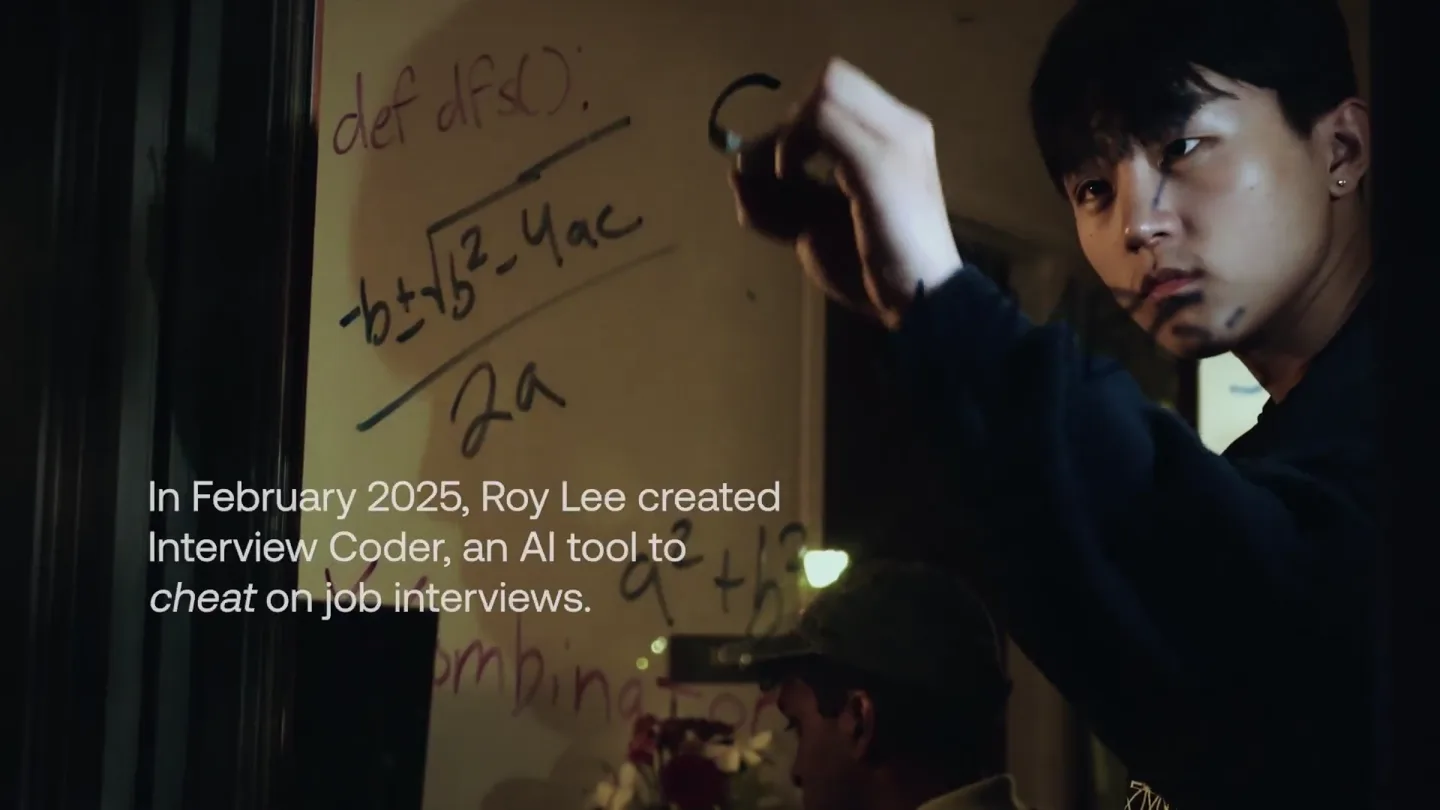
announcing @cluely's $15M fundraise, led by @a16z. cheat on everything.
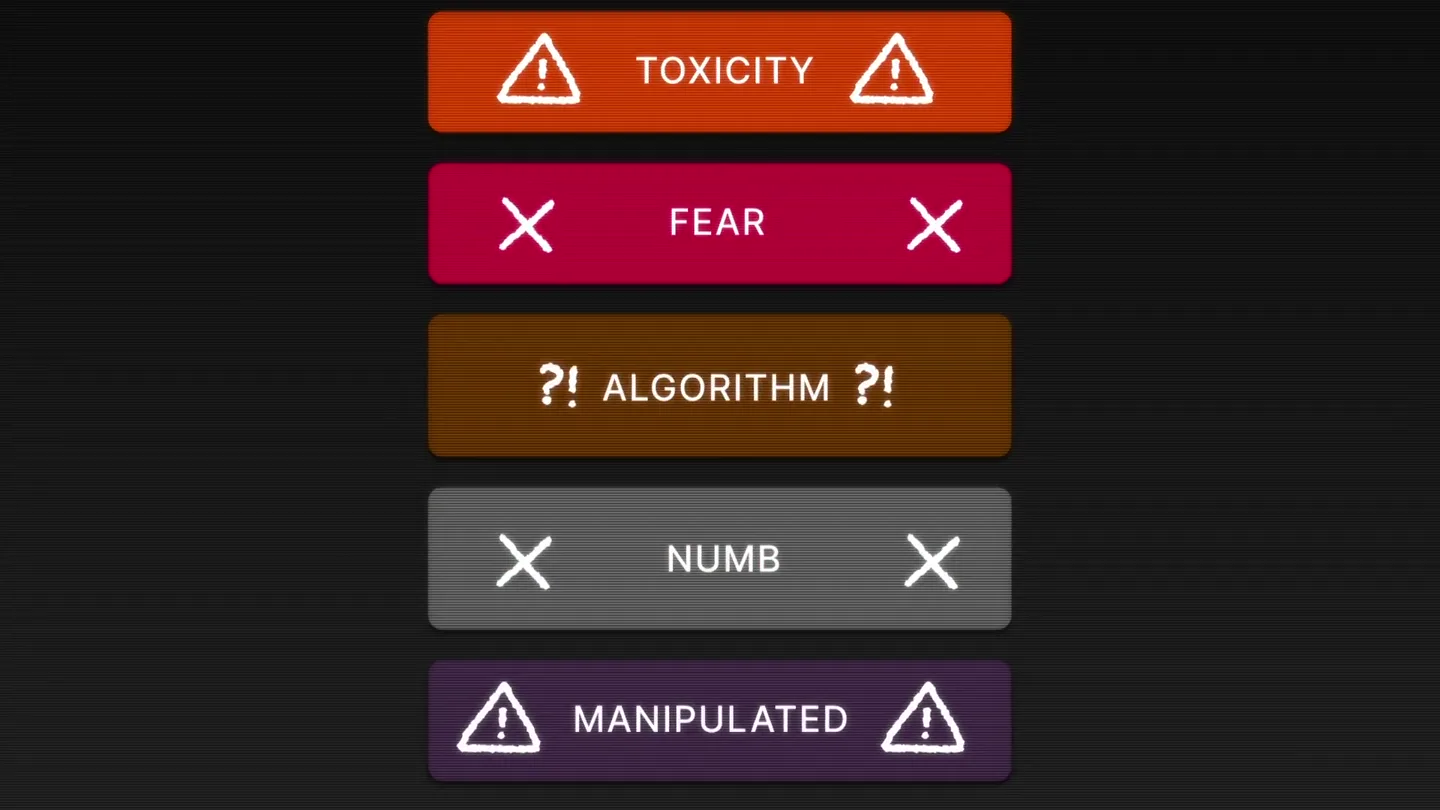
Yesterday we launched Bouncer to put users in control of their Twitter feed. Today, we open sourced the Chrome extension. We believe software should align with your interests, not the company that…