
Sanyi · Launch Video Breakdown: Hook, Pacing & Motion Design
I’m 16 and just finished building an app to stop endless scrolling. A few months ago, I realized how much time I was losing on short-form content… so I built a solution. Meet YScroll. Launching soon
Scene-by-scene timeline & spoken transcript
The Hook
Founder Introduction & Problem Statement
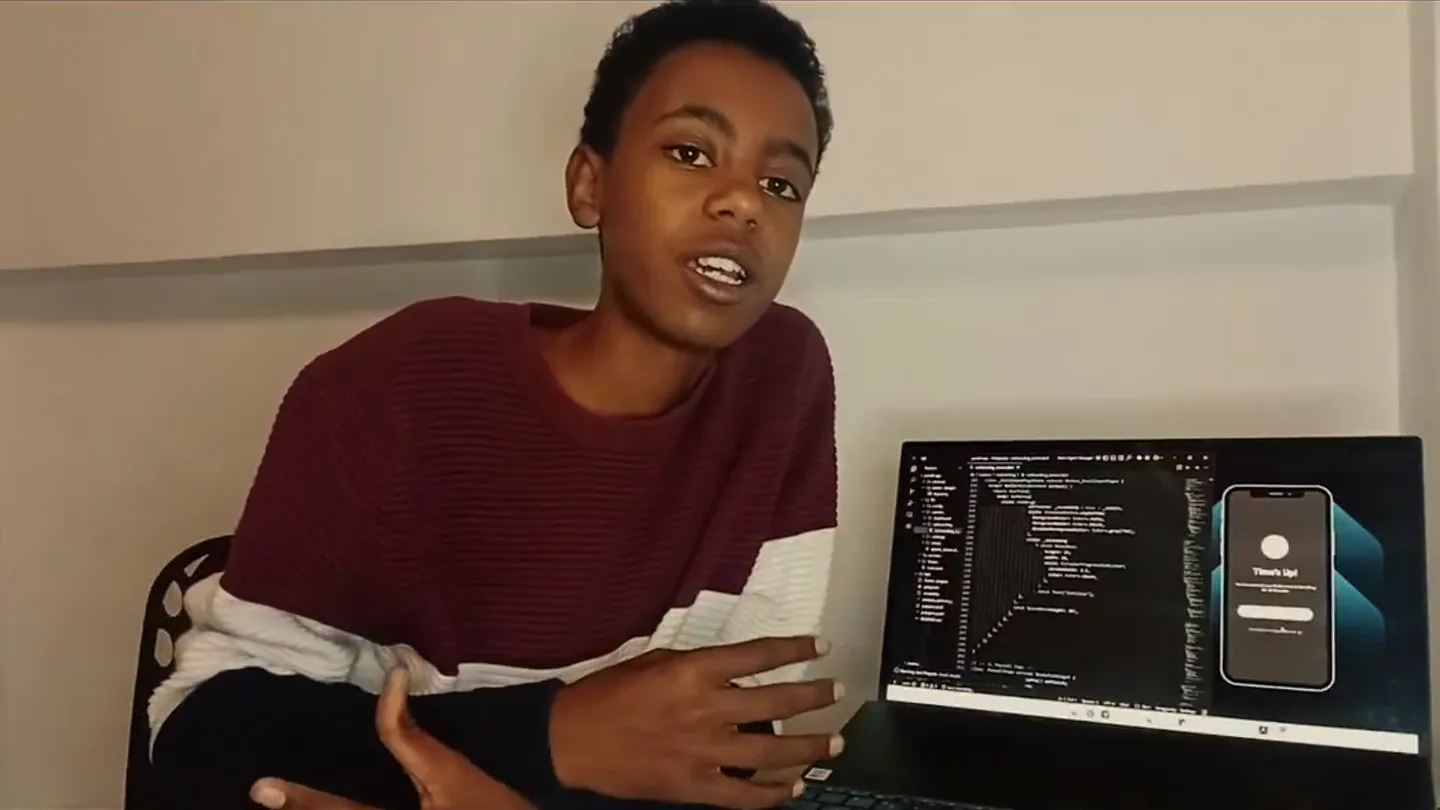
“I'm 16 and just finished building an app to stop endless scrolling. A few months ago, I realized how much time I was losing on short-form content… so I built a solution.”
- On screen
- (No on-screen text)
- Camera
- Medium shot of the founder speaking directly to the camera, with a laptop displaying code and a phone app mockup in the background.
- Motion
- Static shot with a subtle zoom-in on the founder, emphasizing personal connection.
Product Reveal
Developer Environment & App Compilation
“Meet YScroll. Launching soon.”
- On screen
- FocusSee, yscroll-app, settings_screen.dart, flutter pub get, flutter run
- Camera
- Close-up on a laptop screen showing a code editor (VS Code) with Flutter project files and a terminal compiling the app. A circular webcam feed of the founder is in the bottom left.
- Motion
- Screen recording with live typing animation in the terminal, demonstrating the app's build process. The webcam feed is a static overlay.
Feature Teaser
Core Feature Setup: Limits & Cooldown
“YScroll needs these permissions to detect shorts and block them effectively. Please enable all permissions to continue. Daily limit, session limit, cooldown limit.”
- On screen
- Enable Permissions, YScroll needs these permissions to detect Shorts and block them effectively., 1/2, Accessibility Service, Display Over Other Apps, Please enable all permissions to continue, Pro setup, Daily Limit, min, Confirm, Session Limit, Cooldown Limit
- Camera
- Static shot of a smartphone screen displaying the YScroll app interface, centered against an abstract blue and yellow background. The founder's webcam feed remains in the bottom left.
- Motion
- UI walkthrough with interactive elements (toggles, number pickers) animated to show user input. Circular progress indicators animate to reflect limit settings.
Feature Teaser
Blocking Mechanism & Cooldown Trigger
“Time's up! You've reached your session limit. Cooldown active for 4 minutes. Go back to being productive.”
- On screen
- YScroll, 0/5 min used, YScroll Active, Focus Mode, Instantly block all shorts, App Settings, Time's Up!, You've reached your session limit. Cooldown active for 4 minutes., Go Back To Home, Get back to being productive
- Camera
- Static shot of the smartphone screen, transitioning between the active app state and the 'Time's Up!' blocking screen.
- Motion
- Hard cut between app screens, demonstrating the immediate effect of reaching a limit. Text fades in and out on the blocking screen.
Feature Teaser
Advanced Controls: Focus Mode & Temporary Disable
“Focus mode, instantly block all shorts. Turn off temporarily, stop all blocking and tracking.”
- On screen
- YScroll, 2/5 min used, YScroll Active, Focus Mode, Instantly block all shorts, App Settings, ACCOUNT, Email, sanyi@yscroll.com, Edit, PREFERENCES, Daily Limit, Session Limit, Cooldown Limit, CONTROLS, Turn off temporarily, Stop all blocking and tracking, SUPPORT, Contact Support, Version 1.0.0
- Camera
- Static shot of the smartphone screen, navigating through app settings and demonstrating toggle functionality.
- Motion
- UI walkthrough with toggle animations for 'Focus Mode' and 'Turn off temporarily', showing immediate state changes. Smooth transitions between settings screens.
Motion design primitives
Synthesizable in Remotion · key components of the founder-tech-ui-walkthrough template.
FounderWebcamOverlay
A circular webcam feed of the founder is positioned in the bottom-left corner of the screen, maintaining a consistent presence throughout the technical demonstration scenes.
+ Code construction recipe
Implement as a fixed-position `AbsoluteFill` component with `borderRadius: '50%'` and a `z-index` to ensure it overlays other content. Use `spring()` for a subtle entrance animation at the start of its appearance.
TerminalTypingAnimation
Text appears character by character in a terminal window, simulating live typing, followed by a rapid scroll of output.
+ Code construction recipe
Utilize `interpolate()` to reveal text characters sequentially based on time. For the output scroll, animate the `scrollTop` property of a div containing the text, potentially using `spring()` for a natural feel.
CircularProgressIndicator
A circular progress bar animates to reflect numerical values, such as daily limits or minutes used, with a glowing effect.
+ Code construction recipe
Render an SVG circle with a `stroke-dasharray` and `stroke-dashoffset` property animated using `interpolate()` to represent progress. Apply a `filter: drop-shadow()` or multiple `box-shadow` layers for the glowing effect.
Style DNA & aesthetic system
Visual aesthetic
Typography
Motion
Special effects
Pacing & rhythm
Conceptual story rhythm
- 1
Personal Revelation & Solution Genesis
Purpose. Establishes the founder's personal connection to the problem and introduces the app as a direct solution.
Execution. Founder speaking directly to the camera, with subtle background elements hinting at the tech.
- 2
Technical Validation & Product Manifestation
Purpose. Demonstrates the app's creation process, lending credibility and showcasing the technical foundation.
Execution. Screen recording of code compilation and app build process, with the founder's face in a webcam overlay.
- 3
Feature Walkthrough & User Empowerment
Purpose. Explains the core functionalities and how users can customize their experience to regain control.
Execution. Detailed UI demonstrations of setting daily/session limits and cooldown periods, with interactive elements.
- 4
Impact Demonstration & Control Mechanisms
Purpose. Illustrates the app's effectiveness in blocking content and provides options for flexible usage.
Execution. Visuals of the 'Time's Up!' screen, 'Focus Mode' activation, and the 'Turn off temporarily' toggle.
Remix in Animatiq Studio
Master remix prompt · agent-ready
Sample remix
Objective
A new AI-powered journaling app, 'MindWeave', that helps users process thoughts and improve mental clarity.How the recipe adapts
The founder of MindWeave introduces the app, explaining how AI helps structure thoughts. The video then shows a screen recording of a Python script for natural language processing, followed by a UI walkthrough of MindWeave's interface. This includes setting daily journaling prompts, visualizing thought patterns with animated graphs, and a 'reflection mode' that summarizes entries. The circular webcam overlay of the founder remains, and the overall motion style is calm and informative, with subtle glowing animations on interactive UI elements like 'Generate Insight' buttons and 'Mood Tracker' circles.Remix blueprint · founder-tech-ui-walkthrough
Scene durations (5 scenes, 160s)
Key Remotion components
Related Consumer & Apps Product Launches
Explore all Consumer & Apps launches →
Grand Theft Auto VI: An Extended Look premieres on Netflix Thursday, August 27.
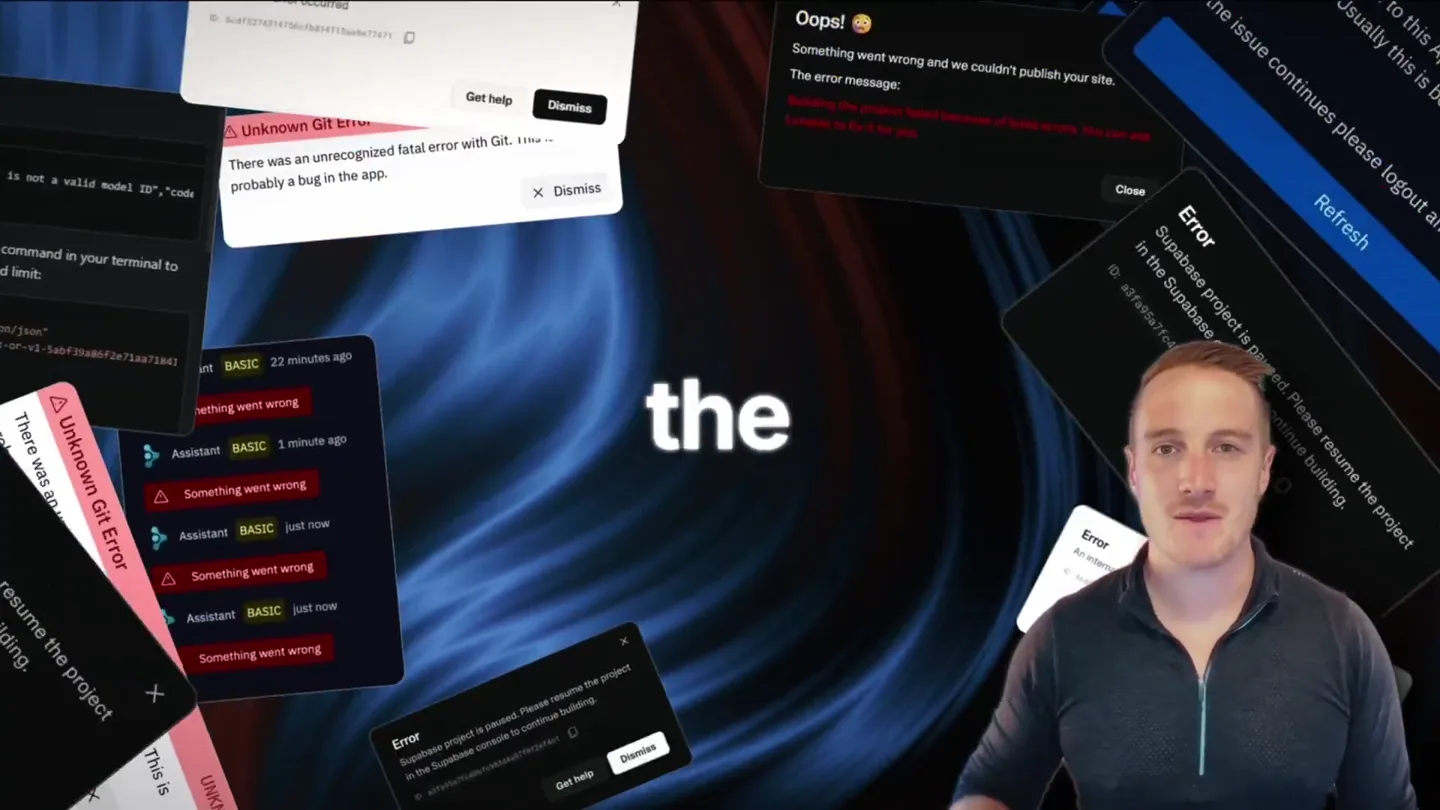
Bolt v2 pairs Claude Code and Codex agents with built-in hosting, database and storage so apps ship without setup.

Making life multiplanetary