
Scene-by-scene timeline & spoken transcript
The Hook
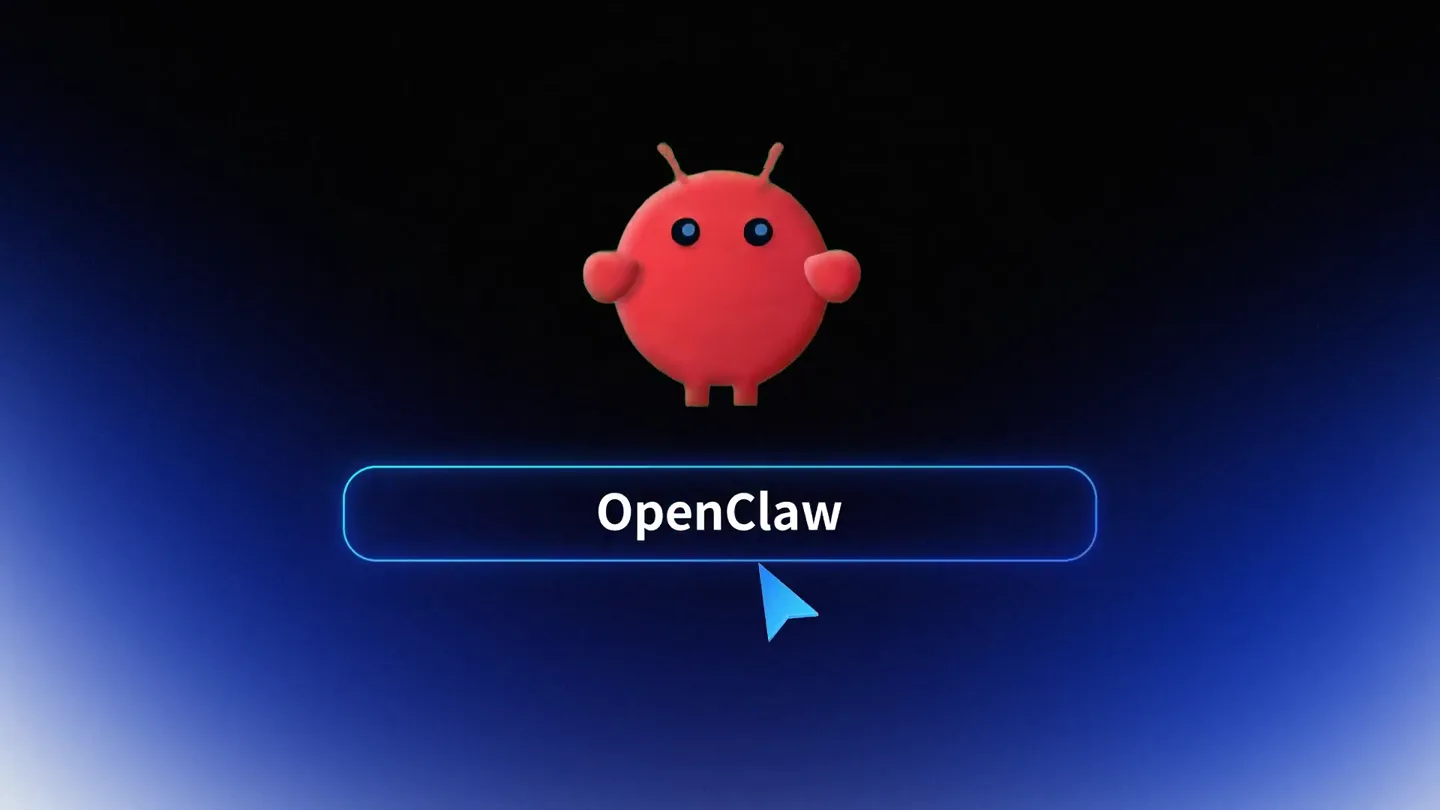
The Problem with OpenClaw
“Open Claw, a new way to interact with AI models locally, no API key required. But there's a problem.”
- On screen
- OpenClaw Install
- Camera
- Static shot on a glowing orb, then a slight zoom out to reveal a character and a loading bar, followed by a rapid zoom out to show multiple error messages radiating from the center.
- Motion
- Glowing orb reveal, character introduction with progress bar, rapid radial error message pop-up with a subtle red glow.
Product Reveal
Introducing AutoClaw: Seamless Local AI
“Introducing Auto Claw. Download and start locally with no API key required. Bring any model or use GLM-5-Turbo optimized for tool calling. Your data never leaves your machine.”
- On screen
- AutoClaw Install Describe your goal, and AutoClaw executes step by step with real-time feedback. Send a file to AutoClaw GLM-5
- Camera
- Rapid zoom-in on a glowing logo, then a static shot of the 'AutoClaw' logo and install bar, transitioning to a slight diagonal pan across a clean UI demonstrating interaction.
- Motion
- Logo reveal with light rays, clean UI presentation with subtle text animation, smooth camera pan across interface elements.
Feature Teaser
Connectivity & Built-in Skills
“Connect messaging tools like Slack, Discord, WhatsApp, Telegram, and more. Auto Claw comes with 50+ built-in skills, from content ops to code assistant, scheduler, and customer support.”
- On screen
- Connect AUTOCLAW CONNECTIVITY HUB Connected 50+ Built-in Skills Content Ops. Code Assistant Scheduler Customer Support Lead Response Research Agent
- Camera
- Static shot on 'Connect' text, then a zoom out to reveal a radial network of connected app icons. Followed by a zoom out to show a grid of skill icons emerging from a glowing base.
- Motion
- Text reveal, radial network animation with glowing connections, grid-based skill icon pop-up with subtle glow and rotation.
Feature Teaser
AI Model Integration & Workflow Automation
“Plug in your favorite AI models like Gemini, Claude, OpenAI, and Z.ai. Auto Claw can automate workflows like AI ticket workbench, summary and classification, and AI recommended responses.”
- On screen
- Plug Your in AI AI Models Gemini Claude OpenAI Z.ai Quick Setup Integrate IM Help me write a simple Python script to find the maximum value in a list. Python Script (find_max_value.py) AI Ticket Workbench: Summary & Classification John Smith CEO,Acme Corp AI INSIGHTS & INTENT ANALYSIS: AI RECOMMENDED RESPONSE: Tonality: Friendly [GENERATE & SEND] Professional [EDIT REPLY]
- Camera
- Static shot on 'Plug Your in AI' text, then a zoom out to reveal orbiting AI model icons. Transitions to a diagonal pan across a UI demonstrating model selection, then a quick cut to a code generation UI, and finally a customer support workbench UI.
- Motion
- Text reveal, orbital animation of AI model icons, UI interaction simulation with cursor, rapid UI transitions showcasing different features.
Call to Action
AutoClaw: Powerful Agents for Everyone
“Auto Claw brings powerful agents to everyone. Download Auto Claw today.”
- On screen
- AutoClaw brings powerful agents to everyone AutoClaw
- Camera
- Slow zoom out on a gradient background, revealing a final tagline, then a static shot of the AutoClaw app icon.
- Motion
- Subtle text animation with a soft glow, app icon reveal with a gentle pulse.
Motion design primitives
Synthesizable in Remotion · key components of the glowing-tech-launch-template template.
RadialErrorBurst
A central object emits multiple error messages or icons that rapidly expand outwards in a radial pattern, often accompanied by a color shift or glow.
+ Code construction recipe
Use `interpolate` for scaling and opacity of individual error elements. Position elements using polar coordinates. Apply a `spring` animation for the initial burst and a `glow` effect using CSS filters or SVG filters for the central object and radiating elements.
OrbitalConnectivity
A central icon is surrounded by other icons orbiting it along circular paths, with glowing lines connecting them to the center.
+ Code construction recipe
Implement `transform: rotate` for orbital motion of child components. Use `SVG paths` or `Canvas` for drawing dynamic glowing connection lines. Animate `stroke-dasharray` and `stroke-dashoffset` for line drawing effects. Apply `filter: drop-shadow` for the glow.
UIFeaturePan
A camera smoothly pans across a detailed user interface, highlighting different sections or interactions, often with a slight perspective shift.
+ Code construction recipe
Utilize `transform: translateX/Y` and `perspective` CSS properties on a container holding the UI elements. Animate the `transform` properties using `spring` or `easeInOut` interpolation for smooth camera movement. Simulate cursor interaction with a separate animated SVG or image element.
Style DNA & aesthetic system
Visual aesthetic
Typography
Motion
Special effects
Pacing & rhythm
Conceptual story rhythm
- 1
The Frustration
Purpose. Establish a common pain point with existing solutions (e.g., complex setup, errors) to create immediate relatability.
Execution. Initial product name reveal followed by a rapid sequence of error messages and a 'failed installation' scenario.
- 2
The Solution Unveiled
Purpose. Introduce the new product as the direct answer to the previously agitated problem, highlighting its core benefit.
Execution. A dramatic logo reveal, followed by a clean UI showing a successful 'Install' and a simple prompt for interaction.
- 3
Feature Showcase Montage
Purpose. Demonstrate key functionalities and benefits through quick, visually engaging UI interactions and animated diagrams.
Execution. Rapid cuts between connectivity hubs, skill grids, AI model selection, and workflow automation UIs, each with distinct animations.
- 4
Empowerment & Call to Action
Purpose. Reinforce the overarching value proposition and guide the viewer towards the next step.
Execution. A concluding tagline emphasizing user empowerment, followed by a clear product logo and a call to download.
Remix in Animatiq Studio
Master remix prompt · agent-ready
Sample remix
Objective
Launch a new data integration platform called 'DataFlow' that simplifies complex data pipelines for businesses.How the recipe adapts
The video would open with a 'DataFlow' logo, quickly transitioning to a visual of tangled, broken data pipes and 'ERROR: Data Silo' messages using the RadialErrorBurst primitive. Then, the 'DataFlow' logo would dramatically reveal itself, followed by a clean UI demonstrating a drag-and-drop interface for connecting data sources. The OrbitalConnectivity primitive would show various database and cloud icons orbiting a central 'DataFlow' hub. The UIFeaturePan primitive would highlight features like data transformation, real-time analytics dashboards, and AI-powered anomaly detection. The final scene would display 'DataFlow: Unify Your Data' with a download button, maintaining the energetic electronic music and glowing visual effects.Remix blueprint · glowing-tech-launch-template
Scene durations (5 scenes, 49s)
Key Remotion components
Related AI Agents Product Launches
Explore all AI Agents launches →
To ensure that artificial general intelligence benefits all of humanity

Gopuff introduces Go, an AI shopping assistant built with SpaceXAI: say what you need and the order is placed.

Iliad (Troy) trailer made by Grok Imagine 1.5, which was just released