
Library
Keep brand files and renders in one library.
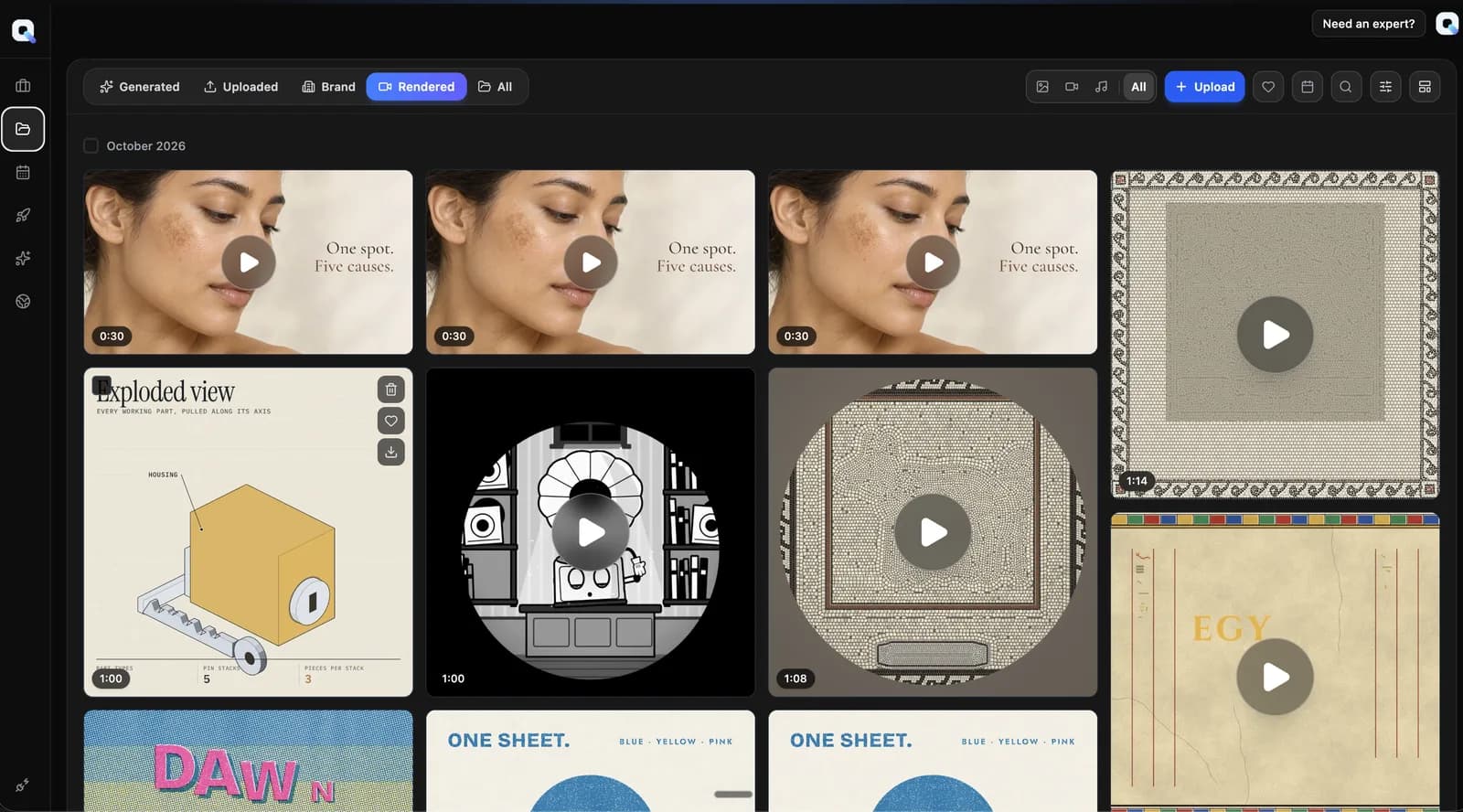
The asset library gathers what the studio generates, what you upload, your brand files, and the videos you render. Filter by source, type, or brand, and open any file to preview it.
What you can do in Assets
Four sources in one place
Browse Generated, Uploaded, Brand, and Rendered files, or view All of them together. Rendered is the default view.
Filter, search and sort by date
Filter by image, video, audio, or text. Search the library, narrow to a brand on the Brand source, and limit the list to recent files.
Upload files from your computer
Upload files to the Uploaded source. The new files appear there as soon as the upload finishes.
Favorites for generated files
Mark generated and rendered files as favorites to find them later. Show only your favorites with a single filter.
Preview in place
Open a video, image, or audio file in a full preview with its prompt or file type. Reuse files from the library in the composer.
Make your first cut.
Bring a brief. Keep the project.