
Anything · Launch Video Breakdown: Hook, Pacing & Motion Design
BREAKING: design-first vibe coding is here! import your Figma designs into Anything and go straight to building
Scene-by-scene timeline & spoken transcript
The Hook
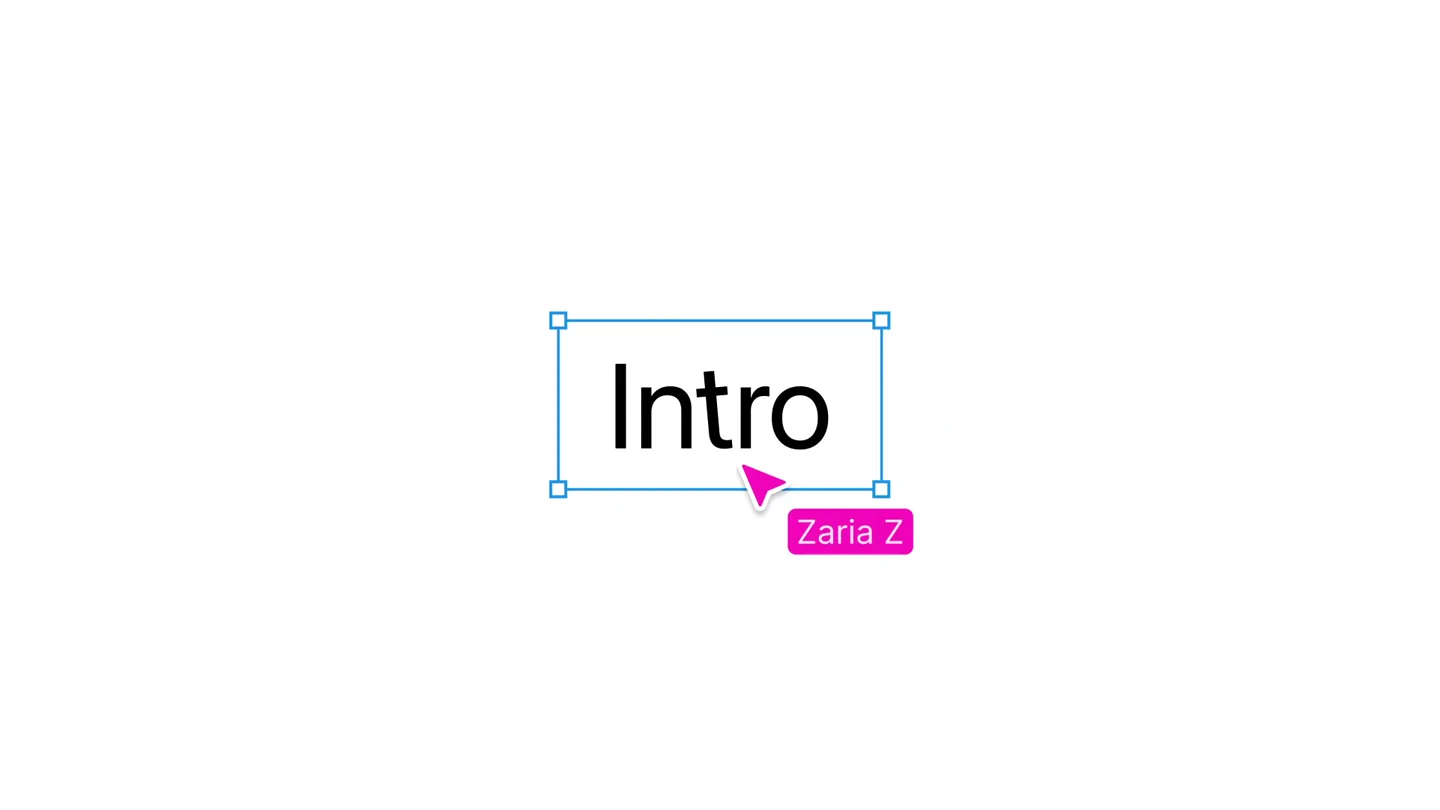
Collaborative Text & Logo Reveal
“(No spoken dialogue — The track features a driving, percussive electronic beat with prominent sub-bass and glitchy synth elements. Pizzicato synths and 808-style drums are present.)”
- On screen
- Zaria Z Introducing Dhruv A Marcus L Anything
- Camera
- Static, centered view of a digital canvas. The camera subtly zooms out as more elements appear.
- Motion
- Multi-user cursor animation, text typing/revealing, bounding box highlights, and a logo reveal with a subtle zoom.
Product Reveal
Figma Integration & Live Design Editing
“(No spoken dialogue — A high-energy audio transition/riser at [00:08] leads into a sub-bass drop/impact at [00:09]. The driving electronic beat continues.)”
- On screen
- Anything x Figma automoroh.ai Website Design File Assets Pages Typography Design Crit Feedback Archive Work in progress Layers Header / Desktop Hero-Section Dashboard Section Headline Stack Image Wrapper Solutions Section Features Section Pricing Section FAQs Section Footer/Desktop Home page automoroh.ai Product Solutions Pricing Docs Start Free Place Holder Lorem ipsum dolor sit amet, consectetur adipiscing elit, sed do eiusmod tempor incididunt Start Free Explore Platform One Dashboard. Total Control. Monitor performance, automate workflows, and manage intelligence from a single, unified interface. Design Prototype Share Frame Position X 240 Y 120 L 0 H 812 Clip content Appearance 100% Fill 37452A Stroke Effects Layout grid Intelligence, On Demand. Build, automate, and scale with next-generation AI systems designed for modern teams. Start Free Explore Platform Monitor performance, automate workflows, and manage intelligence from a single, unified interface. Dashboards Default Notifications You have a bug that needs... New user registered And I have subscribed to yo Zaria Z Marcus L Dhruv A
- Camera
- Static, full-screen view of a Figma-like interface. The camera remains fixed, focusing on the UI interactions.
- Motion
- UI element manipulation, text editing, image replacement, and bounding box animations, all simulating real-time collaborative design.
Feature Teaser
Seamless Figma Import Workflow
“(No spoken dialogue — The driving electronic beat continues with pizzicato synths and 808-style drums.)”
- On screen
- 23cnfhc70rfc4 Link copied. What can I help you build today? Describe your Auto > Default > Import from Figma Paste a Figma file U Generate https://www.figma.com/design/ukfQ54ML
- Camera
- Close-up on a URL bar, then a wider shot of a chat-like interface. The camera tracks cursor movements and UI interactions.
- Motion
- Text typing, copy/paste animation, button clicks, and modal pop-ups, all driven by a simulated user cursor.
Call to Action
Instant Code Generation & Brand Reveal
“(No spoken dialogue — A high-energy audio transition/riser at [00:25] leads into a sub-bass drop/impact at [00:26]. The driving electronic beat concludes with a final impact.)”
- On screen
- Portfolio Website Working... automoroh.ai | Website Make updates to your app... Auto > Default > Logs About Invite Publish automoroh.ai Product Solutions Pricing Docs Start Free Intelligence, On Demand. Build, automate, and scale with next-generation AI systems designed for modern teams. Start Free Explore Platform One Dashboard. Total Control. Monitor performance, automate workflows, and manage intelligence from a single, unified interface. Worked for 15s... What's Been Created Main Page (/apps/web/src/app/page.tsx) — Sticky navigation bar with logo, product links, and primary CTA — Full-screen hero section with cinematic landscape background — Primary headline “Intelligence, On Demand.” — Dual call-to-action buttons (Start Free / Explore Platform) Anything
- Camera
- A blurred UI transitions to a sharp view, then a close-up on a generated code panel, finally zooming out to a full-screen brand logo.
- Motion
- Blur/focus transitions, code scrolling, UI element reveals, and a final full-screen logo animation with a subtle glow.
Motion design primitives
Synthesizable in Remotion · key components of the collaborative-design-to-code template.
MultiUserCursorReveal
Multiple distinct cursors (each with a user name tag) animate across the screen, interacting with text fields and UI elements to collaboratively reveal content or perform actions.
+ Code construction recipe
Use Remotion's <AbsoluteFill> for the canvas. Implement multiple <Cursor> components, each with a unique color and label. Animate cursor positions using `interpolate` or `spring` functions based on a predefined path array. Text reveals can be achieved with `typewriter` effects or `opacity` animations triggered by cursor interaction points.
FigmaLiveEditSimulation
A realistic simulation of a design tool interface (like Figma) where elements are dynamically edited, text is typed, and images are swapped, all in real-time with bounding box feedback.
+ Code construction recipe
Render a static Figma-like UI as a base layer. Use `AbsoluteFill` and `Layer` components for UI elements. Animate text changes using `Sequence` and `spring` for character-by-character reveals. Bounding boxes can be rendered as SVG rectangles with `stroke` and `fill` properties animated via `interpolate` for scale and position changes. Image swaps can be done by changing the `src` prop of an `Img` component within a `Sequence`.
CodeGenerationFocusTransition
A smooth transition from a blurred UI state to a sharp, focused view of generated code, followed by a clear display of the resulting design and a final brand logo reveal.
+ Code construction recipe
Start with a blurred version of the UI using an SVG `filter` (e.g., `feGaussianBlur`). Animate the `stdDeviation` of the blur filter to `0` using `interpolate`. Overlay a `CodeBlock` component (custom or third-party) with `typewriter` animation for code reveal. The final brand logo can be a simple `Img` or `Text` component with `opacity` and `scale` animations, potentially with a subtle `glow` effect using CSS `text-shadow` or SVG filters.
Style DNA & aesthetic system
Visual aesthetic
Typography
Motion
Special effects
Pacing & rhythm
Conceptual story rhythm
- 1
The Collaborative Spark
Purpose. Introduce the core concept of collaborative design and the product's name in an engaging, interactive way.
Execution. Multiple cursors collaboratively type out 'Introducing Anything', highlighting the multi-user aspect and the product's identity.
- 2
Design-to-Code Magic
Purpose. Demonstrate the product's key value proposition: transforming Figma designs into functional code.
Execution. A Figma-like interface shows real-time design edits, followed by a seamless import of a Figma URL and instant code generation.
- 3
Effortless Workflow Integration
Purpose. Showcase the ease of integrating the product into existing design and development workflows.
Execution. The user copies a Figma link, pastes it into the product's interface, and initiates the generation process with minimal steps.
- 4
The Future of Building
Purpose. Conclude with the tangible output of the product and reinforce its brand promise.
Execution. A generated website appears, accompanied by a summary of created components, culminating in a bold display of the 'Anything' logo.
Remix in Animatiq Studio
Master remix prompt · agent-ready
Sample remix
Objective
A data analyst wants to quickly visualize sales data from a Google Sheet into an interactive dashboard.How the recipe adapts
The MultiUserCursorReveal primitive would show multiple analysts collaboratively selecting data ranges in a simulated spreadsheet. The FigmaLiveEditSimulation would be adapted to a 'DataViz Builder' interface, where users drag-and-drop chart types onto a canvas, and the chart dynamically updates with data. The CodeGenerationFocusTransition would show the raw data transforming into a beautiful, interactive dashboard, followed by the new data visualization product's logo.Remix blueprint · collaborative-design-to-code
Scene durations (4 scenes, 29s)
Key Remotion components
Related Creative Tools Product Launches
Explore all Creative Tools launches →
Anthropic Labs launches Claude Design, which turns conversation into prototypes, slides and one-pagers, powered by Claude Opus 4.7.

A vibe design partner with an AI-native canvas for turning ideas into UI.

Your work tools in Claude are now available on mobile. Explore Figma designs, create Canva slides, check Amplitude dashboards, all from your phone. Give it a try: