

Google · Launch Video Breakdown: Hook, Pacing & Motion Design
A vibe design partner with an AI-native canvas for turning ideas into UI.
Scene-by-scene timeline & spoken transcript
The Hook
AI-Native Canvas Introduction
“(No spoken dialogue — Pizzicato synths and sub-bass introduce a modern, dynamic atmosphere with a high-energy riser at 0:00.)”
- On screen
- Stitch BETA
- Camera
- Starts with a blurred abstract background, then zooms into a central text input field, followed by a subtle pan and zoom on UI elements.
- Motion
- Gradient background animation, text input field reveal, UI element scaling and subtle glow effects.
Product Reveal
Voice-Powered UI Generation
“I want to design a new landing page for our brand. Something in matcha green, Hey, can we swap the photo”
- On screen
- I want to design a new landing page for our brand. Something in matcha green, Generating new ideas Reticulating Splines Sequences shortened. Results for illustrative purposes. Studio Alpha - Organic handcrafted STUDIO ALPHA Work Services Journal About Contact Crafting Atmospheres for the Modern Brand. A boutique design collective dedicated to editorial excellence and organic minimalism. We build identities that breathe. Inquire Now → View Portfolio Hey, can we swap the photo Star Guide Landing Page LUMIÈRE COLLECTION NO. 24 The Minimalist Dialogue SHOP THE LOOK
- Camera
- Dynamic camera movements, including close-ups on text input, smooth pans across generated UI, and a split-screen comparison.
- Motion
- Text typing animation, generative UI reveal with a subtle glow, seamless transitions between different UI mockups, and a side-by-side comparison with a smooth wipe.
Feature Teaser
Design System Integration & Iteration
“I think we can try out some other color and layout options?”
- On screen
- Design System - Deep Sleep Theme Design.md Mode Light Dark Seed Color #1152D4 Color theme Analogous Color Palette Primary Secondary Tertiary Neutral Font Tv Headline Save Apply to Selection FEATURED COMMUNITY Mindful Mornings Start your day with intention. A 15-minute collective meditation and gratitude practice held every sunrise. Join Circle → Ambiance Prototype Session Player Wellness Circles Find your sanctuary among like-minded souls. Search for a community... FEATURED COMMUNITY Mindful Mornings Start your day with intention. A 15-minute collective meditation and gratitude practice held every sunrise. Join Circle → Forest Bathing Collective Using your voice Session Player - Yoga. Serenity Breathe Hold for 4s 12:45 24:00 COMING UP Warrior II Transition HOME LIBRARY PROGRESS I think we can try out some other color and layout options? Sequences shortened. Results for illustrative purposes.
- Camera
- Focus shifts from a design system panel to a mobile UI, then a split-screen view for layout variations, followed by a full-screen text reveal.
- Motion
- Interactive UI elements highlighting, smooth zoom-in on mobile screens, horizontal slide transition for layout comparison, and a text reveal with a gradient wipe.
Call to Action
Infinite Design Possibilities
“(No spoken dialogue — High-energy audio transition with a riser and sub-bass drop at 1:08, followed by atmospheric pads and pizzicato synths.)”
- On screen
- Stitch BETA
- Camera
- Rapid montage of various UI designs, followed by a return to the product logo on an abstract background.
- Motion
- Fast-cut montage with quick zooms and pans across multiple UI screens, concluding with a fade-in of the product logo on a dynamic gradient background.
Motion design primitives
Synthesizable in Remotion · key components of the ai-creative-canvas-launch template.
GradientTextReveal
Text appears with a subtle gradient wipe effect, often accompanied by a soft glow, emphasizing key phrases or product names.
+ Code construction recipe
Utilize Remotion's `interpolate` for `opacity` and `background-position` on a `linear-gradient` text fill. Apply a `filter: blur()` for the glow effect, animating its `stdDeviation`.
GenerativeUISlide
UI elements or screens slide into view, often from the side, with a slight bounce or spring effect, sometimes revealing multiple options side-by-side.
+ Code construction recipe
Implement `spring` for `translateX` or `translateY` properties. For multiple options, use `map` to render an array of components with staggered `delay` for a cascading effect.
DynamicGlowOutline
Interactive UI elements or containers are highlighted with a pulsating or animating neon-like outline, drawing attention to user input or generated content.
+ Code construction recipe
Use `SVG` filters for `feGaussianBlur` and `feColorMatrix` to create a glow. Animate `stroke-dasharray` and `stroke-dashoffset` on an SVG path for the animating outline, interpolating `color` for the pulsating effect.
Style DNA & aesthetic system
Visual aesthetic
Typography
Motion
Special effects
Pacing & rhythm
Conceptual story rhythm
- 1
The Visionary Prompt
Purpose. Establishes the product's core capability: transforming natural language into design.
Execution. A user types a design request into an AI-powered input field, with text appearing dynamically.
- 2
Instantaneous Creation
Purpose. Showcases the speed and efficiency of the AI in generating diverse UI options.
Execution. Multiple UI mockups rapidly generate and slide into view, demonstrating variety and responsiveness.
- 3
Refinement & Iteration
Purpose. Highlights the product's ability to refine designs through voice commands and design system application.
Execution. A split-screen comparison of UI variations, followed by a demonstration of applying a design system.
- 4
Boundless Creativity
Purpose. Emphasizes the product's potential for endless design exploration and innovation.
Execution. A rapid montage of diverse UI screens, culminating in the product logo, signifying infinite possibilities.
Remix in Animatiq Studio
Master remix prompt · agent-ready
Sample remix
Objective
Launch video for 'Harmoniq', an AI music composition platform.How the recipe adapts
The dark background and vibrant gradients will be used to frame a central music sequencer UI. Instead of text input, a voice command interface will be shown for 'compose a chillwave track with a driving bassline'. The GenerativeUISlide will display different song structures or instrument variations. DynamicGlowOutline will highlight active MIDI notes or audio effects. The fast cuts will synchronize with beat drops and musical transitions, creating an immersive audio-visual experience for music creation.Remix blueprint · ai-creative-canvas-launch
Scene durations (4 scenes, 92s)
Key Remotion components
Related Creative Tools Product Launches
Explore all Creative Tools launches →
We heard you wanted to use Codex rate limit resets on your own time. Starting today, we’re rolling out the ability to save rate limit resets to use later. We’re starting Go, Plus, Pro, and Business
There's a hidden tax on every knowledge worker in the world, and nobody talks about it: The design tax. You're a strategist, a sales lead, a marketer. You were hired for what you know. But every me…
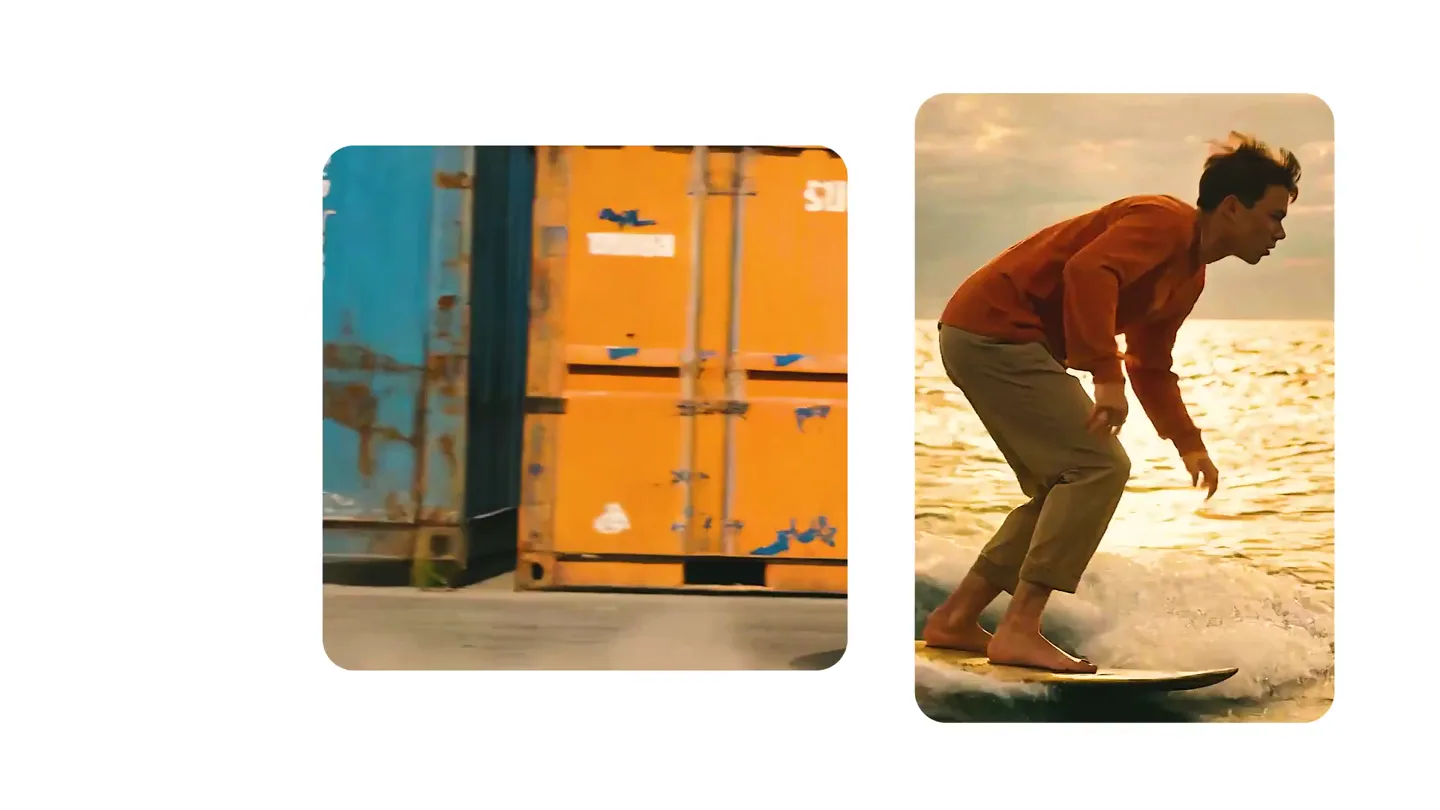
We just launched something the VFX community has been waiting for. OpenArt VFX lets you apply real visual effects to footage you already have. It lets you mask any region of your video and replace it with AI-generated content that matches the scene's lighting and physics. https://t.co/dnQjrZCWC4