
Bolt · Launch Video Breakdown: Hook, Pacing & Motion Design
Real, full-stack apps made with the world's best designers and agencies — free to open and remix.
Scene-by-scene timeline & spoken transcript
The Hook
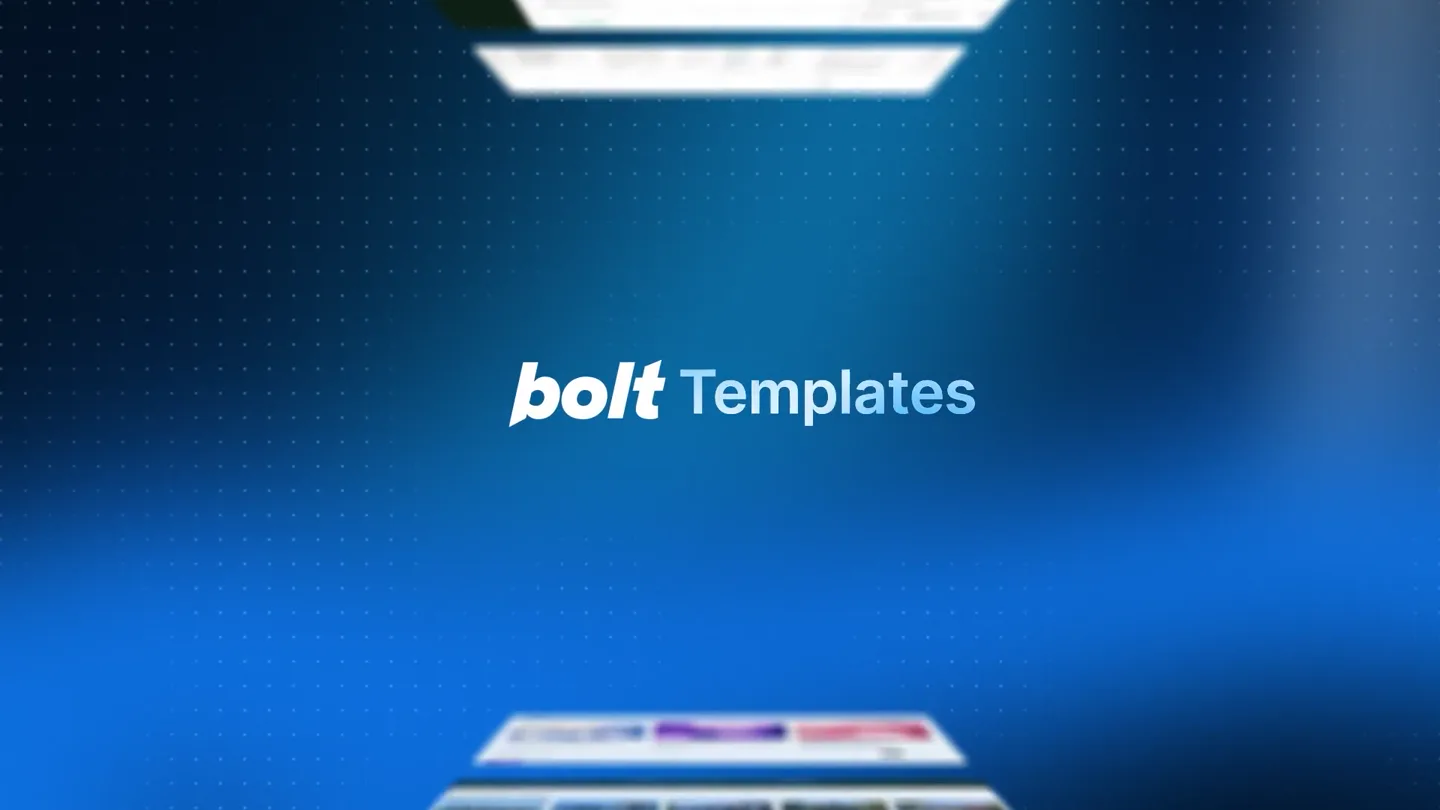
Introducing Bolt Templates
“(No spoken dialogue — The track opens with a subtle, sustained synth pad and a rhythmic, almost percussive, arpeggiated synth line. A prominent sub-bass drone underpins the entire piece, providing a deep, resonant foundation. At 00:00, a distinct 'whoosh' sound effect initiates the track, followed by a subtle riser at 00:01. A significant sub-bass drop/impact occurs at 00:02, marking a transition.)”
- On screen
- Introducing bolt Templates
- Camera
- Static, centered perspective on text, with blurred web interfaces appearing from top and bottom.
- Motion
- Text reveal with a subtle glow, accompanied by a symmetrical, converging motion of blurred UI elements.
Product Reveal
Real, Working Apps Showcase
“(No spoken dialogue — The sub-bass drop at 00:02 transitions into a steady electronic rhythm with percussive elements.)”
- On screen
- Fully Interactive Portfolio Website Real, working apps. Events Guide Portfolio Website Commerce Admin Social Analytics Real Estate Architect Portfolio SaaS Landing Finance Tracker Travel Journal
- Camera
- Camera pans across a grid of diverse web application interfaces, showcasing various templates.
- Motion
- Grid reveal with staggered, rapid-fire appearance of app screenshots, creating a sense of abundance and variety.
Feature Teaser
Interactive Template Customization
“(No spoken dialogue — The rhythmic electronic elements continue, maintaining an energetic pace.)”
- On screen
- https://template-kern-studio.bolt.host/ KERN® WORKS STUDIO JOURNAL CONTACT PAR 10:19:10 MOTION 3D & CGI ART DIRECTION CREATIVE DEV BRANDING WEB DESIGN MOTION 3D [ OVERVIEW ] We believe great design is not decoration — it is tension, rhythm and intent. Every pixel earns its story. Every interaction tells the story. 47 PROJECTS SHIPPED 12 INT'L AWARDS 08 TEAM MEMBERS 02 STUDIOS WORKED WORKS CHROMATIC DRIFT 2020 SELECTED WORKS Dashboard E-Com Store Finance App Light, distilled into skin.
- Camera
- Close-up on a browser window, demonstrating interactive elements and then zooming out to show multiple app previews.
- Motion
- Dynamic UI interaction simulation, with elements highlighting and content changing, followed by a smooth zoom-out and horizontal slide of app previews.
Problem Agitation
Effortless Customization & Deployment
“(No spoken dialogue — A high-energy sweep and riser build from 00:18 to 00:20, culminating in another impactful sub-bass drop at 00:21.)”
- On screen
- Built by world-class designers and agencies. Make it you| Make it| Make this a store for handmade ceramics - switch to a warm neutral palette and update the product cards + Plan Build now 3D Cylindri... Preview Upgrade Share Publish HANDMADE CERAMICS Made by hands Light and silence. HORIZON HOUSE MALLORCA SPAIN SELECTED WORK 01 Speckled Mug Stoneware Mallorca, ES 2025 02 Breakfast Bowl Stoneware Mallorca, ES 2024 03 Bud Vase Stoneware Mallorca, ES 2023 04 Dinner Plate Stoneware Mallorca, ES 2022 05 Pouring Jug Stoneware Mallorca, ES 2021 06 Lidded Jar Stoneware Mallorca, ES 2020 Build now
- Camera
- Text appears and disappears, followed by a close-up on a text input field and then a full-screen view of a web editor.
- Motion
- Typing animation for text input, followed by a seamless transition to a live-editing interface with content dynamically updating, simulating real-time changes.
Call to Action
Launch Your App Now
“(No spoken dialogue — The track continues with the established rhythmic and atmospheric elements, fading out with the sustained synth pad and sub-bass.)”
- On screen
- From idea to shipped. In minutes. Completely free Get started now bolt.new
- Camera
- Static, centered text reveals, transitioning to a final call to action with the product URL.
- Motion
- Clean, impactful text reveals with subtle fades and scale animations, culminating in a bold, centered call to action.
Motion design primitives
Synthesizable in Remotion · key components of the dynamic-ui-showcase template.
ConvergingUIReveal
Blurred web interfaces emerge from the top and bottom of the screen, converging towards the center while text appears with a subtle glow.
+ Code construction recipe
Use `interpolate` for `opacity` and `transform` (translateY) on two `Absolute` positioned `Img` components. Apply a `blur` CSS filter. Text uses `spring` for scale and opacity.
DynamicGridShowcase
A grid of diverse web application screenshots rapidly appears and slides into place, creating a dense, informative display.
+ Code construction recipe
Implement a `Sequence` of `Absolute` positioned `Img` components. Each `Img` uses `spring` for `opacity` and `transform` (translateX, translateY) with staggered delays for a 'pop-in' effect.
LiveEditorTransform
Text is typed into an input field, triggering a seamless transition to a live web editor where content dynamically updates based on the input.
+ Code construction recipe
Utilize `Sequence` for a `Text` component with a typing effect (character by character reveal). Transition to a `Video` or `Composition` showing the editor, using `spring` for `scale` and `opacity` on the editor UI elements.
Style DNA & aesthetic system
Visual aesthetic
Typography
Motion
Special effects
Pacing & rhythm
Conceptual story rhythm
- 1
The Grand Introduction
Purpose. Immediately capture attention and introduce the core offering.
Execution. Bold text reveal with converging blurred UI elements, creating intrigue and hinting at the product's nature.
- 2
Show, Don't Tell
Purpose. Demonstrate the breadth and quality of the product's capabilities.
Execution. A rapid-fire grid showcase of diverse, high-fidelity web applications, emphasizing 'real, working apps'.
- 3
The Magic Moment
Purpose. Illustrate the ease and power of customization and creation.
Execution. A simulated live editing experience, showing a text prompt leading to a dynamic, real-time update of a web interface.
- 4
The Promise & The Call
Purpose. Reinforce key benefits and guide the user to the next step.
Execution. Concise, impactful text statements highlighting speed and accessibility, culminating in a clear call to action with the product URL.
Remix in Animatiq Studio
Master remix prompt · agent-ready
Sample remix
Objective
Launch a new AI-powered design tool called CanvasFlow.How the recipe adapts
The ConvergingUIReveal primitive would introduce 'CanvasFlow' with abstract design elements instead of web interfaces. The DynamicGridShowcase would feature various AI-generated design assets like logos, illustrations, and UI mockups. The LiveEditorTransform would simulate a user typing a design prompt, and the CanvasFlow interface would dynamically generate and refine the design in real-time, showcasing the AI's capabilities. The color palette would shift to a deep purple to teal gradient, maintaining the modern, tech-forward feel.Remix blueprint · dynamic-ui-showcase
Scene durations (5 scenes, 31s)
Key Remotion components
Related Developer Tools Product Launches
Explore all Developer Tools launches →
xAI opens voice cloning on its API: build a custom voice in about two minutes or pick from 80+ voices in 28 languages.

Claude can now operate your Mac, opening apps, browsing and filling spreadsheets, as a research preview in Cowork and Claude Code.

Agentic CLI for coding, building apps, and automating workflows.