
Buzzy Now · Launch Video Breakdown: Hook, Pacing & Motion Design
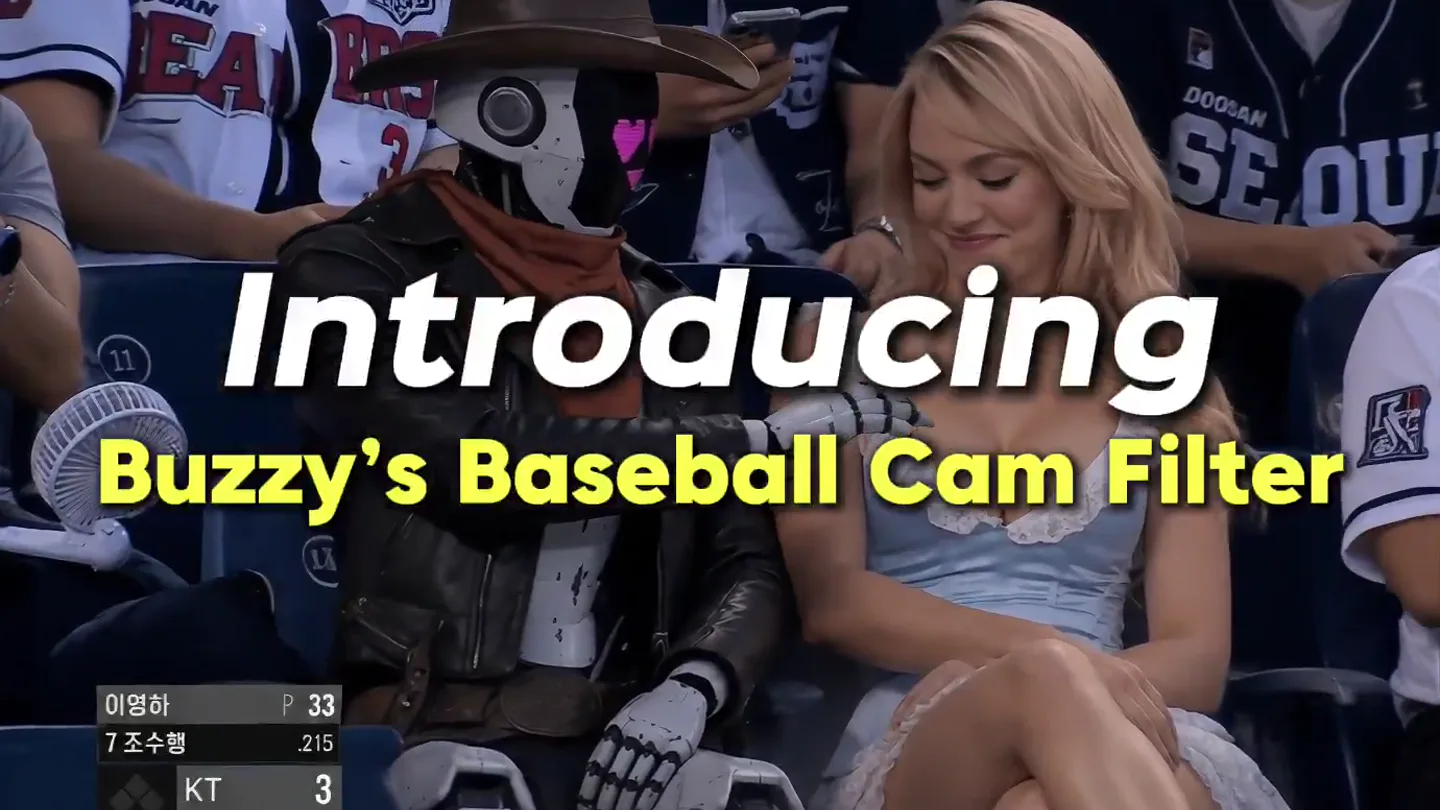
Introducing Buzzy’s Baseball Cam Filter. Want to follow the Korean Baseball trend and be caught on camera? No more wondering how it’s done—it's all in one click with Buzzy. Your viral moment starts…
Scene-by-scene timeline & spoken transcript
The Hook
Introducing the Viral Cam Filter
“(No spoken dialogue — Driving electronic beat with prominent 808s and sub-bass line begins, setting a high-energy tone.)”
- On screen
- Introducing
- Camera
- Static wide shot of a baseball game crowd, then a close-up on a couple at a basketball game. Camera remains static, focusing on the subjects' reactions.
- Motion
- Text overlay with a subtle scale-up and fade-in animation. Quick cuts between different sports events.
Problem Agitation
Transforming Reactions into Viral Moments
“(No spoken dialogue — The electronic beat continues, maintaining a consistent, driving rhythm.)”
- On screen
- Turn yourself into the viral courtside moment Your reaction cam Your jumpscare cam
- Camera
- Static wide shots of sports crowds, focusing on individuals or pairs. The camera is positioned as if capturing a 'fan cam' moment.
- Motion
- Rapid text overlays with a quick pop-in animation. Seamless visual effects integrate characters (robot, Venom, raccoon, teddy bear, ghostface) into the live-action footage, appearing and disappearing instantly.
Product Reveal
Any Product, Any Trend
“(No spoken dialogue — The electronic beat intensifies slightly, with percussive synth elements adding texture.)”
- On screen
- Turn any product into 1 trend
- Camera
- Static wide shots of sports crowds. The camera maintains a consistent, observational perspective.
- Motion
- Product integration via visual effects (Coca-Cola can appearing in hand). Seamless character swaps (dog to cat, then two cats) within the same frame, creating a magical transformation effect.
Call to Action
Buzzy Now: Your Viral Moment Starts
“(No spoken dialogue — A high-energy audio riser at [00:27] leads into a sub-bass drop/impact at [00:28]. Another subtle riser at [00:39] followed by a brief impact at [00:40]. The beat maintains its driving energy.)”
- On screen
- Buzzy Buzzy.now
- Camera
- Static black screen, then a subtle zoom out on the Buzzy logo. The camera is entirely focused on the brand identity.
- Motion
- Pixel art animation for the Buzzy logo, starting as scrambled pixels and resolving into clear text. The logo animates with a retro, glitchy aesthetic. The 'Buzzy.now' text fades in below.
Motion design primitives
Synthesizable in Remotion · key components of the viral-moment-transform template.
InstantCharacterSwap
A character or object in a live-action scene is instantly replaced by another, often fantastical, character or a different object, creating a surprising and magical effect.
+ Code construction recipe
Utilize Remotion's `Sequence` and `AbsoluteFill` components. Pre-render character assets with transparent backgrounds. Use `interpolate` for `opacity` and `scale` to create a near-instantaneous cross-fade or pop-in effect at specific frame ranges, precisely timed to scene cuts or audio impacts. Masking and precise positioning are crucial for seamless integration.
RetroPixelReveal
Text or a logo appears from a scrambled, pixelated state, gradually resolving into its clear, final form, often with a subtle glow or flicker.
+ Code construction recipe
Implement a custom `Canvas` component or use SVG filters. For pixelation, render text/logo to a canvas, then apply a pixelation shader or algorithm. Animate the pixel size or a `noise` filter's `frequency` and `amplitude` using `interpolate` over time to transition from scrambled to clear. A `spring` animation can add a satisfying 'snap' to the final resolution.
DynamicTextPop
On-screen text appears with a quick, energetic pop-in animation, often accompanied by a slight scale or bounce, drawing immediate attention to key phrases.
+ Code construction recipe
Wrap text in a `spring` component for `scale` and `opacity`. Use a `delay` prop to time the appearance with scene cuts or audio cues. A slight `translateY` or `translateX` can be added for a subtle directional pop. Ensure `durationInFrames` is short for a snappy feel.
Style DNA & aesthetic system
Visual aesthetic
Typography
Motion
Special effects
Pacing & rhythm
Conceptual story rhythm
- 1
Intrigue & Introduction
Purpose. Hook the viewer with a relatable scenario and introduce the core concept of viral moments.
Execution. Quick cuts of sports fans, overlaid with a bold 'Introducing' text, setting a high-energy, observational tone.
- 2
Problem/Solution Showcase
Purpose. Demonstrate the product's ability to transform ordinary moments into extraordinary, shareable content.
Execution. Rapid-fire examples of character/object swaps in live footage, with dynamic text highlighting 'viral courtside moment', 'reaction cam', 'jumpscare cam'.
- 3
Versatility & Impact
Purpose. Illustrate the broad applicability of the product beyond just people, extending to objects and animals.
Execution. More seamless visual effects, showing a product (Coca-Cola) and animals (dog to cats) being integrated into the viral trend concept.
- 4
Brand Reveal & Call to Action
Purpose. Clearly present the brand and direct viewers to where they can access the product.
Execution. A clean, black screen reveal of the 'Buzzy' logo with a retro pixel art animation, followed by 'Buzzy.now' for the call to action, timed with audio impacts.
Remix in Animatiq Studio
Master remix prompt · agent-ready
Sample remix
Objective
Launch a new smart home device, 'AuraSync', that uses AI to automate and personalize home environments.How the recipe adapts
The video would open with 'Introducing AuraSync' text over quick cuts of chaotic home scenes (e.g., overflowing laundry, messy kitchen). Then, using InstantCharacterSwap, the chaotic elements would instantly transform into organized, clean spaces, demonstrating AuraSync's automation. DynamicTextPop would highlight features like 'Effortless Cleaning' or 'Personalized Ambiance'. The RetroPixelReveal would animate the AuraSync logo, transitioning from a glitchy, pixelated state to a sleek, modern design, followed by 'AuraSync.com' as the call to action. The driving electronic beat would underscore the seamless, high-tech transformation.Remix blueprint · viral-moment-transform
Scene durations (4 scenes, 43.6s)
Key Remotion components
Related Hardware & Devices Product Launches
Explore all Hardware & Devices launches →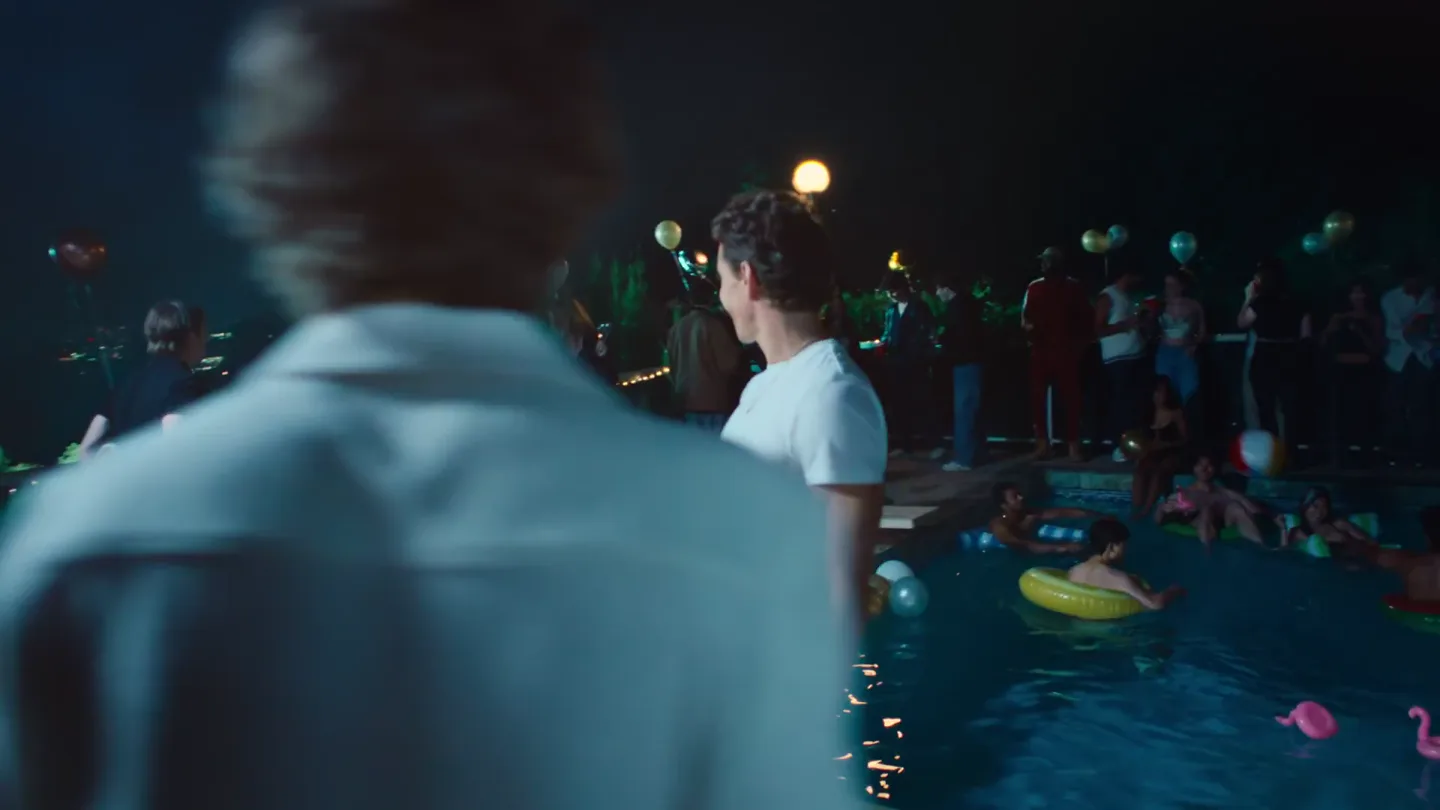
Waves launches camera glasses built for creators, with stealth recording and all-day livestreaming, now on pre-order.
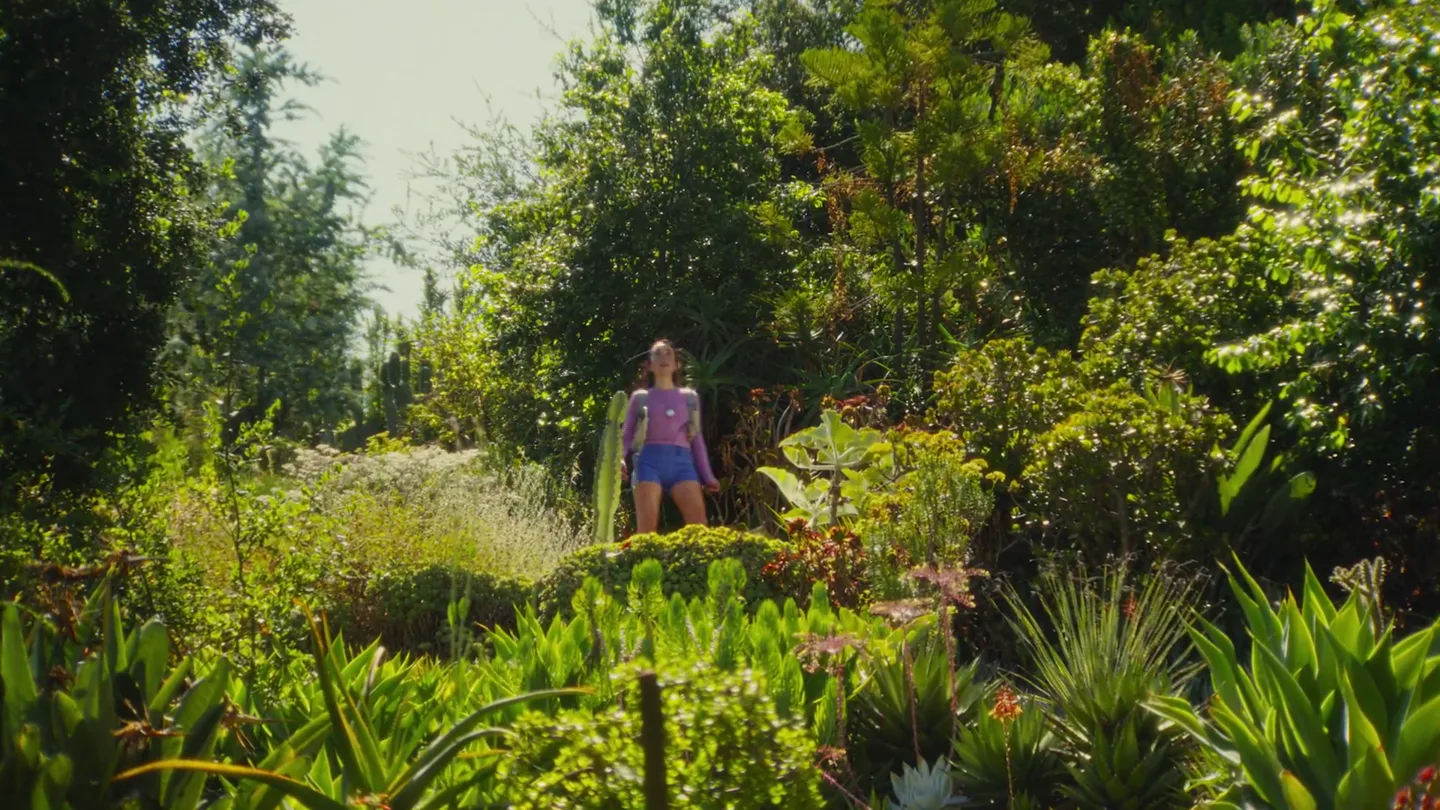
Friend's launch film for its wearable AI companion, with orders opening alongside the post.
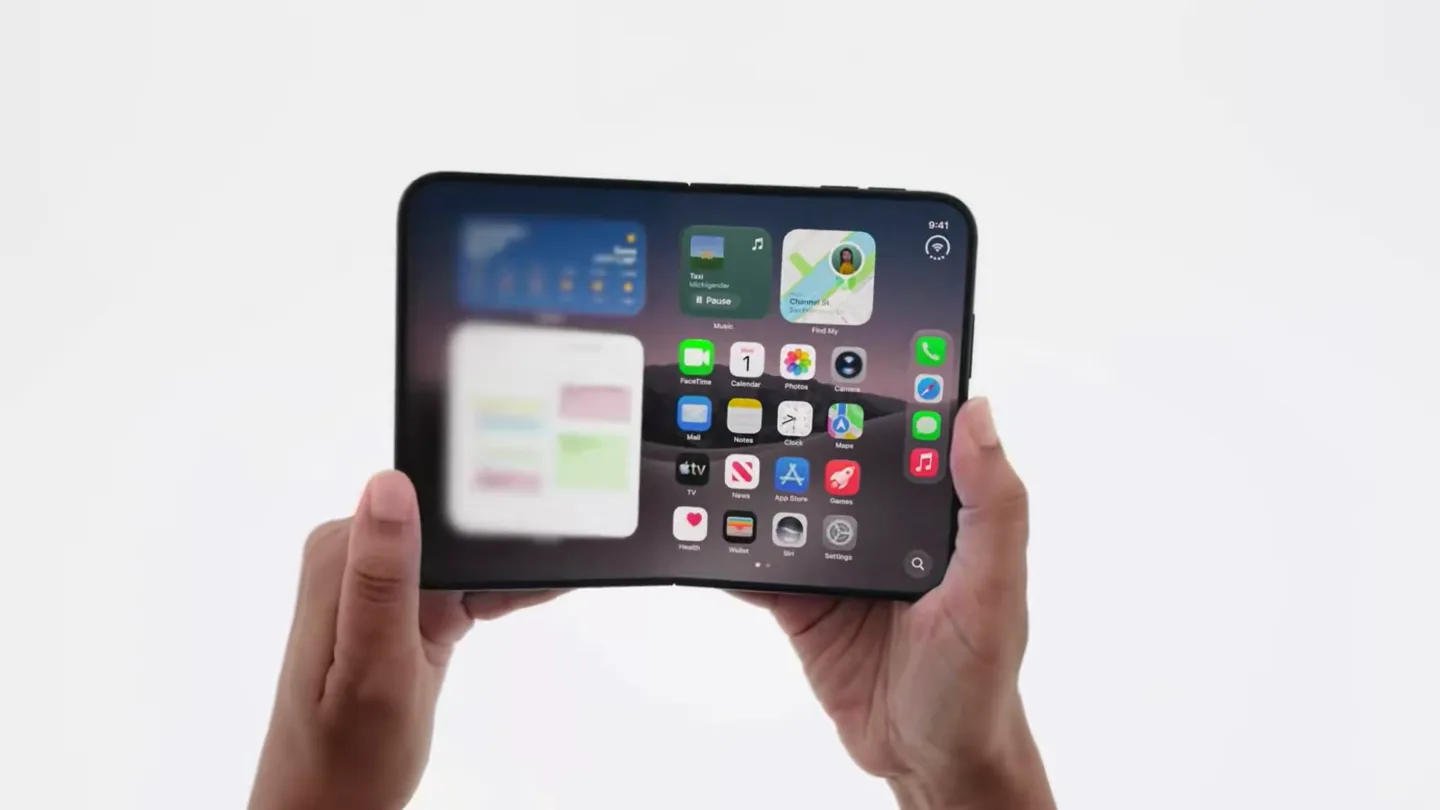
Official trailer for iPhone Duo.