Iphone Duo (by Apple) · Launch Video Breakdown: Hook, Pacing & Motion Design
Official trailer for iPhone Duo.
Scene-by-scene timeline & spoken transcript
The Hook
Introducing the Foldable Interface
“(No spoken dialogue — Driving, upbeat rhythm section with prominent drums and bass, slightly distorted synths.)”
- On screen
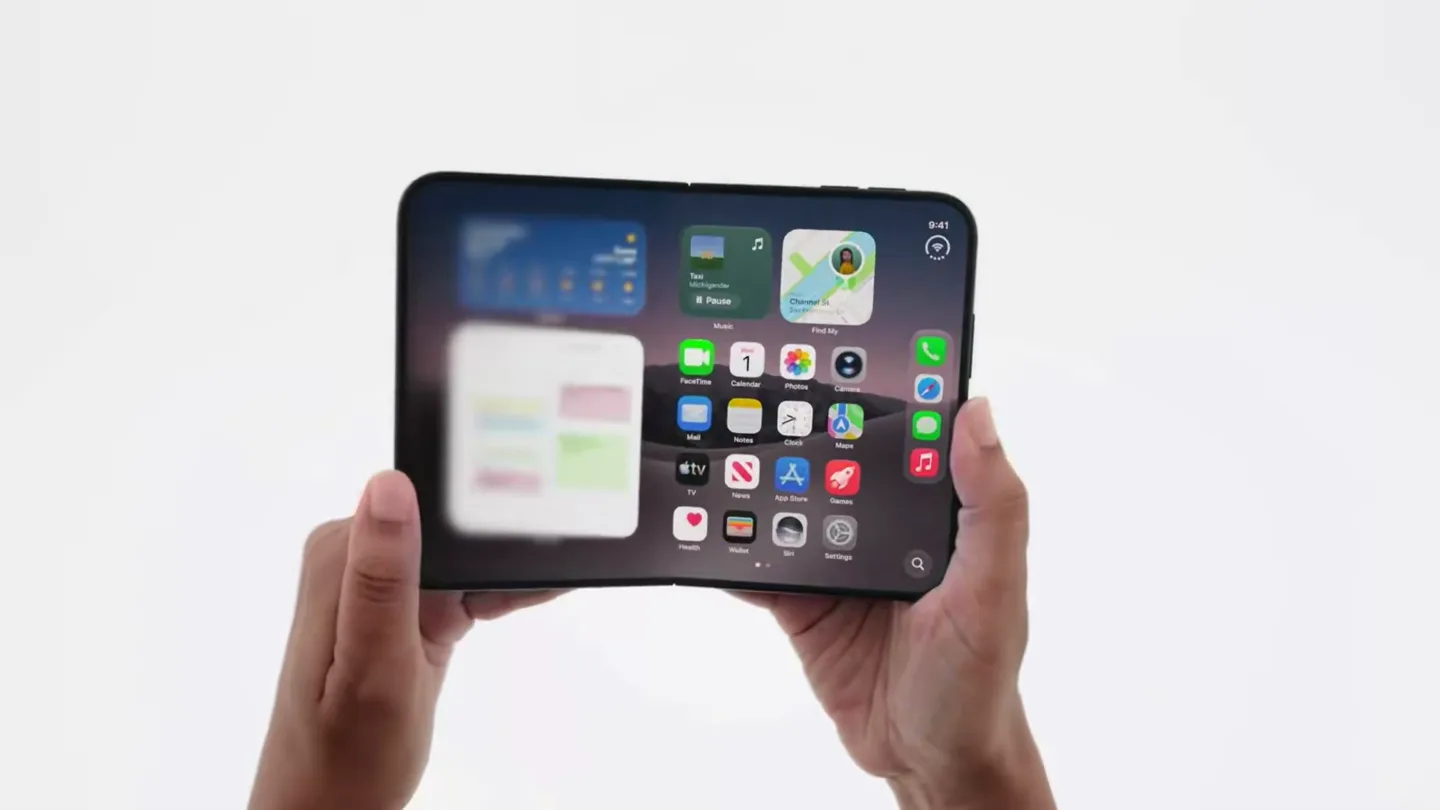
- 9:41, Music, FaceTime, Calendar, Photos, Camera, Mail, Notes, Clock, Maps, TV, News, App Store, Games, Health, Wallet, Settings, Find My
- Camera
- Medium shot of hands holding the device, slight zoom out as the device unfolds.
- Motion
- Smooth 3D rotation and unfolding animation of the device, UI elements adapt fluidly.
Feature Teaser
Dynamic Display & Multitasking
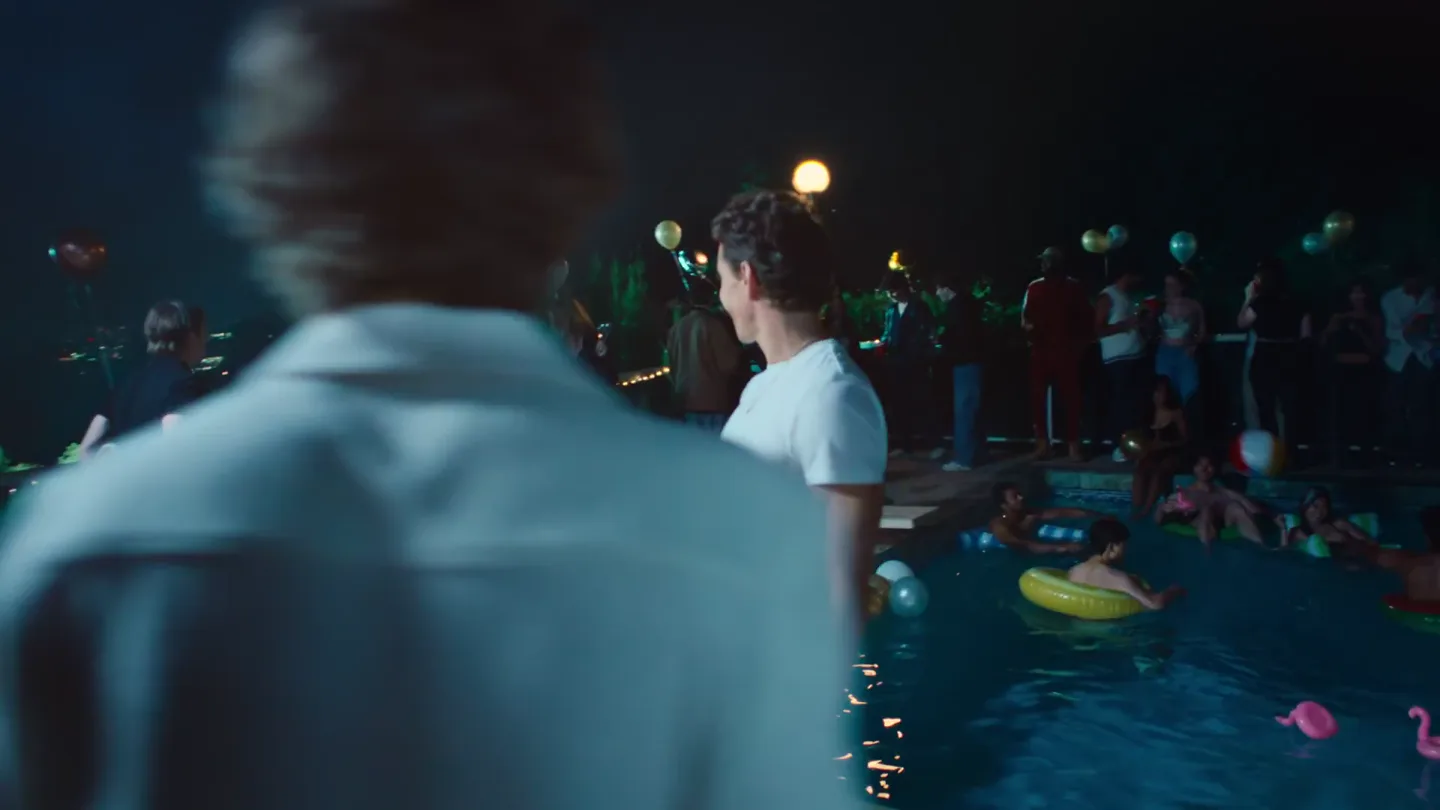
“I'm on the guest list, looking for a new sound.”
- On screen
- March 20, 2026, 9:41, Berkeley 64°, Sarah, The kids are already asking if we can go on a bike ride, That would be so much fun!, Also I'm bringing Duke, so you should definitely bring Rascal!, Yes! He loved it so much last time, Fun, sun, wet dogs. Literally what more could you want?, September 25, 2020, twofoldpress.net, OPINION, KITS, SCARVES, AND BOOTS: SOCCER'S RICH DESIGN CULTURE, BY ELENA LANDIS, APRIL 1, 2024
- Camera
- Static medium shot, hands manipulate the device, then a slight pan and tilt as the device rotates.
- Motion
- Seamless app transitions, split-screen activation with content reflowing, and a 3D rotation revealing the device's form factor.
Product Reveal
Immersive Entertainment & Productivity
“I don't know why everyone else is here, except you.”
- On screen
- LIVE, Soccer Heads, Hold up. Free, Here we go, YOUR FRIENDS NEIGHBORS, S1, E9 When Did We Become, TV Show Drama, 2023 48m 13+, 72%, Season 1
- Camera
- Medium shot, hands interacting with the device, then a quick cut to a close-up of the device in a stand.
- Motion
- Interactive UI elements, picture-in-picture resizing, and a quick cut to a stylized product shot with glowing elements.
Call to Action
Unleash Your Duo Experience
“(No spoken dialogue — High-energy synth riser and sub-bass drop/impact at 0:21, followed by continued energetic indie rock.)”
- On screen
- 0296, iPhone Duo
- Camera
- Medium shot of hands holding the device, dynamic camera movements following screen content, then a final static shot of the product name.
- Motion
- Rapid scene cuts showcasing diverse use cases (video, gaming), quick product rotations, and a clean text reveal.
Motion design primitives
Synthesizable in Remotion · key components of the foldable-tech-reveal template.
FoldableDeviceUnfold
A device held in hands smoothly transitions from a folded, compact state to an unfolded, larger screen, with UI elements dynamically adapting to the new aspect ratio.
+ Code construction recipe
Utilize `interpolate` for the rotation and scaling of two separate `AbsoluteFill` components representing the device halves. Use `spring` for the final snap into the unfolded position. UI elements within each half should use `interpolate` to scale and reposition based on the unfolding progress.
SplitScreenContentReflow
Content on a single screen seamlessly splits into two distinct, interactive panels, with existing applications or new ones flowing into the newly available screen real estate.
+ Code construction recipe
Implement two `AbsoluteFill` components for the split screens. Use `interpolate` to animate their `width` and `x` positions. Content within each panel should use `interpolate` for scaling and repositioning, ensuring text and images reflow correctly using CSS grid or flexbox properties.
InteractiveUIOverlay
User interface elements, such as chat bubbles or video players, dynamically resize, reposition, and interact with each other, often with a subtle spring-like animation.
+ Code construction recipe
Use `spring` for the `scale` and `translate` properties of UI components (e.g., chat bubbles, video overlays) when they appear, disappear, or change size. Implement `GestureHandler` for interactive elements like drag-and-drop or tap-to-expand functionality.
Style DNA & aesthetic system
Visual aesthetic
Typography
Motion
Special effects
Pacing & rhythm
Conceptual story rhythm
- 1
The Unfold
Purpose. Introduce the core innovation and immediately showcase its primary function.
Execution. The device unfolds from a compact form, revealing a larger, interactive screen.
- 2
Multitasking Mastery
Purpose. Demonstrate practical, everyday use cases for the expanded screen real estate.
Execution. Split-screen views, app switching, and content reflow are shown with hands interacting.
- 3
Immersive Experience
Purpose. Highlight the device's capability for entertainment and rich media consumption.
Execution. Full-screen video playback, interactive messaging during live content, and gaming are featured.
- 4
Product Hero
Purpose. Conclude with a strong brand statement and a clear product identity.
Execution. Stylized product shots and the final product name reveal.