
Canvas UI · Launch Video Breakdown: Hook, Pacing & Motion Design
The first html-in-canvas component library. Real-time shaders over real, interactive UI. 24 components for React, Vue, Svelte, and vanilla TS. Free and open source.
Scene-by-scene timeline & spoken transcript
The Hook
A New Dimension of the Web
“(No spoken dialogue — Driving electronic rhythm with a subtle synth pad.)”
- On screen
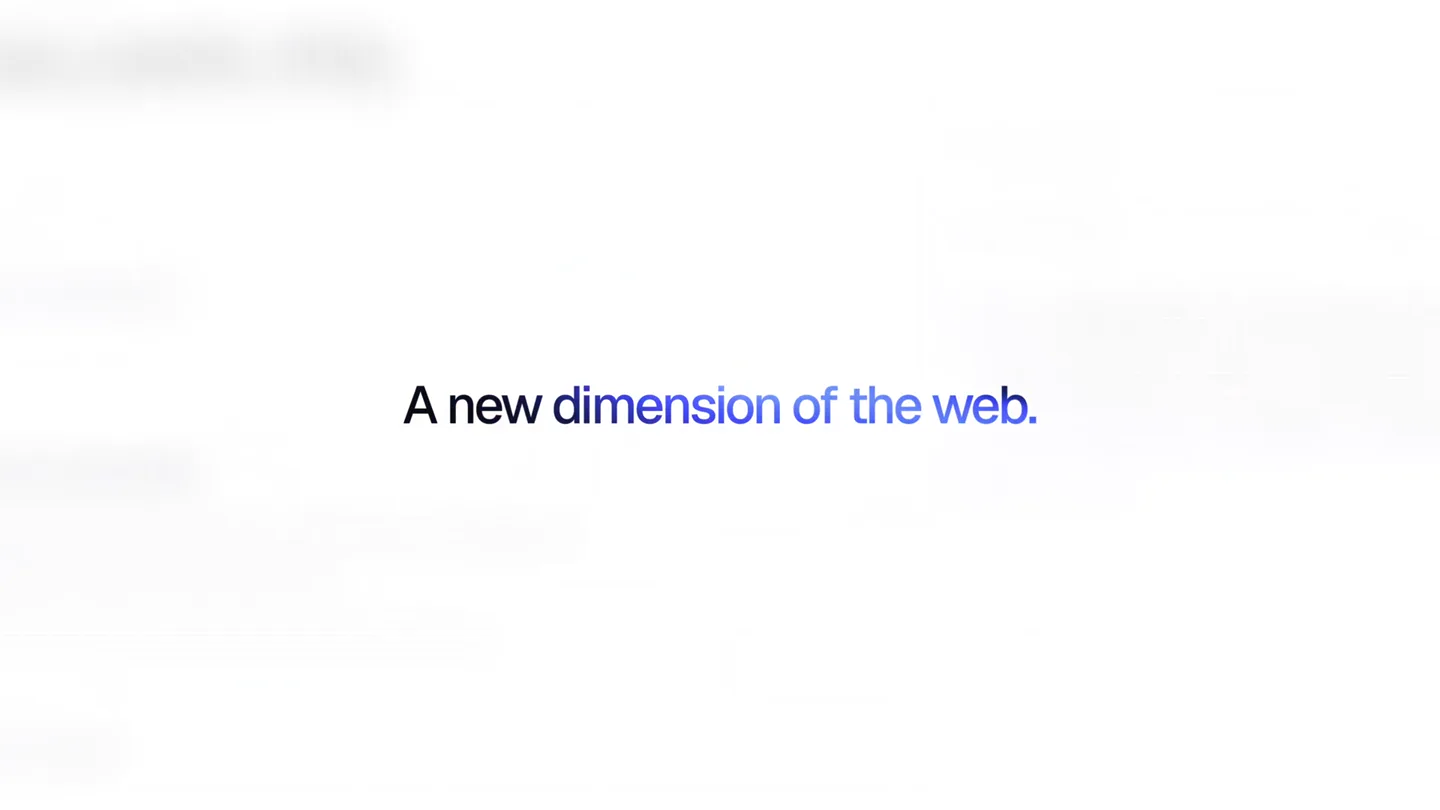
- A new dimension of the web. Canvas UI
- Camera
- Static, centered text reveal, followed by a quick zoom out to reveal the product logo.
- Motion
- Text fade-in, subtle color shift, quick cut to logo reveal with a slight scale animation.
Problem Agitation
Beyond Static UI: Introducing Dynamic Canvas
“(No spoken dialogue — Electronic rhythm intensifies with glitchy sound effects and ambient swells.)”
- On screen
- Ship in days not quarters. 40,000+ teams shipping with bolt 99.99% uptime over the last twelve months 2.3s median time from merge to live “We went from shipping once a month to shipping every week.” Maya R. CTO at Northwind Creative components, built differently. Magnify X 1199 Y 86 1.5X MAG R 140PX scanner lens rides you people bending across the page. reticle. Click to Demo image Scan the photo with the lens, then click to send a ripple through it. Contact David Typically replies within a day Name Email Ada Lovelace ada@example.com Message Hey David, I have an idea for a new canvas component... Send message Liquid
- Camera
- Dynamic camera pans and zooms across UI elements, simulating user interaction. Close-ups on specific effects.
- Motion
- Glitch effects, chromatic aberration, ripple distortions, scanner lens effect, liquid warp transitions, fast cuts between interactive UI demos.
Product Reveal
Seamless Integration & Customization
“(No spoken dialogue — Rhythmic electronic beat continues, with subtle UI interaction sounds.)”
- On screen
- Built for how you build. TS S V React Vue Svelte Vanilla hero.svelte <script lang="ts"> import ParticleReveal from "$lib/components/canvasui/ParticleReveal.svelte"; </script> React Vue Svelte Vanilla hero.tsx import { ParticleReveal } from "@/components/canvasui/ParticleReveal"; export function Hero() { return ( Make every piece yours. Canvas UI Particle Object controls Reset logo.svg Auto rotate Scroll zoom Particles 31000 Size 2.4 Variance 0.60 Push radius 110 Push strength 1.0 Swirl 0.60 Spring 1.00 Damping 0.35 Drift Scale 3.0 x Controls Particle Object controls Reset logo.svg Auto rotate Scroll zoom Particles 31000 Size 1.9 Variance 0.25 Push radius 110 Push strength 1.0 Swirl 0.60 Spring 1.00 Damping 0.35 Drift Scale 3.0 x Controls Particle Object controls Reset logo.svg Auto rotate Scroll zoom Particles 31000 Size 1.8 Variance 0.25 Push radius 110 Push strength 1.0 Swirl 0.60 Spring 1.00 Damping 0.35 Drift Scale 3.0 x Controls
- Camera
- Static shots of code editor and UI controls, with animated cursor interaction. Focus on specific parameters changing.
- Motion
- Animated code snippets, UI slider interactions, particle system manipulation, text highlights, and quick cuts demonstrating framework compatibility.
Call to Action
AI-Ready & Instantly Installable
“(No spoken dialogue — Electronic music builds to a crescendo, with final sound design elements for UI interactions and a concluding flourish.)”
- On screen
- Ready for AI agents. Copy for AI Copy prompt Copy configured code Copy page as markdown Copy demo source Open in ChatGPT Open in v0 Open in Claude Install instantly with shadcn. Agent MCP connected Add a particle reveal effect to my hero section Found particle-reveal in the Canvas UI registry. Installing it now. shadcn CLI Installed npx shadcn@latest add @canvasui/particle-reveal-react Done. ParticleReveal.tsx is in components/canvasui, wired into your hero. Ship in days, not quarters. bolt is the home for your team's builds, reviews, and releases. Plan the work, preview every change, and deploy with one click. Start shipping free Book a demo VHS Asciiify 24 components, live now. canvasui.dev
- Camera
- Dynamic camera movements, including quick pans, zooms, and simulated UI interactions. Final wide shot of the product website.
- Motion
- Dropdown menu animations, terminal command line simulation, particle reveal effects, text morphing, and a final brand reveal with a website URL.
Motion design primitives
Synthesizable in Remotion · key components of the canvas-ui-tech-launch template.
GlitchChromaticWarp
Text and UI elements briefly distort with RGB channel separation and a subtle wavy displacement, creating a digital glitch aesthetic.
+ Code construction recipe
Utilize Remotion's <AbsoluteFill> with CSS filters for `filter: url(#chromaticAberration)` and `filter: url(#displacementMap)` SVG filters. Animate filter values and position with `interpolate` and `spring` for a quick, impactful effect.
InteractiveParticleReveal
Text or logos are formed or dissolved by a swarm of small particles, which can be interactively manipulated by a cursor or UI controls.
+ Code construction recipe
Implement a canvas-based particle system. Each particle's position and velocity are controlled by `spring` and `interpolate` functions, reacting to mouse events or animated parameters. Use `useCurrentFrame` to drive particle generation and decay.
LiquidShaderTransition
A smooth, fluid distortion effect that warps and transitions between different UI screens or visual elements, often with a glowing, ethereal quality.
+ Code construction recipe
Employ Remotion's <Shader> component with a custom GLSL fragment shader. Animate `uniform` values for distortion strength, color, and speed using `interpolate` to create a seamless, organic transition between scenes.
Style DNA & aesthetic system
Visual aesthetic
Typography
Motion
Special effects
Pacing & rhythm
Conceptual story rhythm
- 1
The Visionary Hook
Purpose. Immediately establish the product's innovative nature and its core promise of a 'new dimension' for web development.
Execution. Minimalist text reveal, followed by a clean logo introduction, setting a high-tech, forward-thinking tone.
- 2
Interactive Problem/Solution
Purpose. Showcase the limitations of traditional UI and demonstrate how Canvas UI components offer dynamic, interactive solutions.
Execution. Rapid-fire demonstrations of various components (magnify, liquid, contact form) with glitchy, shader-driven effects, highlighting their unique capabilities.
- 3
Developer Empowerment
Purpose. Emphasize ease of integration across popular frameworks and the power of customization.
Execution. Code editor views with framework switching, followed by interactive UI controls demonstrating real-time particle system adjustments.
- 4
Future-Proof & Accessible
Purpose. Highlight the product's readiness for AI integration and its simple installation process, culminating in a strong call to action.
Execution. AI agent integration demos, command-line installation, and a final montage of components leading to the website URL.
Remix in Animatiq Studio
Master remix prompt · agent-ready
Sample remix
Objective
Launch a new API gateway product called 'NexusFlow' that simplifies microservice orchestration.How the recipe adapts
The NexusFlow video would open with a 'new dimension of APIs' text reveal, followed by glitchy transitions showcasing complex microservice diagrams simplifying into clean flowcharts. Interactive particle systems would represent data packets flowing through the gateway, with liquid shaders demonstrating seamless service mesh reconfigurations. Code snippets would highlight easy integration with popular frameworks, and the final call to action would feature a terminal command for quick installation, all set to a driving electronic beat.Remix blueprint · canvas-ui-tech-launch
Scene durations (4 scenes, 49s)
Key Remotion components
Related Developer Tools Product Launches
Explore all Developer Tools launches →
xAI opens voice cloning on its API: build a custom voice in about two minutes or pick from 80+ voices in 28 languages.

Claude can now operate your Mac, opening apps, browsing and filling spreadsheets, as a research preview in Cowork and Claude Code.

Agentic CLI for coding, building apps, and automating workflows.