
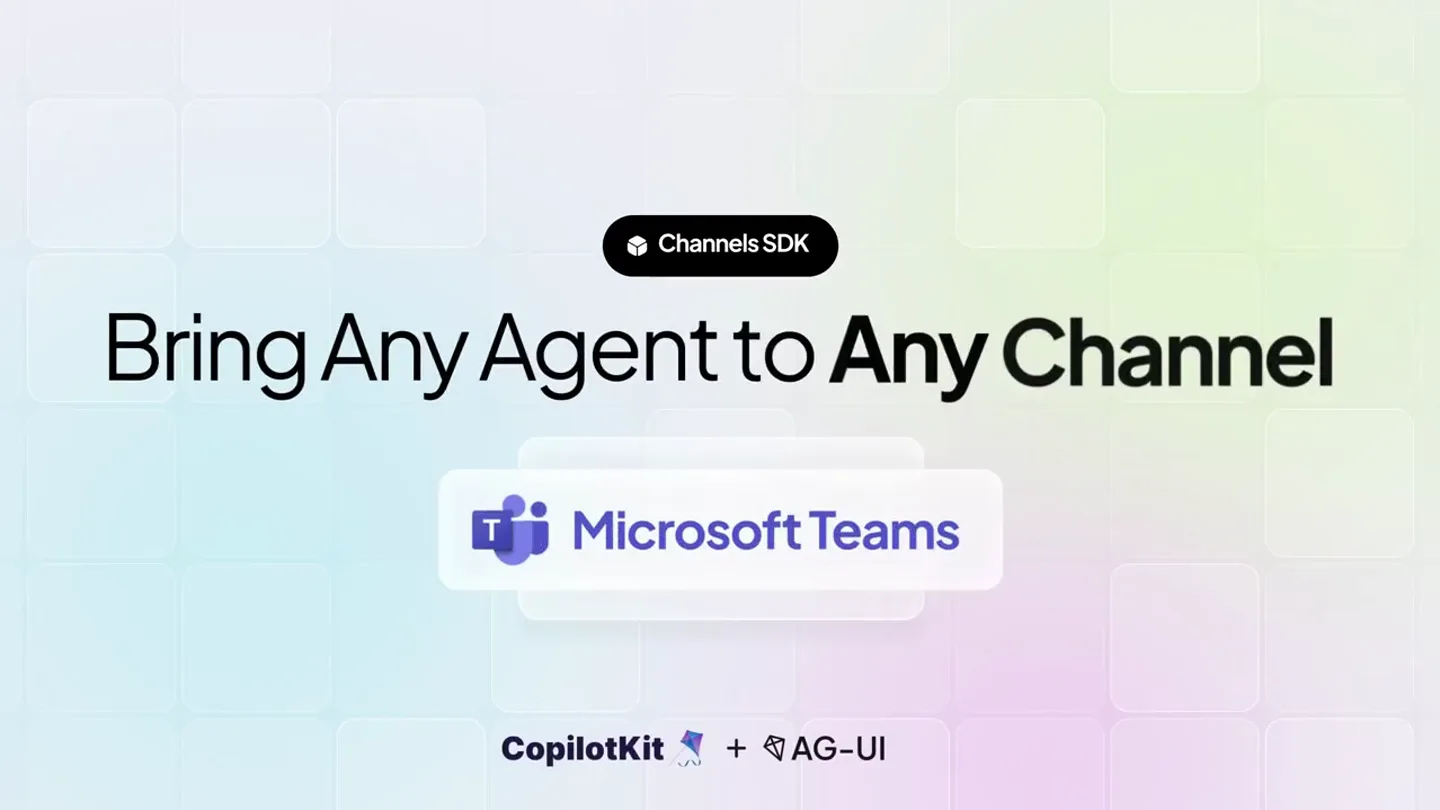
CopilotKit · Launch Video Breakdown: Hook, Pacing & Motion Design
Bring any agent to Slack, Teams, WhatsApp, and more.
Scene-by-scene timeline & spoken transcript
The Hook
Universal Agent Connectivity
“(No spoken dialogue — upbeat, rhythmic synth track with a driving beat)”
- On screen
- Channels SDK Bring Any Agent to Any Channel Slack SMS CopilotKit + AG-UI
- Camera
- Static wide shot, focusing on central product value proposition.
- Motion
- Text reveal with subtle scaling, rapid icon swapping, and a soft background gradient animation.
Product Reveal
Intelligent UI & Workflow Automation
“(No spoken dialogue — rhythmic synth track continues, subtle UI sound effects)”
- On screen
- Generative UI - Turn Answers into Charts and Visual Interfaces Thinking - Show Progress While the Agent Works Slack Blocks - Native, Actionable Workflows – not Plain Text Human in the Loop - Ask for Approval Before Taking Action Multimodality - Understand Images, Files, Voice, and Text Together Auth and Access Control - Enforce permissions before sharing sensitive date CopilotKit + AG-UI
- Camera
- Zoomed-in perspective on a simulated chat interface, panning and subtle shifts to highlight different UI elements.
- Motion
- Dynamic UI element reveals, text typing animations, chart generation, and interactive button states. Smooth transitions between different chat platforms.
Feature Teaser
One Engine, Multiple Channels
“(No spoken dialogue — rhythmic synth track maintains energy, code editor typing sounds)”
- On screen
- One Engine. Swap the Adapter. import { HttpAgent } from "@copilotkit/channels"; import { createChannel } from "@copilotkit/channels"; import { teams } from "@copilotkit/channels/teams"; const channel = createChannel( name: "scratch", adapters: [ teams ], agent: new HttpAgent({ url: "example.agent.com/v1"}) ); channel.onMention(async ({ thread, message }) => { thread.runAgent() }); CopilotKit + AG-UI
- Camera
- Static shot of a code editor, with specific lines of code highlighted and changing.
- Motion
- Code highlighting, text replacement animation for adapter names (teams, telegram, sms), and a subtle glow effect on the changing code.
Call to Action
Bring Your Own Agent. Any Channel. Get Started Today!
“(No spoken dialogue — rhythmic synth track builds to a final flourish)”
- On screen
- CopilotKit + AG-UI Bring Your Own Agent. Any Channel. Channels Agents LangChain Google ADK OpenAI Agents SDK Claude Agents SDK Microsoft Agent Framework AWS Strands CrewAI _gno AGZ LlamaIndex Mastra Pydantic AI Get Started Today! github.com/copilotkit/channels-sdk
- Camera
- Wide shot revealing a comprehensive ecosystem of channels and agents, then a final zoom to the call to action.
- Motion
- Grid-based icon reveal, subtle bounce and scale on icons, and a prominent call-to-action button with a github link.
Motion design primitives
Synthesizable in Remotion · key components of the developer-tool-showcase-template template.
DynamicChatInterface
Simulates a chat application interface where messages, charts, and interactive elements appear and animate in response to user input and agent actions. Includes typing indicators, progress bars, and dynamic content rendering.
+ Code construction recipe
Utilize Remotion's `Sequence` and `AbsoluteFill` for layout. Implement `spring` for message entry and UI element reveals. Use `interpolate` for progress bar animations and chart data transitions. SVG paths and `Path` component for drawing charts. Text typing effects with `splitChars` and `map` over characters with `delay`.
AdapterSwapCodeHighlight
Displays a code editor where a specific line of code (the adapter import and usage) is highlighted and its value changes, demonstrating flexibility and ease of configuration.
+ Code construction recipe
Render code as pre-formatted text. Use `AbsoluteFill` and `Rect` for background and code block. Animate `opacity` and `backgroundColor` for line highlighting. Implement `spring` for the text replacement animation of the adapter name, ensuring a smooth 'swap' effect.
EcosystemGridReveal
A grid of various channel and agent logos appears on screen, expanding and settling into place, visually representing the breadth of integration possibilities.
+ Code construction recipe
Use `Grid` or `Flex` for layout. Animate `scale` and `opacity` for each logo using `spring` with staggered `delay` based on grid position. Apply a subtle `translateY` bounce effect on final placement. SVG icons for logos.
Style DNA & aesthetic system
Visual aesthetic
Typography
Motion
Special effects
Pacing & rhythm
Conceptual story rhythm
- 1
The Universal Connector
Purpose. Immediately establish the core value proposition: connecting any agent to any channel.
Execution. Rapid succession of channel icons appearing and disappearing around the central 'Bring Any Agent to Any Channel' text.
- 2
Intelligent Agent in Action
Purpose. Demonstrate the agent's capabilities within various chat interfaces, highlighting key features.
Execution. Detailed, animated walkthroughs of the agent performing tasks like generating charts, showing progress, creating actionable blocks, seeking approval, and processing multimodal input.
- 3
Developer Empowerment
Purpose. Showcase the underlying simplicity and power for developers to integrate and adapt.
Execution. A concise code snippet animation where the 'adapter' is swapped, visually reinforcing the 'one engine, swap the adapter' message.
- 4
Ecosystem & Call to Action
Purpose. Reinforce the broad compatibility and guide viewers to take the next step.
Execution. A comprehensive grid of supported channels and agents, followed by a clear call-to-action with a GitHub link.
Remix in Animatiq Studio
Master remix prompt · agent-ready
Sample remix
Objective
Launch a new API gateway product that simplifies microservice orchestration across different cloud providers.How the recipe adapts
The 'DynamicChatInterface' primitive adapts to 'DynamicDashboardInterface', showcasing a simulated API gateway dashboard with services appearing, traffic metrics updating, and error logs filtering. The 'AdapterSwapCodeHighlight' becomes 'CloudProviderConfigSwap', demonstrating how a single configuration file can switch between AWS, Azure, and GCP. The 'EcosystemGridReveal' will display logos of various microservice frameworks and cloud services. The overall narrative will emphasize seamless integration and simplified management, maintaining the clean visual style and spring-driven animations.Remix blueprint · developer-tool-showcase-template
Scene durations (5 scenes, 66s)
Key Remotion components
Related Developer Tools Product Launches
Explore all Developer Tools launches →
xAI opens voice cloning on its API: build a custom voice in about two minutes or pick from 80+ voices in 28 languages.

Claude can now operate your Mac, opening apps, browsing and filling spreadsheets, as a research preview in Cowork and Claude Code.

Agentic CLI for coding, building apps, and automating workflows.