
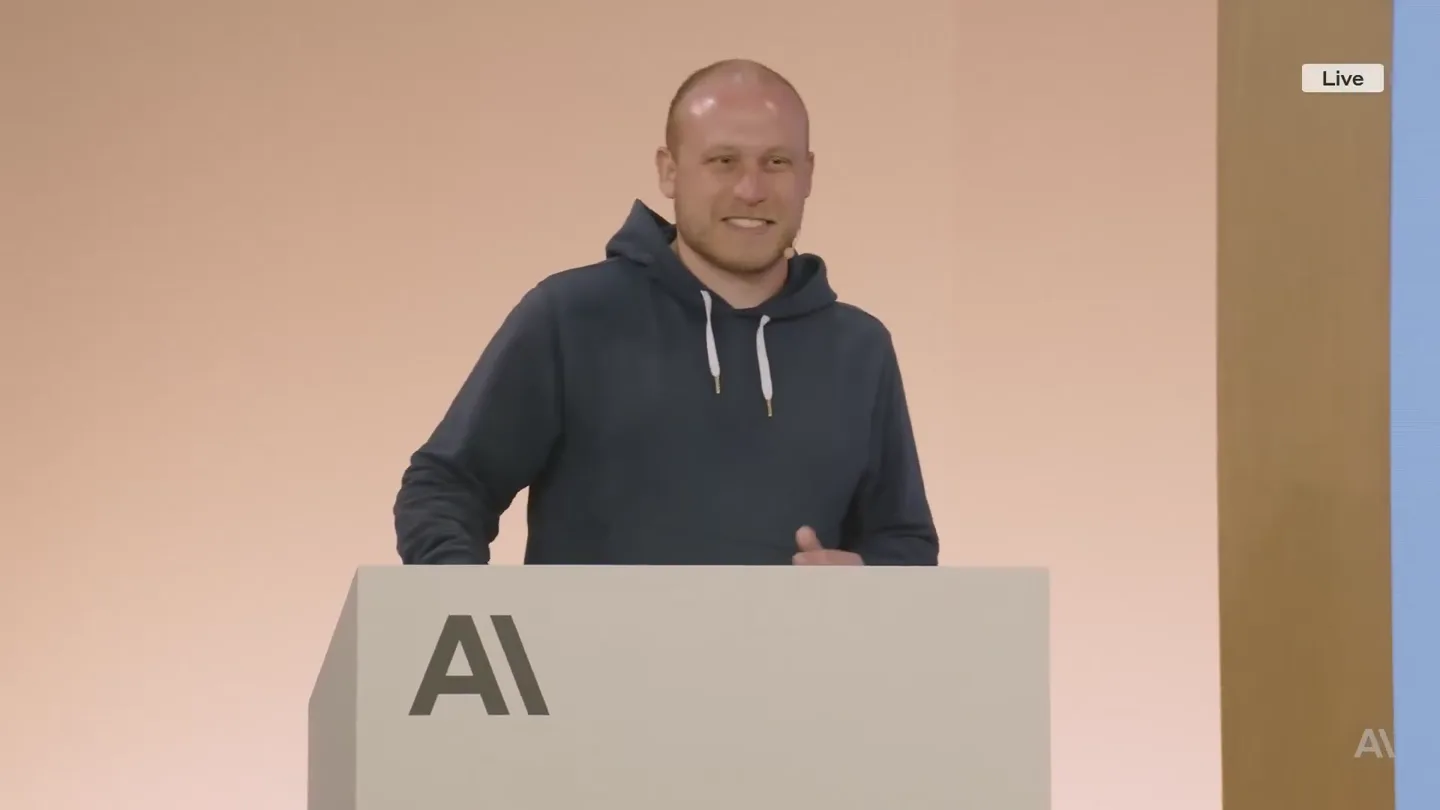
Khusboo Tayal · Launch Video Breakdown: Hook, Pacing & Motion Design
The engineer who built Claude Code just dropped a 28-minute video on how to write prompts that actually work I've seen $300 courses that don't cover what he shows in the first 10 minutes CLAUDE.md…
Scene-by-scene timeline & spoken transcript
The Hook
Initial Setup & Product Introduction
“(No spoken dialogue — Driving electronic rhythm and ambient sound design.)”
- On screen
- Follow along: npm install -g @anthropic-ai/claude-code
- Camera
- Wide shot of presenter on stage with a large screen displaying text.
- Motion
- Static text overlay on a presentation slide, minimal camera movement.
Product Reveal
Claude Code's Core Value Proposition
“(No spoken dialogue — Driving electronic rhythm and ambient sound design.)”
- On screen
- Use Claude Code to answer questions about your codebase 1 The easiest way for new users to start with Code 2 Zero setup needed 3 Your data stays local
- Camera
- Medium shot of the presenter, then a wide shot showing the presenter and the screen.
- Motion
- Text elements animate in sequentially, revealing key features. A cursor icon animates on screen.
Feature Teaser
Demonstrating Prompt Engineering
“(No spoken dialogue — Driving electronic rhythm and ambient sound design.)”
- On screen
- Use Claude Code to answer questions about your codebase Example prompts: > How is @RoutingController.py used? > How do I make a new @app/services/ValidationTemplateFactory? > Why does recoverFromException take so many arguments? Look through git history to answer > Why did we fix issue #18393 by adding the if/else in @src/login.ts API? > In which version did we release the new @api/ext/PreHooks.php API? > Look at PR #9383, then carefully verify which app versions were impacted > What did I ship last week? Code w/ Claude
- Camera
- Alternating between medium shots of the presenter and wide shots of the stage and screen.
- Motion
- Text content on the screen changes to display example prompts, highlighting the product's utility.
Call to Action
Advanced Features & Q&A
“(No spoken dialogue — Driving electronic rhythm and ambient sound design.)”
- On screen
- We hope you enjoyed this session! Please let us know your thoughts. Q+A
- Camera
- Various shots of the presenter and the screen, including close-ups and wide shots of the audience. Final shot is a static screen with a QR code.
- Motion
- Content on screen transitions through various features (workflows, context, memory, keybindings, SDK, multi-claude). The final scene features a static QR code and text.
Motion design primitives
Synthesizable in Remotion · key components of the developer-tool-launch-presentation template.
SequentialTextReveal
Text lines or bullet points appear one after another, often with a slight delay, creating a progressive reveal of information.
+ Code construction recipe
Utilize Remotion's <Sequence> component for each text line, applying a `spring()` animation for `opacity` and `translateY` with a staggered `delay` prop.
DynamicContentSwap
The entire content of a display area (like a presentation slide) rapidly changes to new information, often with a subtle fade or slide transition.
+ Code construction recipe
Implement a `TransitionSeries` with `AbsoluteFill` for each content state. Use `interpolate()` for `opacity` and `translateX` over a short duration to create a quick, clean swap.
InteractiveCursorHighlight
A cursor icon animates across the screen, pointing to or highlighting specific elements, simulating user interaction.
+ Code construction recipe
Animate an SVG cursor icon's `x` and `y` coordinates using `spring()` or `interpolate()` along a predefined path. Add a subtle `scale` or `opacity` pulse on hover/click points.
Style DNA & aesthetic system
Visual aesthetic
Typography
Motion
Special effects
Pacing & rhythm
Conceptual story rhythm
- 1
The Setup
Purpose. Introduce the product and its immediate utility, setting the stage for a technical deep dive.
Execution. Initial screen displays installation instructions, followed by a clear, concise list of product benefits.
- 2
Core Functionality
Purpose. Demonstrate the primary use case through practical examples and common workflows.
Execution. Screens showing example prompts and typical developer workflows, illustrating how Claude Code integrates.
- 3
Advanced Capabilities
Purpose. Showcase deeper features like context management, memory, and SDK integration for power users.
Execution. Detailed slides on memory management, keybindings, and the Claude Code SDK, expanding on the product's versatility.
- 4
Engagement & Next Steps
Purpose. Conclude with a call to action and an opportunity for audience interaction.
Execution. A Q&A segment followed by a screen displaying a QR code for feedback, encouraging continued engagement.
Remix in Animatiq Studio
Master remix prompt · agent-ready
Sample remix
Objective
Launch a new AI-driven code refactoring assistant called 'RefactorFlow'.How the recipe adapts
The RefactorFlow launch video would adapt this recipe by using SequentialTextReveal to introduce its core benefits like 'Automated Code Smells Detection' and 'Intelligent Suggestion Engine'. DynamicContentSwap would be used to transition between different code refactoring scenarios, showing 'before' and 'after' code snippets. An InteractiveCursorHighlight would guide viewers through the RefactorFlow IDE plugin, demonstrating how to accept or reject refactoring suggestions. The color palette would remain neutral, perhaps with a subtle blue accent for RefactorFlow's branding, maintaining the professional, developer-centric feel.Remix blueprint · developer-tool-launch-presentation
Scene durations (13 scenes, 1465s)
Key Remotion components
Related Developer Tools Product Launches
Explore all Developer Tools launches →
xAI opens voice cloning on its API: build a custom voice in about two minutes or pick from 80+ voices in 28 languages.

Claude can now operate your Mac, opening apps, browsing and filling spreadsheets, as a research preview in Cowork and Claude Code.

Agentic CLI for coding, building apps, and automating workflows.