
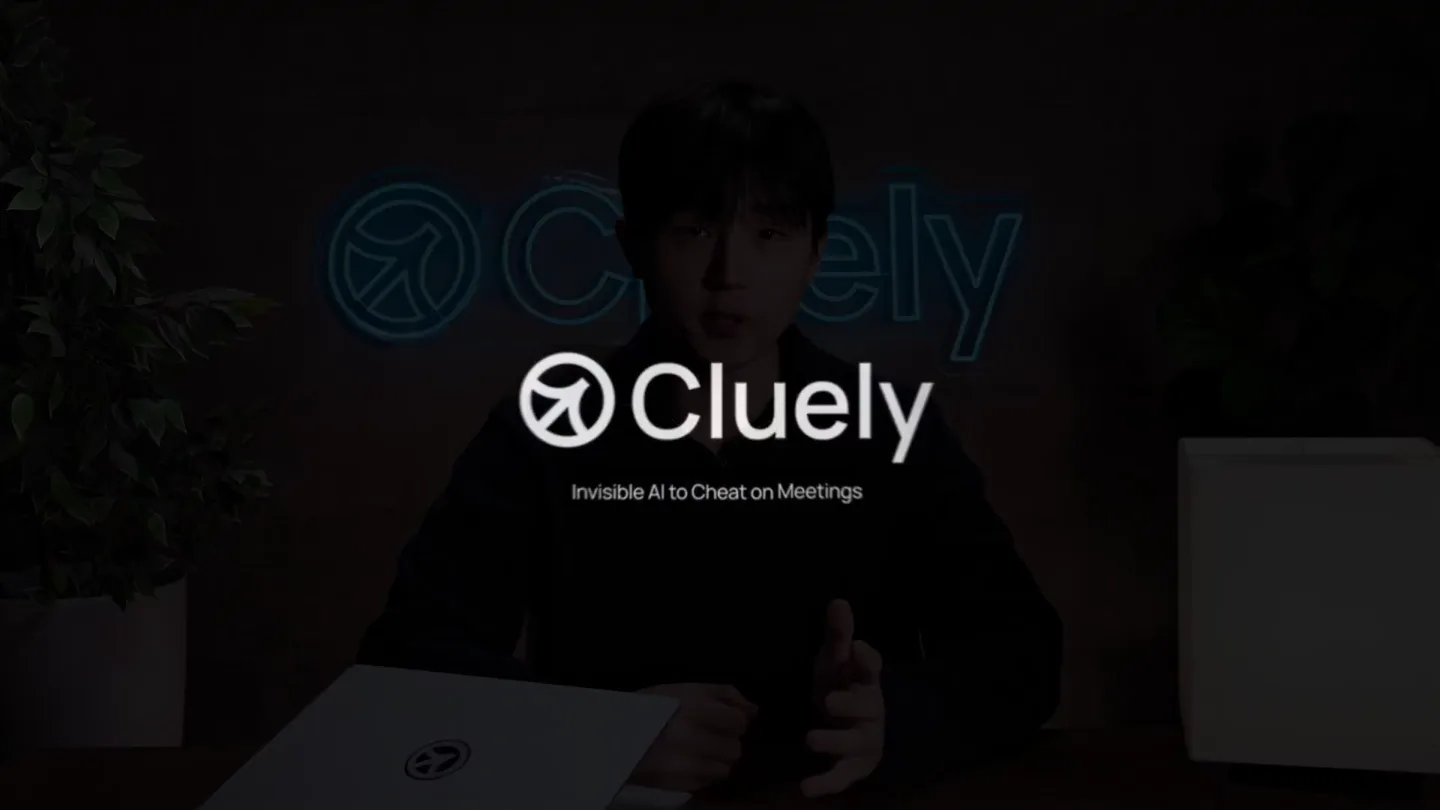
Roy · Launch Video Breakdown: Hook, Pacing & Motion Design
introducing @cluely. today is the start of a world where you never have to think again. we just killed 9 industries (thread):
Scene-by-scene timeline & spoken transcript
The Hook
AI Desktop Assistant Intro
“(No spoken dialogue — A pizzicato synth melody with a sub-bass and subtle 808s sets a modern, futuristic tone. A high-energy riser builds anticipation.)”
- On screen
- AI Desktop Assistant
- Camera
- Static shot, centered text.
- Motion
- Text fade-in with subtle glow effect.
Product Reveal
Live Demo: Real-time Notepad & Suggestions
“Cluely shows up as a translucent window while in a meeting to have Cluely. As you can see, there's a real time notepad. Neel, you went on a pretty interesting Japantown for dinner. As you can see, throughout the conversation, Cluely can also suggest follow up questions.”
- On screen
- Zoom Workplace Meeting View Window Help Listen Ask Show/Hide Meeting Detected We detected you are using Zoom for a meeting. Record with Cluely Dismiss Live Insights Meeting Introduction Introductions: Roy greeted by others. Actions Define system audio What's up? Define real time notepad Suggest follow-up questions Click to ask Cluely Roy Lee Neel Shanmugam Participants Chat React Share Host tools AI Companion Apps Show captions Record More End AI Response Prompt engineering is the process of designing and refining input prompts to elicit the most accurate, relevant, or useful responses from AI language models like GPT. Can you tell me more about your interesting date? Define Japan Town Define prompt engineering Suggest follow-up questions What got you interested in prompt engineering? Did you ask any specific questions during your conversation in Japantown?
- Camera
- Close-up on screen, then wide shot of two speakers in a Zoom call. Camera pans and zooms to highlight UI elements.
- Motion
- Seamless UI overlay animation, text pop-ins, and dynamic focus shifts. Translucent window effect with subtle blur.
Feature Teaser
Dashboard & Personalization
“I'm gonna stop the recording. like, what are yesterday's action items. Here you can see all the times. I can make this entire thing public. you can share anything about yourself. sales.”
- On screen
- Done Save and Close Summary Live Insights Roy greeted everyone and demonstrated the real-time notepad for Cluely, highlighting its features. Neel shared a story about a fun date in Japantown. Neel discussed prompt engineering in detail. Cluely suggests follow-up questions to keep the conversation going. Actions Define Japan Town Define Japantown Define prompt engineering What got you interested in prompt engineering? Suggest follow-up questions Arc File Edit View Spaces Tabs Archive Extensions Window Help Good morning, Roy Search My Activity Personalize Settings Your organization Cluely Help Center Roy Lee roy@cluely.com AI and Human Participants Demo Meeting 1m 4 The conversation demonstrates an AI assistant's capability to define, suggest, and draft follow-up emails based on user prompts. Product Team and AI Assistant Working Session 0m 4 The conversation centers on a new live, in-call note-taking feature. The main challenge in liquor distribution is tracking in... Liquor Distributor Interview: Inventory Process D... 1m 3 The main challenge discussed is difficulty tracking inve... Sales Rep and System Introductory Meeting 0m 1 The main topic of discussion is liquor distribution, spe... AI and User Interview Session 1m 3 The user reported their router was flashing red since o... Liquor Distributor and AI Interview Session 0m 2 The main challenge in liquor distribution is tracking in... AI and User Inventory Issue Interview 0m 1 1 The assistant asked the user to describe their most rece... AI and User Roleplay Troubleshooting Session 0m 1 The user reported their router was flashing red after o... Customer and AI Troubleshooting Session 3m User reported router flashing red since morning, restor... Product Team and AI User Interview Session 0m 1 The conversation use Ask about anything (Alt) Chat What are yesterday's action items? You Ask about anything (Alt) Share Options Usage Missed Opportunities Meeting June 27, 2025 2:39am - 2:40am Times Used 4 Missed Opportunities 3 Summary The conversation demonstrates an AI assistant's capabilities to define, suggest follow-up questions, and draft follow-up emails based on user prompts. The participants discuss a recent date in Japantown, during which prompt engineering was a significant topic. The AI assistant, referred to as Chloe, actively supports the conversation by providing definitions and suggesting relevant questions. The system highlights that Chloe's features, such as real-time note-taking and question suggestion, work across various meeting types, including in-person interactions. The dashboard is mentioned as a central place where much of the AI's functionality is managed. Action Items Explore or demonstrate Chloe's dashboard to understand its features and capabilities. Consider using Chloe in different meeting formats to assess its versatility. Notes Introduction and greetings: "What's up?" and "Hey, Roy," exchanged between participants. Demonstration of AI assistant (Chloe): Real-time notepad pops up during conversation. Allows Chloe to suggest questions or define terms as needed. Make Public Analyzing screen... You are a school and lecture assistant. Your goal is to help the user understand academic material and answer questions. Whenever a question appears on the user's screen or is asked aloud, you provide a direct, step-by-step answer, showing all necessary reasoning or calculations. If the user is watching a lecture or working through new material, you often offer concise explanations of key concepts and clarify definitions as they come up. School Clear Response R Listen Ask Show/Hide You are a meeting assistant. Your goal is to help the user advance the conversation and function effectively in any meeting. [Information about the company's product and answers to common questions about the company] If you want ideas on what to personalize (such as let me know your goals and I can suggest options. Meetings Sales If the conversation is at the very beginning or the user is working to build rapport with the prospect, you suggest friendly, authentic ways for the user to build rapport with the prospect. After rapport is built, if the conversation is just starting, you remind the user to set the agenda clearly. You prompt the user to confirm the prospect's available time, outline the topics to be discussed, and ask if the prospect has any goals they want to address. When the user is in the discovery phase, you listen for the prospect's pain points and needs, and suggest personalized follow-up questions that help the user dig deeper. If the prospect voices an objection or concern, you highlight the objection and provide the user with effective responses. Specific objections to handle: Price [product too expensive]: Tell the user to emphasize how the value and long-term benefits justify the cost, and provide examples or ROI calculations if possible. that would help understand if there's anything about the product that gives it an edge. Shopping around [considering competitors]: Help the user with what sets your product apart from competitors and direct Context Personalize Hide Presets You are a real-time AI sales assistant. Your goal is to help the user advance the conversation and function effectively in any meeting. [Information about the company's product and answers to common questions about the product] Sales Meetings Recruiting Customer Support
- Camera
- Rapid cuts between different UI screens, showcasing dashboard features. Dynamic camera movements, including zooms and pans, to highlight interactive elements.
- Motion
- Fast-paced UI transitions, screen wipes, and element highlights. Text and UI elements animate in and out with smooth, quick interpolations. Subtle parallax scrolling on background elements.
Call to Action
Founder Vision & Future of AI
“there will be a better way to interact with AI.”
- On screen
- Cluely
- Camera
- Medium shot of the founder speaking directly to the camera, with a neon 'Cluely' sign in the background. Static shot.
- Motion
- Subtle background glow from the neon sign. Focus on the speaker, minimal motion graphics, allowing the dialogue to take center stage.
Motion design primitives
Synthesizable in Remotion · key components of the ai-desktop-assistant-launch template.
TranslucentOverlay
A semi-transparent, rounded rectangular window appears over existing UI, displaying dynamic content. It features a subtle frosted glass or blur effect behind its content.
+ Code construction recipe
Implement using a `Blur` component from `@remotion/effects` on a background layer, combined with an `AbsoluteFill` for the overlay content. Animate `opacity` and `scale` with `spring()` for a smooth pop-in effect. Use `borderRadius` for the rounded corners.
DynamicUIHighlight
Specific UI elements (buttons, text fields, list items) are highlighted with a glowing border or a subtle background fill, often accompanied by a quick zoom or scale animation.
+ Code construction recipe
Apply a `border` or `boxShadow` with a vibrant color, animating its `width` or `spread` using `interpolate()` with an `easeOutCubic` curve. Combine with a `scale` transform on the element, also using `spring()` for a responsive feel.
ContentCarouselTransition
Different content panels or screens slide in and out horizontally or vertically, revealing new information with a smooth, continuous motion.
+ Code construction recipe
Utilize `translateX` or `translateY` properties on a container holding multiple content components. Animate these properties with `spring()` or `interpolate()` with a `cubic-bezier` curve for a fluid, carousel-like effect. Ensure content is clipped with `overflow: hidden`.
Style DNA & aesthetic system
Visual aesthetic
Typography
Motion
Special effects
Pacing & rhythm
Conceptual story rhythm
- 1
The Intrigue
Purpose. Immediately capture attention and introduce the core concept of an AI assistant.
Execution. Minimalist black screen with elegant text fade-in, followed by a quick cut to a live demo.
- 2
The Demonstration
Purpose. Showcase the product's core functionality in a real-world scenario.
Execution. Live Zoom call demo with dynamic UI overlays, highlighting real-time note-taking and question suggestions.
- 3
The Expansion
Purpose. Illustrate the broader capabilities and customization options of the product.
Execution. Rapid cuts through dashboard views, personalization settings, and various use cases with animated UI elements.
- 4
The Vision
Purpose. Connect the product to a larger vision and inspire confidence in the founder.
Execution. Founder speaking directly to the camera, with a branded neon sign in the background, conveying authenticity and future potential.
Remix in Animatiq Studio
Master remix prompt · agent-ready
Sample remix
Objective
Launch a new AI-powered project management tool called 'Synapse' that automates task assignments and provides real-time progress insights.How the recipe adapts
The 'TranslucentOverlay' primitive would be used to show real-time task updates appearing over a project dashboard. 'DynamicUIHighlight' would draw attention to automated task assignments and progress bars. 'ContentCarouselTransition' would demonstrate switching between different project views (Gantt chart, Kanban board, calendar). The founder would explain Synapse's vision for streamlined project execution, with a 'Synapse' neon logo in the background, using a brand-specific blue and green color palette.Remix blueprint · ai-desktop-assistant-launch
Scene durations (4 scenes, 145s)
Key Remotion components
Related Tech & SaaS Product Launches
Explore all Tech & SaaS launches →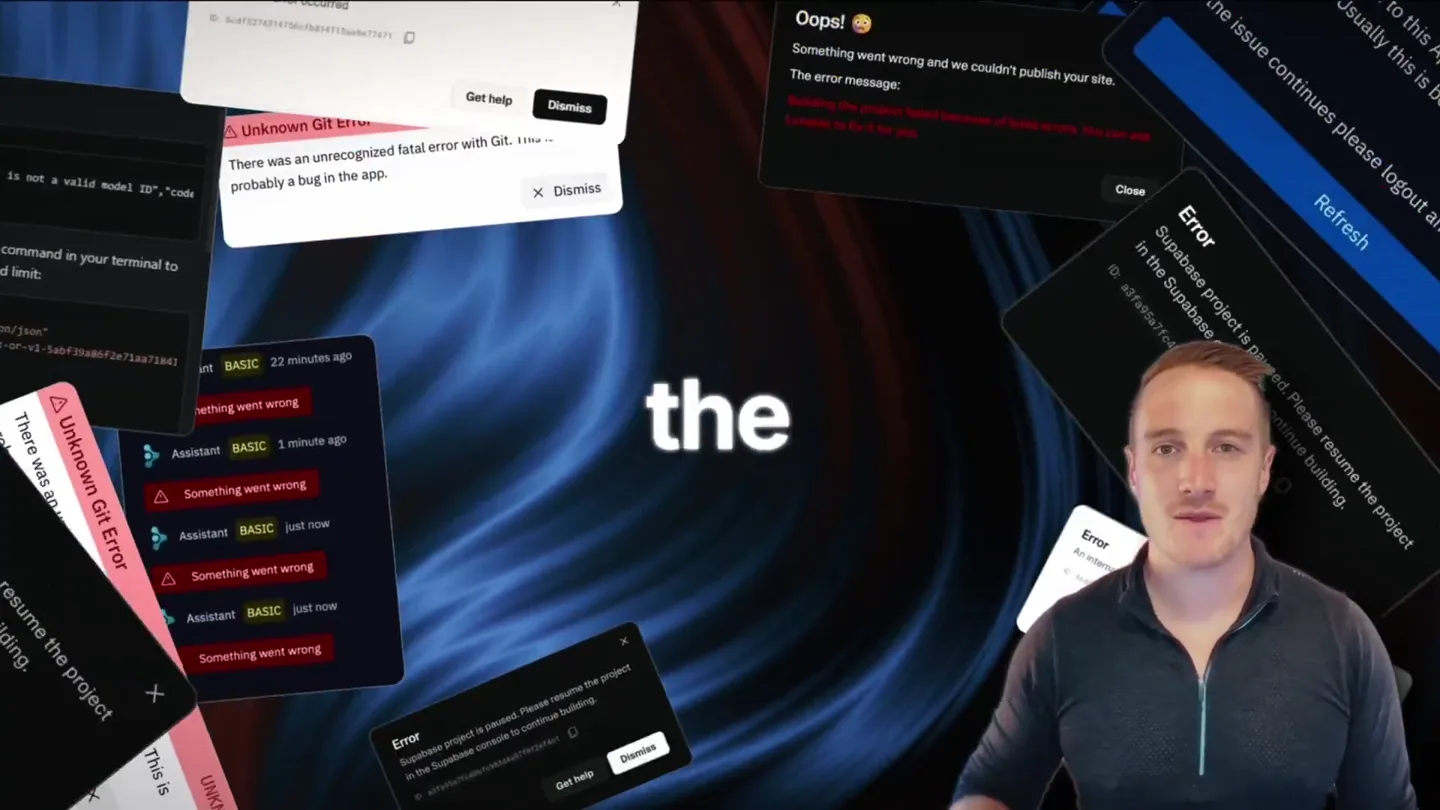
Bolt v2 pairs Claude Code and Codex agents with built-in hosting, database and storage so apps ship without setup.

Making life multiplanetary
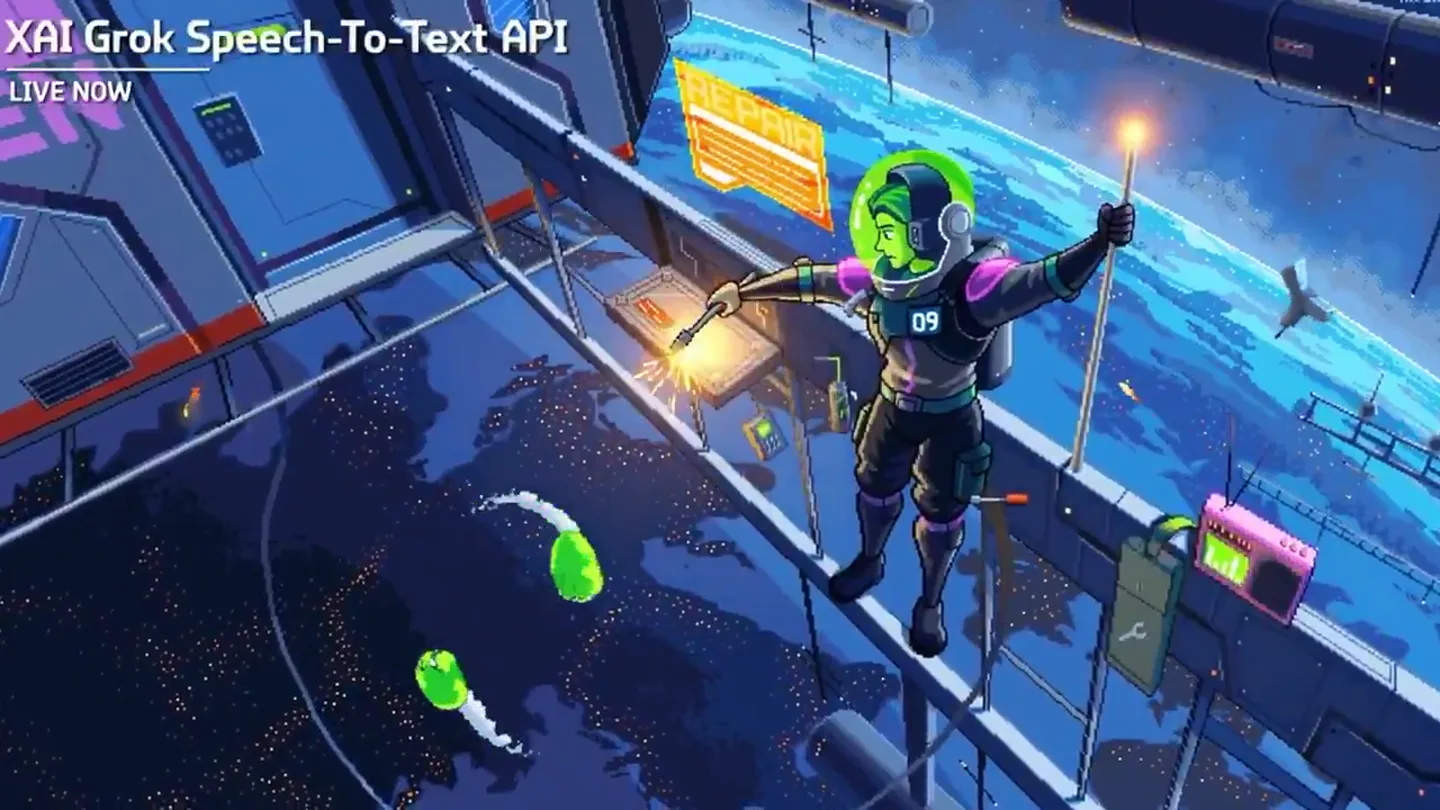
Did xAI just mass-murder the entire voice AI industry? Grok just launched two voice APIs. Speech-to-Text and Text-to-Speech. Built on the same stack powering Tesla cars and Starlink support. And pr…