
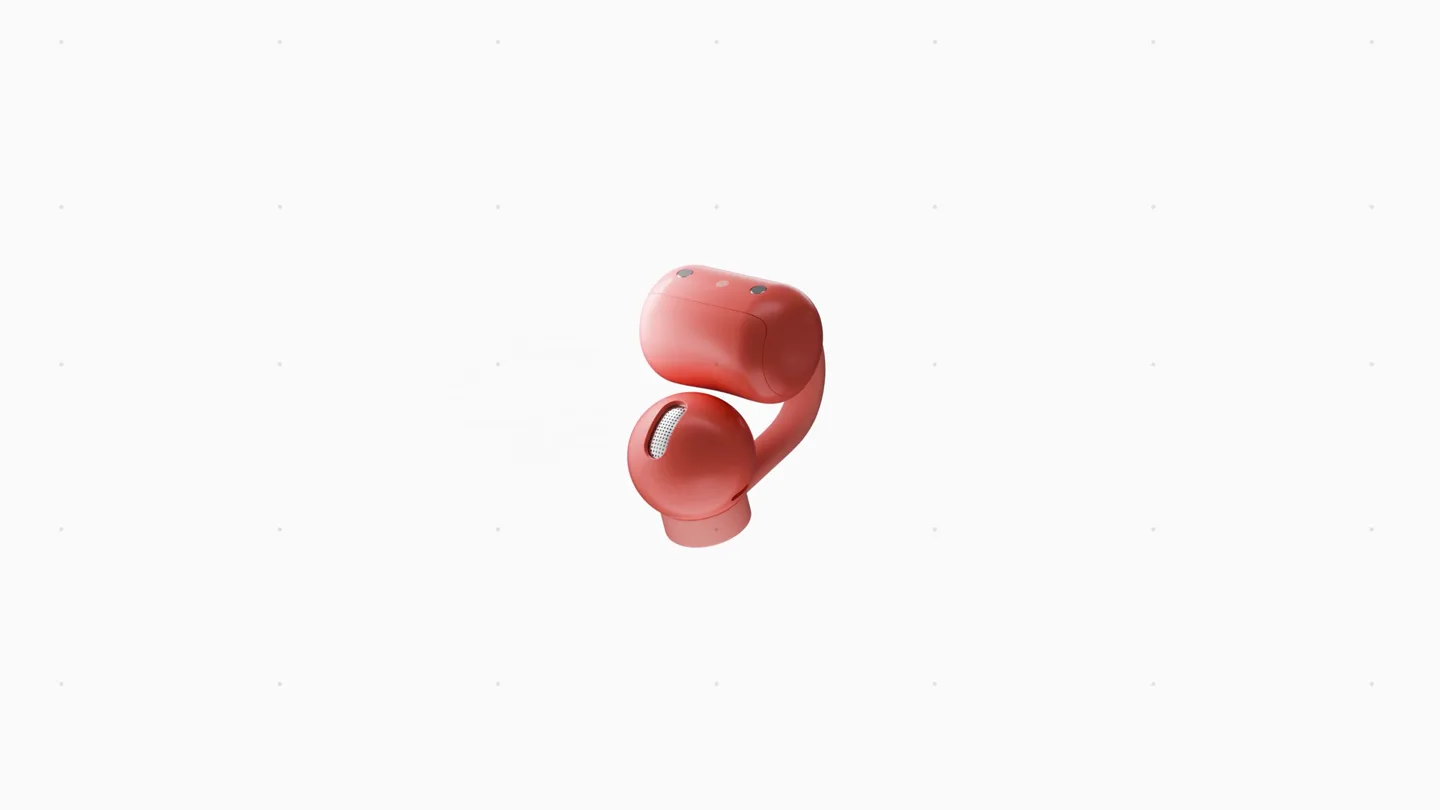
CMF by Nothing · Launch Video Breakdown: Hook, Pacing & Motion Design
Introducing Clip Pro from CMF by Nothing.
Scene-by-scene timeline & spoken transcript
The Hook
Brand Intro & Product Tease
“(No spoken dialogue — Driving electronic beat with 808s and sub-bass begins, setting a high-energy tone.)”
- On screen
- cmf
- Camera
- Static shot of the CMF logo, followed by a slow, controlled rotation of the Clip Pro earbud, revealing its form.
- Motion
- Dot matrix logo animation, 3D product rotation with subtle lighting changes.
Feature Teaser
Design & Control Features Showcase
“one, two, three, four, five, six, seven, eight”
- On screen
- 3-POINT CLIP DESIGN LOCKS IN PLACE CONTROL BUTTONS SMART DIAL
- Camera
- Dynamic close-ups and rotations of product features, including the clip design, control buttons, and smart dial. Camera pans and zooms to highlight specific elements.
- Motion
- Animated text reveals, ghosting effects to show internal structure, split-screen compositions, and precise 3D model manipulation.
Product Reveal
Audio Technology & Full Product View
“(No spoken dialogue — High-energy riser at 0:17-0:18 leading into a sub-bass drop at 0:18. Rhythmic intensity continues.)”
- On screen
- Hi-Res AUDIO WIRELESS DYNAMIC DRIVER ULTRA BASS TECHNOLOGY SOUND SEAL SYSTEM
- Camera
- Exploded view of internal components, followed by a full product shot of the earbuds and charging case. Camera orbits around the product, showcasing different angles.
- Motion
- Exploded 3D assembly animation, transparent material rendering, animated sound wave visualizers, and product grouping.
Call to Action
Product Lineup & Brand Reinforcement
“Welcome.”
- On screen
- CLIP PRO CLIP ON. KEEP ON. cmf BY NOTHING
- Camera
- Wide shot displaying multiple color variants of the product and charging cases. Final shot is a static display of the CMF by Nothing logo.
- Motion
- Product array presentation, animated tagline reveal, and dot matrix logo animation for brand identity.
Motion design primitives
Synthesizable in Remotion · key components of the cmf-clip-pro-launch-template template.
DotMatrixReveal
Text or logos animate into existence by sequentially illuminating individual dots, creating a retro-digital aesthetic. The dots can also subtly pulse or shift.
+ Code construction recipe
Utilize Remotion's <Sequence> and <AbsoluteFill> components. Implement a grid of small SVG circles or React Native View components. Animate the 'opacity' or 'scale' of each dot using 'interpolate' based on its position and a staggered delay, creating a wave-like reveal. Use 'spring' for a subtle bounce effect on individual dots.
ExplodedProductAssembly
A 3D product model disassembles into its constituent parts, which then reassemble, often with accompanying text highlighting specific components or features.
+ Code construction recipe
Leverage Remotion's 3D capabilities (e.g., react-three-fiber). Import a glTF or OBJ model. Animate the 'position' and 'rotation' of individual mesh components using 'interpolate' with 'easeOutCubic' for smooth separation and reassembly. Use 'spring' for a slight overshoot on final assembly. Overlay text with 'FadeIn' and 'SlideIn' animations.
DynamicFeatureHighlight
Specific product features are highlighted through close-up shots, animated overlays (like circles or lines), and text reveals, often with a subtle glow or transparency effect.
+ Code construction recipe
Combine camera 'zoom' and 'pan' animations using 'interpolate'. Overlay SVG shapes (circles, lines) with animated 'stroke-dashoffset' or 'opacity' to draw attention. Apply CSS 'filter: blur()' or 'box-shadow' for glow effects. Text elements should 'fadeIn' and 'slideIn' from the side, synchronized with the visual highlight.
Style DNA & aesthetic system
Visual aesthetic
Typography
Motion
Special effects
Pacing & rhythm
Conceptual story rhythm
- 1
Intrigue & Identity
Purpose. Establish brand presence and introduce the product form factor without revealing all details, building anticipation.
Execution. Dot matrix logo reveal followed by a slow, elegant 3D rotation of the product in isolation.
- 2
Feature Deep Dive
Purpose. Educate the viewer on key design and functional aspects, highlighting user benefits through close-ups and animated text.
Execution. Rapid cuts showcasing specific features like the clip design, control buttons, and smart dial with synchronized text overlays.
- 3
Technological Breakthrough
Purpose. Demonstrate the advanced engineering and audio capabilities, reinforcing the product's performance credentials.
Execution. Exploded 3D view of internal components, highlighting dynamic drivers and sound seal system, often with transparent effects.
- 4
Brand & Call to Action
Purpose. Present the full product line, reinforce brand messaging, and conclude with a memorable tagline.
Execution. Multiple product variants displayed, followed by a clear tagline and the brand logo, often with a final audio impact.
Remix in Animatiq Studio
Master remix prompt · agent-ready
Sample remix
Objective
Launch a new smart thermostat called 'AuraTemp'.How the recipe adapts
The video would open with the 'AuraTemp' logo appearing via a DotMatrixReveal. The product tease would show a sleek, minimalist thermostat rotating in 3D. Feature deep dives would highlight its touch interface, ambient light sensor, and modular design using DynamicFeatureHighlight with animated circles and text. The technological breakthrough section would use ExplodedProductAssembly to show its internal AI chip and advanced climate sensors. The final segment would display AuraTemp in different home environments and color variants, ending with the brand logo and a tagline like 'AuraTemp: Intelligent Comfort, Simplified'.Remix blueprint · cmf-clip-pro-launch-template
Scene durations (4 scenes, 35s)
Key Remotion components
Related Hardware & Devices Product Launches
Explore all Hardware & Devices launches →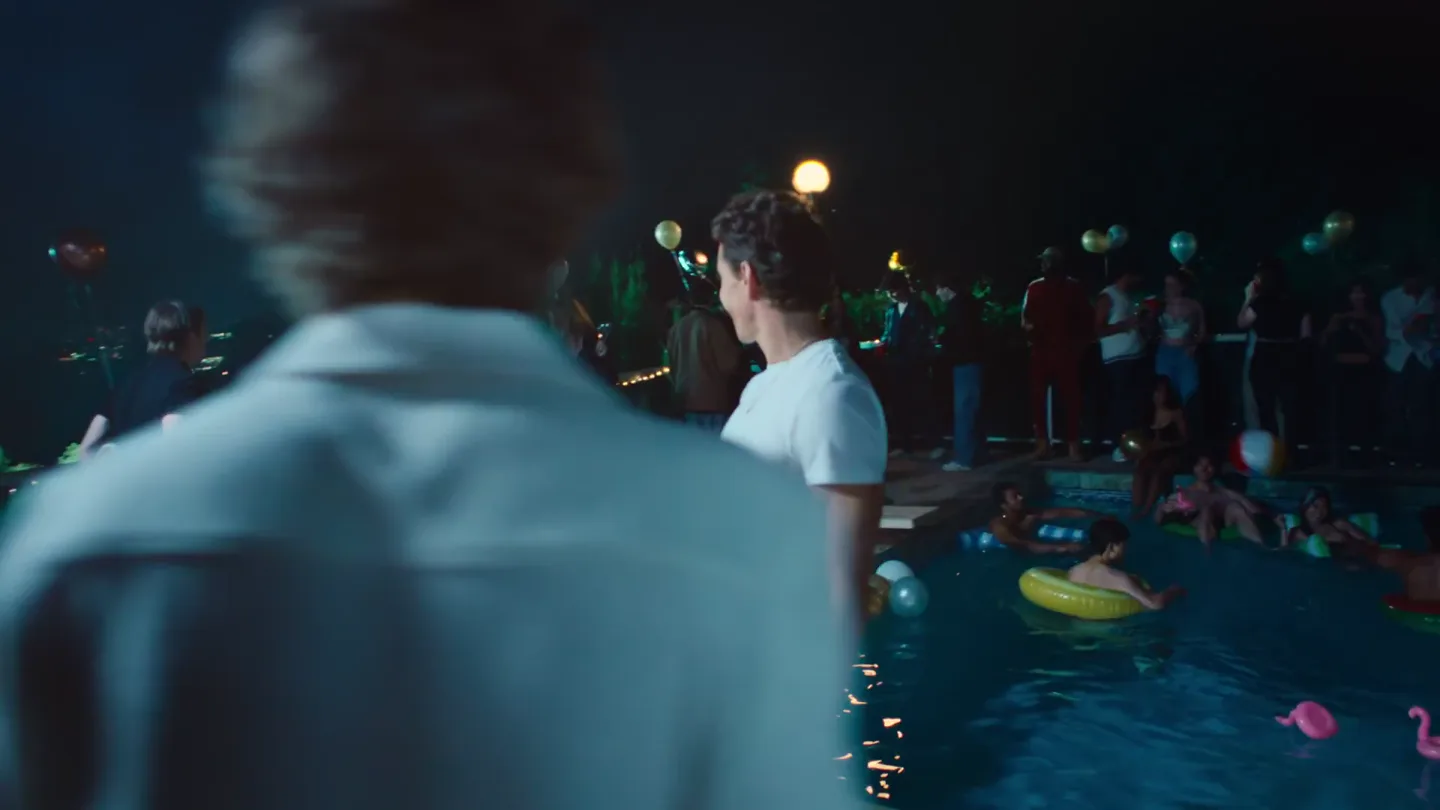
Waves launches camera glasses built for creators, with stealth recording and all-day livestreaming, now on pre-order.
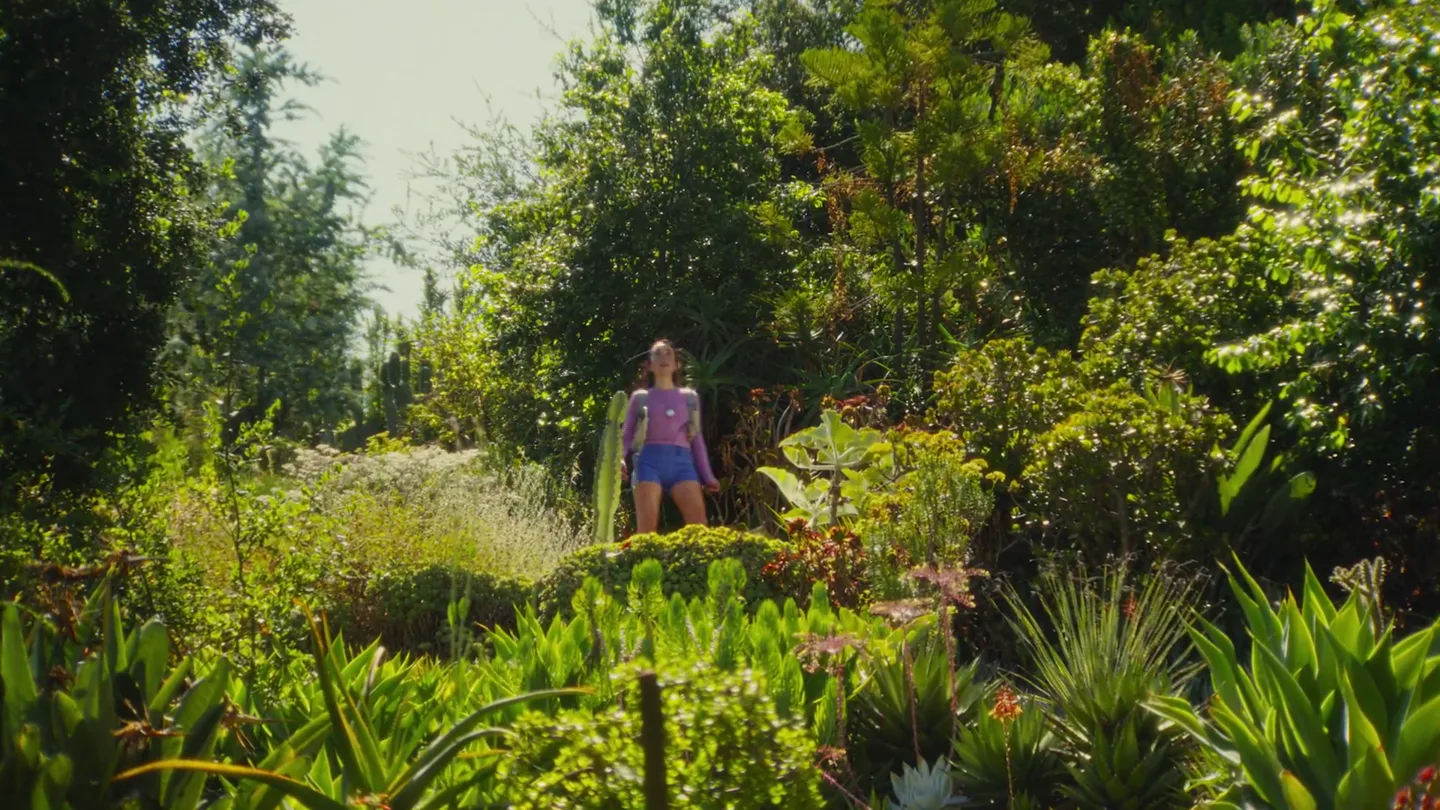
Friend's launch film for its wearable AI companion, with orders opening alongside the post.
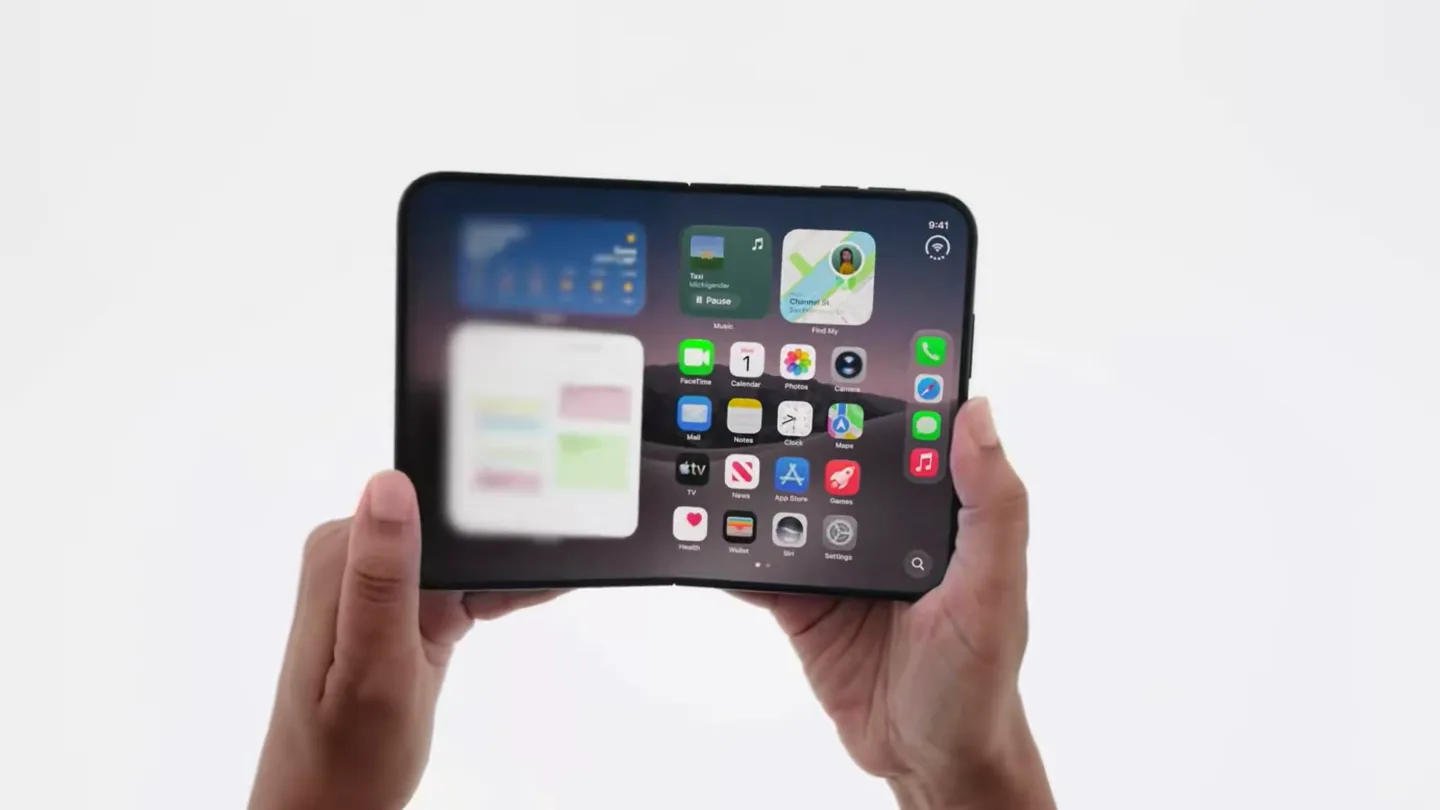
Official trailer for iPhone Duo.