
OpenAI Developers · Launch Video Breakdown: Hook, Pacing & Motion Design
We’re having way too much fun working through your feedback. (Please, keep it coming.) Keyboard shortcuts are now customizable. Set Codex up around how you actually work, then tweak shortcuts from…
Scene-by-scene timeline & spoken transcript
The Hook
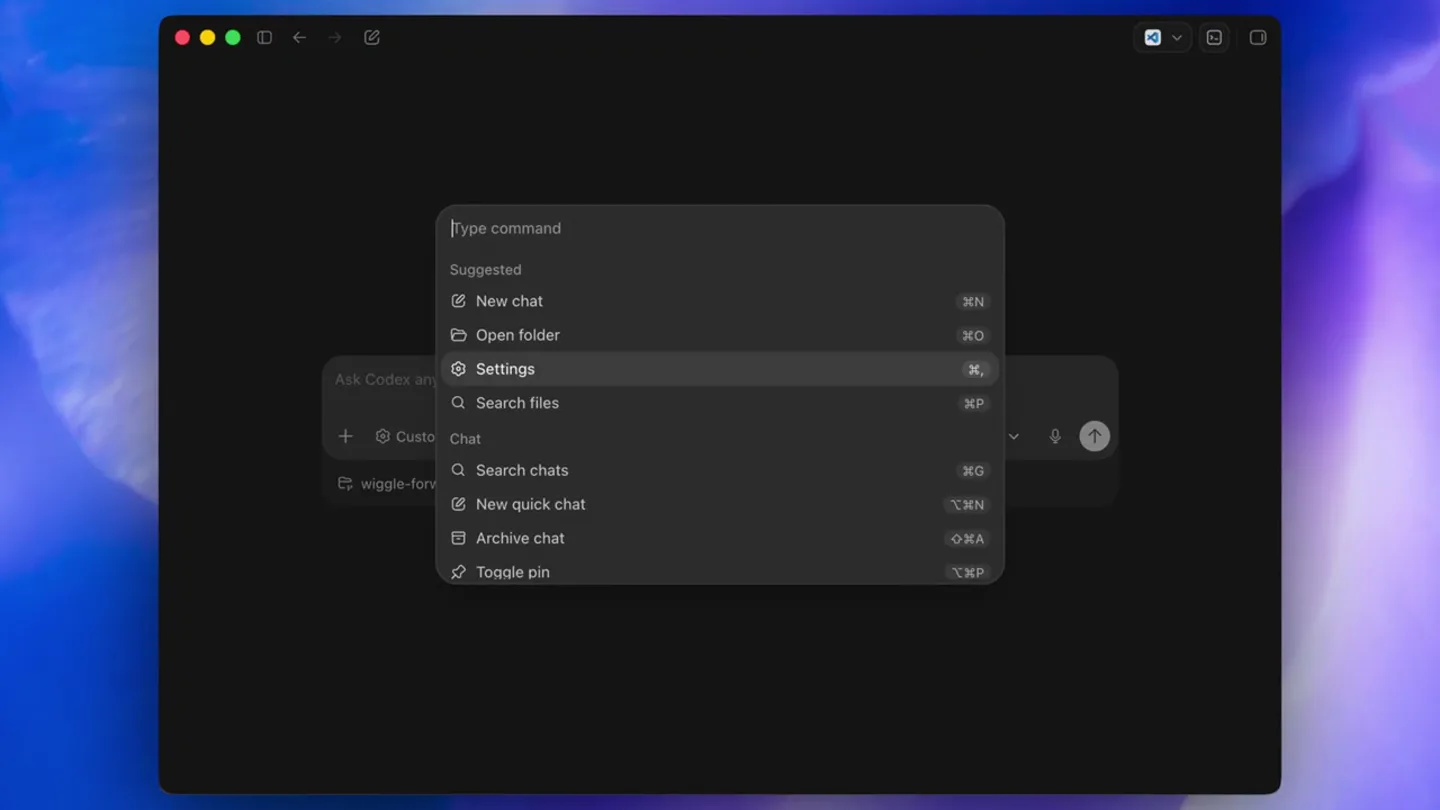
Command Palette Interaction
“(No spoken dialogue — A subtle, high-frequency synth riser builds, culminating in a significant sub-bass drop/impact at 0:01.)”
- On screen
- Type command Suggested New chat Open folder Settings Search files Chat Search chats New quick chat Archive chat Toggle pin
- Camera
- Static overhead shot of a desktop application window, focused on a command palette overlay.
- Motion
- Subtle hover state changes and selection highlight on menu items, indicating user interaction.
Feature Teaser
Navigating to Settings
“(No spoken dialogue — Sustained atmospheric pad synth and sub-bass drone continue.)”
- On screen
- Back to app General Appearance Configuration Personalization Keyboard shortcuts MCP servers Hooks Connections Environments Worktrees Browser Computer use Archived chats General Work mode Choose how much technical detail Codex shows For coding More technical responses and control For everyday work Same power, less technical detail Permissions Default permissions Codex can read and edit files in its workspace. It can ask for additional access when needed Auto-review Codex can read and edit files in its workspace. Codex automatically requests for additional access. Auto-review can make mistakes. Learn more about elevated risks. Full access When Codex runs with full access, it can edit any file on your computer and run commands with network, without your approval. This significantly increases the risk of data loss, leaks, or unexpected behavior. Learn more about elevated risks.
- Camera
- Static shot of the application's settings panel, with a sidebar navigation.
- Motion
- Smooth transition from command palette to settings view. Highlighted 'Settings' item in the command palette, followed by a click animation.
Feature Teaser
Accessing Keyboard Shortcuts
“(No spoken dialogue — Sustained atmospheric pad synth and sub-bass drone continue.)”
- On screen
- Back to app General Appearance Configuration Personalization Keyboard shortcuts MCP servers Hooks Connections Environments Worktrees Browser Computer use Archived chats Keyboard shortcuts Search shortcuts Command Keybinding Archive chat Archive the current chat New chat Start a new chat Open in new window Open the current chat in a new window Unassigned New quick chat Start a lightweight chat in the quick compo... Toggle pin Pin or unpin the current chat Find Search the current chat Focus browser address bar Focus the in-app browser address bar
- Camera
- Static shot, zoomed in slightly on the 'Keyboard shortcuts' section of the settings.
- Motion
- Smooth scroll animation down the sidebar to 'Keyboard shortcuts', followed by a click and a panel transition to display shortcut options.
Product Reveal
Customizing a Shortcut
“(No spoken dialogue — A second, more pronounced synth riser starts at 0:07, leading into another powerful sub-bass impact at 0:08.)”
- On screen
- Search shortcuts Command Keybinding Archive chat Archive the current chat New chat Start a new chat Open in new window Open the current chat in a new window Unassigned Press shortcut Cancel Used by New Window New quick chat Start a lightweight chat in the quick compo... Toggle pin Pin or unpin the current chat Find Search the current chat Focus browser address bar Focus the in-app browser address bar
- Camera
- Static shot, further zoomed in on the 'Open in new window' shortcut row.
- Motion
- Click animation on the 'Unassigned' field, revealing 'Press shortcut' prompt. A key combination (Ctrl+Shift+N) is then animated as being pressed and assigned.
Call to Action
Confirmation and Final View
“(No spoken dialogue — Sustained atmospheric pad synth and sub-bass drone continue.)”
- On screen
- Back to app General Appearance Configuration Personalization Keyboard shortcuts MCP servers Hooks Connections Environments Worktrees Browser Computer use Archived chats Keyboard shortcuts Search shortcuts Command Keybinding Archive chat Archive the current chat New chat Start a new chat Open in new window Open the current chat in a new window New quick chat Start a lightweight chat in the quick compo... Toggle pin Pin or unpin the current chat Find Search the current chat Focus browser address bar Focus the in-app browser address bar Back Go back in navigation history Forward Go forward in navigation history
- Camera
- Slight zoom out to show more of the 'Keyboard shortcuts' panel, confirming the change.
- Motion
- The newly assigned shortcut appears, and the edit UI disappears, confirming the action. Subtle UI element fades and shifts.
Motion design primitives
Synthesizable in Remotion · key components of the dark-mode-ui-customization-showcase template.
CommandPaletteReveal
A dark, rounded rectangular overlay animates into view from the center, expanding slightly with a soft shadow. Text elements inside fade in and slide up subtly.
+ Code construction recipe
Use `spring` for `scale` and `opacity` on the container. Text elements can use `interpolate` for `translateY` and `opacity` with a slight delay for a staggered effect. Apply a `box-shadow` with a subtle blur and spread.
ShortcutAssignmentInput
An 'Unassigned' text field transforms into an interactive input prompt ('Press shortcut'), then displays the newly pressed key combination with a subtle bounce.
+ Code construction recipe
Use `interpolate` for `opacity` and `scale` for the text change. The key combination display can use a `spring` animation for its initial appearance, perhaps with a slight `rotateX` for a subtle 3D pop.
Style DNA & aesthetic system
Visual aesthetic
Typography
Motion
Special effects
Pacing & rhythm
Conceptual story rhythm
- 1
Initiation & Discovery
Purpose. Introduce the product's interactive capabilities and guide the user into its core settings.
Execution. Opening with a command palette, demonstrating quick access and navigation, setting a tone of efficiency.
- 2
Deep Dive into Customization
Purpose. Showcase the product's flexibility and user-centric design through detailed settings.
Execution. Transitioning from general settings to specific 'Keyboard shortcuts' to highlight granular control.
- 3
Empowering User Control
Purpose. Demonstrate a key feature that allows users to tailor the product to their workflow.
Execution. Focusing on the act of assigning a custom keyboard shortcut, emphasizing personalization.
- 4
Seamless Integration & Confirmation
Purpose. Conclude by showing the immediate impact and ease of customization.
Execution. The newly assigned shortcut is displayed, confirming the change and reinforcing the product's responsiveness.
Remix in Animatiq Studio
Master remix prompt · agent-ready
Sample remix
Objective
Demonstrate a new feature in a collaborative design tool where users can create custom hotkeys for frequently used actions.How the recipe adapts
The CommandPaletteReveal primitive would be used to open a 'Quick Actions' menu. The SidebarNavigationTransition would guide the user to a 'Hotkeys & Gestures' settings panel. The ShortcutAssignmentInput primitive would then be used to show a user assigning a custom hotkey for 'Duplicate Layer', with the UI reacting with a subtle bounce and confirmation.Remix blueprint · dark-mode-ui-customization-showcase
Scene durations (5 scenes, 9.6s)
Key Remotion components
Related Hardware & Devices Product Launches
Explore all Hardware & Devices launches →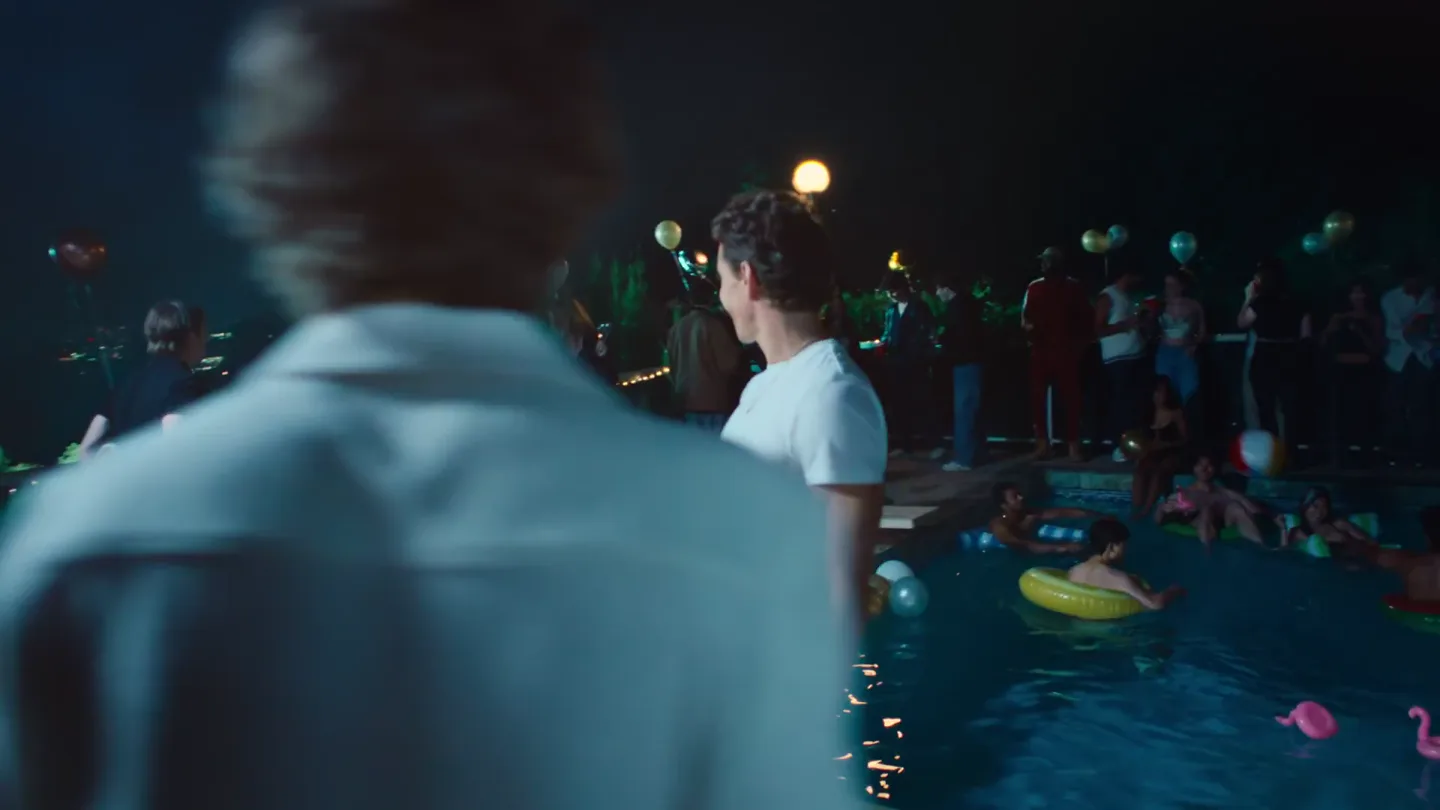
Waves launches camera glasses built for creators, with stealth recording and all-day livestreaming, now on pre-order.
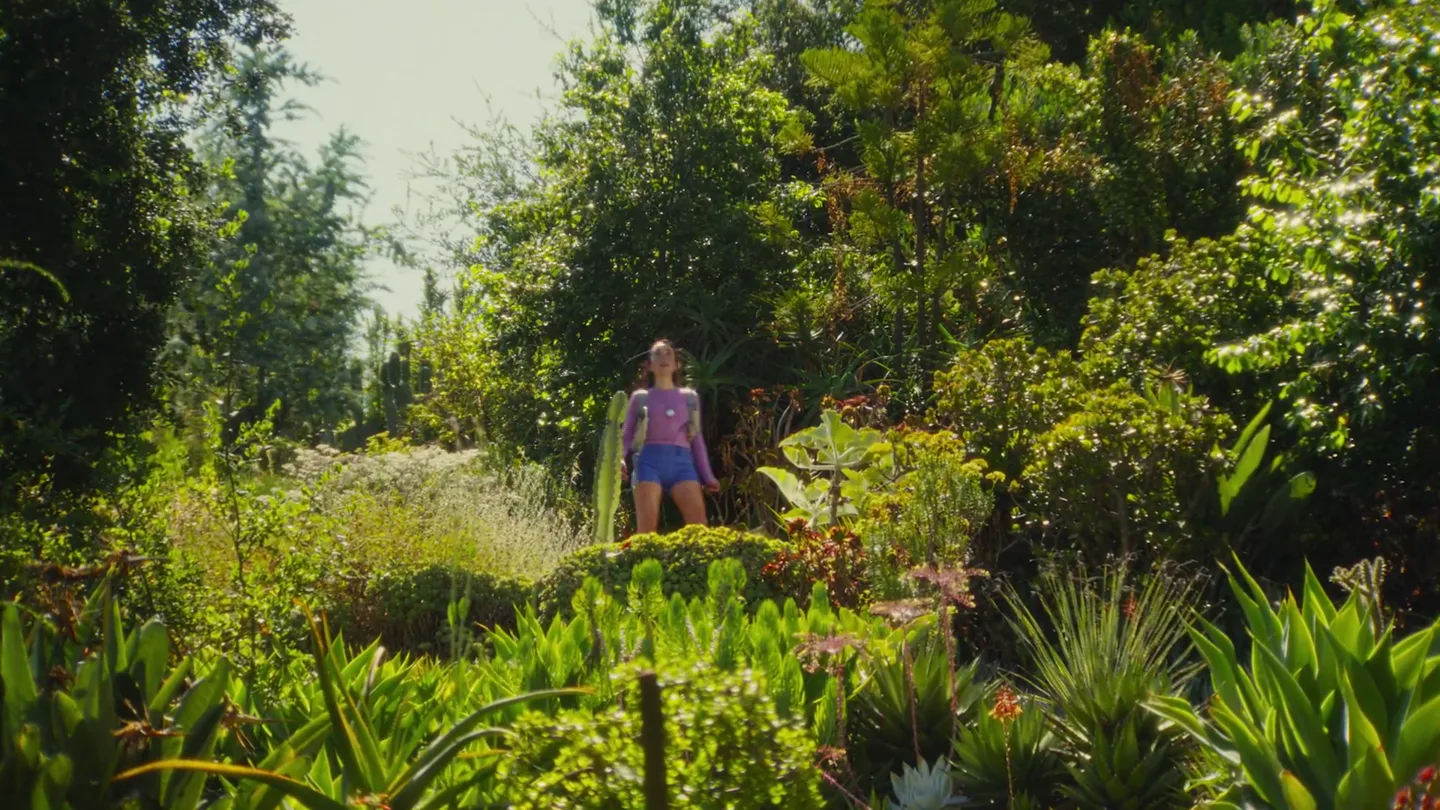
Friend's launch film for its wearable AI companion, with orders opening alongside the post.
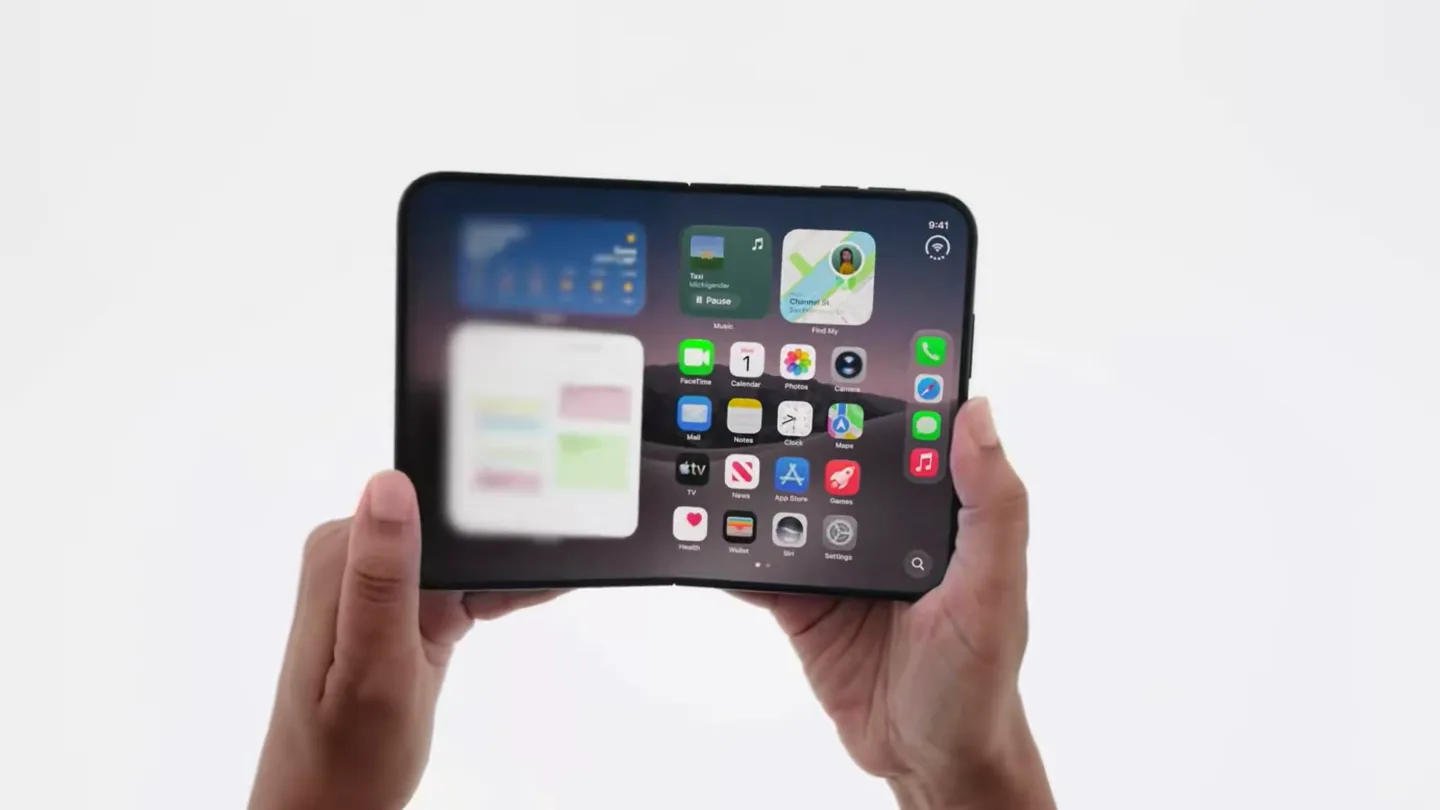
Official trailer for iPhone Duo.