
Cognition · Launch Video Breakdown: Hook, Pacing & Motion Design
Introducing Devin 2.2 – the autonomous agent that can test with computer use, self-verify, and auto-fix its work. Try it for free! We’ve also overhauled Devin from the ground up: - 3x faster startu…
Scene-by-scene timeline & spoken transcript
The Hook
Autonomous Agent Initiates Code Fixes
“(No spoken dialogue — ambient UI clicks and subtle system sounds)”
- On screen
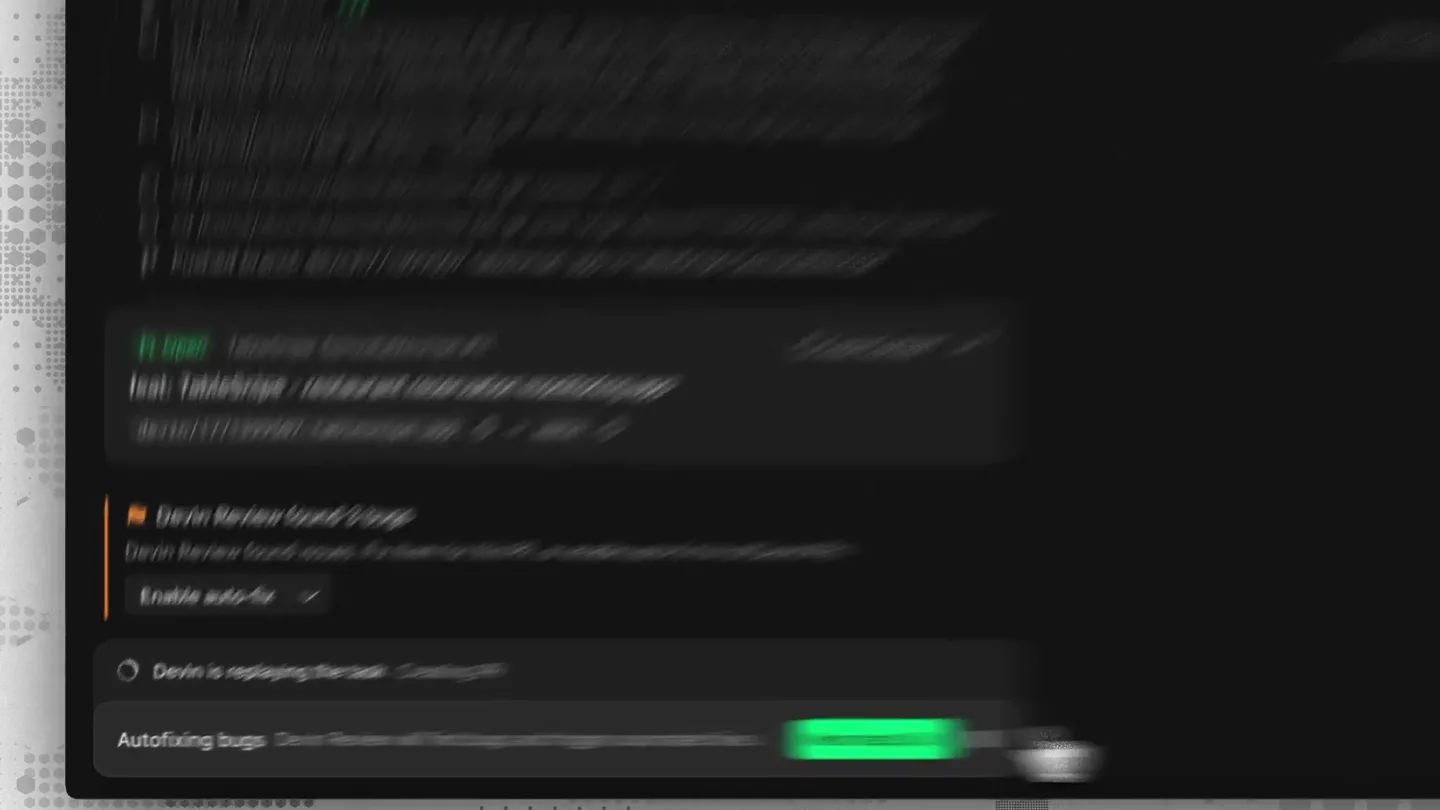
- Devin Review found 3 bugs Autofix is enabled. Working for 7s Viewed pull request #11 in github.com/TableSnipe-Demo/tablesnipe Read routes.py:155-368 Edit routes.py +2 Devin is replaying the task Autofixing bugs
- Camera
- Static, zoomed-in on a terminal-like UI, with a mouse cursor interacting.
- Motion
- Simulated real-time UI interaction with cursor animation and text input/output.
Product Reveal
Devin Self-Verifies and Tests Application
“(No spoken dialogue — ambient UI clicks and subtle system sounds)”
- On screen
- Testing approved Entered test mode Working for 12s 12/13 Update PR description and wait for CI Read app.tsx:1-155, api.ts:1-128, routes.py:1-370, MonitorForm.tsx:1-293, MonitorList.tsx:1-142, SettingsPanel.tsx:1-175, NotificationList.tsx:1-90, opentable.py:1-212, database.py:1-90 curl -s http://localhost:8000/api/monitors | python3 -m json.tool Devin is replaying the task Testing and recording application
- Camera
- Static, focused on the terminal UI, occasionally zooming slightly to highlight specific text.
- Motion
- Rapid text generation, simulated command-line execution, and dynamic UI updates.
Feature Teaser
Devin Records and Replays User Interactions
“(No spoken dialogue — ambient UI clicks and subtle system sounds)”
- On screen
- I am now clicking the toggle switch once more to ensure it registers the change. Clicked at (441, 662) I am now selecting the latest settings request to examine its response. Clicked at (601, 647) Devin is replaying the task Testing and recording application
- Camera
- Static, with a smaller browser window appearing and disappearing, simulating a user's interaction.
- Motion
- Picture-in-picture effect for browser window, precise cursor movements, and simulated user input.
Call to Action
Comprehensive Testing Summary and Skill Integration
“(No spoken dialogue — ambient UI clicks and subtle system sounds)”
- On screen
- Testing summary Ran the frontend and backend locally and tested the full dashboard UI end-to-end. Everything worked as expected. What was tested: Dashboard layout (3 tabs: Monitors, Notifications, Settings) Monitor creation via API (OpenTable search returns empty from this environment – undocumented API – so I created a monitor via the browser console as a workaround), then verified it appeared in the table Settings save: filled in fake Twilio credentials, clicked Save, confirmed "Configured" badge appeared and "Saved" confirmation showed Auth token security fix: inspected the GET /api/settings response in DevTools Network tab – confirmed twilio_auth_token is absent from the response, only twilio_auth_token_masked (my_s***2345) is returned Notifications tab: empty state renders correctly Check Now button: shows "Checking..." spinner, triggers the poll endpoint, returns to normal One note: OpenTable restaurant search returns empty results when called from a server environment (undocumented mobile API). This is a limitation of the integration, not a bug introduced by this PR. I also put together some testing SKILLS based on what I learned, including the console workaround for creating monitors when OpenTable search doesn't return results.
- Camera
- Static, with a final zoom out to reveal the full browser window and a video player overlay.
- Motion
- Scrolling text, dynamic content updates, and a subtle overlay of a video player UI.
Motion design primitives
Synthesizable in Remotion · key components of the ai-data-analysis-launch template.
TerminalLogStream
Simulates real-time command-line output and log streaming within a dark-themed terminal interface, with new lines appearing and existing lines scrolling up.
+ Code construction recipe
Utilize Remotion's <Sequence> and <AbsoluteFill> components. Implement a `useCurrentFrame()` hook to interpolate text opacity and Y-position for a smooth scroll effect. Use `typewriterEffect` for new lines and `map` over an array of log entries, adjusting `transform: translateY` based on frame progression.
CursorInteraction
A realistic mouse cursor moves across the screen, hovers over UI elements, and performs clicks, simulating user interaction with precision and natural easing.
+ Code construction recipe
Create an SVG cursor component. Define a series of keyframes for `transform: translate` to dictate cursor path. Use `spring()` for hover effects and `interpolate()` with `easeOutCubic` for click animations (e.g., a slight scale down on click).
DynamicBrowserOverlay
A smaller, nested browser window appears, showcasing a web application, and then disappears, often with content within it being interacted with by the cursor.
+ Code construction recipe
Employ Remotion's <AbsoluteFill> for the main screen and a nested <AbsoluteFill> for the browser window. Animate `scale`, `opacity`, and `transform: translate` for the browser window's entrance and exit. Use `z-index` to manage layering and ensure the cursor interacts correctly with the overlay.
Style DNA & aesthetic system
Visual aesthetic
Typography
Motion
Special effects
Pacing & rhythm
Conceptual story rhythm
- 1
Problem Identification & Auto-Fix
Purpose. Immediately showcases the product's core value proposition: identifying and autonomously fixing code issues.
Execution. Rapid display of bug detection, 'Autofix enabled' status, and simulated code edits within the terminal UI.
- 2
Self-Verification & Testing
Purpose. Demonstrates the product's ability to not only fix but also verify its work through automated testing.
Execution. Display of 'Testing approved' and a sequence of simulated test commands and file reads.
- 3
User Interaction & Skill Learning
Purpose. Highlights the agent's capacity to observe and learn from user interactions, applying these 'skills' to future tasks.
Execution. Cursor movements simulating user clicks and typing within a browser overlay, followed by a summary of learned 'skills'.
- 4
Comprehensive Task Completion
Purpose. Concludes by showing the agent's end-to-end capability, from fixing to testing to full task completion.
Execution. A detailed 'Testing summary' outlining all steps taken and verified, reinforcing the product's thoroughness.
Remix in Animatiq Studio
Master remix prompt · agent-ready
Sample remix
Objective
Launch a new AI-powered data analysis tool, 'InsightFlow', that automates data ingestion, pattern recognition, and report generation.How the recipe adapts
The recipe adapts by replacing code-centric UI elements with data-centric ones. The TerminalLogStream primitive will display simulated data ingestion and processing logs, while the CursorInteraction primitive will highlight automatically generated charts and reports within a clean, dark-themed dashboard. The DynamicBrowserOverlay will showcase the final interactive reports, emphasizing InsightFlow's autonomous capabilities in a visually similar, fast-cut style.Remix blueprint · ai-data-analysis-launch
Scene durations (4 scenes, 30s)
Key Remotion components
Related Creative Tools Product Launches
Explore all Creative Tools launches →
Anthropic Labs launches Claude Design, which turns conversation into prototypes, slides and one-pagers, powered by Claude Opus 4.7.

A vibe design partner with an AI-native canvas for turning ideas into UI.

Your work tools in Claude are now available on mobile. Explore Figma designs, create Canva slides, check Amplitude dashboards, all from your phone. Give it a try: