
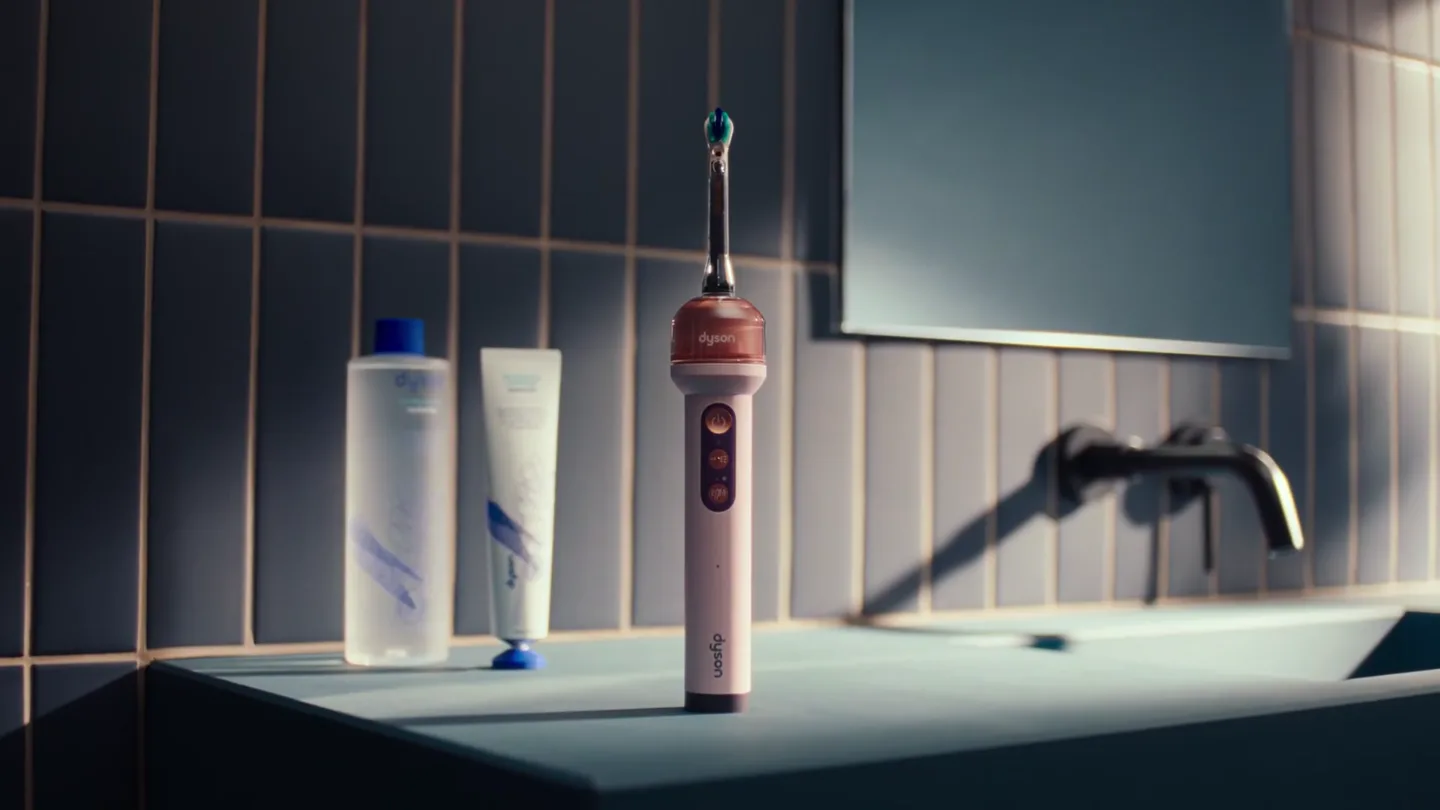
Dyson · Launch Video Breakdown: Hook, Pacing & Motion Design
Dyson's new AI-powered toothbrush with an integrated 100,000-pixel macro lens camera, $499.
Scene-by-scene timeline & spoken transcript
The Hook
Introducing the Dyson CameraJet
“(No spoken dialogue — Clean electronic score with pizzicato synths and sub-bass. Rising synth sweep at 0:05.)”
- On screen
- (No on-screen text)
- Camera
- Medium shot of toothbrush on counter, then quick zoom into hand picking it up, followed by an extreme close-up of toothpaste being applied.
- Motion
- Rapid cuts, close-up framing, and motion blur to convey speed and precision.
Product Reveal
AI-Powered Brushing Experience
“Apply a pea-sized amount of toothpaste. Hold the brush at a 45-degree angle. Our machine learning algorithm detects gaps.”
- On screen
- dyson camera jet
- Camera
- Close-up on user's face, then extreme close-up on mouth and toothbrush. Transitions to a stylized internal view of teeth with UI overlay.
- Motion
- Dynamic camera movements, digital UI overlays, and a 'reveal' effect for the internal tooth view, emphasizing the AI feature.
Feature Teaser
Live Viewing & Refill System
“View live cleaning footage. Refill the tank.”
- On screen
- Live viewing, Brush & Auto-jet, Cleaning mode, 117 Auto-jets, 100%, End Live viewing, dyson, Alcohol free, Engineered for the Dyson Dental System, Non-foaming Spearmint
- Camera
- Medium shot of hand holding a smartphone displaying live footage, then a close-up on the toothbrush's refill station and a finger pressing a button.
- Motion
- Screen capture integration, product interaction shots, and a subtle sub-bass drop/impact at 0:15 to highlight the refill action.
Call to Action
Admire the Results & Subscribe
“Admire the results.”
- On screen
- dyson, Subscribe
- Camera
- Close-up on user's smiling face, then a wider shot of two Dyson toothbrushes and accessories, concluding with a static shot of the Dyson logo and 'Subscribe' text.
- Motion
- Positive emotional framing, product lineup display, and a clean, minimalist end screen with a clear call to action.
Motion design primitives
Synthesizable in Remotion · key components of the dyson-camera-jet-tech-launch template.
MacroLensReveal
A circular UI element expands and contracts, revealing an extreme close-up of teeth with 'GAP DETECTED' text, simulating a macro lens view.
+ Code construction recipe
Use a Remotion <AbsoluteFill> with a masked <Video> component for the teeth footage. Animate an SVG circle's stroke-dasharray and stroke-dashoffset properties to create the expanding/contracting effect. Overlay text with a simple opacity and scale animation, triggered by a sequence of <Sequence> components.
ProductInteractionImpact
A quick, subtle camera shake or zoom combined with a sub-bass audio cue emphasizes a user's interaction with a product feature, like pressing a button or refilling a tank.
+ Code construction recipe
Implement a short, sharp <Spring> animation on the camera's position or scale property. Synchronize this with an audio track's sub-bass impact using <Audio> and <Sequence> components. Apply a slight radial blur effect using an SVG filter for added visual punch.
LiveFeedOverlay
A smartphone screen displays dynamic, real-time footage with an integrated UI, showing product status and interactive options.
+ Code construction recipe
Create a <Composition> for the smartphone screen content, including a <Video> component for the 'live footage' and <Text> components for UI elements. Use <AbsoluteFill> and CSS transforms to position and scale this composition onto a smartphone asset. Animate UI elements (e.g., numbers, progress bars) using <interpolate> or <spring>.
Style DNA & aesthetic system
Visual aesthetic
Typography
Motion
Special effects
Pacing & rhythm
Conceptual story rhythm
- 1
The Setup
Purpose. Introduce the product and its immediate benefit.
Execution. Show the toothbrush in a clean bathroom setting, followed by a close-up of toothpaste application, setting a routine.
- 2
The Innovation Reveal
Purpose. Showcase the core technological breakthrough.
Execution. Transition from user brushing to an internal, stylized view of teeth with AI detection graphics, highlighting the macro lens and gap detection.
- 3
The User Experience
Purpose. Demonstrate practical features and ease of use.
Execution. Display the live viewing feature on a smartphone and the simple refill mechanism, emphasizing convenience and control.
- 4
The Payoff
Purpose. Conclude with the desired outcome and call to action.
Execution. Show the user's satisfied smile, a lineup of the product, and a clear call to subscribe, reinforcing the positive results.
Remix in Animatiq Studio
Master remix prompt · agent-ready
Sample remix
Objective
Launch a new smart air purifier with AI-driven air quality monitoring.How the recipe adapts
The MacroLensReveal primitive would adapt to show a stylized 'air quality scan' UI, highlighting detected pollutants. ProductInteractionImpact would emphasize pressing the power button or changing filters with a subtle camera shake and sound cue. LiveFeedOverlay would display the air quality data and control options on a smartphone app, mirroring the toothbrush's live viewing. The overall pacing and clean aesthetic would be maintained, focusing on the device's sleek design and intelligent features.Remix blueprint · dyson-camera-jet-tech-launch
Scene durations (5 scenes, 65s)
Key Remotion components
Related Hardware & Devices Product Launches
Explore all Hardware & Devices launches →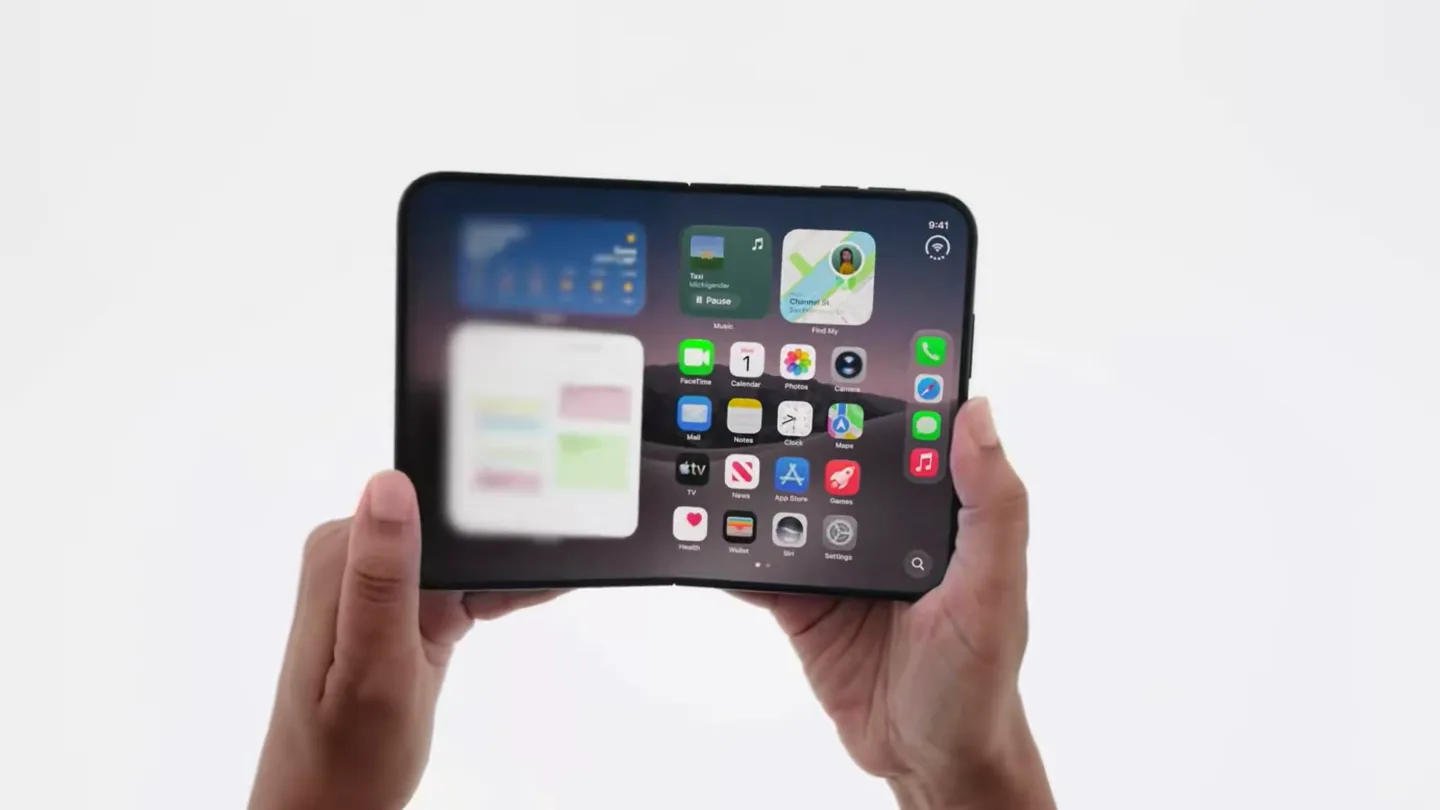
Official trailer for iPhone Duo.
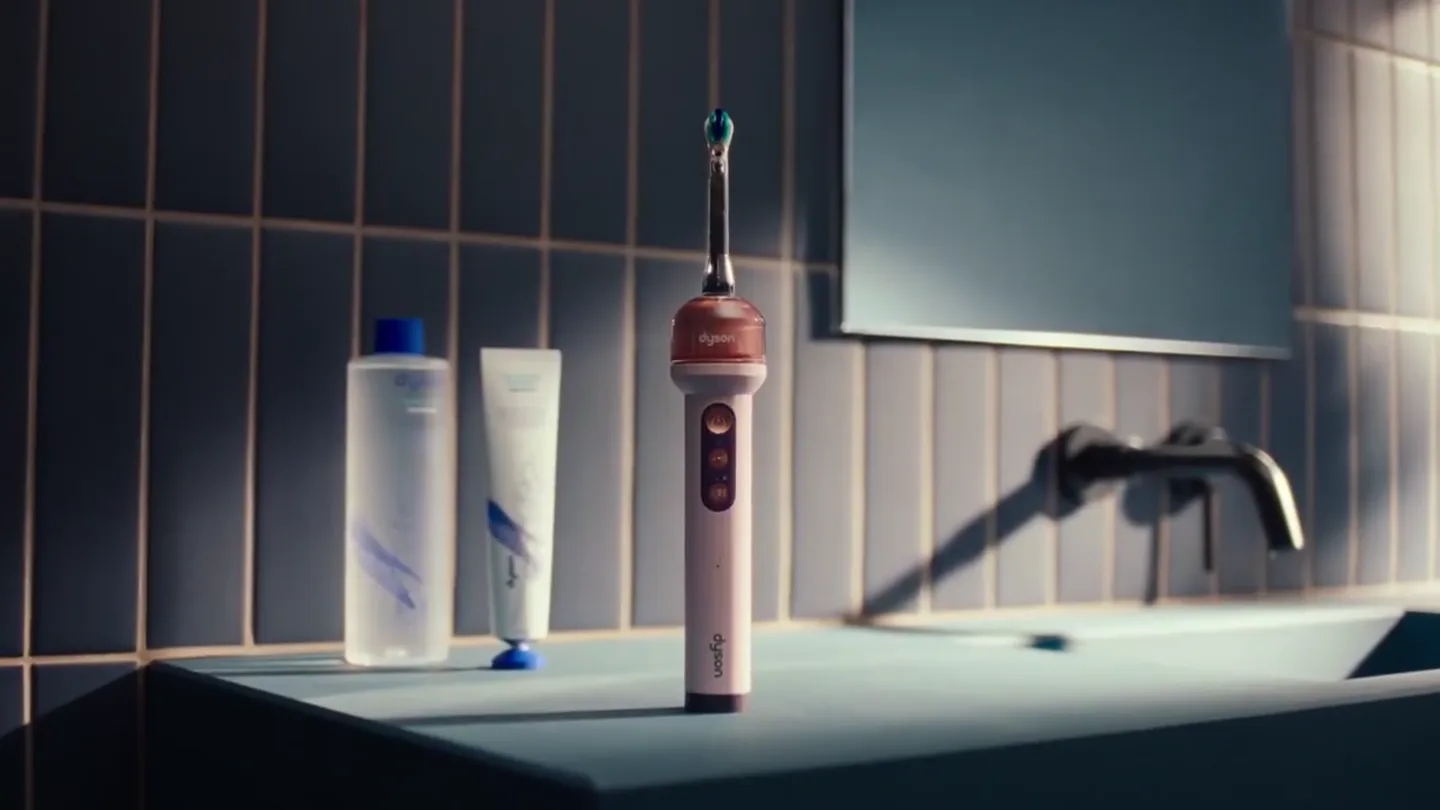
Dyson trained an AI on 470,000 dental images and put it inside a toothbrush with a camera that flosses in real time. CameraJet launched at $499.
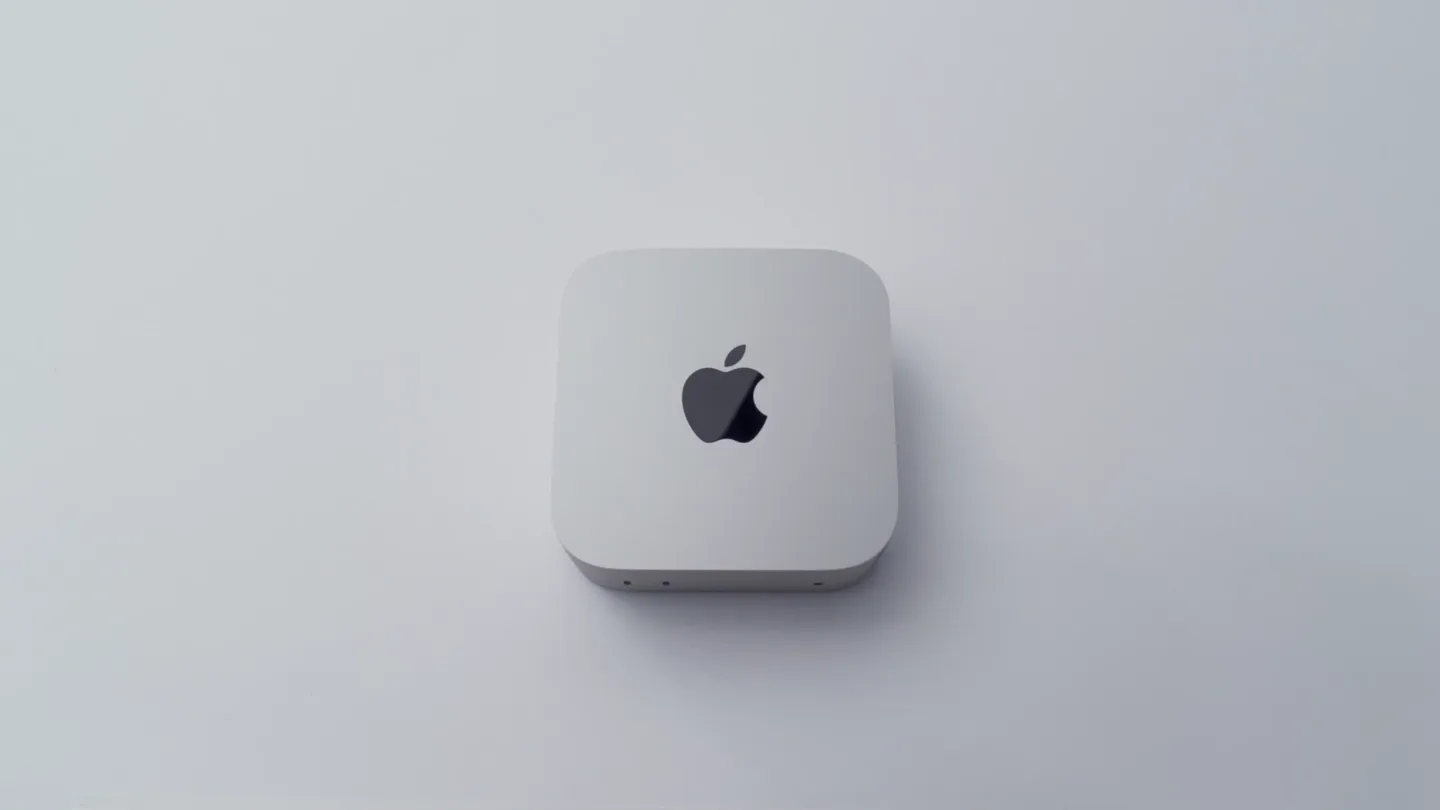
Apple's new Mac mini: small in size, built for everyday work through AI.