
Factory · Launch Video Breakdown: Hook, Pacing & Motion Design
A native desktop interface for autonomous AI agents that work across every part of your software business.
Scene-by-scene timeline & spoken transcript
The Hook
App Launch & Initial Task
“(No spoken dialogue — The track begins with a sustained, evolving pad sound, creating an atmospheric and slightly mysterious feel. At [00:04], a subtle, high-frequency riser begins to build.)”
- On screen
- Factory
- Camera
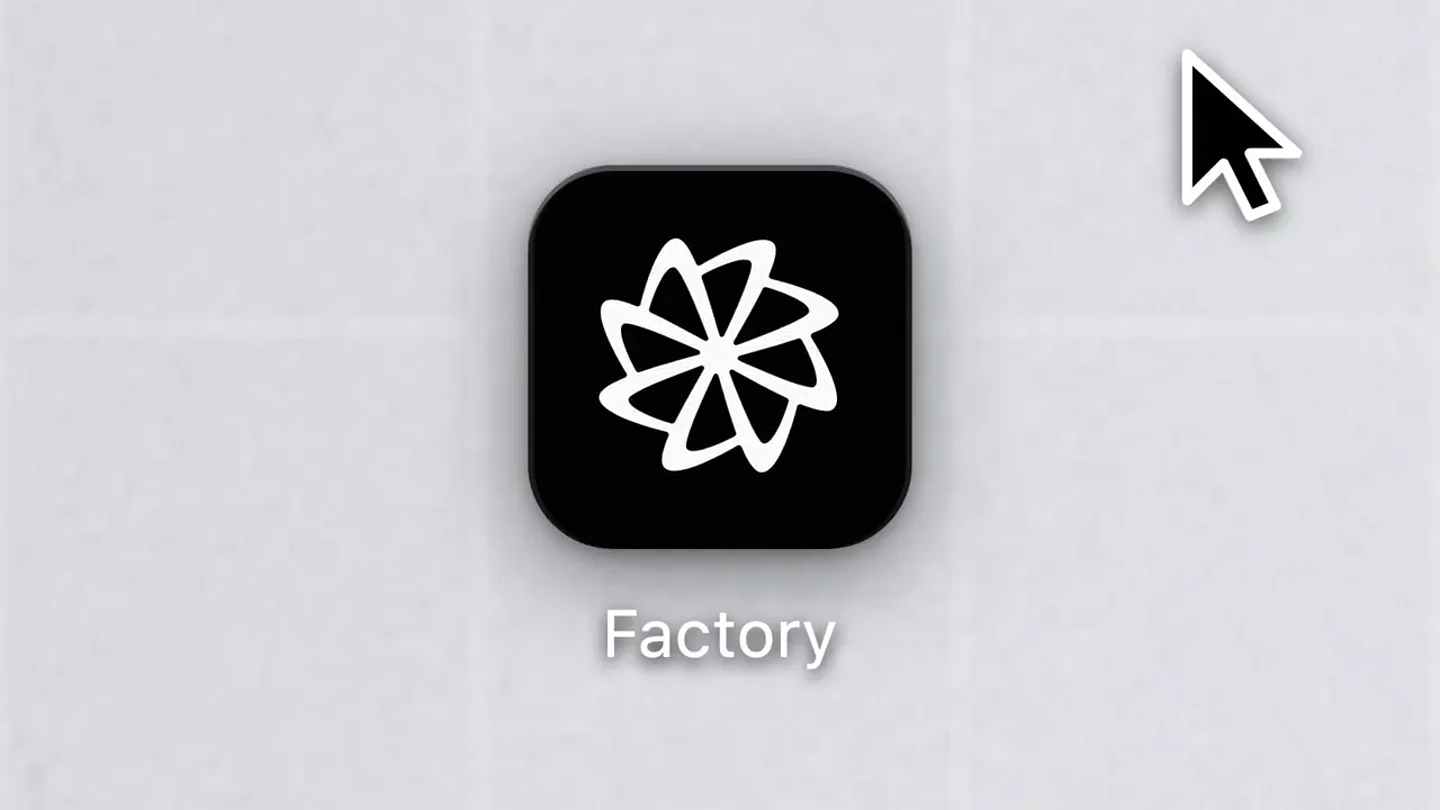
- Static overhead shot of a desktop, then a quick zoom into the app icon, followed by a click and a smooth transition into the application window.
- Motion
- Zoom-in, click animation, smooth window reveal.
Product Reveal
AI Agent Workflow Generation
“(No spoken dialogue — A soft sub-bass drop/impact at [00:05]. This pattern repeats with a more pronounced riser at [00:08] and a stronger sub-bass impact at [00:09].)”
- On screen
- Migrating Auth Service to gRPC with Protobuf acme-productions Migrate the auth service from REST to gRPC. Keep the REST endpoints working as a fallback. Let me start by exploring the current auth service structure. Explore codebase structure Audit auth middleware usage across the codebase Good — the existing REST service has four endpoints: POST /auth/login, POST /auth/register, POST /auth/validate-token, and POST /auth/refresh-token. Let me check where that middleware is consumed before I start the proto definitions. Grepp "requireAuth|requireRole" in ../Local-Projects/Acme-Productions/src/... Generate gRPC server stubs with buf Proto definitions are in place. Running buf generate to compile TypeScript stubs. Execute cd "/Users/kal/Acme-Productions" && npx buf generate 2-4-1 khrd/... Create Users/kal/Acme-Productions/src/generated/auth/v1/auth.ts Wire gRPC server into existing entrypoint alongside REST fallback Edit .../services/grpc/index.ts Here's what was done: 1. Explored the existing REST auth service — four endpoints (login, register, validate-token, refresh-token) using Express, bcrypt, JWT, and Prisma. 2. Generated TypeScript stubs in src/generated/auth/v1/auth.ts — types for all request/response messages plus the AuthService/AuthService service definition and AuthServiceClient interface compatible with @grpc/grpc-js. 3. Implemented the gRPC server in src/services/auth/grpc/server.ts — all four RPCs mirror the REST logic with proper gRPC status codes, refresh token rotation, login attempt tracking, and peer IP extraction. 4. Updated src/services/auth/index.ts to export both the existing authRouter (REST fallback) and a new GrpcServer() function that starts the gRPC server on AUTH_GRPC_PORT (default 50051).
- Camera
- Static shot of the application window. Text content rapidly generates and expands within the window.
- Motion
- Rapid text generation, content expansion, list item reveal.
Feature Teaser
Multi-Tasking & Context Switching
“(No spoken dialogue — A new, more rhythmic element is introduced at [00:10] with a pulsing, low-frequency synth. At [00:14], a distinct high-energy sweep begins, culminating in a significant sub-bass drop/impact at [00:15]. Another high-energy sweep and riser build from [00:20] to [00:21], followed by a powerful sub-bass drop/impact at [00:22].)”
- On screen
- SESSIONS acme-productions Migrating Auth Service to gRPC wit... Now Implement dashboard from Figma 2m Building Multi-Tenant Data Pipeline... 4m Refactoring Event-Driven Architecture... 10m Designing Rate Limiter with Redis... 1h acme-web Fixing Hydration Mismatch in Product C... 2d Migrating from Webpack to Vite 2d Adding Dark Mode Toggle with CSS... 3d backend local-demos Done Pulled the dashboard layout from Figma and identified all components — stat cards, activity feed, and avatar stack pattern Mapped 4 stat card variants to existing StatCard component Identified activity feed items and avatar stack pattern here's the figma link for the new dashboard. implement the full page — the stat cards, activity feed, and chart components Extract dashboard layout and build stat cards, activity feed, and chart components Skill("figma-implement-design") figma / get design context (node: "412:8801") figma / get screenshot (3) figma / search design system ("StatCard") figma / get design context (node: "412:8934") figma / get screenshot (6) figma / get variable defs (node: "412:8801") Ask User Something's taking shape... Build the stat cards row with KPI data from the Figma layout Implement the activity feed with timeline and avatar components Add the area chart section with responsive breakpoints from Figma auto-layout
- Camera
- The camera pans and zooms slightly to highlight different sections of the application, specifically the 'Sessions' sidebar and the main content area, as new tasks are generated and completed.
- Motion
- Smooth pan and zoom, content generation, progress indication (checkboxes, text updates).
Call to Action
Seamless AI Integration
“(No spoken dialogue — The track continues with a driving beat and layered synth textures, building intensity. A final, extended high-energy riser and sweep begins at [00:28], leading to a climactic sub-bass drop/impact and a sustained, resonant synth chord at [00:30], which then fades out.)”
- On screen
- SESSIONS acme-productions Implement dashboard from Figma Now Migrating Auth Service to gRPC wit... 2m Building Multi-Tenant Data Pipeline... 4m Refactoring Event-Driven Architecture... 10m Designing Rate Limiter with Redis... 1h acme-web Fixing Hydration Mismatch in Product C... 2d Migrating from Webpack to Vite 2d Adding Dark Mode Toggle with CSS... 3d backend local-demos Done Pulled the dashboard layout from Figma and identified all components — stat cards, activity feed, and chart components Mapped 4 stat card variants to existing StatCard component Identified activity feed items and avatar stack pattern here's the figma link for the new dashboard. implement the full page — the stat cards, activity feed, and chart components Extract dashboard layout and build stat cards, activity feed, and chart components Skill("figma-implement-design") figma / get design context (node: "412:8801") figma / get screenshot (3) figma / search design system ("StatCard") figma / get design context (node: "412:8934") figma / get screenshot (6) figma / get variable defs (node: "412:8801") Ask User Something's taking shape... Build the stat cards row with KPI data from the Figma layout Implement the activity feed with timeline and avatar components Add the area chart section with responsive breakpoints from Figma auto-layout
- Camera
- The camera continues to pan and zoom, showcasing the completion of tasks and the dynamic nature of the AI agent's work within the application. The final shot is a wider view of the completed tasks.
- Motion
- Dynamic content updates, subtle camera movements, progress visualization.
Motion design primitives
Synthesizable in Remotion · key components of the factory-ai-dev-workflow template.
DesktopAppLaunch
A desktop environment with a grid background fades in, an app icon appears, is clicked by a cursor, and then smoothly transitions into the full application window.
+ Code construction recipe
Use `Sequence` for timed fades and zooms. Implement `AbsoluteFill` for the desktop background. Animate `scale` and `opacity` for the app icon. Use `spring` for cursor click and `translateX`/`translateY` for window reveal.
AITextGeneration
Text content rapidly appears and expands within a dark-themed application window, simulating AI-driven output or task generation.
+ Code construction recipe
Utilize `Map` to render text characters or lines sequentially with `delay` and `opacity` animations. Employ `measureText` for dynamic line wrapping. Use `stagger` for list item reveals.
DynamicTaskProgress
List items and sub-tasks are dynamically added, updated, and marked as complete within a sidebar and main content area, accompanied by subtle camera pans and zooms.
+ Code construction recipe
Manage state for task completion. Animate `backgroundColor` or `opacity` for progress indicators. Use `interpolate` for smooth camera `x`/`y` positions and `scale` values to simulate pans and zooms.
Style DNA & aesthetic system
Visual aesthetic
Typography
Motion
Special effects
Pacing & rhythm
Conceptual story rhythm
- 1
The Launch
Purpose. Introduce the product and its core interface.
Execution. App icon click, smooth transition into the application, revealing the main workspace.
- 2
AI in Action
Purpose. Demonstrate the AI agent's ability to understand and generate complex development tasks.
Execution. Rapid, sequential text generation detailing a migration process, showing the AI's thought process and output.
- 3
Seamless Workflow
Purpose. Highlight the agent's capability to handle multiple, diverse tasks and integrate with existing tools (Figma).
Execution. Switching between tasks in the sidebar, showing the AI generating and executing steps for a dashboard implementation from Figma.
- 4
Efficiency & Completion
Purpose. Conclude by showcasing the agent's efficiency and the successful completion of complex development work.
Execution. Tasks being marked as 'Done', with a final overview of the completed work, emphasizing productivity.
Remix in Animatiq Studio
Master remix prompt · agent-ready
Sample remix
Objective
A new cloud infrastructure management platform called 'Nebula'.How the recipe adapts
The DesktopAppLaunch primitive would show the Nebula icon being clicked, transitioning into a dark-themed cloud console. The AITextGeneration primitive would display AI agents provisioning resources or diagnosing issues with rapid command-line output. The DynamicTaskProgress primitive would show a sidebar with active deployments and real-time status updates, with the camera smoothly panning to highlight critical metrics or logs.Remix blueprint · factory-ai-dev-workflow
Scene durations (4 scenes, 31.9s)
Key Remotion components
Related Developer Tools Product Launches
Explore all Developer Tools launches →
xAI opens voice cloning on its API: build a custom voice in about two minutes or pick from 80+ voices in 28 languages.

Claude can now operate your Mac, opening apps, browsing and filling spreadsheets, as a research preview in Cowork and Claude Code.

Agentic CLI for coding, building apps, and automating workflows.