
Hao AI Lab · Launch Video Breakdown: Hook, Pacing & Motion Design
Generate a 30-second 1080p video in just 7 seconds! We’re open-sourcing FastVideo Dreamverse: real-time vibe directing for video generation on a single NVIDIA B200 GPU with LTX-2 model @ltx_model R…
Scene-by-scene timeline & spoken transcript
The Hook
Instant Video Generation
“(No spoken dialogue — The audio features a minimalist electronic score with a slow, ambient feel. It includes subtle, sustained synth pads and a low-frequency drone.)”
- On screen
- Direct scenes in seconds LEGO Stormtroopers Comedy skit inside the Death Clay Stop-Motion Cat A picky clay cat rejects every litter box spot Boy & Dog in the Park Poor style walk with a golden What video are you imagining?
- Camera
- Static wide shot of a desktop UI, focusing on the input field and suggested prompts.
- Motion
- UI element reveal with subtle fade-in and cursor interaction.
Product Reveal
Real-time Vibe Directing
“I'm going to place this right here.”
- On screen
- What do you want to edit?
- Camera
- Static shot of a video player within the UI, showing a claymation scene.
- Motion
- Video playback within a UI frame, with a subtle glow effect around the video player.
Feature Teaser
Style Transfer Input
“I'm going to place this right here. I'm going to place this right here.”
- On screen
- 0:09 Make this in the style of ORIGINAL Clay Stop-Motion Cat CURRENT Make this in the style of anime
- Camera
- Close-up on the text input field, then a wider shot of the UI showing the input and video player.
- Motion
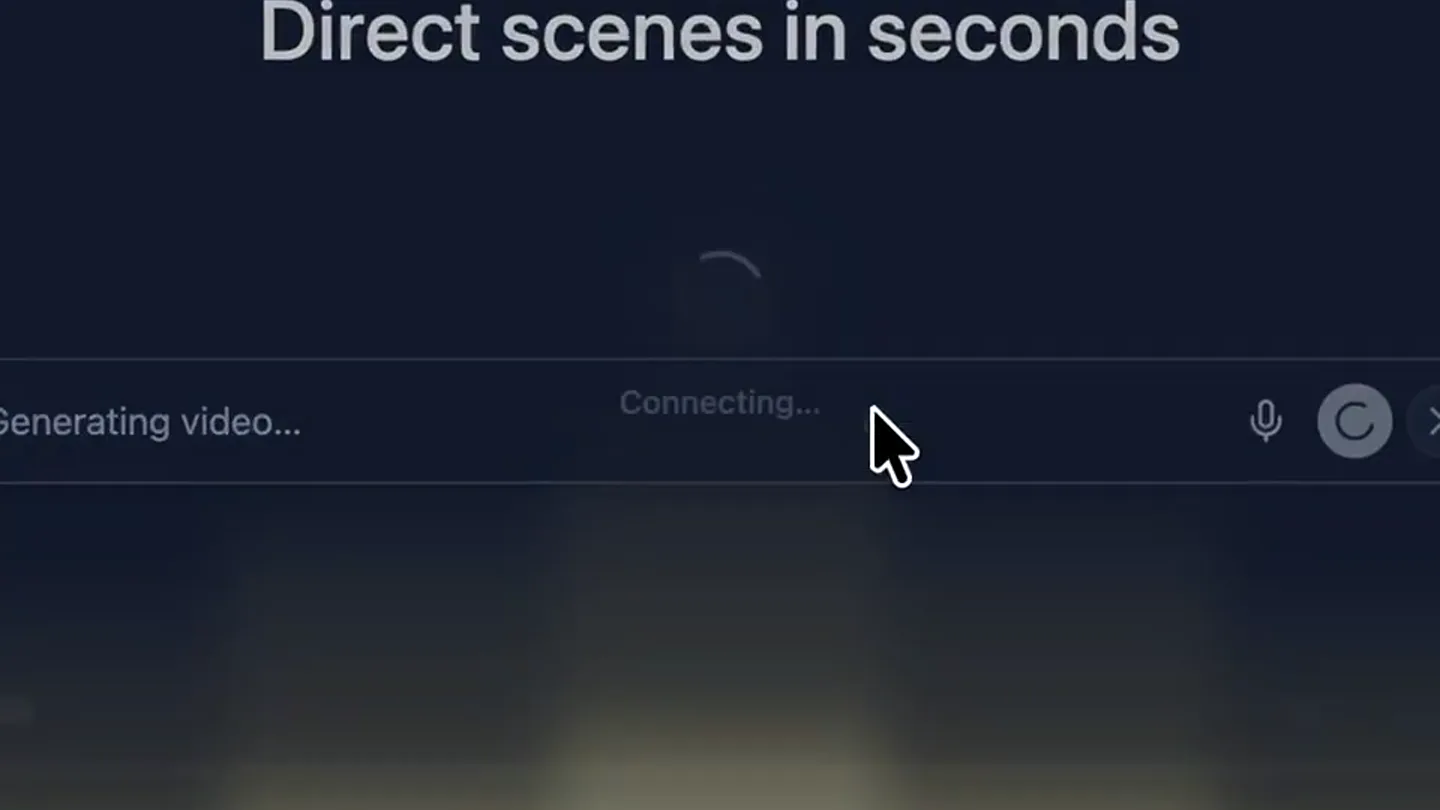
- Text typing animation, followed by a UI state change (loading spinner, video player empty).
Call to Action
Instant Anime Transformation
“I'm going to place this right here. I'm going to place this right here.”
- On screen
- ORIGINAL Clay Stop-Motion Cat
- Camera
- Static shot of the video player within the UI, showing the transformed anime scene.
- Motion
- Instant video generation and display, showcasing the style transfer result.
Motion design primitives
Synthesizable in Remotion · key components of the ai-style-transfer-showcase template.
UIDialogueInput
A text input field where text appears as if being typed, followed by a cursor blink. Suggested prompts appear as clickable cards above the input.
+ Code construction recipe
Use `Sequence` and `spring` for typing animation. Implement `interpolate` for card fade-in and scale-up. Cursor blink can be a simple `Opacity` animation.
VideoPlayerFrameGlow
A video player component with a subtle, pulsating glow effect around its border, indicating activity or focus.
+ Code construction recipe
Apply an `SVG filter` for a soft glow effect. Animate the `feGaussianBlur` standard deviation and `feColorMatrix` values using `interpolate` with a `loop` for the pulsating effect.
InstantContentSwap
A loading spinner transitions to an entirely new video or image content within the same UI frame, demonstrating rapid generation.
+ Code construction recipe
Use `AbsoluteFill` for the loading spinner. On content readiness, `interpolate` the spinner's `opacity` to 0 while simultaneously `interpolate` the new content's `opacity` from 0 to 1, ensuring a smooth, quick transition.
Style DNA & aesthetic system
Visual aesthetic
Typography
Motion
Special effects
Pacing & rhythm
Conceptual story rhythm
- 1
The Prompt
Purpose. Introduce the core interaction: generating video from text.
Execution. Showcases the UI with an input field and suggested prompts, demonstrating ease of use.
- 2
The Original
Purpose. Establish a baseline for the product's transformative capabilities.
Execution. Displays an existing video within the UI, setting up the 'before' state.
- 3
The Transformation
Purpose. Highlight the product's key feature: real-time style transfer.
Execution. Shows the user inputting a style prompt and the UI transitioning to a loading state.
- 4
The Result
Purpose. Deliver the 'wow' moment by revealing the generated content.
Execution. The loading state resolves into the newly generated, style-transferred video.
Remix in Animatiq Studio
Master remix prompt · agent-ready
Sample remix
Objective
Transform a photo of a dog into a watercolor painting.How the recipe adapts
The UIDialogueInput primitive would be used for typing 'turn this dog photo into a watercolor painting'. The VideoPlayerFrameGlow would adapt to an ImageDisplayFrameGlow, and the InstantContentSwap would transition from the original dog photo to the AI-generated watercolor version, maintaining the same dark UI and smooth, quick reveal.Remix blueprint · ai-style-transfer-showcase
Scene durations (4 scenes, 38.6s)
Key Remotion components
Related Developer Tools Product Launches
Explore all Developer Tools launches →
xAI opens voice cloning on its API: build a custom voice in about two minutes or pick from 80+ voices in 28 languages.

Claude can now operate your Mac, opening apps, browsing and filling spreadsheets, as a research preview in Cowork and Claude Code.

Agentic CLI for coding, building apps, and automating workflows.