
Figma · Launch Video Breakdown: Hook, Pacing & Motion Design
Visually edit and ship changes by connecting Make to your codebase — in limited beta.
Scene-by-scene timeline & spoken transcript
The Hook
Connecting to Codebase
“(No spoken dialogue — Driving electronic beat with glitchy percussion and a sub-bass drop.)”
- On screen
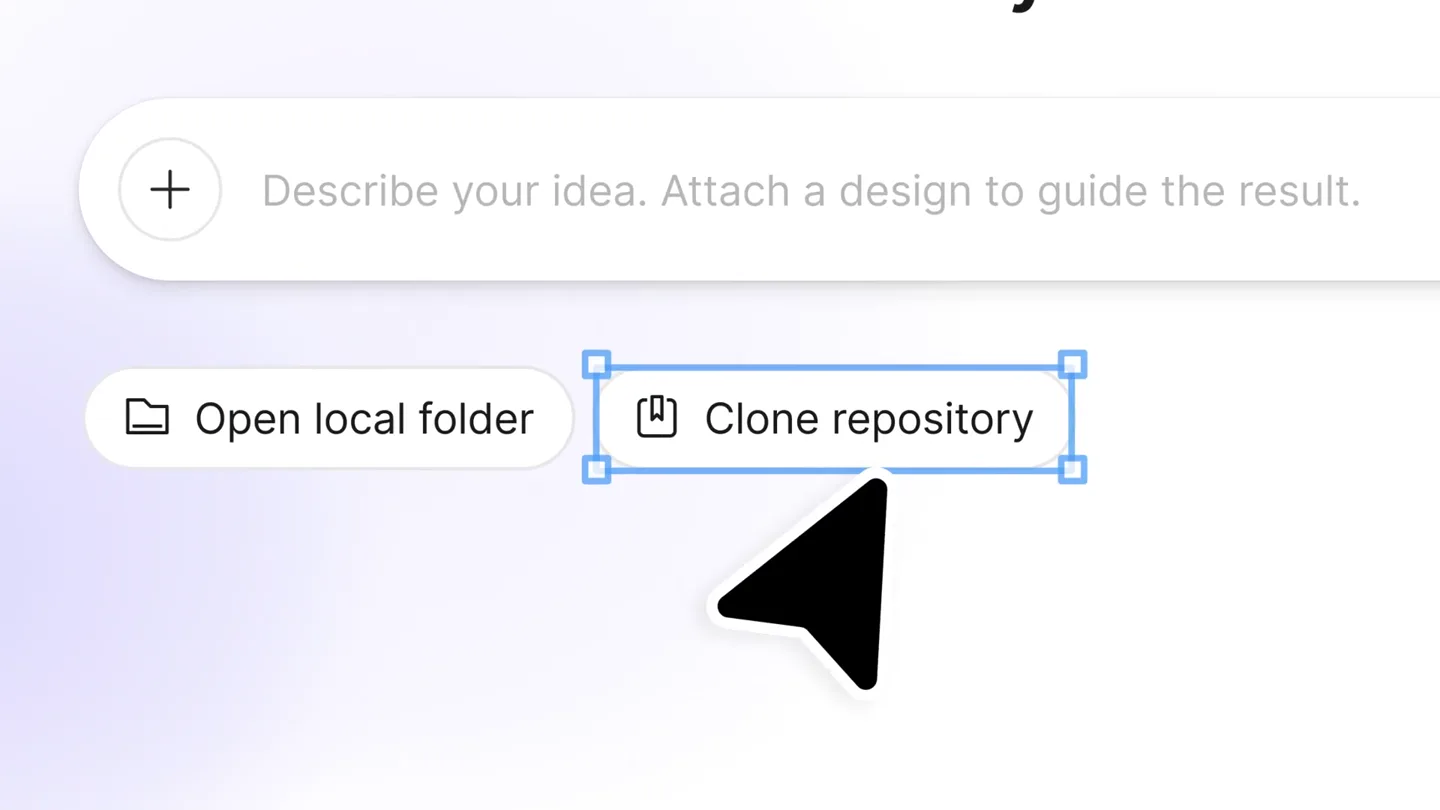
- What do you want to make? Describe your idea. Attach a design to guide the result. Default Open local folder Clone repository Loading preview for offtrail Checking project setup Installed project dependencies
- Camera
- Close-up on UI elements, then quick cuts to abstract tech imagery (server racks, old factory machinery).
- Motion
- Rapid UI element interaction, quick cuts, and a blend of digital and analog visual textures.
Product Reveal
Live Visual Editing
“(No spoken dialogue — The electronic beat continues, building in intensity with risers and sweeps.)”
- On screen
- screentime-offtrail Commits Feedback Copy as design layers What's next for this project? http://localhost:5173/event/morning-run GOOD TO KNOW ATTENDEES DURATION GROUP SIZE 64 1.5 Hrs Large WHEN JUN Friday June 14 in Aliso Viejo 3:00PM - 4:30PM HOSTED BY FREE 3:00PM - 4:30PM ALISO VIEJO, CA REGISTER Edit Layout W 733 Fill H 96 Hug 16 0 16 -16 0 Appearance 100% 0 Background Effects Elements header .event-detail_hero W 170 Fixed Hug Fill 12 12 0 0 Appearance 100% 8 Background 10071B 9 % Effects Elements div .event-detail_content p .event-detail_label div .carousel .event-detail_callouts div .carousel_track p .tile-callout .tile-callout--su p .tile-callout_label p .tile-callout_value ? Annotate Page styles Typography sans-serif 400 16 A 23.2 | A 0.18px 6B6375 100 % Background FFFFFF 100 % div ATTENDEES DURATION 1.5 Hrs Add an icon for attendee Discard Apply carousel_track div .tile-callout .tile-callout--su div .tile-callout_value p .event-detail_label Annotation 1 Add an icon for attendees Annotation 2 Add an icon for duration Annotation 3 Add an icon for size! 14 changes Commit 12 changes +115 -12 Create PR Ask for changes Default screentime-offtrail new-highlights
- Camera
- Screen capture of Figma-like interface, with mouse cursor interacting with UI elements. Pans and zooms highlight specific features.
- Motion
- Precise cursor animations, UI element highlighting, and dynamic panel expansions demonstrate real-time editing capabilities.
Feature Teaser
Seamless Code Integration
“(No spoken dialogue — The electronic beat reaches its peak with intense glitch effects and a final powerful sub-bass drop.)”
- On screen
- Figma Make, Figma Make, now on your local code.
- Camera
- Static text on a black background, followed by an animated Figma logo.
- Motion
- Clean, bold typography reveals, followed by a dynamic, deconstructed-to-reconstructed logo animation.
Call to Action
Final Reveal & CTA
“Okay”
- On screen
- (No on-screen text)
- Camera
- Figma logo animation resolves to its final form, then fades to black.
- Motion
- Smooth, organic animation of the logo, concluding with a subtle fade out.
Motion design primitives
Synthesizable in Remotion · key components of the figma-make-inspired-launch template.
UIInteractionHighlight
A mouse cursor precisely navigates and clicks on UI elements, triggering subtle bounding box highlights and panel expansions. Text fields are dynamically populated.
+ Code construction recipe
Use `interpolate` for cursor movement paths and `spring` for bounding box scale/opacity. Implement conditional rendering for UI panel expansions based on cursor interaction events. Text input can be simulated with `typewriter` effect.
CodebaseContextTransition
Rapid, high-energy cuts between abstract, industrial imagery (server racks, factory floors) and clean UI elements, creating a sense of underlying technical complexity.
+ Code construction recipe
Employ `Sequence` with very short `durationInFrames` for quick cuts. Use `AbsoluteFill` with background video/image assets. Apply `blur` and `opacity` transitions to blend between abstract and UI scenes.
DeconstructedLogoReveal
The Figma logo elements (colored ellipses and circles) appear in a scattered, abstract form, then smoothly animate and coalesce into the final, recognizable logo.
+ Code construction recipe
Utilize `spring` animations for individual SVG path elements (ellipses/circles) to move from initial scattered positions to their final logo positions. Coordinate `delay` and `duration` for a staggered, organic assembly effect.
Style DNA & aesthetic system
Visual aesthetic
Typography
Motion
Special effects
Pacing & rhythm
Conceptual story rhythm
- 1
The Setup
Purpose. Introduce the problem of connecting design to code and hint at a solution.
Execution. Quick cuts between abstract tech visuals and initial UI interactions, showing the complexity of setup.
- 2
The Solution in Action
Purpose. Demonstrate the product's core functionality: live visual editing of code.
Execution. Detailed screen capture of UI interactions, showing real-time changes and annotations.
- 3
The Impact
Purpose. Showcase the seamless integration and efficiency gains.
Execution. Rapid-fire feature highlights and a clear demonstration of committing changes.
- 4
The Brand Promise
Purpose. Reinforce the brand and its value proposition.
Execution. Bold typography reveal of the product name, followed by a dynamic logo animation.
Remix in Animatiq Studio
Master remix prompt · agent-ready
Sample remix
Objective
Launch a new AI-powered data visualization tool, 'InsightFlow', that simplifies complex data analysis for business users.How the recipe adapts
The video would open with rapid cuts of abstract data streams and network nodes, representing data ingestion, using the CodebaseContextTransition primitive. This transitions into a UIInteractionHighlight sequence demonstrating a user dragging and dropping data fields to instantly generate interactive charts within InsightFlow's clean interface. The pacing would maintain the 44 cuts/minute rhythm. The video would conclude with a bold text reveal 'InsightFlow: See Your Data Differently' and a DeconstructedLogoReveal of the InsightFlow logo, synchronized with a final sub-bass drop and the spoken word 'Visualize'.Remix blueprint · figma-make-inspired-launch
Scene durations (4 scenes, 30s)
Key Remotion components
Related Creative Tools Product Launches
Explore all Creative Tools launches →
Anthropic Labs launches Claude Design, which turns conversation into prototypes, slides and one-pagers, powered by Claude Opus 4.7.

A vibe design partner with an AI-native canvas for turning ideas into UI.

Your work tools in Claude are now available on mobile. Explore Figma designs, create Canva slides, check Amplitude dashboards, all from your phone. Give it a try: