
Patronus AI · Launch Video Breakdown: Hook, Pacing & Motion Design
Patronus AI open-sources FigmaTrace, a computer-use dataset of 200+ hours and 3,400+ trajectories of real Figma design work.
Scene-by-scene timeline & spoken transcript
The Hook
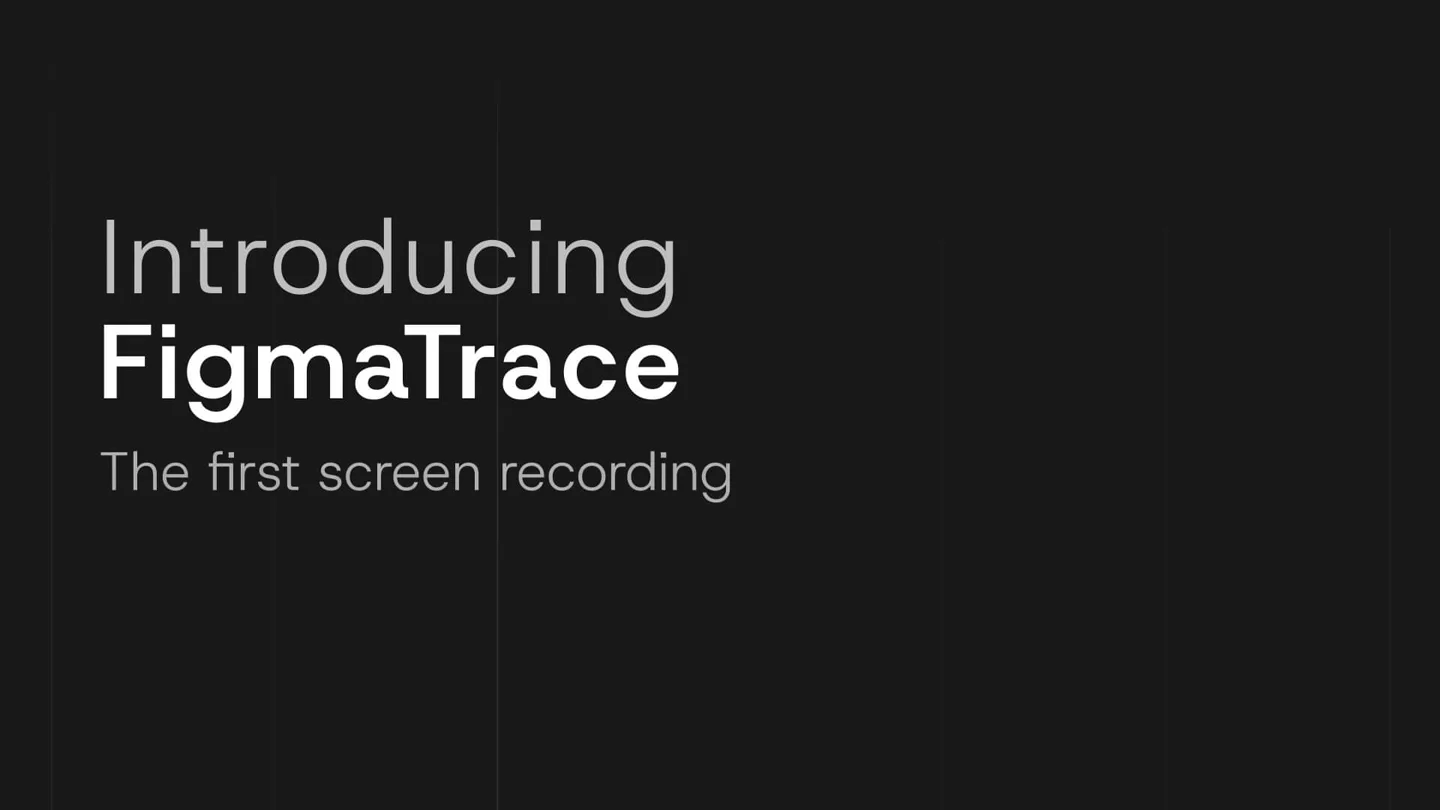
Introducing FigmaTrace: The First Screen Recording Design Dataset
“get to know ya”
- On screen
- Introducing FigmaTrace The first screen recording design dataset for computer use 200+ HOURS OF REAL WORK
- Camera
- Static, centered text with elements appearing from the right.
- Motion
- Text reveal with a subtle glitch effect, followed by a numerical counter animation.
Product Reveal
Real Figma Work: Long-Horizon Workflows
“I would know”
- On screen
- Real Figma Work Demonstrated across long-horizon workflows UI Design Prototyping Responsive Design Creating Components Building Layouts
- Camera
- Static camera, multiple Figma UI elements slide in from the left and right, filling the screen.
- Motion
- Grid-based element reveal, staggered slide-in animations for text and icons.
Feature Teaser
Real Figma Skills: Authentic Human Work
“show me what you're doing now”
- On screen
- Real Figma Skills Authentic human work. Captured step by step. Visual Perception Figma Craft Translation & Adaptation Diagnostic & Repair Accessibility
- Camera
- Static camera, text elements appear and fade in a list format.
- Motion
- Sequential text fade-in, with a subtle horizontal line wipe effect.
Call to Action
Patronus AI: The Source
“(No spoken dialogue — A high-energy riser leads to a sub-bass drop, followed by the main electronic beat.)”
- On screen
- Patronus AI
- Camera
- Static, centered logo reveal.
- Motion
- Logo fade-in with a subtle glow and vertical line animation.
Motion design primitives
Synthesizable in Remotion · key components of the tech-product-glitch-reveal template.
GlitchTextReveal
Text appears with a subtle, flickering glitch effect, as if loading or resolving from static. This is often accompanied by vertical line distortions.
+ Code construction recipe
Use Remotion's <Text> component with a custom shader or SVG filter for the glitch effect. Animate opacity and position with a spring curve, and apply a randomized `transform: translateY` and `filter: hue-rotate` for the glitch on a per-character basis.
StaggeredGridSlideIn
Multiple UI elements or images slide into view from off-screen, often from different directions (left/right) and at slightly offset timings, creating a dynamic grid layout.
+ Code construction recipe
Implement using Remotion's <Sequence> and <AbsoluteFill> components. Each grid item should have an animated `transform: translateX` or `translateY` with a `delay` prop based on its position in the grid, using an `easeOutCubic` interpolation.
SequentialListFade
List items or bullet points fade into view one after another, often with a subtle horizontal wipe or line animation preceding each item's appearance.
+ Code construction recipe
Utilize Remotion's `interpolate` function for opacity and `transform: translateX` for a subtle slide. Wrap each list item in a <Sequence> with an increasing `from` prop to create the staggered effect. A <Line> component can be animated with `stroke-dasharray` for the wipe.
Style DNA & aesthetic system
Visual aesthetic
Typography
Motion
Special effects
Pacing & rhythm
Conceptual story rhythm
- 1
The Grand Introduction
Purpose. To immediately introduce the product and its core value proposition with impactful visuals and text.
Execution. Product name and key statistics are revealed with glitch effects and numerical counters, setting a high-energy tone.
- 2
Demonstrating Depth
Purpose. To showcase the breadth and real-world application of the dataset through visual examples.
Execution. A dynamic grid of Figma UI screenshots slides in, illustrating diverse design workflows, accompanied by a list of features.
- 3
Highlighting Expertise
Purpose. To emphasize the quality and authenticity of the captured data, focusing on human skill.
Execution. A list of 'Figma Skills' fades in sequentially, reinforcing the human-centric nature of the dataset.
- 4
Brand Reinforcement
Purpose. To conclude with strong brand recognition and a clear call to the originating company.
Execution. The company logo and name are revealed with a clean, impactful animation, solidifying the brand identity.
Remix in Animatiq Studio
Master remix prompt · agent-ready
Sample remix
Objective
Launch a new AI-powered code refactoring tool called 'SyntaxFlow' by CodeCraft AI.How the recipe adapts
The GlitchTextReveal primitive will be used for 'Introducing SyntaxFlow'. StaggeredGridSlideIn will showcase various code editor interfaces with refactored code snippets appearing dynamically. SequentialListFade will highlight key benefits like 'Automated Bug Fixes', 'Optimized Performance', and 'Cross-Language Support'. The dark aesthetic and Grotesque Sans-serif fonts will be maintained, and the energetic electronic music will underscore the fast-paced reveals.Remix blueprint · tech-product-glitch-reveal
Scene durations (4 scenes, 19s)
Key Remotion components
Related Creative Tools Product Launches
Explore all Creative Tools launches →
Anthropic Labs launches Claude Design, which turns conversation into prototypes, slides and one-pagers, powered by Claude Opus 4.7.

A vibe design partner with an AI-native canvas for turning ideas into UI.

Your work tools in Claude are now available on mobile. Explore Figma designs, create Canva slides, check Amplitude dashboards, all from your phone. Give it a try: