
yuj · Launch Video Breakdown: Hook, Pacing & Motion Design
Your website is now a mobile app. No rebuild. No extra code. Today we're launching mobile app export on @floothq - take any website you've built and export it directly as a native mobile app. Same code, zero changes. For those new here: Floot is a vibe coding platform where https://t.co/gNSBvFqxkI
Scene-by-scene timeline & spoken transcript
The Hook
Website to Mobile App Transformation
“(No spoken dialogue — Energetic electronic score with arpeggiated synths and a driving 4/4 beat begins.)”
- On screen
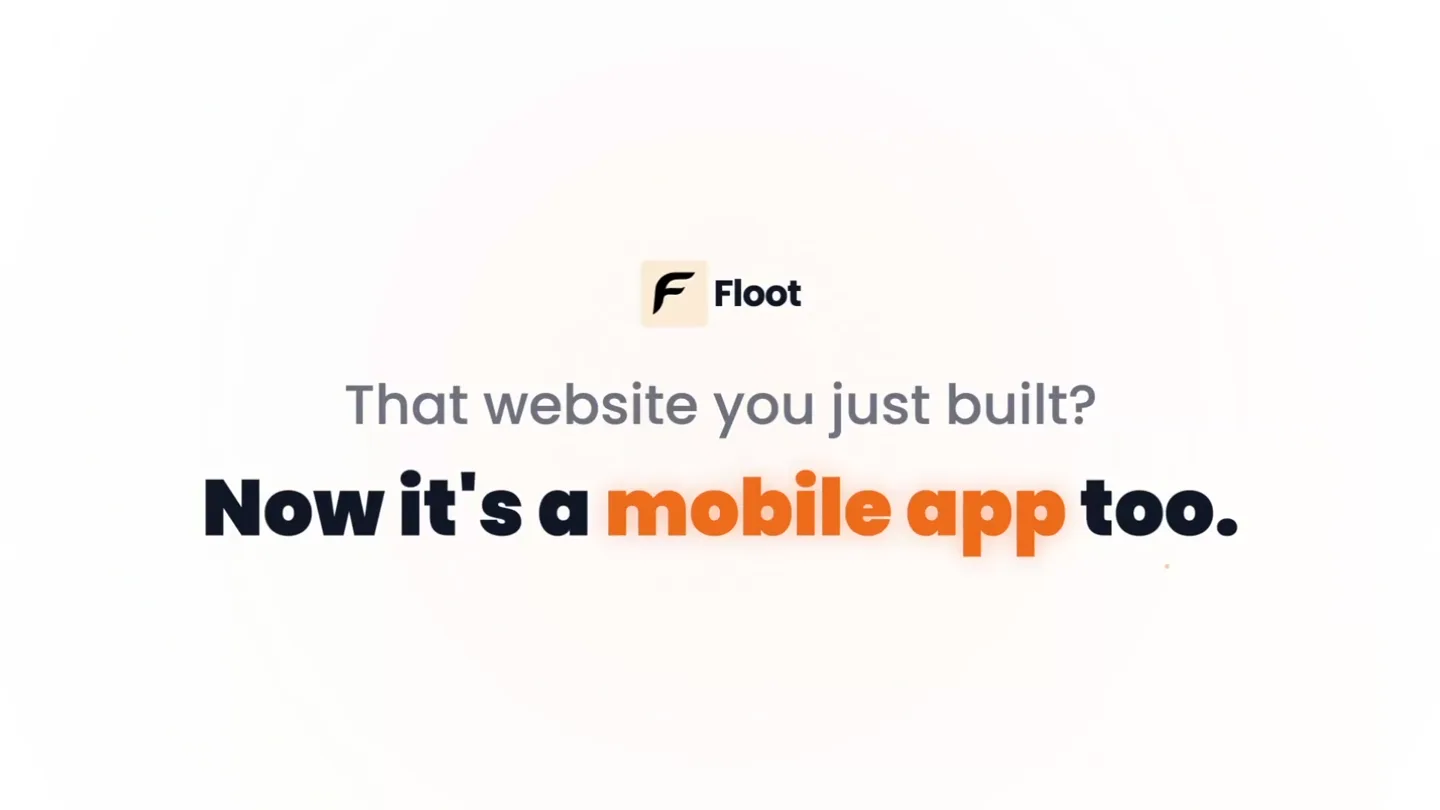
- F Floot That website you just built? Now it's a mobile app too.
- Camera
- Static, centered text on a light background.
- Motion
- Text reveal with a subtle scale and color highlight on key phrases ('mobile app').
Product Reveal
Seamless Mobile App Generation
“(No spoken dialogue — Electronic score continues, building with a high-energy riser from 0:06 to 0:07.)”
- On screen
- F Moody Diary Now let me add the icon to the home page header as well. Checkpoint created Restore Code updated Done! I've added your custom icon throughout the app. 1. Login page: The main logo now uses your icon instead of the emoji The loading state also shows your icon with a bounce animation 2. Home page: Added the icon in the header next to the user avatar for consistent branding The icon has a nice floating animation on the login page and appears clean and compact in the header. Your app now has consistent branding across all screens! App published! Type a message... Discuss F Floot Demo How are you feeling today? Dec 21, 2025 Good Add a note about your day... (optional) Save Mood Recent Moods Sunday Dec 21 4:00 PM Publish Web Mobile Your app is live at moodydiary.floot.app + Add Custom Domain Display Floot Logo Update Published Version Last publish: 12/21/2025, 5:26:32 PM (completed)
- Camera
- Close-up screen recording of the Floot platform UI, panning and zooming to highlight specific interactions.
- Motion
- Simulated mouse clicks and UI element reveals (dropdowns, toggles) with a focus on the 'Publish' and 'Mobile' options. Fast-paced UI interaction.
Feature Teaser
Instant App Download & Sharing
“(No spoken dialogue — Sub-bass drop and impact at 0:07. Electronic score continues with a driving beat. Subtle riser around 0:12.)”
- On screen
- F Moody Diary Now let me add the icon to the home page header as well. Checkpoint created Restore Code updated Done! I've added your custom icon throughout the app. 1. Login page: The main logo now uses your icon instead of the emoji The loading state also shows your icon with a bounce animation 2. Home page: Added the icon in the header next to the user avatar for consistent branding The icon has a nice floating animation on the login page and appears clean and compact in the header. Your app now has consistent branding across all screens! App published! Type a message... Discuss F Floot Demo How are you feeling today? Dec 21, 2025 Good Add a note about your day... (optional) Save Mood Recent Moods Sunday Dec 21 4:00 PM Publish Web Mobile Generate mobile apps Mobile apps ready Your mobile apps have been built! Details Android iOS Important: Read our docs to learn how to install your Android app. Copy download link for Android Publish & Generate Copying... Link copied. Open it on your Android to install your app. Or scan the QR code below.
- Camera
- Continued close-up screen recording, focusing on the 'Generate mobile apps' toggle, 'Android' tab, and 'Copy download link' button.
- Motion
- UI state changes (toggle animation, button click feedback, success message reveal) with a simulated mouse cursor interaction. Quick transitions between UI elements.
Call to Action
Experience Your App Everywhere
“(No spoken dialogue — Electronic score maintains intensity, leading to a fade out.)”
- On screen
- F Floot Demo How are you feeling today? Dec 21, 2025 Good Add a note about your day... (optional) Save Mood Recent Moods Sunday Dec 21 4:00 PM Start building at floot.com
- Camera
- Wide shot revealing a desktop browser window and two mobile phones displaying the same app, then a fade to a centered call to action.
- Motion
- Staggered reveal of devices, showcasing cross-platform consistency. Subtle zoom out and fade to a clean, bold text call to action.
Motion design primitives
Synthesizable in Remotion · key components of the developer-tool-ui-launch template.
TextHighlightReveal
Text appears with a subtle scale-in, and specific keywords are highlighted by changing color and slightly increasing weight, drawing immediate attention.
+ Code construction recipe
Use `spring()` for scale and opacity. Implement `interpolateColors()` for text color changes and `fontWeight` transitions based on `AbsoluteFill` or `Sequence` timing.
UIMouseInteraction
A realistic mouse cursor navigates and clicks on UI elements, triggering state changes, dropdowns, and button feedback, simulating a live user interaction.
+ Code construction recipe
Utilize `AbsoluteFill` with `Img` for the cursor. Animate `transform: translate()` with `spring()` or `linear()` for cursor movement. Use `Sequence` to time clicks and subsequent UI element reveals/changes (e.g., `Opacity`, `Scale`, `Color` for button states).
MultiDeviceStagger
Multiple device mockups (desktop, mobile) appear sequentially or in a staggered fashion, showcasing the product's responsiveness across platforms.
+ Code construction recipe
Employ `Sequence` and `spring()` for `transform: translateY()` and `opacity` on individual device components. Use `AbsoluteFill` to position devices in a dynamic, visually appealing layout.
Style DNA & aesthetic system
Visual aesthetic
Typography
Motion
Special effects
Pacing & rhythm
Conceptual story rhythm
- 1
The Problem/Solution Hook
Purpose. Immediately grabs attention by posing a common developer challenge and offering a concise, impactful solution.
Execution. Question-answer text reveal with a dynamic highlight on the solution ('mobile app').
- 2
Live Product Demonstration
Purpose. Shows the product in action, building credibility and demonstrating ease of use.
Execution. Fast-paced screen recording with simulated mouse interactions, highlighting key UI steps.
- 3
Benefit Confirmation
Purpose. Reinforces the core value proposition by showing the immediate result of using the product.
Execution. UI feedback confirming app generation and providing download links, emphasizing simplicity.
- 4
Cross-Platform Validation & CTA
Purpose. Visually confirms the product's versatility and directs users to take the next step.
Execution. Staggered reveal of the app on multiple devices, followed by a clear, bold call to action.
Remix in Animatiq Studio
Master remix prompt · agent-ready
Sample remix
Objective
A new API management platform that instantly generates SDKs for multiple languages.How the recipe adapts
The opening hook will ask 'Tired of manual SDK generation?' then reveal 'Instantly generate SDKs for any language.' The UIMouseInteraction primitive will show a user clicking a 'Generate SDK' button within the platform, followed by a quick reveal of download links for Python, Node.js, and Go. The MultiDeviceStagger will display code editors on a desktop and laptop, each showing a generated SDK in a different language, emphasizing the multi-language support. The call to action will be 'Start building with our API at apiname.com'.Remix blueprint · developer-tool-ui-launch
Scene durations (4 scenes, 16.9s)
Key Remotion components
Related Developer Tools Product Launches
Explore all Developer Tools launches →
xAI opens voice cloning on its API: build a custom voice in about two minutes or pick from 80+ voices in 28 languages.

Claude can now operate your Mac, opening apps, browsing and filling spreadsheets, as a research preview in Cowork and Claude Code.

Agentic CLI for coding, building apps, and automating workflows.