
Founders Inc · Launch Video Breakdown: Hook, Pacing & Motion Design
Founders Inc profiles a startup that redesigned the hearing aid by studying the human ear, at $20 versus $4,700.
Scene-by-scene timeline & spoken transcript
The Hook
The Problem: Expensive Hearing Aids
“Hearing aids are expensive. They cost about $4,700. And the reason they cost so much is because they're custom made. They're made for your ear.”
- On screen
- (No on-screen text)
- Camera
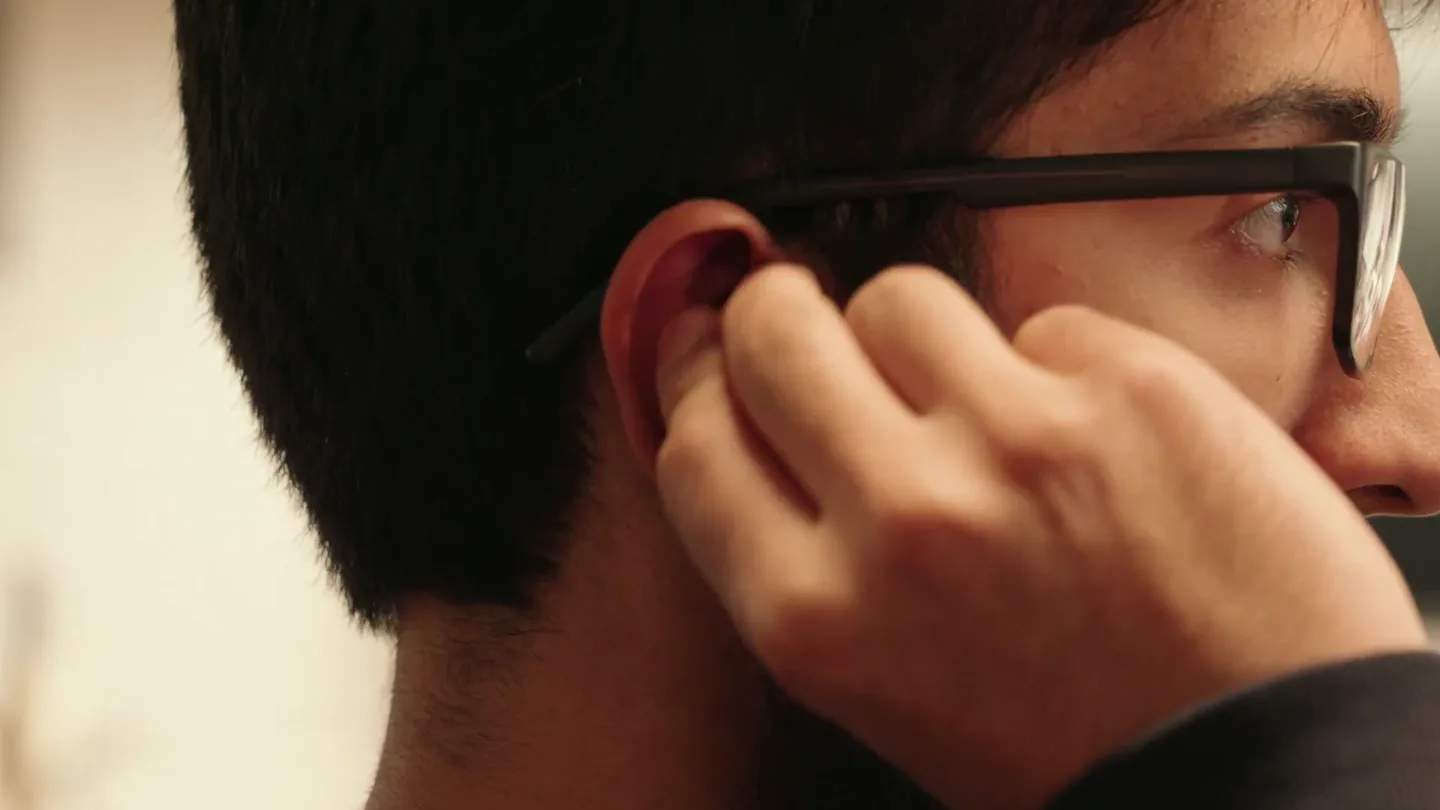
- Close-up on a person wearing a hearing aid, then cuts to a static shot of an anatomical ear diagram, followed by a 3D animation of the inner ear. Cuts to a medium shot of the founder speaking, then a photo of an older man, then back to the founder. Rapid cuts between 3D ear animations and the founder.
- Motion
- Rapid cuts, cross-dissolves between anatomical diagrams and 3D animations, subtle camera push-ins on the founder.
Problem Agitation
Understanding the Ear's Mechanics
“The way your ear works is sound comes in, hits your eardrum, vibrates three tiny bones, and then those bones vibrate a fluid in your cochlea, which then sends electrical signals to your brain. And the problem is that when you have hearing loss, it's usually because one of those three tiny bones isn't vibrating properly. So, the traditional hearing aid just amplifies sound. It just makes everything louder. But that's not how your ear works. Your ear is a very complex mechanical system. And so, we need to understand how your ear works to be able to fix it.”
- On screen
- Stapes
- Camera
- Dynamic 3D animation of the inner ear, zooming and panning to highlight specific components. Cuts to a close-up of a 3D printer screen showing progress, then a split screen with an ear diagram and the product. Cuts to a close-up of small components on a table.
- Motion
- Animated anatomical diagrams with text overlays, split-screen compositions, close-up product shots with subtle camera movements.
Product Reveal
The Innovative Solution: Custom & Affordable
“So, we've developed a new way to make hearing aids. We use software to design a custom hearing aid for your ear. And then we 3D print it. And because we're using software and 3D printing, we can make it much cheaper. We can make it for $20 instead of $4,700. And it's still custom made for your ear. We've studied the human ear for years, and we've developed a way to make a hearing aid that actually works with your ear, not against it.”
- On screen
- (No on-screen text)
- Camera
- Close-up on a laptop screen showing CAD software, then a close-up of various small components. Split screen showing a 3D ear animation and hands assembling a device. Cuts to a split screen with a 3D ear animation and a product render. Close-up on a laptop screen showing a 3D model.
- Motion
- Split-screen reveals, digital interface overlays, product assembly time-lapses, and 3D product renders with subtle rotations.
Feature Teaser
Personalized Testing & Future Vision
“We also have a way to test your hearing at home. You can use our app to test your hearing, and then we'll send you a custom hearing aid. And we're constantly improving our software and our designs. We're working on making hearing aids that are even smaller, even more comfortable, and even more effective. We believe that everyone deserves to hear, and we're making that a reality.”
- On screen
- Tone detection Low frequency 250 Hz Did you hear it? Yes, heard it
- Camera
- Close-up on a laptop screen showing an ear scan, then a close-up on a tablet showing a hearing test interface. Cuts to a medium shot of two founders speaking to the camera.
- Motion
- Screen recordings with UI highlights, direct address to camera, and subtle camera zooms to emphasize key points.
Call to Action
Learn More
“(No spoken dialogue — A high-energy audio transition with a riser and sub-bass drop leads to a clean, modern electronic outro with a consistent pulse.)”
- On screen
- f.inc/hello
- Camera
- Static shot of a white background with text centered.
- Motion
- Clean text reveal with a subtle fade-in, emphasizing clarity and directness.
Motion design primitives
Synthesizable in Remotion · key components of the founder-tech-explainer-v1 template.
AnatomicalExplainerSplit
A split-screen composition where one side displays a detailed 3D animation of an anatomical structure (e.g., inner ear) and the other side shows a real-world product or assembly process. The 3D animation often features subtle camera movements like pans or zooms.
+ Code construction recipe
Utilize Remotion's <AbsoluteFill> and <Sequence> components. Implement two child components for the split: one for a 3D model rendered via a WebGL canvas or pre-rendered video, and another for a live-action video or image. Use CSS `clip-path` or `transform` for the split effect. Synchronize 3D animation camera paths with video content using `interpolate` and `spring` for smooth transitions.
UIOverlayHighlight
A close-up shot of a digital interface (laptop, tablet) with specific UI elements highlighted or animated to draw attention to key features or processes (e.g., a button press, a percentage loading bar).
+ Code construction recipe
Overlay transparent PNGs or SVG masks on top of screen recording footage. Animate opacity and scale of highlight elements using `interpolate` or `spring` functions. For interactive elements, simulate clicks or hovers with `useCurrentFrame` and conditional rendering.
ProductDetailReveal
A close-up shot of a product component or assembly, often with hands interacting, followed by or juxtaposed with a clean 3D render of the final product or a specific part, sometimes with animated lines or indicators.
+ Code construction recipe
Combine live-action footage with 3D renders. Use `Sequence` to transition between them. For 3D renders, employ a `Canvas` component with Three.js or a pre-rendered Lottie animation. Animate SVG lines or circles over the 3D model to highlight features, using `interpolate` for drawing effects.
Style DNA & aesthetic system
Visual aesthetic
Typography
Motion
Special effects
Pacing & rhythm
Conceptual story rhythm
- 1
Problem Introduction & Empathy
Purpose. Establish the high cost and inaccessibility of traditional hearing aids, creating immediate empathy and a clear problem statement.
Execution. Quick cuts between a person wearing the device, historical diagrams, and the founder speaking, setting a rapid, informative tone.
- 2
Scientific Deep Dive & Agitation
Purpose. Educate the viewer on the complex mechanics of hearing and highlight the shortcomings of existing solutions, building tension around the problem.
Execution. Detailed 3D anatomical animations of the ear, juxtaposed with the founder's explanation, demonstrating a deep understanding of the challenge.
- 3
Solution Unveiling & Innovation
Purpose. Introduce the product as a revolutionary, affordable, and custom-made solution, showcasing the technology and process.
Execution. Split-screen visuals combining 3D printing, software interfaces, and product assembly, visually reinforcing the innovative approach.
- 4
Personalization & Future Vision
Purpose. Demonstrate the user-centric testing process and articulate the long-term vision for accessibility and continuous improvement.
Execution. UI screen captures of the testing app and direct address from the founders, building trust and excitement for the future.
Remix in Animatiq Studio
Master remix prompt · agent-ready
Sample remix
Objective
Launch a smart thermostat that learns user habits and integrates with local weather data to minimize energy waste.How the recipe adapts
The 'AnatomicalExplainerSplit' primitive would be adapted to 'EnergyFlowExplainerSplit', showing a 3D animation of energy flow within a home on one side and the smart thermostat's sleek design on the other. 'UIOverlayHighlight' would become 'AppControlHighlight', demonstrating the thermostat's mobile app interface with animated data visualizations. 'ProductDetailReveal' would be 'ThermostatAssemblyReveal', showcasing the device's internal components and its seamless installation process. The founder would explain the AI algorithms and energy-saving benefits, supported by dynamic motion graphics.Remix blueprint · founder-tech-explainer-v1
Scene durations (5 scenes, 90s)
Key Remotion components
Related Hardware & Devices Product Launches
Explore all Hardware & Devices launches →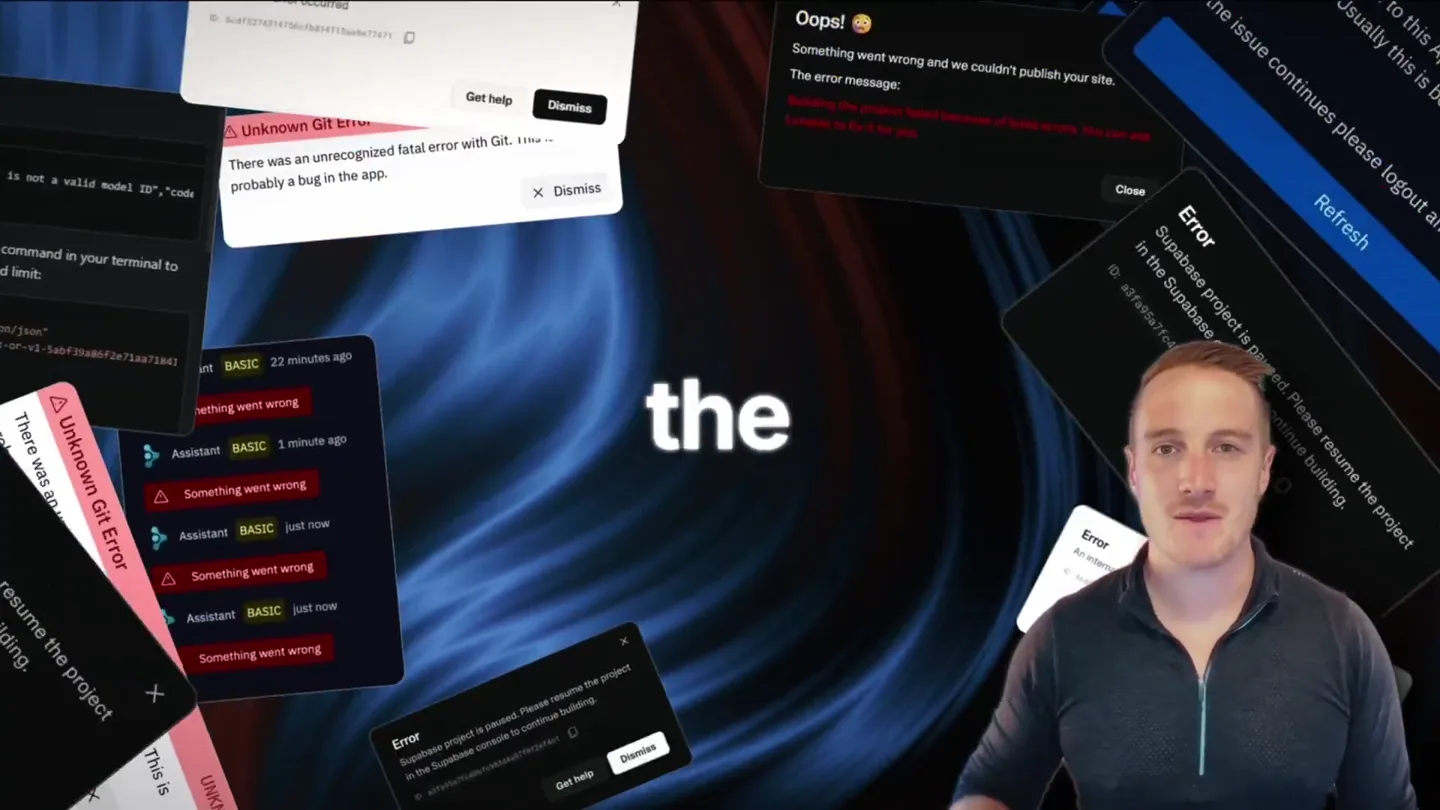
Bolt v2 pairs Claude Code and Codex agents with built-in hosting, database and storage so apps ship without setup.

Friend's launch film for its wearable AI companion, with orders opening alongside the post.
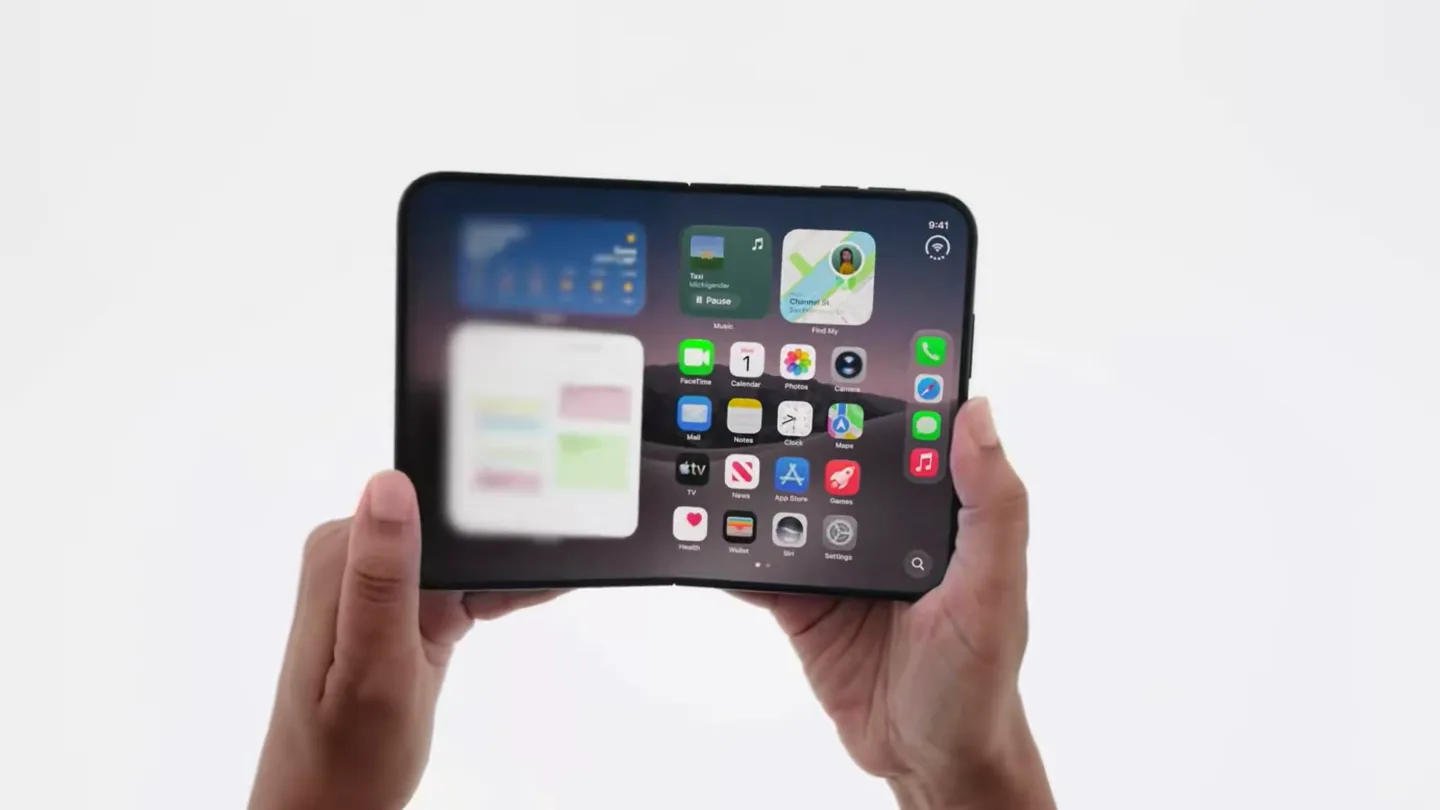
Official trailer for iPhone Duo.