
Deemos · Launch Video Breakdown: Hook, Pacing & Motion Design
HYPER3D Agentic Mode optimizes the input and chooses how to model it, generating editable n-gon 3D models for CAD and industrial products.
Scene-by-scene timeline & spoken transcript
The Hook
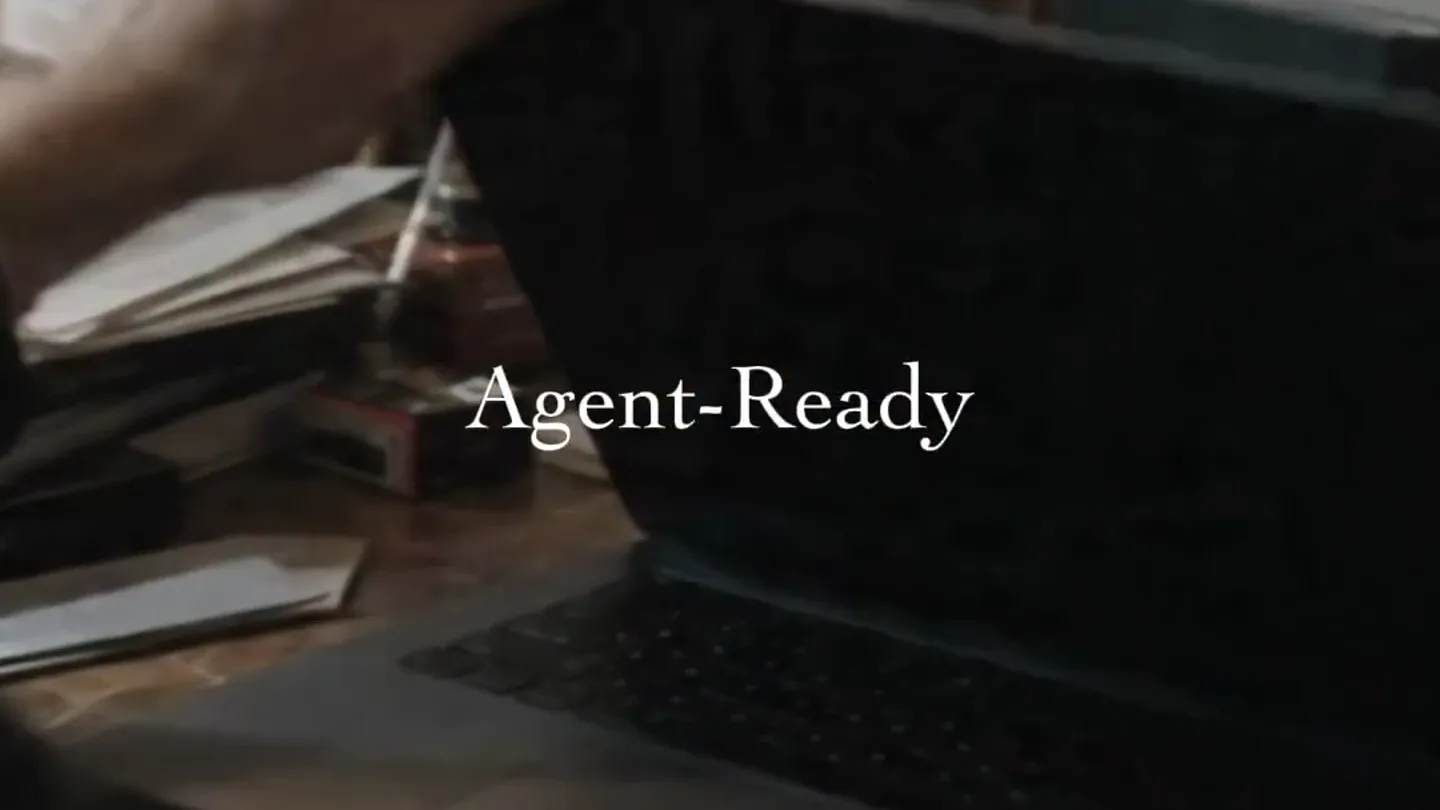
Agent-Ready Introduction
“Agent ready. What does that mean for your product? It means that your product is now capable of understanding natural language, generating outputs, and making decisions on its own.”
- On screen
- HYPER3D Agent-Ready
- Camera
- Medium shot of a person opening a laptop, then close-up on the laptop screen showing UI elements and 3D software.
- Motion
- Quick cuts between live-action and screen capture, with subtle camera push-ins on the screen.
Product Reveal
Interactive 3D Modeling
“(No spoken dialogue — consistent electronic beat with pizzicato synth elements)”
- On screen
- Partial Redo Local Modify Draw box on area to edit Change Describe edits... Cancel Generate Gen-2.5 Agent BANG Separate Redo Bang to Parts Confirm Material Prompt for the generation of materials... Unlock: Geometry Pack Geometry Unlock: Geometry Unlock after Material confirmed PRO REFINE OmniCraft Texture Gen Free Trial Avatar 3D Video Rodin Gen-2.5 (0702) The best way to understand is to create. What I cannot create, I do not understand. Image to 3D 3D Editing WorldGen Text to Image/3D Agentic Mode 3 min Let AI plan, decide, and create. The viewing angle affects how the proportions appear. I'm checking which surfaces face the camera Some depth is visible in the reference, other areas are less clear. I'm keeping that
- Camera
- Close-up on a laptop screen, showcasing various UI interactions and 3D model generation processes.
- Motion
- Rapid UI element animations, text input simulations, and 3D model transformations with a focus on user interaction.
Feature Teaser
Diverse 3D Model Generation
“(No spoken dialogue — consistent electronic beat with pizzicato synth elements)”
- On screen
- (No on-screen text)
- Camera
- Dynamic camera movements around various 3D models (record player, character bust, mechanical engine), including wireframe and exploded views.
- Motion
- Fast-paced 3D model rotations, exploded view animations, and transitions between rendered and wireframe states, emphasizing complexity and detail.
Problem Agitation
The Agentic Future
“It means that your product is now capable of understanding natural language, generating outputs, and making decisions on its own. This is the future of product functionality. This is the future of natural language processing. This is the future of output generation. This is Hyper 3D. This is agent ready.”
- On screen
- HYPER3D Agent-Ready The Second Half.
- Camera
- Shots of a person working at a desk, intercut with abstract bokeh backgrounds and the product logo.
- Motion
- Live-action footage combined with animated text overlays and abstract background elements, building anticipation with a riser sound effect.
Call to Action
Hyper3D Agent-Ready
“(No spoken dialogue — sub-bass drop/impact followed by continued electronic beat)”
- On screen
- HYPER3D Agent-Ready
- Camera
- Static shot of the HYPER3D logo and tagline against a dark background with subtle bokeh.
- Motion
- Minimal motion, focusing on the brand identity with a strong audio impact, followed by a fade to black.
Motion design primitives
Synthesizable in Remotion · key components of the hyper3d-agentic-launch template.
UIElementPopIn
UI elements like buttons, text fields, and dialog boxes animate into view with a quick, slightly bouncy scale and opacity transition.
+ Code construction recipe
Use `spring()` for scale and opacity, with a high damping ratio for a subtle bounce. Combine with `interpolate()` for precise timing of multiple elements.
ModelExplodeReconstruct
A 3D model rapidly disassembles into its constituent parts, which then quickly reassemble, often transitioning between a rendered and wireframe state.
+ Code construction recipe
Implement with `interpolate()` for position and rotation of individual model components. Use `WebGL` or `Three.js` for 3D rendering, and `Shader` components for wireframe effects and color shifts.
TextRevealFade
Text appears on screen with a subtle fade-in and slight scale animation, often accompanied by a background blur or bokeh effect.
+ Code construction recipe
Apply `spring()` for opacity and `scale` on text elements. Use `Blur` or `Bokeh` components for background effects, animating their intensity with `interpolate()`.
Style DNA & aesthetic system
Visual aesthetic
Typography
Motion
Special effects
Pacing & rhythm
Conceptual story rhythm
- 1
The Agentic Promise
Purpose. Introduce the core concept of 'agent-ready' and its transformative potential.
Execution. Opening with a person interacting with a laptop, quickly cutting to UI elements and the 'Agent-Ready' text.
- 2
Demonstrating Capability
Purpose. Showcase the product's ability to generate and modify complex 3D models with AI.
Execution. Rapid sequence of screen captures demonstrating UI interactions, 3D model generation, and editing.
- 3
The Power of Hyper3D
Purpose. Illustrate the versatility and detail of the 3D output across various product types.
Execution. Montage of diverse 3D models (record player, character, engine) with dynamic camera moves and wireframe transitions.
- 4
Future Vision & Brand Reinforcement
Purpose. Reiterate the product's impact and solidify the brand message.
Execution. Return to live-action footage, spoken dialogue emphasizing the future, culminating in the 'HYPER3D Agent-Ready' logo with a strong audio impact.
Remix in Animatiq Studio
Master remix prompt · agent-ready
Sample remix
Objective
Launch video for 'Architeq AI', an AI tool that generates editable architectural blueprints and 3D models from natural language prompts.How the recipe adapts
The video would open with an architect typing a prompt into Architeq AI, followed by a rapid sequence of UI elements popping in as the AI processes the request. A 3D model of a building would then explode into its structural components and reassemble, showcasing the AI's detailed output. Key features like 'Parametric Design' and 'Material Optimization' would appear with TextRevealFade animations. The overall pacing would remain quick, driven by an electronic soundtrack, culminating in the Architeq AI logo with a powerful sound design impact.Remix blueprint · hyper3d-agentic-launch
Scene durations (5 scenes, 34.7s)
Key Remotion components
Related Creative Tools Product Launches
Explore all Creative Tools launches →
AI is already smart enough. Real-world tasks are still slow, expensive and unreliable, because we hand AI a computer built for humans, then wrap it in a heavy harness. AI doesn’t need to get smarter

Big day 🔥 🚀 Introducing Dolphin AI - an agentic AI studio for complete video production. The story of Dolphin is very interesting. It didn’t start as a product. It started as an internal tool. W

A vibe design partner with an AI-native canvas for turning ideas into UI.