
HyperFrames · Launch Video Breakdown: Hook, Pacing & Motion Design
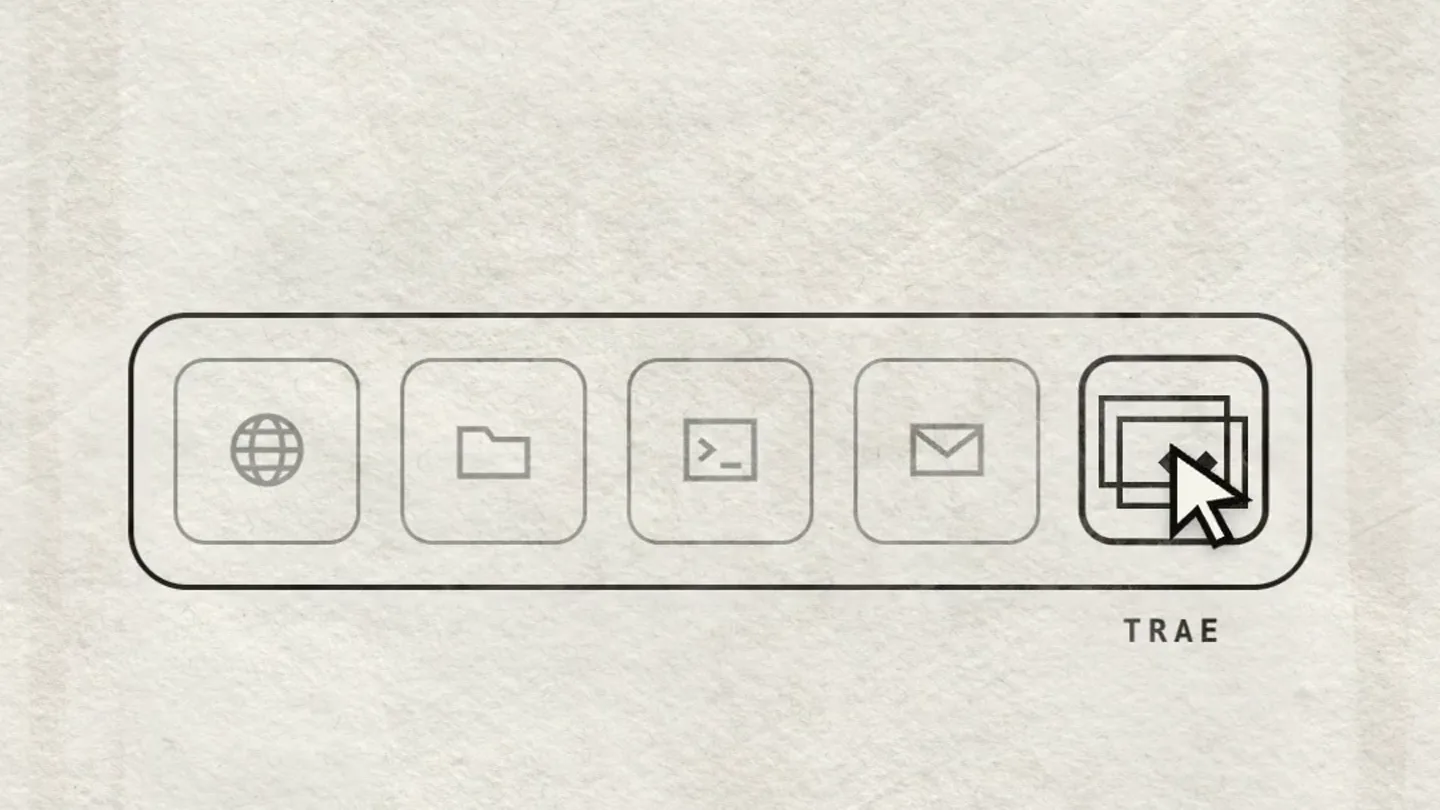
One-click install in Trae SOLO: describe the video and it codes, edits, renders, and ships — create where you are already building.
Scene-by-scene timeline & spoken transcript
The Hook
AI Agent Initiates App & Video Build
“(No spoken dialogue — Upbeat jazz/swing music with driving rhythm section and brass riffs.)”
- On screen
- @Agent solo, build me a plant solo, build me a plant care app, and make the launch video with hyperframes Task 1 o plant care app now Agent - planning the build... scaffold app structure watering schedule model launch video with hyperframes
- Camera
- Static overhead view of a minimalist UI, then a slight zoom out to reveal a larger application window.
- Motion
- UI element interaction (mouse clicks, text typing), sequential task list reveal, and a subtle zoom out.
Product Reveal
HyperFrames: The Automated Creative Engine
“Yeah, baby!”
- On screen
- / STEP 02 STEP 01 TE / STEP 03 ITERATE [OVERLOADED] SYSTEM RESET [!] REBOOT STARTED SYSTEM OVERLOADED PROGRESS: 47/100 EG.2399.20 / YOUR APP - READY DEMO PLANT JOURNAL MY PLANTS MONSTERA 3D FIDDLE LEAF FIG 1D SNAKE PLANT 6D
- Camera
- Static, centered view on abstract process graphics, then a reveal of a mobile app UI within a phone frame.
- Motion
- Rapid text reveals, abstract system process animations (progress bars, loading indicators), and a quick transition to a product demo.
Feature Teaser
One-Click Video Creation Workflow
“(No spoken dialogue — Upbeat jazz/swing music continues with consistent tempo.)”
- On screen
- TRAK can already build the product. / STEP 01 STORYBOARD FRAMES 00/12 LEAF 01 02 GROW EVERY LEAF 05 WHEN WILL A GARDEN 09 / STEP 02 COMPOSE / STEP 02 COMPOSE KEYFRAMES 248 ONE PAUSED TIMELINE - EVERY FRAME DETERMINISTIC / STEP 03 RENDER 100% 2026 FRAMES 612/612
- Camera
- Static, centered view on text and abstract workflow diagrams.
- Motion
- Sequential text reveals, animated progress bars, and abstract visual representations of a creative workflow (storyboard, compose, render).
Product Reveal
Instant Launch Video Generation
“Happy!”
- On screen
- / YOUR LAUNCH VIDEO VIDEO leaflet-launch.mp4 LEAFLET KEEP EVERY PLANT ALIVE 0:00 / 0:32 / YOUR LAUNCH VIDEO VIDEO leaflet-launch.mp4 MONSTERA 3D FIDDLE LEAF FIG 1D SNAKE PLANT 6D NEVER MISS A WATERING EVERY PLANT, ON SCHEDULE 0:02 / 0:32
- Camera
- Static, centered view of a video player UI, then a slight zoom into the video content.
- Motion
- UI element animation (play button, progress bar), and a simulated video playback with content changes.
Call to Action
HyperFrames: Create Where You Build
“Yeah, baby! Happy!”
- On screen
- HeyGen HyperFrames now on
- Camera
- Static, centered view on the brand logo and call to action text.
- Motion
- Logo reveal with color fill, and sequential text reveal for the call to action.
Motion design primitives
Synthesizable in Remotion · key components of the hyperframes-devtool-launch template.
MinimalistUIReveal
A clean, line-art UI element (like a text input or task list) appears on screen, with a mouse cursor interacting with it, simulating typing and clicking. Elements like checkboxes or progress indicators animate sequentially.
+ Code construction recipe
Use `spring` for cursor movement and UI element pop-ins. Text typing can be achieved with `interpolate` on `text-shadow` or `opacity` for character-by-character reveal. SVG path animations for line-art elements.
SystemProcessAbstract
Abstract geometric shapes, progress bars, and pixelated text animate to represent a complex system process. Elements like circles, lines, and simple icons appear and disappear with a glitchy, digital feel.
+ Code construction recipe
Utilize `interpolate` for scaling, rotation, and opacity changes on SVG shapes. Implement `noise` or `dither` filters for pixelation. Text reveals with `typewriter` effect using `substring` and `delay`.
ProductDemoWindow
A framed window (like a browser or mobile app) appears, showcasing a product demo. Content within the window changes, simulating interaction or video playback, with accompanying text overlays.
+ Code construction recipe
Use `AbsoluteFill` for the window frame and `Sequence` for content changes within. `spring` for the window pop-in. Text overlays can use `interpolate` for fade-in and slide-up effects.
Style DNA & aesthetic system
Visual aesthetic
Typography
Motion
Special effects
Pacing & rhythm
Conceptual story rhythm
- 1
The AI Prompt
Purpose. Introduce the core problem: the complexity of building and launching tech products, and hint at the solution through an AI agent.
Execution. A minimalist chat UI where a user types a complex request, followed by the AI agent's task breakdown.
- 2
Automated Creation
Purpose. Showcase HyperFrames' ability to automate the creative process, from concept to final product.
Execution. Rapid-fire abstract animations representing 'iterate', 'compose', and 'render' steps, culminating in a finished mobile app demo.
- 3
Video Launch Simplified
Purpose. Highlight HyperFrames' unique value proposition: generating launch videos effortlessly.
Execution. A simulated video player showing a polished launch video being played, demonstrating the output of HyperFrames.
- 4
Call to Action
Purpose. Reinforce the brand and direct viewers to where they can access the product.
Execution. A clean reveal of the HyperFrames logo and a clear 'now on' message with a platform icon.
Remix in Animatiq Studio
Master remix prompt · agent-ready
Sample remix
Objective
A developer tool that automates the creation and maintenance of interactive API documentation.How the recipe adapts
The initial AI prompt would be 'solo, generate API docs for my new microservice'. The 'iterate' and 'compose' scenes would show abstract representations of parsing code, generating OpenAPI specifications, and building interactive documentation portals. The final product demo would be an embedded interactive API reference, and the launch video would be a quick walkthrough of the generated docs. The 'Yeah, baby!' and 'Happy!' exclamations would remain, reinforcing the positive user experience.Remix blueprint · hyperframes-devtool-launch
Scene durations (5 scenes, 38.7s)
Key Remotion components
Related Developer Tools Product Launches
Explore all Developer Tools launches →
xAI opens voice cloning on its API: build a custom voice in about two minutes or pick from 80+ voices in 28 languages.

Claude can now operate your Mac, opening apps, browsing and filling spreadsheets, as a research preview in Cowork and Claude Code.

Agentic CLI for coding, building apps, and automating workflows.