
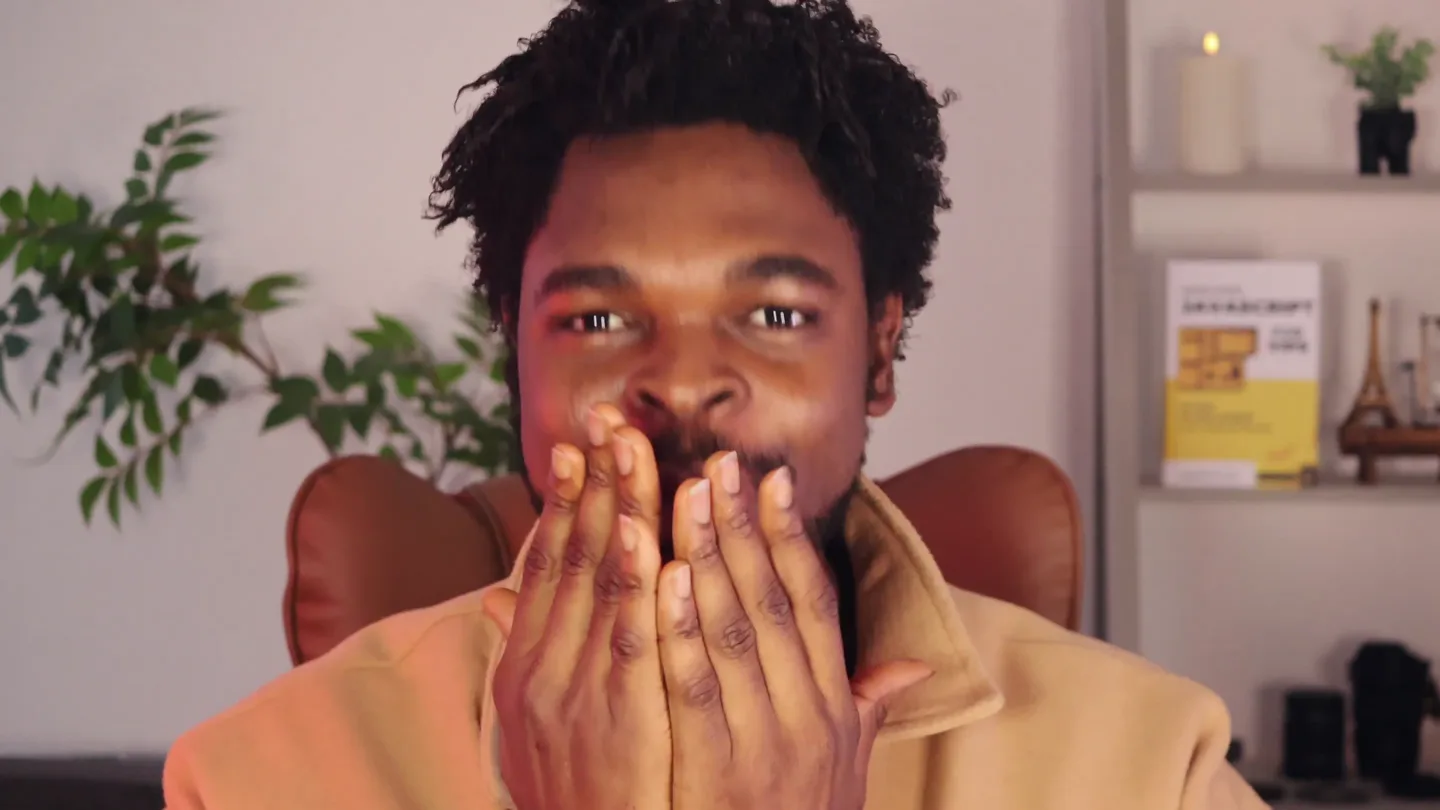
Ebenezer Don 🐘 · Launch Video Breakdown: Hook, Pacing & Motion Design
EVERYONE I'm SUPER EXCITED to launch InkFlow today! 🎉🔥 Built with https://t.co/MtCpbfgf2n, InkFlow is a FREE tool that lets you create custom handwriting worksheets in seconds. You can type your own sentences or let the integrated AI generate handwriting text for you. No https://t.co/w199j2NVfu
Scene-by-scene timeline & spoken transcript
The Hook
Enthusiastic Introduction & Product Tease
“Hey all, I'm so, excited to be launching InkFlow today! It's a free handwriting generator app.”
- On screen
- Hey all, I'm so, excited to be
- Camera
- Close-up shot of the founder, then a quick cut to a wide shot of the product dashboard with the founder in a circular overlay.
- Motion
- Rapid scene cut, founder overlay, subtle UI element animation (cursor movement).
Product Reveal
Core Value Proposition & AI Integration
“I built InkFlow with Teda.dev so it's a really, really fast and performant app. With Inkflow, you can type in your own sentences or even more interestingly, use the integrated AI to generate handwriting text for you. The AI works locally on your device, so you don't have to pay for it. It has many useful features like fine-tuning, typography, font, and you can export to PDF or send it to your printer.”
- On screen
- Rediscover the art of writing. Generate beautiful, custom handwriting practice sheets in seconds. Perfect for students, calligraphy enthusiasts, and teachers. Start Creating Learn More Used by 10,000+ teachers & students. CONTENT MODE Custom A-Z Teda is the best thing since sliced bread Really! AI GENERATOR LOCAL LLM Topic (e.g. Space, Dinosaurs) Thinking.. LINE SETTINGS Size (mm) Text Color Ink Guide Color Lines TYPOGRAPHY Dotted (Tracing) FINE TUNING Text Size Vertical Offset Print / PDF Preview (A-4)
- Camera
- Static screen capture of the InkFlow web application, with the founder in a circular overlay. Occasional cursor movements and UI interactions.
- Motion
- Screen recording with interactive UI elements (typing, slider adjustments, dropdown selections, color picker), founder overlay.
Feature Teaser
Underlying Tech & Development Process
“I've been trying it out with other AI models like V0, and Bolt. It's been a really fun project to work on.”
- On screen
- Script & Scribble Previewing last saved version Created a handwriting practice sheet generator with clean educational styling! Features include customizable text input, three grid types (lined, dotted, blank), adjustable font size and repetitions, live preview, and PDF export. What's next? Refine & Customize: Adjust colors, spacing, and layouts using prompts or Visual Edits Master Prompting: Use "chat mode" to plan features before implementation Add handwriting sheet generator Preview Latest Code Visit docs Add Handwriting Fonts Add Practice Templates 3.50 credits remaining Ask Lovable... Chat Visual edits Handwriting Practice Generator Create custom practice sheets for letters and words Text to Practice Aa Bb Cc Grid Type Lined Paper Font Size: 64px Repetitions: 5 Export to PDF Handwriting Practice Create customizable practice sheets for letters, words, or blank grids. Export to PDF for printing. Sheet Options T Letters Words Grid Letters to Practice A B C D E Letter Case Uppercase Only Sheet Title Handwriting Practice Line Height: 60px Font Size: 40px Line Style Solid Lines Show Guide Lines Chat Design Connect Vars Rules Settings Ask a follow-up... Design Upgrade To Team for m... Upgrade Plan Handwriting Practice Sheet Gene... Preview Publish Sentences: Practice full sentences Customization Options: Grid lines with customizable visibility showing baseline, midline, and cap height guides Line styles: solid, dashed, or dotted Font sizes: small, medium, or large Adjustable number of rows (3-12) Custom content input for any letters, words, or sentences PDF Export: One-click PDF generation that opens a print dialog Professional formatting with headers showing practice settings Print-optimized layout for A4 paper The interface features a clean design with a collapsible settings panel, real-time preview of practice sheets, and smooth transitions. You can type any content you want to practice, adjust all the visual settings, and export publication-ready practice sheets. Create handwriting practice sheet generator Version 1 You've used all your tokens. Switch to Pro for 38x more usage How can Bolt help you today? (or /command) Help Center Join our Community
- Camera
- Screen capture showcasing the development environment (Teda.dev, V0, Bolt) with the founder in a circular overlay. Cursor interaction with UI elements.
- Motion
- Screen recording of development tools, founder overlay, subtle UI element animation (scrolling, clicking).
Call to Action
Free Access & Community Engagement
“Start using Inkflow for free on Inkflow.app and I look forward to hearing your feedback, please.”
- On screen
- InkFlow Untitled Sheet CONTENT MODE Custom A-Z The shortest war in history was between Britain and Zanzibar on August 27, 1896, and lasted only 38 minutes. The longest word in the English language, according to the Oxford English Dictionary, is pneumonoultramicroscopicsilicovolcanoconiosis. AI GENERATOR LOCAL LLM Topic (e.g. Space, Dinosaurs) LINE SETTINGS Size (mm) Text Color Ink Guide Color Lines TYPOGRAPHY Dotted (Tracing) FINE TUNING Text Size Vertical Offset Print / PDF Preview (A-4) Rediscover the art of writing. Generate beautiful, custom handwriting practice sheets in seconds. Perfect for students, calligraphy enthusiasts, and teachers. Start Creating Learn More Used by 10,000+ teachers & students.
- Camera
- Returns to the InkFlow application interface, then cuts back to a close-up of the founder.
- Motion
- Screen recording with cursor interaction, then a direct cut to a founder close-up for a personal appeal.
Motion design primitives
Synthesizable in Remotion · key components of the founder-led-saas-demo template.
FounderOverlay
A circular video feed of the founder is consistently positioned in the bottom-right corner of the screen, overlaying the main screen recording content. It maintains a fixed size and position throughout its appearance.
+ Code construction recipe
Use a <Video> component for the founder's feed, wrapped in a <AbsoluteFill> or <Fixed> component with `bottom` and `right` CSS properties. Apply `borderRadius: '50%'` and `overflow: 'hidden'` for the circular mask. Ensure z-index is higher than the main content.
InteractiveScreenRecording
Detailed screen recordings showcase real-time UI interactions like typing, clicking buttons, adjusting sliders, and selecting dropdown options, demonstrating product functionality dynamically.
+ Code construction recipe
Utilize a <Sequence> component for each screen recording segment. Within each sequence, use a <Video> component for the screen capture. Overlay <Text> components for captions and use <AbsoluteFill> with animated CSS properties (e.g., `transform`, `opacity`) for cursor movements and UI element highlights, interpolating between keyframes.
DynamicUITextInput
Text fields are shown being actively typed into, with the cursor blinking and characters appearing sequentially, simulating live user input.
+ Code construction recipe
For text input, use a <Text> component with a `text` prop that interpolates over time to reveal characters one by one (e.g., `text.substring(0, frame / speed)`). A separate blinking cursor component can be animated with `opacity` interpolation (0 to 1) on a loop.
Style DNA & aesthetic system
Visual aesthetic
Typography
Motion
Special effects
Pacing & rhythm
Conceptual story rhythm
- 1
Personalized Hook
Purpose. Immediately connects with the audience through the founder's enthusiasm and introduces the product's core benefit.
Execution. Founder's close-up, direct address, followed by a quick cut to the product's landing page with a founder overlay.
- 2
Feature Deep Dive
Purpose. Demonstrates key functionalities and highlights the unique selling points, particularly the AI integration and customization.
Execution. Extensive screen recordings showcasing UI interactions (typing, sliders, dropdowns) with the founder's commentary and overlay.
- 3
Tech Credibility
Purpose. Builds trust by revealing the underlying development tools and the founder's hands-on involvement.
Execution. Screen recordings of development environments (Teda.dev, V0, Bolt) with the founder's overlay, showing the 'behind-the-scenes' work.
- 4
Clear Call to Action
Purpose. Guides the audience on how to access the product and encourages engagement.
Execution. Return to the product's landing page, emphasizing the free access, followed by a direct appeal from the founder for feedback.
Remix in Animatiq Studio
Master remix prompt · agent-ready
Sample remix
Objective
Launch a new AI-powered project management tool called 'TaskPilot' that automates task assignment and deadline management.How the recipe adapts
The founder will introduce TaskPilot with a similar enthusiastic tone. The 'InteractiveScreenRecording' primitive will showcase TaskPilot's dashboard, demonstrating AI assigning tasks, drag-and-drop rescheduling, and integration with calendars. The 'FounderOverlay' will remain in the bottom-right during these demos. The 'DynamicUITextInput' will show users typing project details and AI generating task breakdowns. The video will maintain the clean UI aesthetic and moderate pacing, ending with a call to action for a free trial of TaskPilot.Remix blueprint · founder-led-saas-demo
Scene durations (4 scenes, 89.6s)
Key Remotion components
Related Tech & SaaS Product Launches
Explore all Tech & SaaS launches →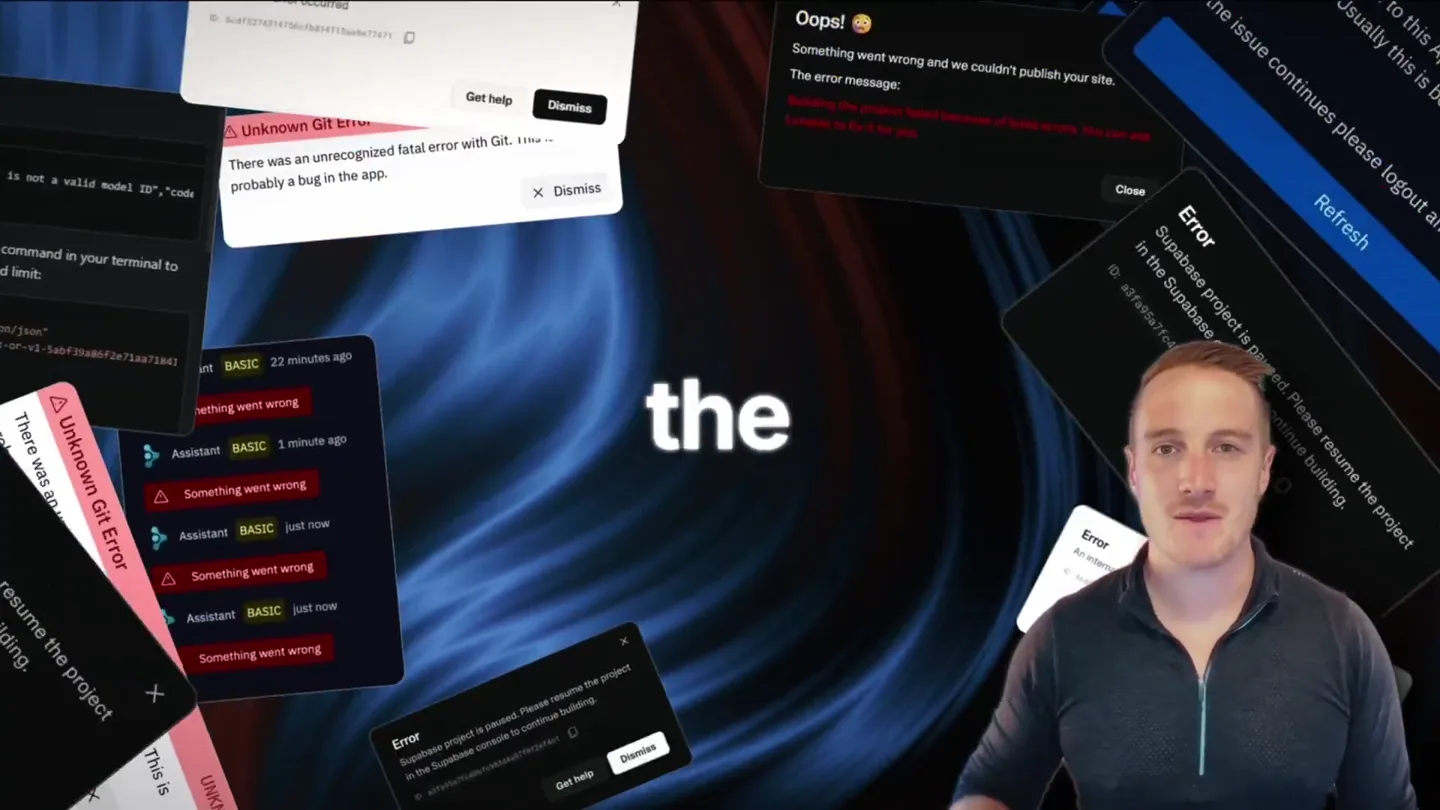
Bolt v2 pairs Claude Code and Codex agents with built-in hosting, database and storage so apps ship without setup.

Making life multiplanetary
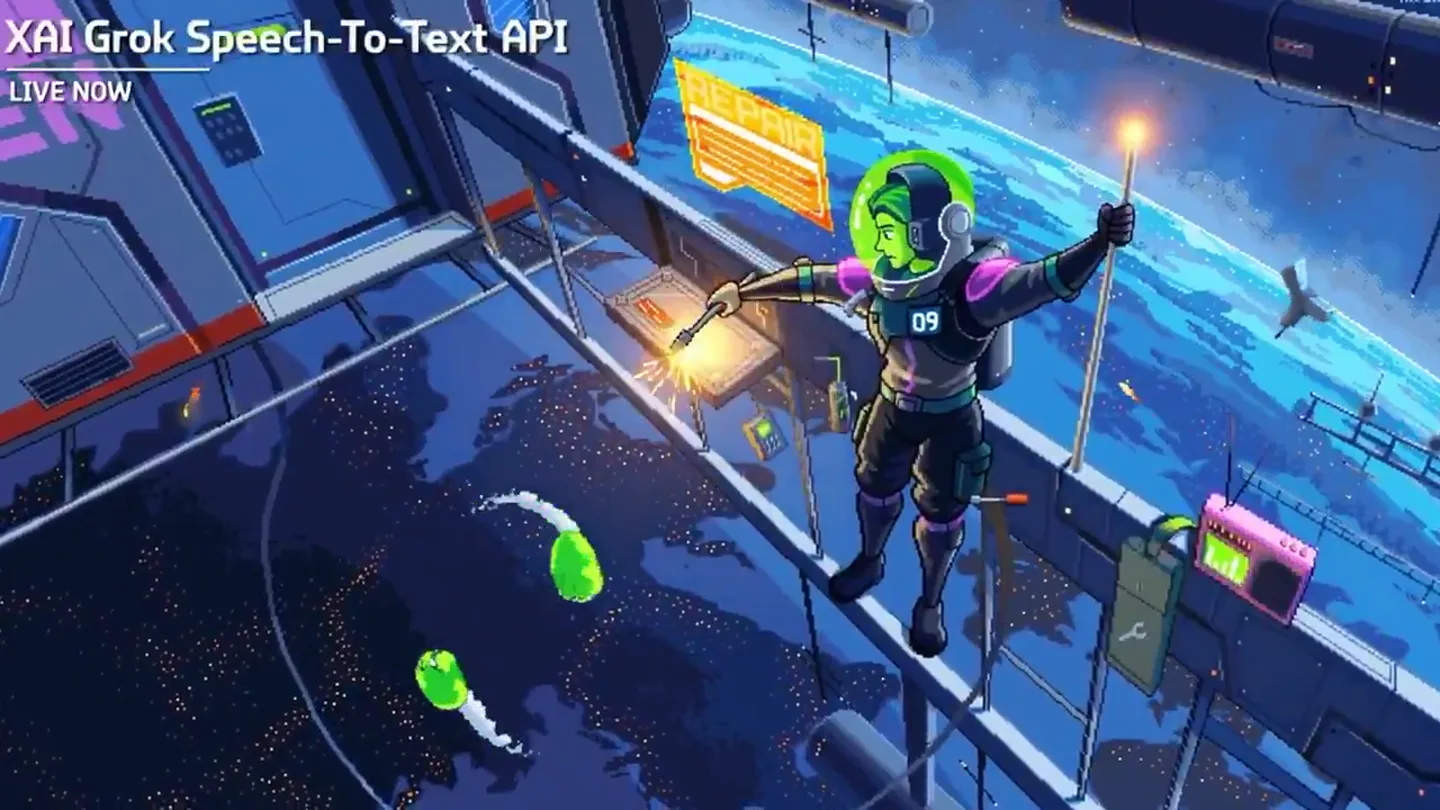
Did xAI just mass-murder the entire voice AI industry? Grok just launched two voice APIs. Speech-to-Text and Text-to-Speech. Built on the same stack powering Tesla cars and Starlink support. And pr…