
Interior · Launch Video Breakdown: Hook, Pacing & Motion Design
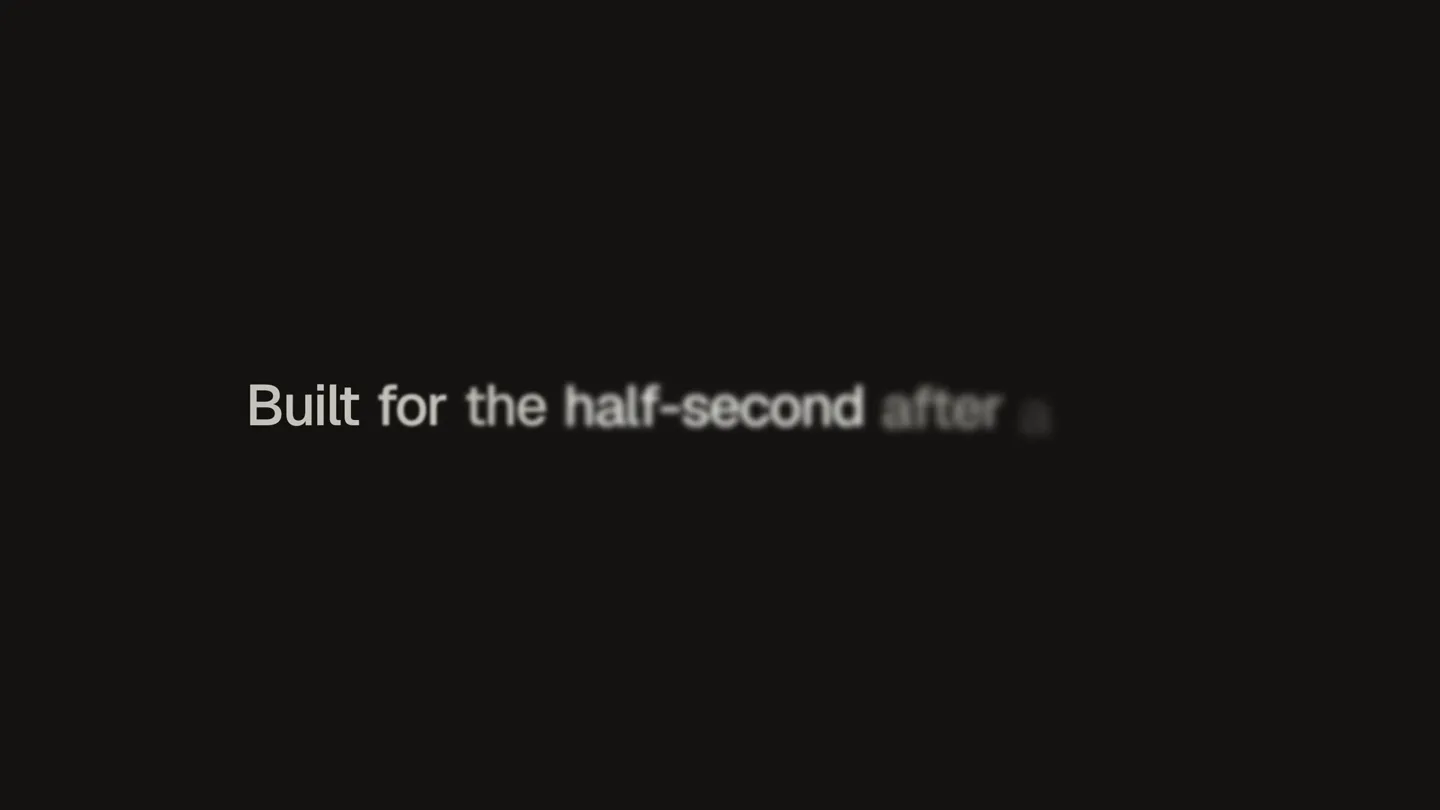
The components everybody builds and nobody finishes — built for the half-second after a click.
Scene-by-scene timeline & spoken transcript
The Hook
Brand & Core Promise
“(No spoken dialogue — Sub-bass drop/impact, high-frequency percussive synth arpeggio, deep sub-bass, evolving synth pads.)”
- On screen
- interior [.] dev Built for the half-second after a click.
- Camera
- Static, centered framing on text elements.
- Motion
- Text reveal with subtle blur and scale, followed by a bracket animation and a full text reveal.
Feature Teaser
Interactive UI Component Showcase
“(No spoken dialogue — Consistent high-frequency percussive synth arpeggio, deep sub-bass, evolving synth pads.)”
- On screen
- 01.2 - loading-button ✓ Done 02.4 - otp-input 7 2 4 9 06.2 - segmented-control Day Week Month 02.5 - tag-input motion × tokens × springs × 02.3 - password-strength Weak
- Camera
- Static, centered framing on each UI component.
- Motion
- Rapid sequence of UI component animations: loading button state change, OTP input fill, segmented control selection, tag input deletion, password strength indicator fill. Each transition is a hard cut.
Feature Teaser
Dynamic Data & Process Visualization
“(No spoken dialogue — Consistent high-frequency percussive synth arpeggio, deep sub-bass, evolving synth pads.)”
- On screen
- 03.2 - progress-bar 59% 09.3 - reorder-list Roadmap review Design critique Open questions 04.1 - live-activity Deploying site 100% ✓ Done
- Camera
- Static, centered framing on each UI component.
- Motion
- Rapid sequence of UI component animations: progress bar fill, reorderable list item swap, live activity progress bar fill and completion. Each transition is a hard cut.
Call to Action
Credibility & Brand Reinforcement
“(No spoken dialogue — Consistent high-frequency percussive synth arpeggio, deep sub-bass, evolving synth pads, concluding with a sub-bass drop/impact.)”
- On screen
- 09.2 - swipe-deck Nadia Roussel Shipped a design system for forty people. Tobias Lund Motion work, six years of it. interior [.] dev
- Camera
- Static, centered framing on cards and final logo.
- Motion
- Swipe-deck animation revealing testimonials, followed by a grid of animated dots and a final brand logo reveal with a bracket animation. Hard cuts between scenes.
Motion design primitives
Synthesizable in Remotion · key components of the interior-dev-fast-cut-ui-showcase template.
TextBracketReveal
Text appears with a subtle blur and scale, then a bracket animation ([.]) highlights a key part of the text before the full text is revealed or the bracket animates into place.
+ Code construction recipe
Use Remotion's <Sequence> and <AbsoluteFill> for text positioning. Animate opacity and scale using `interpolate` for the blur/scale effect. The bracket animation can be achieved with conditional rendering or animating SVG path data for the bracket shape, using `spring` for a bouncy, quick reveal.
RapidUIStateTransition
A series of distinct UI components are shown, each quickly animating through a specific state change (e.g., loading to done, input fill, selection change, item reorder).
+ Code construction recipe
Each UI component state change should be a self-contained Remotion composition. Use `spring` for button presses, `interpolate` for progress bar fills, and `layout` animations for reordering lists. Hard cuts between these compositions create the rapid sequence.
DynamicGridFade
A grid of small, rounded rectangles subtly fades in and out, with individual elements animating their opacity or scale in a staggered, organic pattern.
+ Code construction recipe
Render a grid of small <Rect> or <Circle> components. Use `map` to iterate over grid data and apply `interpolate` to each element's opacity and scale with a `delay` based on its grid position for the staggered effect. A parent `spring` can control the overall grid's appearance.
Style DNA & aesthetic system
Visual aesthetic
Typography
Motion
Special effects
Pacing & rhythm
Conceptual story rhythm
- 1
The Intriguing Intro
Purpose. Hook the audience with a mysterious brand reveal and a compelling, concise value proposition.
Execution. Minimalist logo reveal with a unique bracket animation, followed by a single, impactful tagline.
- 2
Rapid Feature Montage
Purpose. Showcase the breadth and responsiveness of the product's UI components through quick, satisfying interactions.
Execution. A rapid-fire sequence of diverse UI elements animating through their core functionalities with hard cuts.
- 3
Credibility & Social Proof
Purpose. Build trust and demonstrate the product's impact by highlighting user testimonials or team expertise.
Execution. Swipe-deck animation revealing short, impactful testimonials from individuals.
- 4
Brand Reinforcement & Outro
Purpose. Solidify brand recognition and leave a lasting impression.
Execution. Abstract animated grid leading to a final, clean brand logo reveal.
Remix in Animatiq Studio
Master remix prompt · agent-ready
Sample remix
Objective
Launch video for 'FlowState.js', a JavaScript library for reactive state management.How the recipe adapts
The 'TextBracketReveal' primitive will be used for 'FlowState.js' and 'Achieve seamless state management'. The 'RapidUIStateTransition' will showcase a draggable node being connected, lines highlighting changes in a code diff, and nodes expanding in a dependency graph. The 'DynamicGridFade' will be adapted to a grid of small, glowing data points representing state changes, leading into the final 'FlowState.js' logo.Remix blueprint · interior-dev-fast-cut-ui-showcase
Scene durations (4 scenes, 25s)
Key Remotion components
Related Developer Tools Product Launches
Explore all Developer Tools launches →
xAI opens voice cloning on its API: build a custom voice in about two minutes or pick from 80+ voices in 28 languages.

Claude can now operate your Mac, opening apps, browsing and filling spreadsheets, as a research preview in Cowork and Claude Code.

Agentic CLI for coding, building apps, and automating workflows.