
Matte · Launch Video Breakdown: Hook, Pacing & Motion Design
Matte 2.0 Beta captures and edits iOS apps on a 3D canvas with device models, lighting, depth of field, and animation. Record the simulator, USB devices, or any Mac screen.
Scene-by-scene timeline & spoken transcript
The Hook
Sleek Device & UI Tease
“(No spoken dialogue — The track begins with a sustained, evolving pad sound, creating an atmospheric and slightly mysterious mood.)”
- On screen
- (No on-screen text)
- Camera
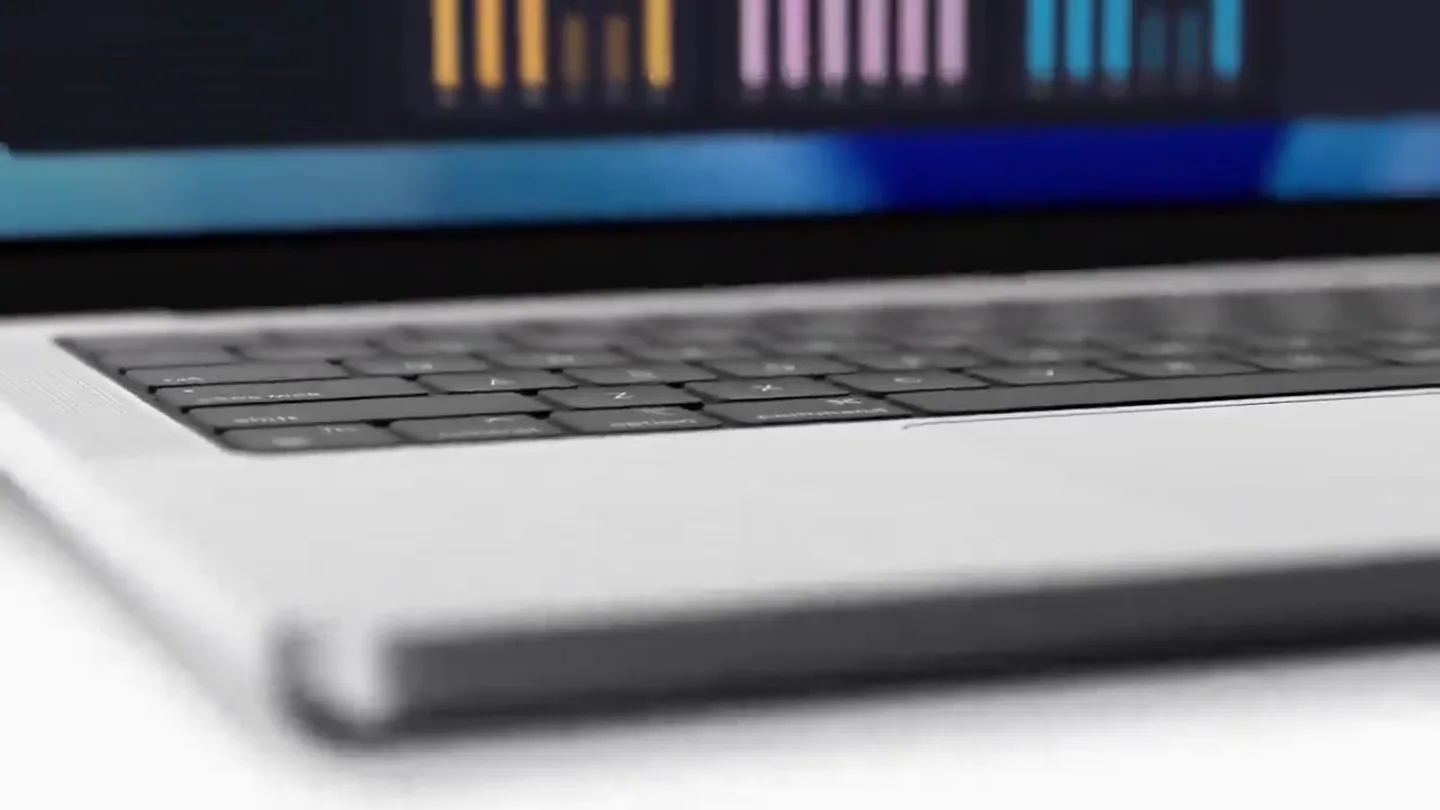
- Close-up shots of device edges and screen details, with subtle camera pans and tilts, revealing parts of a laptop and a graph UI.
- Motion
- Macro cinematography, shallow depth of field, subtle camera movements, and quick cuts to build intrigue.
Product Reveal
Matte App Interface Introduction
“(No spoken dialogue — A subtle, high-frequency riser begins to build, culminating in a soft, percussive impact at 00:05. This is followed by a rhythmic, arpeggiated synth pattern that establishes a consistent tempo. A low-frequency sub-bass drone underpins the music from 00:05 onwards, adding depth.)”
- On screen
- iPhone 17 Pro, 00:00, Record, Stop, Cancel, Camera Zoom, Create Auto Zoom Clips, Capture Simulator Audio, Microphone, Webcam, Camera, Edit Status Bar, 01:00 minutes, 07:00 minutes, 09:00 minutes
- Camera
- Wide shot of a MacBook screen displaying the Matte app, then a close-up on the iPhone UI within the app, followed by a slow zoom out and rotation of a 3D iPhone model.
- Motion
- Seamless UI transitions, 3D model rotations, and interactive element highlights (e.g., cursor clicks).
Feature Teaser
Dynamic Device Model & App Demo
“(No spoken dialogue — At 00:10, a new, more prominent synth melody enters, carrying the main theme. Another high-energy riser starts at 00:14, leading to a more pronounced sub-bass drop and impact at 00:15, accompanied by a wider, more expansive synth chord.)”
- On screen
- 2026, SHARE, DONE, 1980, 1940, 1850, Jose
- Camera
- Dynamic camera movements around 3D iPhone models, showcasing different colors and camera configurations. A split-screen view with a presenter and the app UI.
- Motion
- 3D model morphing, split-screen composition, and interactive UI demonstrations with a live presenter.
Product Reveal
Multi-Device Ecosystem & Web Presence
“(No spoken dialogue — The arpeggiated synth continues, and at 00:20, a new, brighter synth layer is introduced, adding complexity. A final, intense riser begins at 00:24, building significant tension, and culminates in a powerful sub-bass drop and impact at 00:25, followed by a grand, sustained synth chord that fades out.)”
- On screen
- 1980, SHARE, DONE, Matte, Features, Pricing, Roadmap, Changelog, Download, Polished app demos and screen recordings in minutes, Record the iOS simulator, a live device, your full screen, or any app window. Add device frames, auto zoom, and captions—then edit and export, all in one app. Download Free, See How It Works, Matte 1.5 is the biggest update yet.
- Camera
- Smooth transitions between multiple 3D device models (iPhone, iPad, Studio Display) showcasing the app and website. Camera rotates around devices.
- Motion
- 3D device model animation, seamless screen content transitions, and website scrolling simulation.
Call to Action
Brand & Call to Action
“(No spoken dialogue — The grand, sustained synth chord fades out.)”
- On screen
- matte.app
- Camera
- Static shot of the brand's URL centered on a clean white background.
- Motion
- Minimalist text reveal, clean fade-in.
Motion design primitives
Synthesizable in Remotion · key components of the matte-inspired-tech-launch template.
DeviceShowcaseRotation
A 3D device model (e.g., iPhone, iPad) smoothly rotates along its Y-axis, revealing different angles and screen content. The rotation can be continuous or stop at specific points to highlight features.
+ Code construction recipe
Utilize Remotion's 3D capabilities with `PerspectiveCamera` and `Mesh` components. Animate the `rotation.y` property of the device model using `interpolate` or `spring` for smooth, controlled movement. Screen content can be rendered as a texture on a plane within the 3D model.
UIScreenContentTransition
The content displayed on a device screen seamlessly transitions from one state or application to another, often accompanied by subtle UI animations like cursor interactions or element highlights.
+ Code construction recipe
Implement using `Sequence` and `AbsoluteFill` for screen content. Use `spring` or `interpolate` for opacity and transform animations on individual UI elements (e.g., buttons, text, graphs) to simulate user interaction and app flow. Cursor movements can be animated with `Path` and `SVG`.
MultiDeviceSplitReveal
Multiple device models or screen views are introduced onto the canvas, often sliding in from different directions or appearing in a staggered fashion, creating a dynamic multi-screen layout.
+ Code construction recipe
Employ `AbsoluteFill` and `spring` animations for `x` and `y` positions of multiple `DeviceShowcaseRotation` components. Use `delay` in `Sequence` to stagger the entry of each device. Background elements can be animated with `interpolate` for color or gradient changes.
Style DNA & aesthetic system
Visual aesthetic
Typography
Motion
Special effects
Pacing & rhythm
Conceptual story rhythm
- 1
Intrigue & Tease
Purpose. To capture attention immediately and hint at the product's sophistication without full disclosure.
Execution. Close-up, abstract shots of device hardware and UI elements, with a mysterious ambient audio track.
- 2
Core Product Unveiling
Purpose. To clearly introduce the main application and its primary interface.
Execution. Full reveal of the app running on a device, demonstrating key interactive elements and core functionality.
- 3
Feature Deep Dive & Use Case
Purpose. To showcase specific, innovative features and demonstrate practical application.
Execution. Detailed demonstrations of unique features, often with a presenter providing context, and dynamic 3D model interactions.
- 4
Ecosystem & Call to Action
Purpose. To highlight the product's versatility across devices and guide the viewer to the next step.
Execution. Presentation of the product across multiple Apple devices and a clear, concise call to visit the website.
Remix in Animatiq Studio
Master remix prompt · agent-ready
Sample remix
Objective
Launch a new AI-powered note-taking app called 'MindWeave' that syncs across all devices.How the recipe adapts
The video would open with close-ups of an iPhone and iPad, subtly revealing the MindWeave app's elegant UI. The 'DeviceShowcaseRotation' primitive would animate a 3D iPhone rotating to show the app's AI summary feature. The 'UIScreenContentTransition' primitive would demonstrate seamless note synchronization between an iPad and a Mac, with a cursor highlighting the 'AI Assist' button. The 'MultiDeviceSplitReveal' primitive would bring in all three devices simultaneously, showcasing the app's unified experience. The overall pacing and minimalist typography would be maintained, concluding with 'mindweave.app'.Remix blueprint · matte-inspired-tech-launch
Scene durations (5 scenes, 30s)
Key Remotion components
Related Creative Tools Product Launches
Explore all Creative Tools launches →
A vibe design partner with an AI-native canvas for turning ideas into UI.

We heard you wanted to use Codex rate limit resets on your own time. Starting today, we’re rolling out the ability to save rate limit resets to use later. We’re starting Go, Plus, Pro, and Business

There's a hidden tax on every knowledge worker in the world, and nobody talks about it: The design tax. You're a strategist, a sales lead, a marketer. You were hired for what you know. But every me…