
Mintlify · Launch Video Breakdown: Hook, Pacing & Motion Design
Meet the Widget: an embedded agent that supports your users anywhere on your site. Give it access to your docs, help center, and tools with a single script.
Scene-by-scene timeline & spoken transcript
The Hook
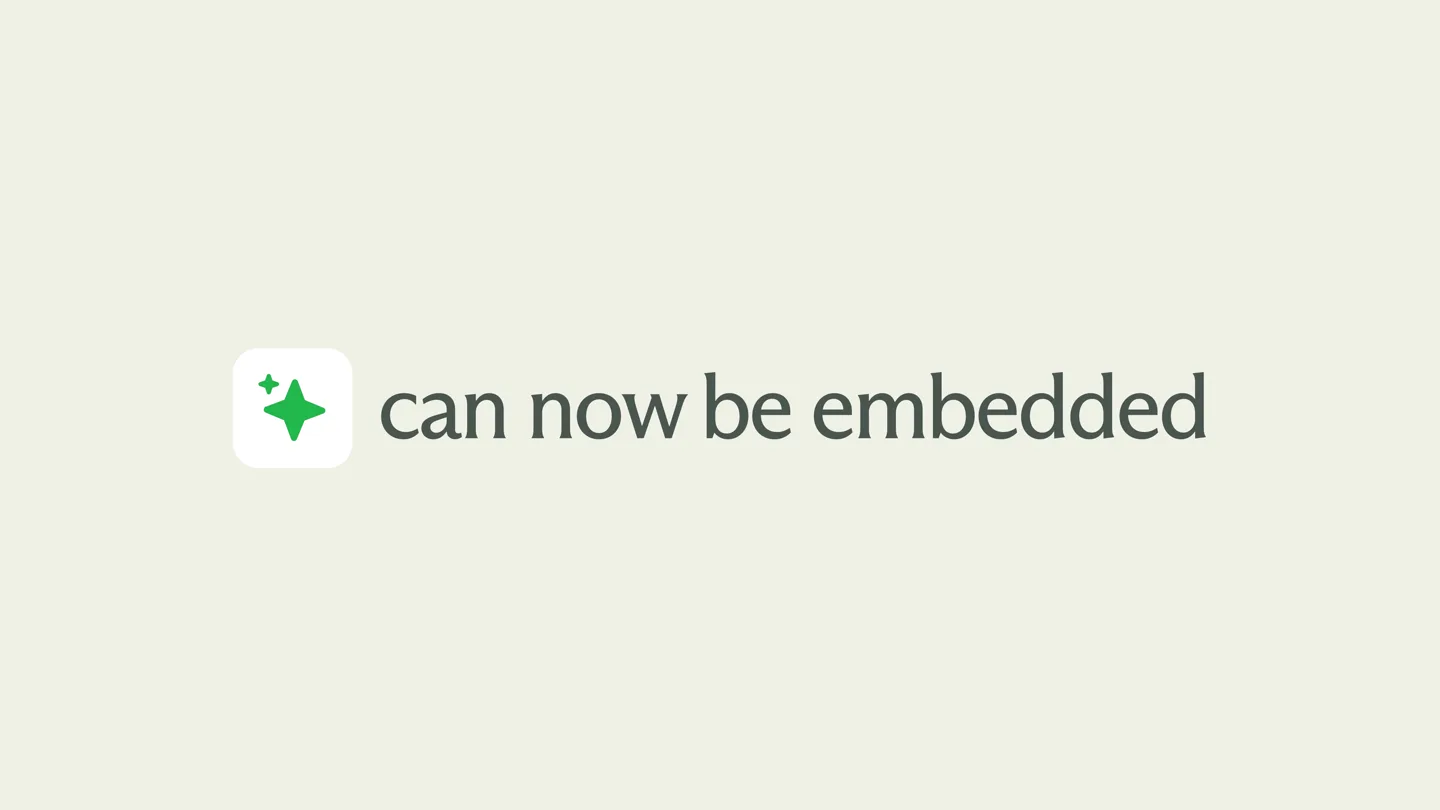
Introducing the Embedded Widget
“Our on-site assistant can now be embedded into your product.”
- On screen
- Our on-site assistant can now be embedded into your product.
- Camera
- Static, centered framing on text and icon, then a subtle zoom out to reveal code.
- Motion
- Text reveal with subtle icon animation, followed by a quick transition to a code block.
Product Reveal
Simple Integration
“(No spoken dialogue — A high-energy audio transition with a riser leads into a sub-bass drop/impact, emphasizing the reveal of the code snippet.)”
- On screen
- <script type="module" src="https://cdn.jsdelivr.net/npm/@mintlify/assistant-widget@0.0/dist/browser/embed.js"></script> <scripttype="module"> await window.MintlifyAssistant.init({ id : "YOUR_MINT_WIDGET" }); </script>
- Camera
- Static, centered framing on the code block.
- Motion
- Instant cut to a code block, highlighting ease of integration.
Feature Teaser
Interactive Assistant Demo
“Allowing your customers to ask questions, find relevant information, and get instructions.”
- On screen
- Ask assistant Suggestions Ask questions Find relevant information Get instructions Where do I find the usage limits? Clear chat Contact support Searched through 3 sources Each plan includes a monthly credit balance. When it's exhausted, the assistant goes offline until the next month — unless you enable overages in your usage dashboard to allow continued usage at an extra per-credit cost. For specific credit limits by plan: Pro: 10,000 credits/month, with overages at $0.01 per credit Enterprise: Custom committed volume with discounts available Starter: No AI credits (assistant is a Pro+ feature) For full pricing details, visit mintlify.com/pricing. Docs Help center Knowledge base
- Camera
- Dynamic camera pan and zoom, following the cursor interaction within the widget interface.
- Motion
- Simulated UI interaction with text typing, expanding content, and cursor-driven navigation, using a 3D perspective shift.
Call to Action
Seamless User Experience & Branding
“Without ever leaving your dashboard. The widget is non-intrusive and collapsible.”
- On screen
- without ever leaving your dashboard Ask assistant mintlify
- Camera
- Static framing on text, then a quick zoom out to reveal the widget, followed by a final zoom to the Mintlify logo.
- Motion
- Text reveal, quick UI collapse animation, and a final brand logo reveal with a subtle bounce.
Motion design primitives
Synthesizable in Remotion · key components of the mintlify-widget-launch-template template.
TextIconReveal
Text animates in from the left while a corresponding icon scales up with a subtle bounce, then both fade out together.
+ Code construction recipe
Use `interpolate` for text `translateX` and `opacity`, and icon `scale` with a `spring` for the bounce effect. Coordinate `Sequence` for timing.
CodeBlockZoom
A code block appears abruptly, then remains static, allowing the viewer to absorb the information.
+ Code construction recipe
Implement an instant `opacity` change from 0 to 1 for the code block. No complex animation, just a hard cut for impact.
UIDemoPerspectiveShift
A UI element (like a chat widget) appears with a slight 3D rotation, then text types in, content expands, and a cursor interacts with elements, all while maintaining the subtle perspective.
+ Code construction recipe
Utilize `rotateY` and `rotateX` for the initial perspective. Animate text `opacity` and `width` for typing. Use `interpolate` for content expansion and cursor `translateX`/`translateY`.
Style DNA & aesthetic system
Visual aesthetic
Typography
Motion
Special effects
Pacing & rhythm
Conceptual story rhythm
- 1
The Introduction
Purpose. Introduce the core product concept and its primary benefit.
Execution. Animated text and icon reveal, clearly stating the product's new capability.
- 2
The How-To
Purpose. Showcase the ease of integration for developers.
Execution. A direct cut to a clean code snippet, emphasizing simplicity.
- 3
The Experience
Purpose. Demonstrate the product's functionality and user interaction.
Execution. A dynamic, interactive UI demo with simulated typing and content expansion.
- 4
The Conclusion
Purpose. Reiterate key benefits and reinforce brand identity.
Execution. Text highlighting user benefits, followed by a clean brand logo reveal.
Remix in Animatiq Studio
Master remix prompt · agent-ready
Sample remix
Objective
Launch a new API monitoring tool called 'PulseCheck'.How the recipe adapts
The video would open with 'Monitor your APIs in real-time' using the TextIconReveal primitive, featuring a heartbeat icon. The CodeBlockZoom primitive would then display a simple API endpoint configuration. The UIDemoPerspectiveShift would show a dashboard with real-time data streams, interactive graphs, and alert notifications. The video would conclude with 'Never miss an outage' and the PulseCheck logo, using the same clean aesthetic and motion language.Remix blueprint · mintlify-widget-launch-template
Scene durations (4 scenes, 22.7s)
Key Remotion components
Related Developer Tools Product Launches
Explore all Developer Tools launches →
xAI opens voice cloning on its API: build a custom voice in about two minutes or pick from 80+ voices in 28 languages.

Claude can now operate your Mac, opening apps, browsing and filling spreadsheets, as a research preview in Cowork and Claude Code.

Agentic CLI for coding, building apps, and automating workflows.