
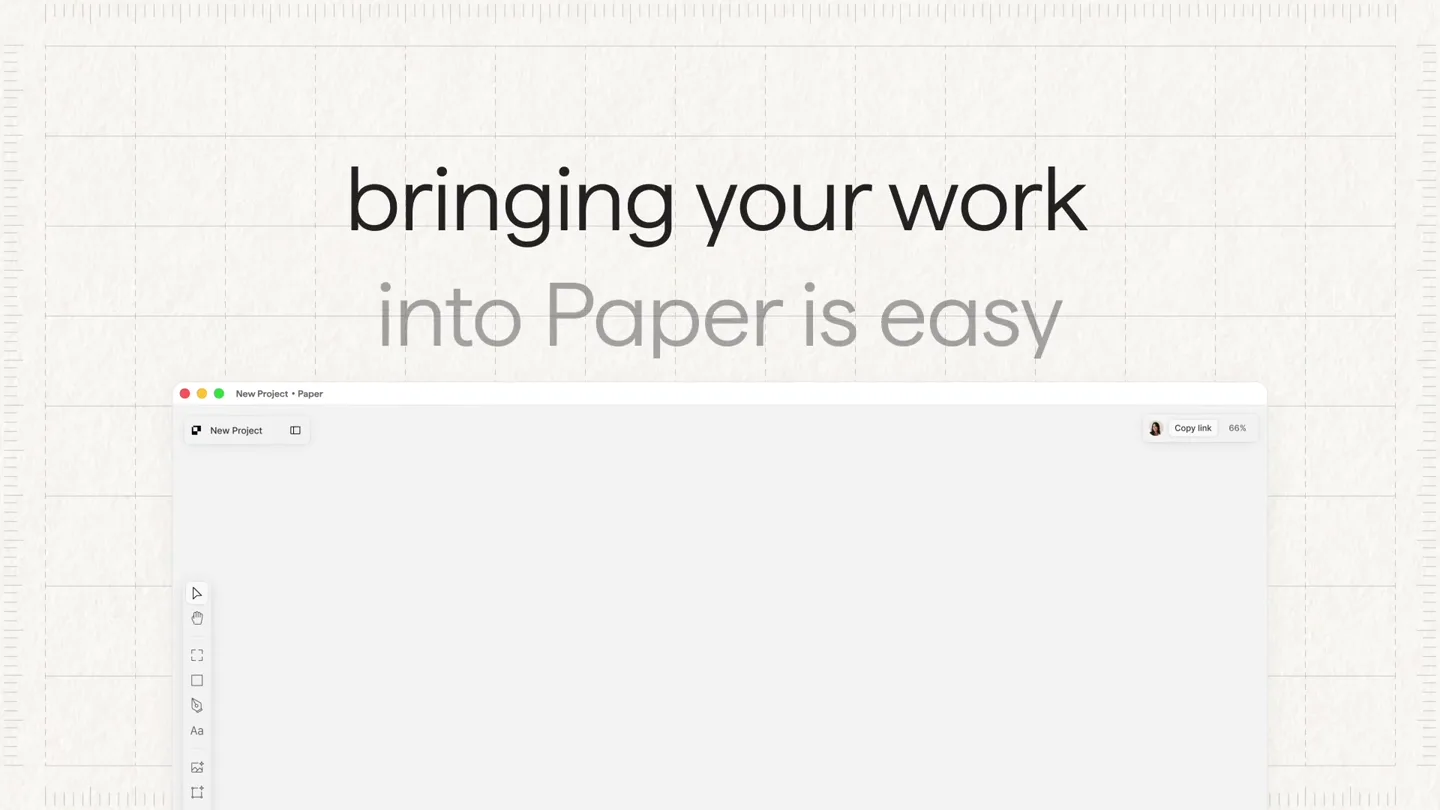
Paper · Launch Video Breakdown: Hook, Pacing & Motion Design
Getting started in Paper from your live site, Figma design, or codebase — no more screenshots.
Scene-by-scene timeline & spoken transcript
The Hook
Effortless Content Capture
“(No spoken dialogue — Driving electronic score with pizzicato synths and sub-bass. Risers at 0:02, sweeps at 0:01, 0:03, 0:06, and sub-bass drops at 0:03.)”
- On screen
- bringing your work into Paper is easy starting from your live web app? Click or to capture to capture page to fine-tune target Esc to cancel Capturing selection... 0% Copied to clipboard. Ready to paste into Paper.
- Camera
- Static overhead shot of a desktop environment, with UI elements appearing and disappearing. Occasional subtle camera pushes and pulls to emphasize UI interactions.
- Motion
- Seamless UI element reveals and transitions, cursor interaction simulation, progress bar animation, and content pop-in effects. Uses a combination of scaling, fading, and position changes.
Product Reveal
AI-Powered Codebase Integration
“(No spoken dialogue — Electronic score continues with building intensity. Risers at 0:13, sweeps at 0:13, and sub-bass drops at 0:14.)”
- On screen
- let the agents pull your codebase the canvas and take it further
- Camera
- Static overhead shot, with a focus on code editor and design canvas UI. Subtle camera movements to highlight specific text or UI elements.
- Motion
- Text reveals with subtle bounce, code editor UI appearing with a smooth slide-up, and design canvas elements animating into view. Uses masking and layered reveals.
Feature Teaser
Dynamic Design Iteration
“(No spoken dialogue — Electronic score maintains energy. Risers at 0:21, sweeps at 0:21, and sub-bass drops at 0:22.)”
- On screen
- (No on-screen text)
- Camera
- Dynamic camera pans and zooms across a multi-screen setup, showcasing various design iterations and responsive layouts. Quick cuts between different views.
- Motion
- Rapid-fire UI transitions, screen wipes, and content morphing. Uses quick scaling, rotation, and position changes to create a sense of speed and versatility.
Feature Teaser
Collaborative Workflow & Export
“(No spoken dialogue — Electronic score builds to a climax. Risers at 0:33, sweeps at 0:33, and sub-bass drops at 0:34.)”
- On screen
- (No on-screen text)
- Camera
- Fluid camera movements, tracking UI elements as they interact and transform. Focus shifts between different parts of the interface.
- Motion
- Smooth UI element interactions, drag-and-drop simulations, and content export animations. Uses easing curves for natural movement and subtle glows for emphasis.
Call to Action
Paper: Your Creative Canvas
“(No spoken dialogue — Electronic score reaches its peak with a final impact. Risers at 0:43, sweeps at 0:43, and sub-bass drops at 0:44.)”
- On screen
- Paper
- Camera
- Zoom out to reveal the full Paper logo, then a final static shot of the logo.
- Motion
- Logo reveal with a subtle glow and scale animation. Uses a clean, impactful transition to the final branding.
Motion design primitives
Synthesizable in Remotion · key components of the ui-driven-tech-launch template.
SeamlessUIPopIn
UI elements (like browser windows, toolbars, or text) appear smoothly on screen with a slight scale-up and fade-in, often accompanied by a subtle bounce or overshoot.
+ Code construction recipe
Utilize Remotion's 'spring' function for scale and opacity, with a slight overshoot value for the bounce effect. Combine with 'interpolate' for precise timing of position changes.
DynamicContentMorph
Content within UI elements (e.g., images, code blocks, design components) transforms or swaps out rapidly, often with a quick fade or slide, creating a sense of dynamic interaction.
+ Code construction recipe
Implement 'AbsoluteFill' for layering content. Use 'interpolate' for opacity and 'translateX/Y' for quick content swaps. Consider 'clipPath' for more complex morphing effects between different content types.
InteractiveCursorGuide
A mouse cursor animates across the screen, clicking, dragging, and hovering over UI elements to guide the viewer through product interactions.
+ Code construction recipe
Create a custom cursor component. Animate its 'left' and 'top' CSS properties using 'interpolate' along a predefined path. Simulate clicks with a quick scale-down and back up on the cursor element.
Style DNA & aesthetic system
Visual aesthetic
Typography
Motion
Special effects
Pacing & rhythm
Conceptual story rhythm
- 1
The Seamless Start
Purpose. Introduce the core problem of bringing external content into a creative tool and immediately present Paper's effortless solution.
Execution. Quick cuts showing various input sources (live site, Figma, codebase) seamlessly integrating into the Paper canvas via intuitive UI actions and animated progress indicators.
- 2
Intelligent Integration
Purpose. Highlight Paper's advanced capabilities, specifically its AI agents for pulling and structuring complex data like codebases.
Execution. Visuals transition from a code editor to a structured design canvas, demonstrating how raw code is intelligently transformed into editable components within Paper.
- 3
Fluid Creative Flow
Purpose. Showcase the versatility and speed of working within Paper, demonstrating how designs can be iterated, adapted, and shared across different contexts.
Execution. Rapid-fire montage of design iterations, responsive layouts, and collaborative features, emphasizing the dynamic and flexible nature of the platform.
- 4
The Paper Promise
Purpose. Conclude by reinforcing Paper's value proposition as the ultimate creative canvas for modern workflows.
Execution. A final, impactful reveal of the Paper logo, symbolizing the product's comprehensive solution and brand identity.
Remix in Animatiq Studio
Master remix prompt · agent-ready
Sample remix
Objective
Launch an AI-powered project management tool called 'Flow' that automates task creation and team collaboration.How the recipe adapts
The video would open with a 'SeamlessUIPopIn' of a project brief document, followed by an 'InteractiveCursorGuide' demonstrating how Flow's AI agents automatically parse the brief and generate tasks. 'DynamicContentMorph' would then show tasks being assigned and updated across different team member dashboards, all synchronized with a fast-paced electronic score and precise UI animations. The final 'Call to Action' would reveal the 'Flow' logo with a similar impactful animation.Remix blueprint · ui-driven-tech-launch
Scene durations (5 scenes, 50s)
Key Remotion components
Related Creative Tools Product Launches
Explore all Creative Tools launches →
Anthropic Labs launches Claude Design, which turns conversation into prototypes, slides and one-pagers, powered by Claude Opus 4.7.
Claude Code Security scans codebases for vulnerabilities and proposes patches for human review, in limited research preview.
Build apps from web, iOS, and Android: one prompt turns an idea into a published product with its own domain. Available for SuperGrok Heavy users.