
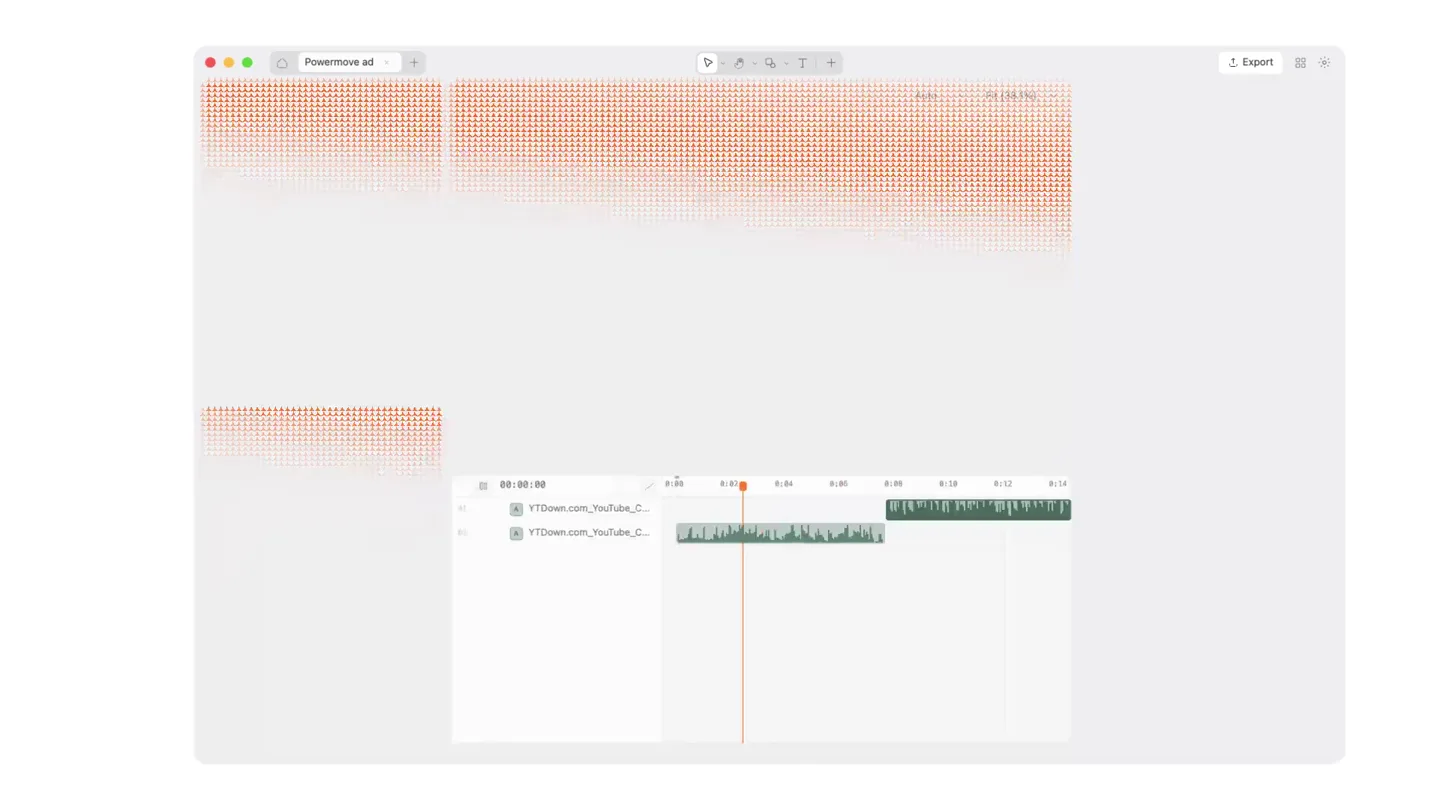
Powermove · Launch Video Breakdown: Hook, Pacing & Motion Design
Powermove is a free video editor whose feature set you can shape. Connect a coding agent and ask for new functionality instead of waiting on someone else's roadmap.
Scene-by-scene timeline & spoken transcript
The Hook
Shape Your Video Editor
“Begging, begging, I'll get you begging, begging”
- On screen
- Shape your video editor
- Camera
- Static, centered text on a white background, then a quick zoom out to reveal a full UI.
- Motion
- Text reveal with subtle character-level animation, followed by a rapid camera pull-back to a full product UI shot.
Problem Agitation
Change Literally Anything
“'Cause I'm your weakest.”
- On screen
- Change literally anything
- Camera
- Static, centered text on a white background, then a close-up on a text input field.
- Motion
- Text reveal with a typing cursor animation, transitioning to a UI element focus.
Product Reveal
AI-Powered Feature Creation
“(No spoken dialogue — Sub-bass drop introduces an energetic dance rhythm with synth pads, kick drum, and claps.)”
- On screen
- Create a clean curve editor for my keyframe ea All panels GPT-6 Astra High Enabled Blur Radius 70.97px Direction -79° Blur Start 20% Full Blur At 85% Falloff 1 Reverse Mix 100%
- Camera
- Close-up on a text input field, then a zoom out to reveal a curve editor UI, followed by a close-up on blur effect controls.
- Motion
- Typing animation, UI element reveal, and parameter adjustment animation.
Feature Teaser
No Limits
“Begging, begging, I'll get you begging, begging”
- On screen
- No limits.
- Camera
- Static, centered text on a white background.
- Motion
- Text reveal with a gradient fill and subtle pattern overlay, followed by a simple text fade-in.
Call to Action
Try Powermove
“'Cause I'm your weakest.”
- On screen
- trypowermove.com
- Camera
- Static, centered logo and URL on a white background.
- Motion
- Simple fade-in of logo and URL.
Motion design primitives
Synthesizable in Remotion · key components of the ai-driven-ui-showcase template.
TypingCursorReveal
Text appears character by character, simulating typing, with a blinking cursor at the end of the input field. The cursor often has a subtle gradient fill.
+ Code construction recipe
Use `interpolate` for character opacity and position, `spring` for cursor blink animation. Implement a linear gradient for the cursor color.
UIParameterAdjust
Numerical values in UI input fields animate smoothly to new values, and sliders/toggles visually switch states, demonstrating real-time adjustments.
+ Code construction recipe
Utilize `spring` for smooth transitions of numerical values and toggle states. Animate SVG paths for curve editor adjustments.
GradientTextReveal
Large, bold text is revealed with a dynamic gradient fill that also incorporates a subtle, repeating pattern, creating a textured, energetic look.
+ Code construction recipe
Apply an SVG `linearGradient` with multiple color stops and animate the `x1`, `y1`, `x2`, `y2` attributes. Overlay a repeating SVG pattern or texture mask.
Style DNA & aesthetic system
Visual aesthetic
Typography
Motion
Special effects
Pacing & rhythm
Conceptual story rhythm
- 1
The Empowering Promise
Purpose. Immediately hook the viewer by presenting the core value proposition: user control over the product's evolution.
Execution. Bold, centered text 'Shape your video editor' with a subtle, dynamic text effect, quickly transitioning to a full product UI shot.
- 2
The Interactive Solution
Purpose. Demonstrate the unique mechanism of interaction – using AI to request and implement features.
Execution. Typing animation in a chat interface, showing a user requesting a feature, followed by a direct visual representation of that feature being implemented in the UI.
- 3
The Feature Showcase
Purpose. Highlight specific, powerful features created through this new paradigm, proving its capability.
Execution. Rapid sequence of UI interactions, showing a curve editor and blur effect controls being manipulated, emphasizing the depth of customization.
- 4
The Ultimate Freedom
Purpose. Reinforce the overarching benefit of limitless customization and provide a clear call to action.
Execution. Impactful text 'No limits.' with a unique gradient and pattern effect, followed by the brand logo and website URL.
Remix in Animatiq Studio
Master remix prompt · agent-ready
Sample remix
Objective
A developer wants to generate a React component for a data table with specific sorting and filtering capabilities.How the recipe adapts
The TypingCursorReveal primitive would show the developer typing 'Generate React data table component with sortable columns and client-side filtering' into a CodeFlow AI chat interface. The UIParameterAdjust primitive would then animate code parameters like 'sortable: true' or 'filterType: 'fuzzy'' in a code editor, showing the generated code instantly updating. The GradientTextReveal would be used for a 'Code Your Way' title card.Remix blueprint · ai-driven-ui-showcase
Scene durations (5 scenes, 30.1s)
Key Remotion components
Related Creative Tools Product Launches
Explore all Creative Tools launches →
A vibe design partner with an AI-native canvas for turning ideas into UI.

We heard you wanted to use Codex rate limit resets on your own time. Starting today, we’re rolling out the ability to save rate limit resets to use later. We’re starting Go, Plus, Pro, and Business
Introducing Framer 3.0 with Agents, Branching, Community, and an all-new design.