
Project Read · Launch Video Breakdown: Hook, Pacing & Motion Design
Two weeks ago we launched Spelling Mode in the Project Read Tutor, and the response from classrooms has been incredible. Spelling Mode is the first digital tool to analyze student spelling via touchscreen down to the letter-sound correspondence, built in collaboration with the https://t.co/Vzw2HTkF4Y
Scene-by-scene timeline & spoken transcript
The Hook
Introducing the Reading & Spelling Dichotomy
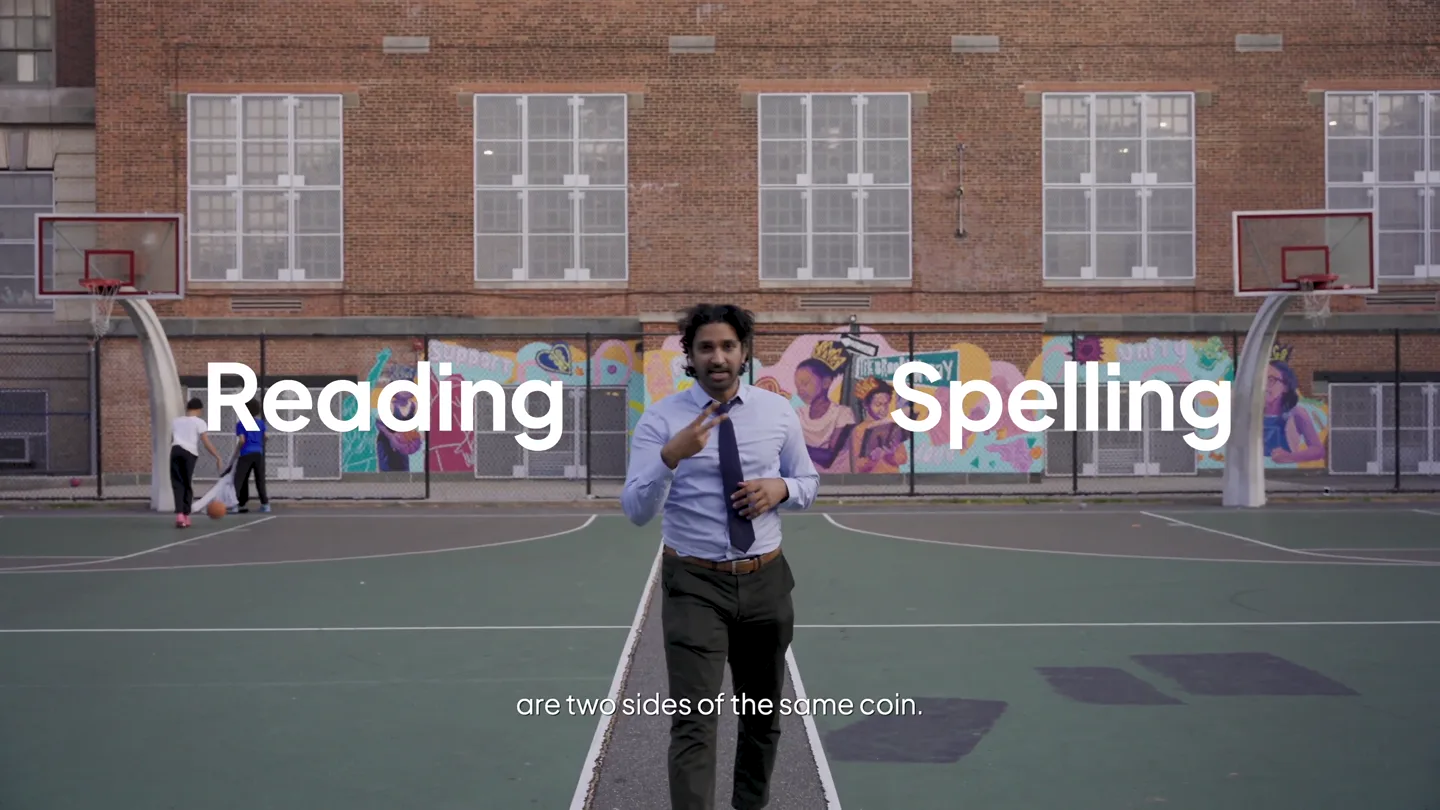
“Reading and spelling are two sides of the same coin. And until now, Project Read's Tutor has only focused on one of them. Our tutor lets students try reading decodable words and stories on screen. It gives them immediate feedback on their letter sound accuracy, and when they're ready to advance...”
- On screen
- Reading Spelling Tutor Can you read this word? brush
- Camera
- Medium shot of presenter walking towards the camera, then a close-up on a digital interface, followed by a dynamic shot of the presenter playing basketball.
- Motion
- Split-screen text reveal, animated UI elements, quick cuts between live-action and screen capture, subtle camera push-ins.
Problem Agitation
The Missing Piece: Spelling Mode
“But teachers also know, if a student can spell a word, they can almost certainly read it. So we've been working hard on our latest feature, Spelling Mode. By the way, if you're new here: I'm Viv. And for the last 10 years, I've been building Project Read to help schools ensure all kids can read.”
- On screen
- Encoding Decoding
- Camera
- Medium shot of presenter explaining, then a wider shot of him sitting at a table with a laptop, followed by a dynamic shot of him playing basketball.
- Motion
- Animated icons appearing with text, camera zoom-ins, quick cuts, and a smooth transition from standing to sitting.
Product Reveal
Spelling Mode: Interactive Analysis
“Following the UFLI scope and sequence, a target word is read aloud. Including with a student friendly definition or example sentence. Then students write the word using their finger or a stylus. The tutor analyzes their spelling and gives them feedback...”
- On screen
- UFLI · Lesson 45: sh /sh/ buc b u
- Camera
- Medium shot of presenter sitting at a table, then a close-up on a digital interface showing interactive spelling, with a small picture-in-picture of a mouth speaking.
- Motion
- Screen capture with animated UI elements, interactive cursor animation, letter-by-letter feedback visualization, and a picture-in-picture video overlay.
Feature Teaser
Accessibility & Call to Action
“Spelling mode is included in all existing Tutor subscriptions. Are you running for mayor? But if you want me to, I'll consider it.”
- On screen
- Included in all Tutor subscriptions no extra cost no add-ons no headphones no mics projectread.ai
- Camera
- Medium shot of presenter walking and talking, then a wider shot of him on the basketball court with text overlays, followed by a dynamic shot of him playing basketball, and finally a wide shot with the logo and website.
- Motion
- Animated checklist reveal, text overlays with checkmarks, quick cuts, and a final logo reveal with website URL.
Motion design primitives
Synthesizable in Remotion · key components of the founder-authority-tech-motion-graphics template.
DynamicTextSplitReveal
Text elements split and animate from the center outwards or slide in from opposite sides, often accompanied by a subtle scale or fade.
+ Code construction recipe
Use `spring` for position and opacity, `interpolate` for scale. Implement two `Text` components with `absolute` positioning and `transform` properties for splitting. Control `translateX` and `opacity` based on a shared `Sequence` or `delay`.
InteractiveUIFeedback
Digital interface elements animate in response to user input, showing letter-by-letter analysis, cursor movements, and visual feedback states.
+ Code construction recipe
Utilize `Sequence` and `delay` for sequential letter reveals and feedback states. Employ `spring` for button presses and highlight animations. Use `SVG` for custom cursor paths and `Path` animations for drawing effects. Implement `AbsoluteFill` for screen capture overlays.
CheckmarkListReveal
A list of benefits or features appears sequentially, with each item accompanied by a distinct checkmark animation.
+ Code construction recipe
Create an array of `Text` components. For each item, use `Sequence` with `delay` to animate `opacity` and `translateY`. The checkmark can be an `SVG` path animated with `strokeDashoffset` or a simple `Image` component with a `spring` for scale and opacity.
Style DNA & aesthetic system
Visual aesthetic
Typography
Motion
Special effects
Pacing & rhythm
Conceptual story rhythm
- 1
The Setup: Problem & Promise
Purpose. Introduce the core problem (reading vs. spelling focus) and hint at the solution, establishing the presenter's authority.
Execution. Presenter directly addresses the camera, dynamic text overlays highlight key concepts, intercut with energetic basketball action.
- 2
The Deep Dive: Product Mechanics
Purpose. Explain how the existing tutor works and then introduce the new 'Spelling Mode' with a detailed, interactive demonstration.
Execution. Seamless transitions from presenter to screen capture, animated UI elements, and a picture-in-picture showing mouth movements for phonics.
- 3
The Benefits: Accessibility & Impact
Purpose. Highlight the ease of integration and the broad benefits of the new feature, reinforcing its value proposition.
Execution. Presenter walking and talking, text overlays with checkmarks emphasizing key advantages (no extra cost, no add-ons), maintaining an energetic pace.
- 4
The Close: Call to Action & Brand Reinforcement
Purpose. Encourage viewers to learn more and solidify brand recognition.
Execution. Final dynamic basketball shot, logo reveal, and clear display of the website URL, with a lighthearted conversational close.
Remix in Animatiq Studio
Master remix prompt · agent-ready
Sample remix
Objective
Launch a new AI-powered math tutor app called 'Quantify' that helps students visualize complex equations.How the recipe adapts
The presenter, in a casual outdoor setting like a university campus, introduces 'Quantify'. Dynamic text splits reveal 'Algebra' and 'Calculus'. InteractiveUIFeedback shows students drawing equations on a tablet, with the app instantly animating 3D graphs. CheckmarkListReveal highlights features like 'instant feedback', 'step-by-step solutions', and 'adaptive learning paths'. The overall pacing remains fast, with upbeat music and quick cuts between the presenter and app demonstrations, culminating in a call to action to download the app.Remix blueprint · founder-authority-tech-motion-graphics
Scene durations (5 scenes, 101s)
Key Remotion components
Related Tech & SaaS Product Launches
Explore all Tech & SaaS launches →
AI is already smart enough. Real-world tasks are still slow, expensive and unreliable, because we hand AI a computer built for humans, then wrap it in a heavy harness. AI doesn’t need to get smarter

Big day 🔥 🚀 Introducing Dolphin AI - an agentic AI studio for complete video production. The story of Dolphin is very interesting. It didn’t start as a product. It started as an internal tool. W
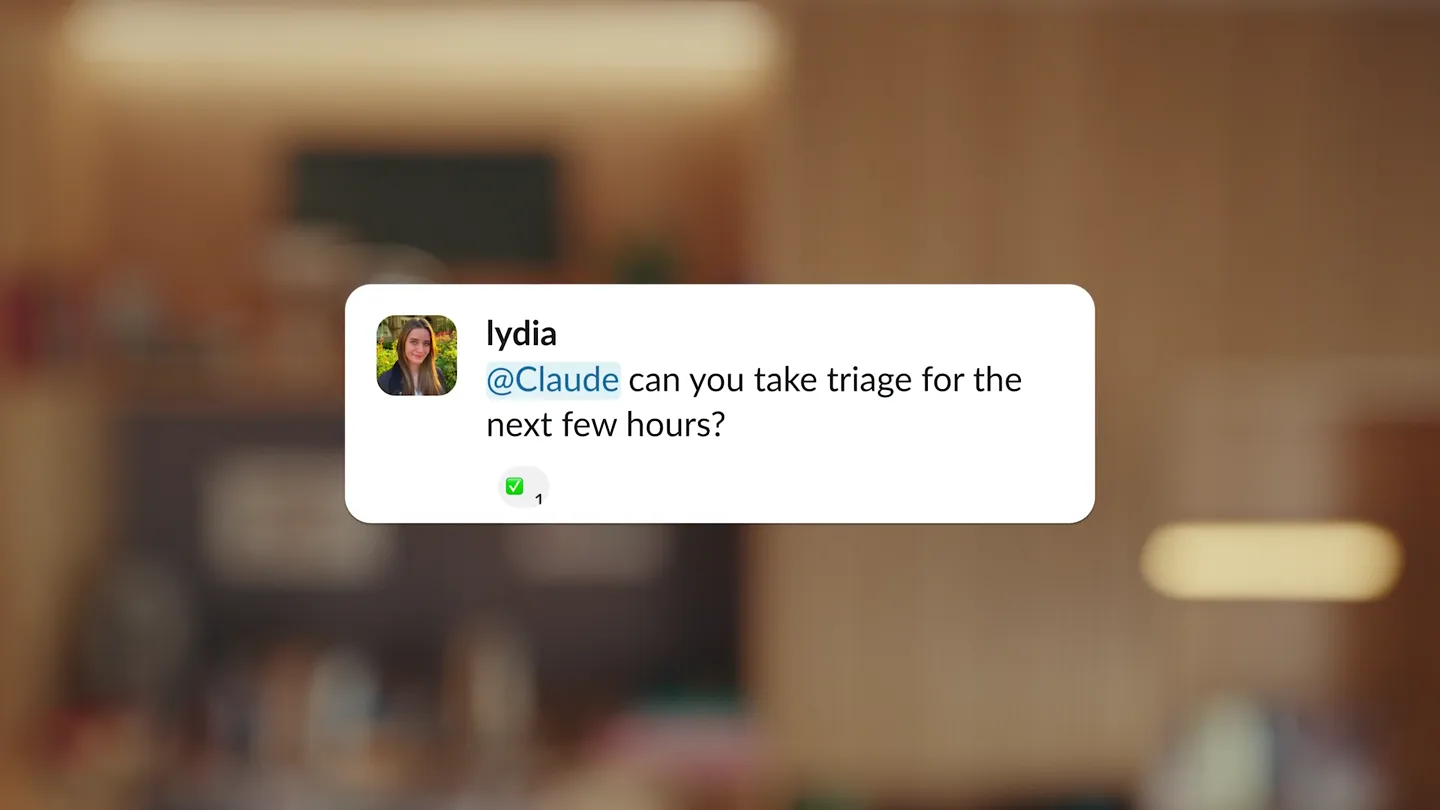
Claude Tag adds Claude to Slack as a team member with scoped channels and tools, so teams can delegate by tagging it.