
Guri · Launch Video Breakdown: Hook, Pacing & Motion Design
Skiper-ui V2 is here! 👀 for the last few months I've been stacking components, Experimenting left right and center what ever possible and finally wrapped up all in a single directory. try them out…
Scene-by-scene timeline & spoken transcript
The Hook
Introducing Skiper-UI: A New Era of Components
“(No spoken dialogue — The track opens with a percussive electronic beat, featuring sharp, synthetic drum sounds and a driving rhythm.)”
- On screen
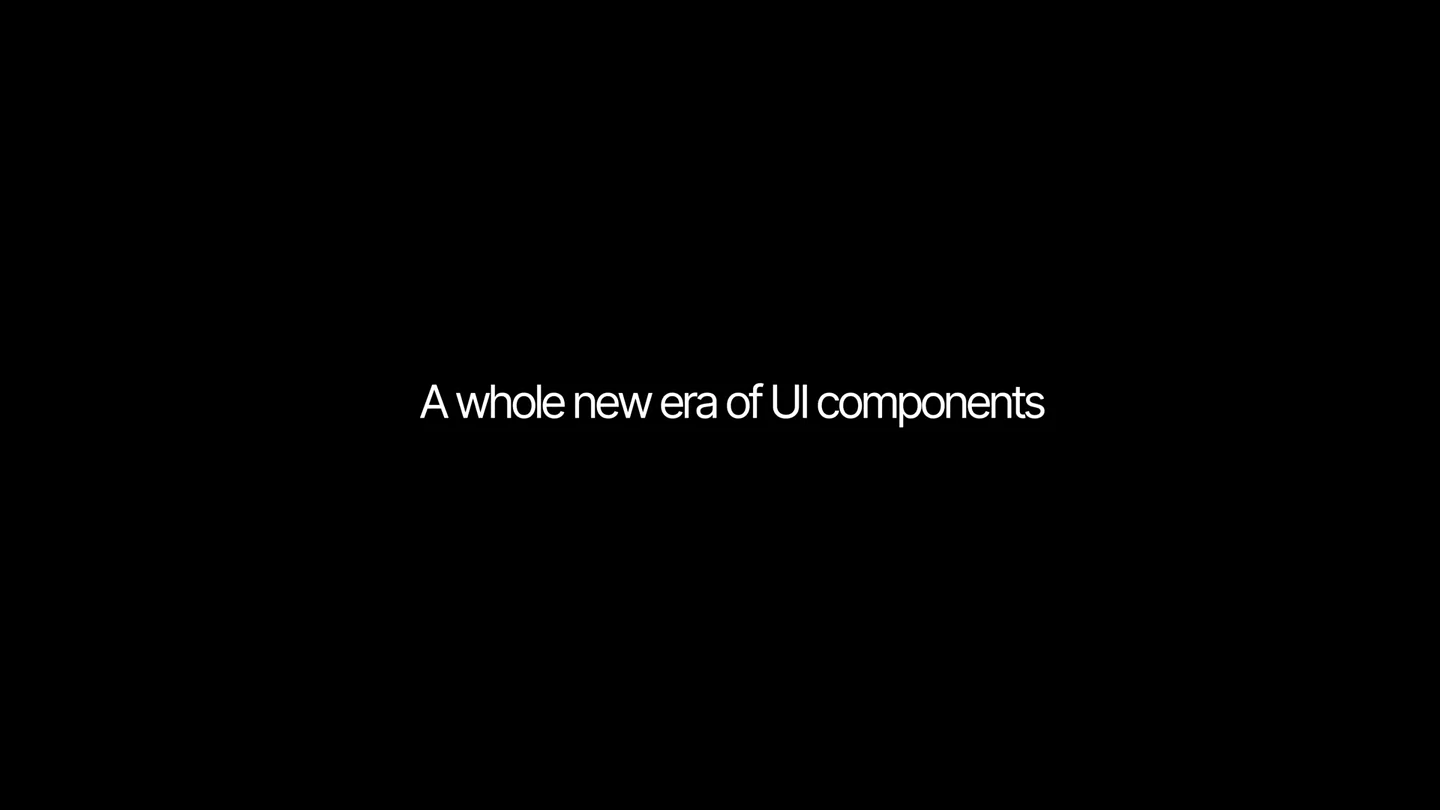
- Skiper-UI A whole new era of UI components
- Camera
- Static, centered text with subtle background line animations.
- Motion
- Text reveal with expanding lines, followed by a quick cut to a code editor with a glowing orb animation.
Problem Agitation
Beyond Default: The Creative Spark
“(No spoken dialogue — The percussive electronic beat continues, building anticipation.)”
- On screen
- useMotionValue, useScroll, useTransform, ) from "framer-motion"; import React, { useEffect, useRef, useState } from "react"; import useMeasure from "react-use-measure"; import { cn } } from "@/lib/utils"; // Sample content for each section const sectionContent = { { title: "Who we are", code: `const home = "Welcome";`, showCard: false }, { title: "What we do", code: `const about = "Our Story";`, showCard: true }, { title: "How we do it", code: `const services = ["Web", "Mobile"];`, showCard: true, }, { title: "Our projects", code: `const portfolio = projects.map();`, showCard: true, }, { title: "Our team", code: `const team = members.join();`, showCard: true }, { title: "Pricing", code: `const pricing = plans.reduce();`, showCard: true }, { title: "FAQ", code: `const faq = questions.find();`, showCard: true }, { title: "Support", code: `const support = "24/7 Help";`, showCard: true }, { title: "Downloads", code: `code: downloads = files.sort();`, showCard: false, }, { title: "No card for this section", code: `code: const gallery = images.slice();`, showCard: false, }, }; beyond default beyond default shadcn/ui
- Camera
- Rapid cuts between code editor, abstract hands reaching for a glowing logo, and text overlays. Dynamic camera zooms and pans.
- Motion
- Fast-paced montage with glowing elements, abstract imagery, and quick text reveals. The 'Creation of Adam' hands motif is used with a glowing logo.
Product Reveal
Skiper-UI: The Component Library
“(No spoken dialogue — A high-energy audio transition with a distinct riser and sweep, culminating in a sub-bass drop/impact at [00:09]. The music then shifts to a more melodic, arpeggiated synth pattern with a prominent sub-bass line.)”
- On screen
- CROUD CANVAS npx shadcn add @skiper-ui 72+ Components 12+ Components collections 23+ Free Components 49+ Pro Components Shadcn/ui Compatible
- Camera
- Dynamic split-screen and full-screen reveals of UI components. Camera pans and zooms to highlight features.
- Motion
- Split-screen reveal, animated text counters, and dynamic UI element showcases. The 'npx shadcn add @skiper-ui' command is a key visual.
Feature Teaser
Interactive Components & Visual Delights
“(No spoken dialogue — The melodic, arpeggiated synth pattern continues. Another subtle riser and sweep occur around [00:16] leading into a final, sustained synth chord with a long decay.)”
- On screen
- https://skiper-ui.com MOVE YOUR MOUSE TO SEE THE TRAIL. PIXEL MONEY Perfect SCROLL DOWN TO SEE Drawing cursor effect Vercel's one-day event for developers and business leaders Vercel Liquid simulation Skiper-UI Vercel Tooltip
- Camera
- Rapid cuts showcasing various interactive UI components, abstract visual effects, and a final grid of components. Dynamic camera movements follow cursor interactions.
- Motion
- Interactive cursor trails, animated UI elements, liquid simulations, and a fast-paced montage of diverse components. The video ends with a grid of component examples.
Motion design primitives
Synthesizable in Remotion · key components of the dynamic-ui-launch-montage template.
DynamicTextReveal
Text appears with subtle expanding lines or a quick fade-in, often accompanied by a background element animation. It's used for headlines and key messages.
+ Code construction recipe
Use Remotion's 'interpolate' for opacity and scale, combined with SVG path animations for the expanding lines. Synchronize with audio beats for impact.
InteractiveCursorTrail
A cursor moves across the screen, leaving a dynamic, often glowing or illustrative trail behind it, highlighting interactivity.
+ Code construction recipe
Implement a 'useCurrentFrame' and 'useVideoConfig' to track cursor position. Render a series of small, fading elements (e.g., circles, custom SVGs) at previous cursor positions, interpolating their opacity and scale over time. Use 'spring' for a natural, bouncy feel.
SplitScreenComponentShowcase
The screen dynamically splits into multiple sections, revealing different UI components or code snippets simultaneously, often with a quick transition.
+ Code construction recipe
Utilize Remotion's 'AbsoluteFill' and 'Sequence' components. Animate 'transform' properties (translateX, scale) for each section to create the split-screen effect. Use 'spring' or 'cubic-bezier' for smooth, impactful transitions between layouts.
Style DNA & aesthetic system
Visual aesthetic
Typography
Motion
Special effects
Pacing & rhythm
Conceptual story rhythm
- 1
The Visionary Introduction
Purpose. Hook the audience with a bold statement about a new era of UI components, establishing the product's innovative nature.
Execution. Minimalist text reveal ('Skiper-UI', 'A whole new era of UI components') on a black background with subtle animated lines, followed by a quick cut to a code editor with a glowing orb.
- 2
The Creative Genesis
Purpose. Illustrate the creative process and the 'beyond default' philosophy behind the components, building intrigue.
Execution. Rapid montage of abstract hands reaching for a glowing logo, code snippets, and text overlays like 'beyond default shadcn/ui', emphasizing innovation and breaking conventions.
- 3
The Feature Showcase
Purpose. Demonstrate the breadth and depth of the component library, highlighting key features and ease of integration.
Execution. Dynamic split-screen reveals, animated counters for '72+ Components', and a clear call to action with 'npx shadcn add @skiper-ui', showing practical application.
- 4
The Interactive Experience
Purpose. Engage the viewer by showcasing the interactive and visually rich nature of the components, leaving a lasting impression.
Execution. Fast-paced cuts of various interactive UI elements, cursor trails, liquid simulations, and a final grid of diverse component examples, emphasizing user experience.
Remix in Animatiq Studio
Master remix prompt · agent-ready
Sample remix
Objective
Launch a new AI-powered code generation tool called 'Synapse Dev'.How the recipe adapts
The DynamicTextReveal primitive would introduce 'Synapse Dev' and its core promise, 'Code Smarter, Not Harder'. The InteractiveCursorTrail would demonstrate the AI's real-time code suggestions and auto-completion within a sleek IDE interface. SplitScreenComponentShowcase would highlight side-by-side comparisons of manual coding versus Synapse Dev's generated code, emphasizing efficiency gains. The overall aesthetic would retain the dark mode with electric blue and neon green accents, maintaining the high-energy, fast-cut rhythm to convey speed and innovation.Remix blueprint · dynamic-ui-launch-montage
Scene durations (4 scenes, 21s)
Key Remotion components
Related Creative Tools Product Launches
Explore all Creative Tools launches →
Anthropic Labs launches Claude Design, which turns conversation into prototypes, slides and one-pagers, powered by Claude Opus 4.7.

A vibe design partner with an AI-native canvas for turning ideas into UI.

Your work tools in Claude are now available on mobile. Explore Figma designs, create Canva slides, check Amplitude dashboards, all from your phone. Give it a try: