OpenArt · Launch Video Breakdown: Hook, Pacing & Motion Design
We just launched something the VFX community has been waiting for. OpenArt VFX lets you apply real visual effects to footage you already have. It lets you mask any region of your video and replace it with AI-generated content that matches the scene's lighting and physics. https://t.co/dnQjrZCWC4
Scene-by-scene timeline & spoken transcript
The Hook
Dynamic Intro & Product Name Reveal
“(No spoken dialogue — High-energy audio riser, sweep, and sub-bass drop)”
- On screen
- OpenArt VFX is here
- Camera
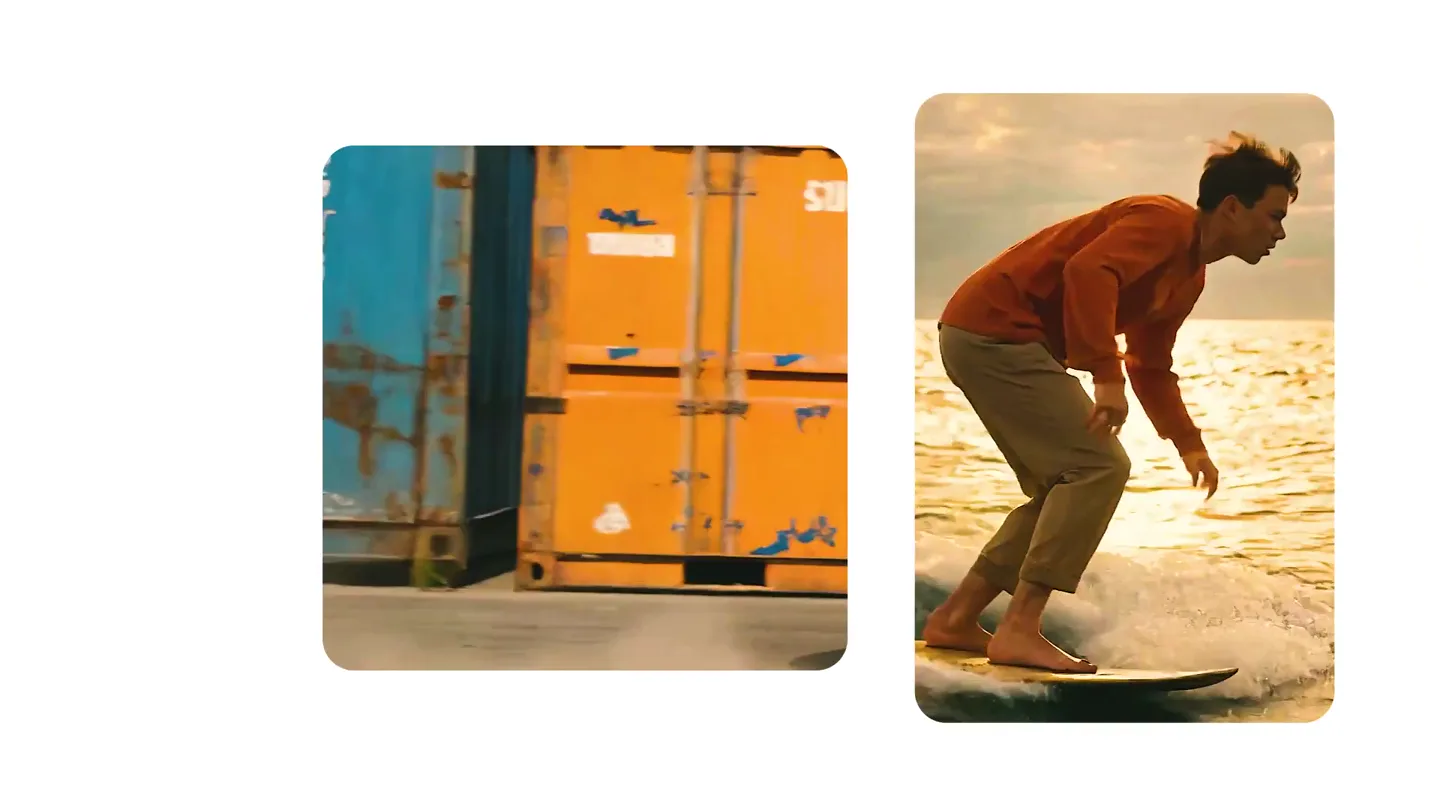
- Dynamic zoom and pan across multiple small video clips, then a static shot of the product name.
- Motion
- Rapid montage of diverse video clips, each with rounded corners, animating into a grid, followed by a text reveal with a subtle glow effect.
Product Reveal
AI Masking & Content Replacement Demo
“(No spoken dialogue — Sub-bass drops at 0:04, 0:08, 0:12)”
- On screen
- Photorealistic shirtless boxer, red hand wraps, throwing a right hook at a heavy bag|
- Camera
- Static shot of a boxer, with a mouse cursor interacting with the video timeline and a text prompt box.
- Motion
- Interactive UI elements (timeline, prompt box) animate in. A masked region of the video (punching bag) is replaced with AI-generated content (meat, jelly, ice) with a seamless blend.
Feature Teaser
Background & Mood Transformation
“Okay”
- On screen
- Change| Change Background Change Mood Change ANYTHING in your videos
- Camera
- Static shot of a boxer running, then standing, with dynamic background changes.
- Motion
- Text overlays animate in with a typewriter effect. Backgrounds seamlessly transition from desert to volcano to snowy mountains, demonstrating AI environment generation. A tattoo effect is applied to the boxer.
Call to Action
VFX Showcase & Final Call
“(No spoken dialogue — High-energy audio riser, sweep, and sub-bass drop at 0:19, 0:28, 0:33. 'scratch' sound effect at 0:31. Repeated phrases like 'Like that' and 'Get you like that' are heard throughout this section.)”
- On screen
- Now Live On OpenArt
- Camera
- Dynamic camera movements, including pans and zooms, showcasing various VFX applications.
- Motion
- Fast-paced montage of diverse VFX shots, including character transformations, environmental effects, and stylized elements. The video concludes with a clean logo and call to action text on a black background.
Motion design primitives
Synthesizable in Remotion · key components of the ai-vfx-dynamic-showcase template.
RoundedClipMontage
Multiple video clips with rounded corners animate onto the screen, forming a dynamic grid or collage, often with subtle scaling and rotation.
+ Code construction recipe
Use Remotion's <AbsoluteFill> for layout, map over an array of video sources, apply `borderRadius` to <Video> components, and animate `scale` and `rotate` properties using `interpolate` with `spring` for a bouncy effect.
MaskedContentSwap
A specific region of a video is masked, and its content is seamlessly replaced with AI-generated imagery that matches the original scene's lighting and perspective.
+ Code construction recipe
Utilize Remotion's <Composition> for layering. Implement a mask using an SVG path or a transparent PNG over the base video. Use `interpolate` to cross-fade between the original masked content and the new AI-generated content, ensuring lighting consistency with a <Shader> component.
DynamicBackgroundTransition
The background of a live-action foreground subject smoothly transitions between entirely different environments, maintaining consistent lighting and perspective on the subject.
+ Code construction recipe
Employ Remotion's <Sequence> to layer background videos/images. Use `interpolate` on `opacity` or `transform` properties for smooth cross-dissolves or wipes between backgrounds. Ensure the foreground subject is keyed out using a chroma key or AI-based segmentation.
Style DNA & aesthetic system
Visual aesthetic
Typography
Motion
Special effects
Pacing & rhythm
Conceptual story rhythm
- 1
The Visual Hook
Purpose. Immediately grab attention with a rapid-fire display of creative potential and introduce the product name.
Execution. Fast montage of diverse, rounded video clips, culminating in a clear product name reveal.
- 2
Problem/Solution Demo
Purpose. Demonstrate the core functionality of AI masking and content replacement in a clear, interactive way.
Execution. A single, focused scene showing a mouse cursor interacting with a video, masking an object, and replacing it with various AI-generated alternatives.
- 3
Feature Expansion
Purpose. Showcase additional powerful features like background and mood changes, highlighting the breadth of the tool's capabilities.
Execution. A continuous scene with a subject, where the background and elements on the subject (like tattoos) dynamically change, accompanied by descriptive text overlays.
- 4
Creative Showcase & CTA
Purpose. Inspire users with a diverse range of advanced VFX applications and provide a clear call to action.
Execution. A rapid montage of highly stylized and complex VFX shots, concluding with the company logo and 'Now Live On OpenArt' text.