
Tashvi AI · Launch Video Breakdown: Hook, Pacing & Motion Design
Imagine in Tashvi AI: generate multiple jewelry design directions in bulk from one idea, explore styles, shapes and variations fast, then refine.
Scene-by-scene timeline & spoken transcript
The Hook
Initial Prompt & Reference Selection
“(No spoken dialogue — The track opens with a sustained, ethereal pad, followed by a percussive synth arpeggio at 0:01. A subtle sub-bass impact occurs at 0:02, followed by a high-energy riser and sweep leading into a more prominent synth melody and driving beat at 0:05.)”
- On screen
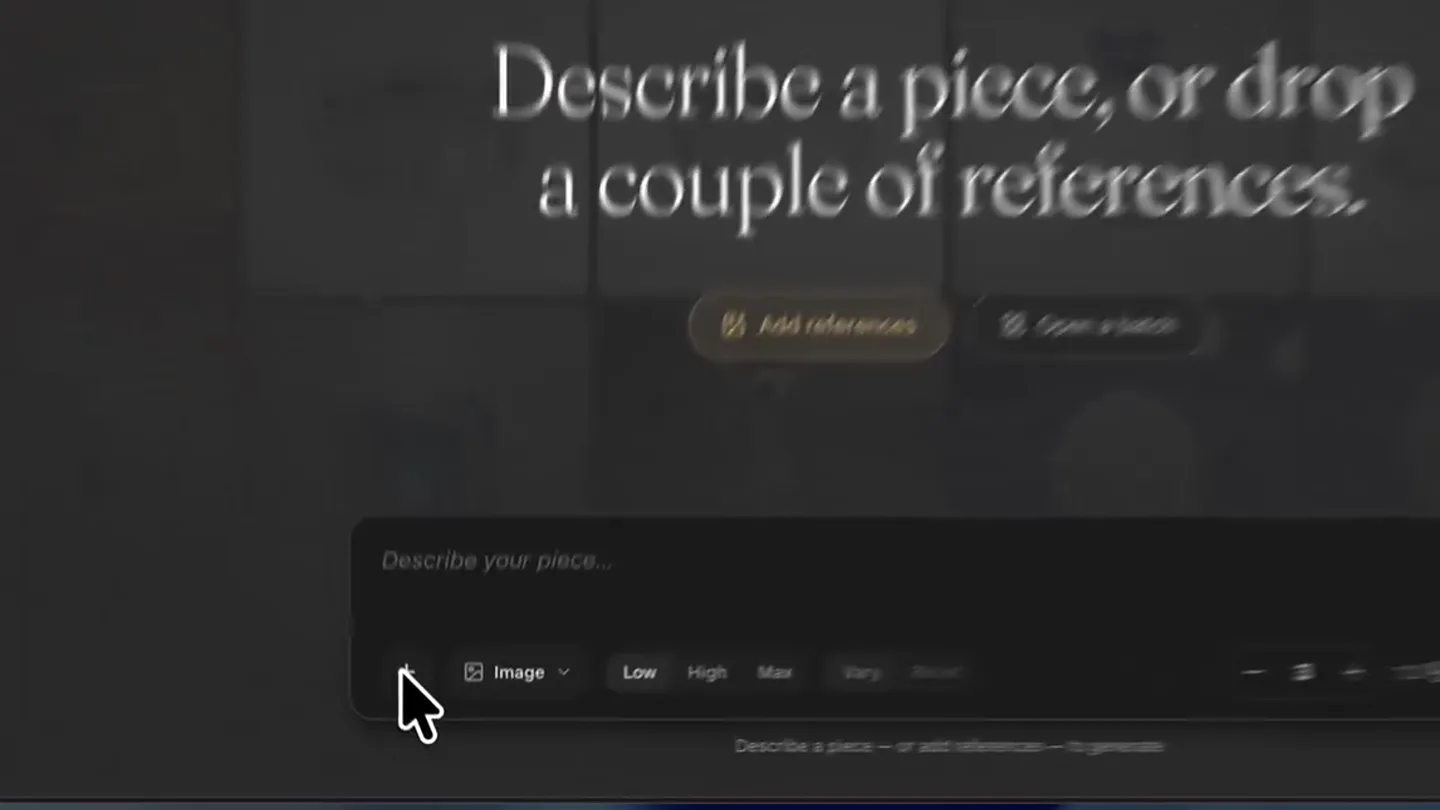
- Tashvi Design Studio Tashvi AI Imagine Gallery Explore Video Draft Parametric Describe a piece, or drop a couple of references. Add references Open a batch Describe your piece... Image Low High Max Vary Blend 3 12 Please keep your description pro...
- Camera
- Static wide shot of the UI, then a quick zoom-in to the 'Add references' section.
- Motion
- UI element highlighting, rapid zoom, cursor interaction.
Product Reveal
Curated Reference Image Selection
“(No spoken dialogue — A more prominent synth melody and driving beat at 0:05. Another sub-bass impact is heard at 0:08, followed by a brief pause and then a re-introduction of the main melodic theme with a more pronounced beat and additional synth layers.)”
- On screen
- References 1-10 images Reference Images 0/10 selected Gallery Uploads Upload 1 2 3 4 Clear all Tashvi Design Studio Tashvi AI Imagine Gallery Explore Video Draft Parametric Describe a piece, or drop a couple of references. Add references Open a batch Describe your piece... Image Low High Max Vary Blend 3 12 Please keep your description pro...
- Camera
- Close-up on the reference image selection modal, then a quick zoom-out.
- Motion
- Cursor interaction, sequential selection animation, modal transition.
Feature Teaser
Parameter Adjustment for Generation
“(No spoken dialogue — A significant high-energy riser and sweep build from 0:16 to 0:18, culminating in a powerful sub-bass drop and impact at 0:18.)”
- On screen
- Describe a piece, or drop a couple of references. 4 references staged Open a batch Design more rings Image Low High Max Vary Blend 4 16 32 Tashvi Design Studio Tashvi AI Imagine Gallery Explore Video Draft Parametric Please keep your description pro...
- Camera
- Static shot of the input field and parameter controls, with subtle cursor movements.
- Motion
- Typing animation, numerical increment/decrement, button hover states.
Product Reveal
AI-Generated Design Variations
“(No spoken dialogue — The powerful sub-bass drop and impact at 0:18 transitions into a more intense and layered section with a driving rhythm and evolving synth textures. The track maintains this energy until a final sub-bass impact and fade-out at 0:28.)”
- On screen
- IMAGINE VARIATIONS 4 pieces on display JUST NOW #1 #2 #3 #4 Design more rings Image Low High Max Vary Blend 4 32 Tashvi Design Studio Tashvi AI Imagine Gallery Explore Video Draft Parametric New session
- Camera
- Wide shot of the UI, focusing on the generated images appearing dynamically.
- Motion
- Dynamic grid population, image reveal animation, subtle UI element shifts.
Motion design primitives
Synthesizable in Remotion · key components of the ai-creative-tool-showcase template.
DynamicGridPopulate
A grid of placeholder elements rapidly transforms into fully rendered product images, appearing sequentially or in a staggered fashion.
+ Code construction recipe
Utilize Remotion's Sequence and interpolate functions for staggered opacity and scale animations. Each grid item would have a delay based on its index, animating from scale(0.8) and opacity(0) to scale(1) and opacity(1) with a spring-like ease.
CursorGuidedUIHighlight
A cursor moves deliberately across the UI, highlighting interactive elements and triggering state changes (e.g., button hovers, selections, text input).
+ Code construction recipe
Implement a custom cursor component with a path animation using SVG or CSS transforms. Use Remotion's useCurrentFrame and interpolate to synchronize cursor position with UI element states, triggering hover/active styles via CSS classes or conditional rendering.
ParameterIncrementReveal
Numerical values or selection states within UI controls increment or change with a subtle, satisfying animation, often accompanied by a visual 'pop' or glow.
+ Code construction recipe
For numerical increments, use interpolate to animate the number itself, potentially with a slight scale or color change on each step. For selection states, animate the background or border of the selected option with a quick spring transition.
Style DNA & aesthetic system
Visual aesthetic
Typography
Motion
Special effects
Pacing & rhythm
Conceptual story rhythm
- 1
The Blank Canvas
Purpose. Introduce the core problem: the difficulty of generating diverse design ideas quickly.
Execution. The initial UI state showing the 'Describe a piece, or drop a couple of references' prompt, highlighting the starting point for creation.
- 2
Inspiration Input
Purpose. Demonstrate the ease of providing input and references to guide the AI.
Execution. The cursor selecting multiple reference images and typing a brief description, showcasing intuitive interaction.
- 3
Refinement & Control
Purpose. Showcase the user's ability to fine-tune generation parameters.
Execution. The cursor adjusting numerical values and selecting options like 'Vary' and 'Blend', emphasizing control over the AI output.
- 4
Instant Creativity
Purpose. Reveal the powerful output of the AI, generating multiple high-quality variations.
Execution. The grid rapidly populating with diverse, polished jewelry designs, demonstrating the speed and breadth of the AI's capabilities.
Remix in Animatiq Studio
Master remix prompt · agent-ready
Sample remix
Objective
Generate multiple living room design concepts from a single mood board and text prompt.How the recipe adapts
The 'DynamicGridPopulate' primitive would display various living room styles (e.g., minimalist, bohemian, industrial) instead of jewelry. 'CursorGuidedUIHighlight' would show the user selecting furniture styles or color palettes. 'ParameterIncrementReveal' would animate adjustments to room size or budget. The overall dark UI and fast cuts would remain, but the generated images would be high-fidelity interior renders.Remix blueprint · ai-creative-tool-showcase
Scene durations (4 scenes, 29s)
Key Remotion components
Related Creative Tools Product Launches
Explore all Creative Tools launches →
A vibe design partner with an AI-native canvas for turning ideas into UI.

We heard you wanted to use Codex rate limit resets on your own time. Starting today, we’re rolling out the ability to save rate limit resets to use later. We’re starting Go, Plus, Pro, and Business

There's a hidden tax on every knowledge worker in the world, and nobody talks about it: The design tax. You're a strategist, a sales lead, a marketer. You were hired for what you know. But every me…