
Aibek Yegemberdin · Launch Video Breakdown: Hook, Pacing & Motion Design
For the past few months, we've been building something I've always wished existed: Introducing Wonder - the first AI-native design tool on an infinite canvas with taste and understanding of your de…
Scene-by-scene timeline & spoken transcript
The Hook
Infinite Canvas & AI Cursor Introduction
“(No spoken dialogue — Driving, percussive electronic beat with pizzicato synth melodies and deep sub-bass builds anticipation.)”
- On screen
- 390 x 844 w screen Wondering...
- Camera
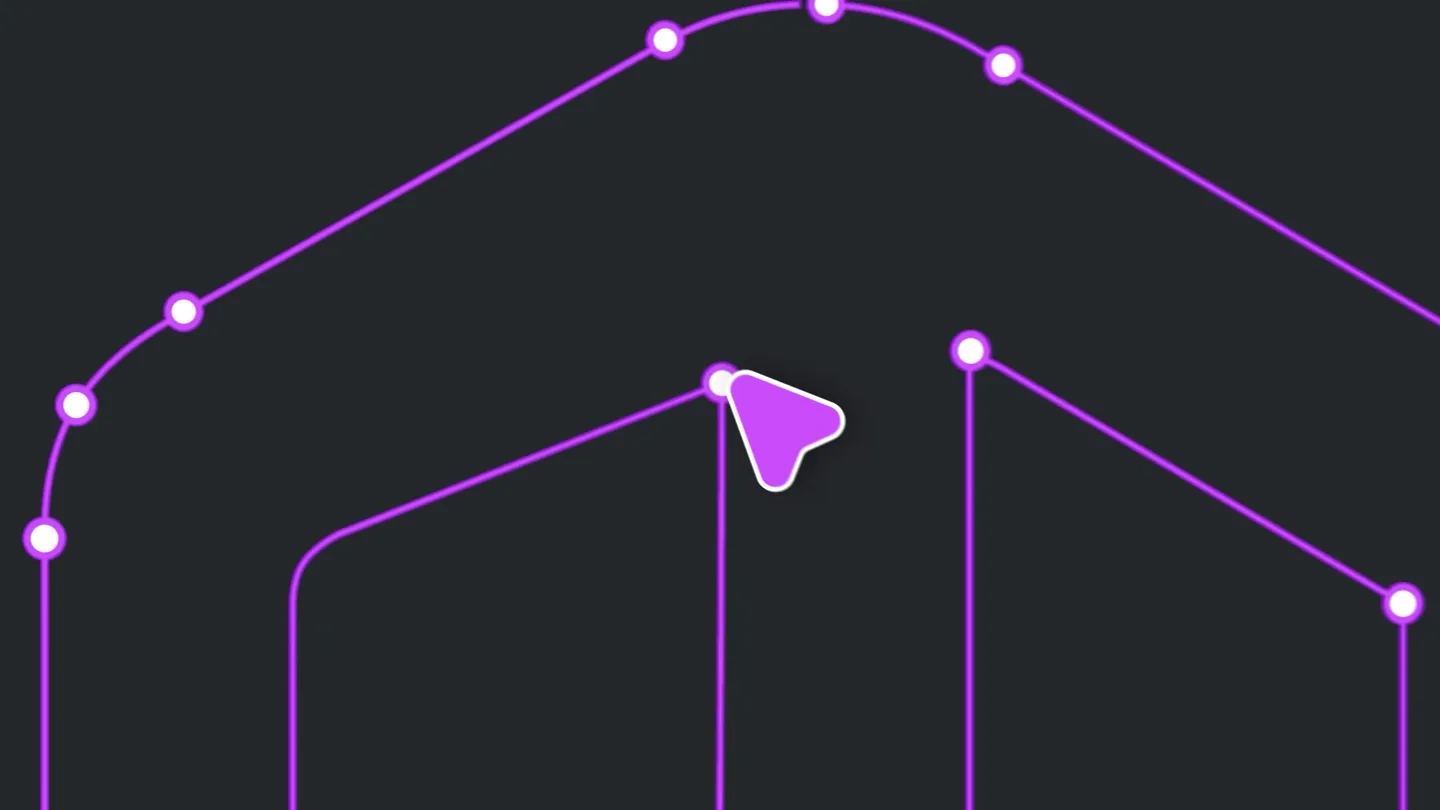
- Close-up on a purple cursor interacting with UI elements, then a rapid zoom-out revealing multiple mobile screen mockups on an infinite canvas.
- Motion
- Rapid cuts, cursor-driven interaction, UI element scaling and snapping, infinite canvas pan and zoom.
Problem Agitation
AI-Powered Design Automation
“(No spoken dialogue — The electronic beat continues with increased intensity, punctuated by high-energy audio transitions.)”
- On screen
- 9:41 CURRENT RUNS ANNUAL RUN TODAY, JULY 15TH, 2025 LET'S GO On Running 3:01 AM -$20.00 Strava 2:32 PM -$12.33 RUN Nike -$89.99 Opacity Radius Fill Gradient Linear 100 % Border Overflow Hidden Opacity Radius Fill Gradient Multi 100 % Border Shadow
- Camera
- Dynamic camera pans and zooms across various UI elements, highlighting interactions and design parameters.
- Motion
- Fast-paced UI interaction simulation, property panel animation, gradient transitions, cursor-driven element manipulation.
Product Reveal
Wonder AI Chat Interface & Component Generation
“(No spoken dialogue — The beat maintains its driving rhythm, emphasizing key visual reveals with sound design elements.)”
- On screen
- @ Home Screen v4 What would you like to design? send @Wonder build components from this design Wonder Home Screen v4 Colors Typography Searchbar Icons Wheel Buttons brand-gradient brand-orange #FE5E00 brand-pink #DC8BF5 9:4 August App St Accountable foreground #333333 brand-gradient Radial
- Camera
- Focus on a chat input field, then a wide shot revealing an AI-generated design system with colors, typography, and components.
- Motion
- Text typing animation, generative UI element appearance, grid layout animation, color palette reveal.
Feature Teaser
Wonder Logo Reveal
“(No spoken dialogue — A final impactful sub-bass drop accompanies the logo reveal, concluding the high-energy sequence.)”
- On screen
- Wonder
- Camera
- Close-up on a morphing gradient shape, then a zoom-out to reveal the 'Wonder' logo.
- Motion
- Organic shape morphing, gradient animation, text reveal with motion blur, logo scaling.
Motion design primitives
Synthesizable in Remotion · key components of the ai-creative-tool-launch template.
InfiniteCanvasPanZoom
Simulates an expansive design canvas with UI elements appearing and disappearing as the camera rapidly pans and zooms, creating a sense of boundless space and dynamic interaction.
+ Code construction recipe
Utilize Remotion's <AbsoluteFill> and <Sequence> components. Implement `interpolate` for camera position (x, y, z) and scale, using `easeOutCubic` or `easeInOutQuad` for smooth, fast transitions. Child components (UI elements) can have their opacity and transform properties animated based on their visibility within the viewport.
CursorDrivenUIInteraction
A stylized purple cursor moves precisely and quickly, selecting, dragging, and interacting with various UI elements, triggering property panel changes and component transformations.
+ Code construction recipe
Create a custom cursor component with SVG or a styled div. Animate its `transform` (translate) property using `spring` for realistic, snappy movements. UI elements react to the cursor's 'click' or 'hover' events by animating their `scale`, `opacity`, or `background` properties, also using `spring` or `keyframes`.
GenerativeGridReveal
Design system components (colors, typography, buttons) appear in a structured grid layout, often with a subtle fade-in and scale-up effect, as if being generated in real-time.
+ Code construction recipe
Use `map` to render an array of component data into a grid. Each grid item's `opacity` and `scale` can be animated with a `delay` based on its index in the grid, creating a staggered reveal. Employ `spring` for a soft, bouncy appearance, or `interpolate` with `easeOutBack` for a more pronounced 'pop'.
Style DNA & aesthetic system
Visual aesthetic
Typography
Motion
Special effects
Pacing & rhythm
Conceptual story rhythm
- 1
The Interactive Tease
Purpose. Immediately grab attention by showcasing the product's core interaction paradigm (AI cursor on infinite canvas) without revealing the full product.
Execution. Rapid close-ups of cursor interaction, quick UI element manipulations, and a sudden zoom-out to reveal the expansive canvas.
- 2
Problem Solved: AI Efficiency
Purpose. Demonstrate how the AI streamlines complex design tasks, highlighting the 'magic' of automation.
Execution. Fast-forwarded UI interactions, property panel changes, and the AI generating design elements with minimal user input.
- 3
The Generative Power
Purpose. Showcase the AI's ability to understand and generate entire design systems or components from a simple prompt.
Execution. Chat interface leading to a grid-based reveal of generated color palettes, typography, and UI components.
- 4
Brand Identity & Impact
Purpose. Conclude with a strong brand statement, leaving a lasting impression of innovation and capability.
Execution. A visually striking logo reveal with organic motion and gradient effects, reinforcing the product's unique identity.
Remix in Animatiq Studio
Master remix prompt · agent-ready
Sample remix
Objective
Launch an AI-powered video editing tool that automatically generates highlight reels and applies cinematic color grades.How the recipe adapts
The InfiniteCanvasPanZoom primitive would adapt to a timeline view, with clips and effects appearing dynamically. CursorDrivenUIInteraction would show the AI cursor selecting footage segments and applying effects. GenerativeGridReveal would display AI-suggested color grades or transition packs in a grid, appearing instantly after a text prompt. The color palette would shift to cool blues and greens with electric accents, maintaining the high-energy electronic soundtrack.Remix blueprint · ai-creative-tool-launch
Scene durations (5 scenes, 42.8s)
Key Remotion components
Related Creative Tools Product Launches
Explore all Creative Tools launches →
Anthropic Labs launches Claude Design, which turns conversation into prototypes, slides and one-pagers, powered by Claude Opus 4.7.

A vibe design partner with an AI-native canvas for turning ideas into UI.

Your work tools in Claude are now available on mobile. Explore Figma designs, create Canva slides, check Amplitude dashboards, all from your phone. Give it a try: