
Claude Opus 5.5 3D Scenes
55 Claude Opus 5.5 videos in 3D Scenes, each with its prompt and the creator's original post on X.
All 3D Scenes
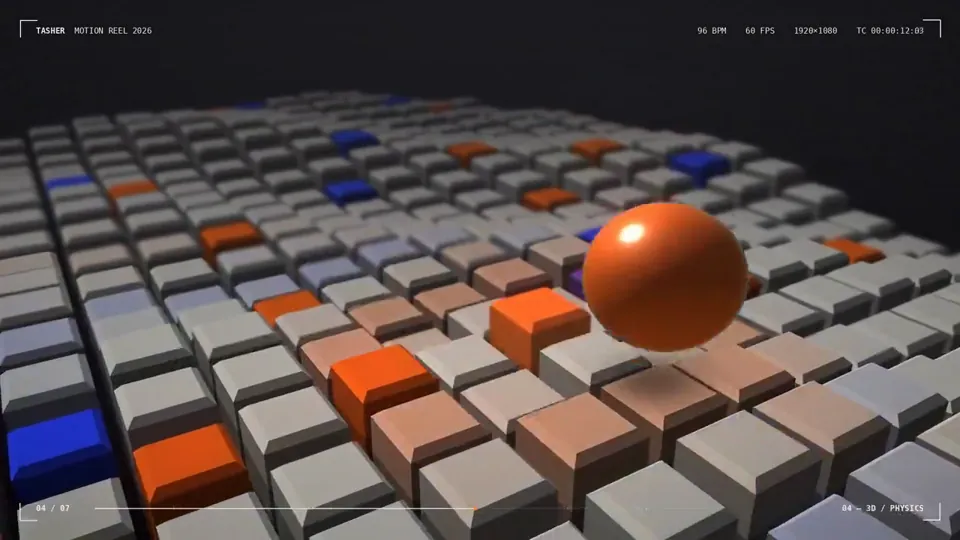
I’m curious to see how strong you are as a motion designer. To prove it, create a polished 15-second animated graphic video that showcases your motion design skills. This piece will be presented to 10,000 people on X, so make it visually compelling, professional, and memorable. Take full creative freedom and make the strongest result you can
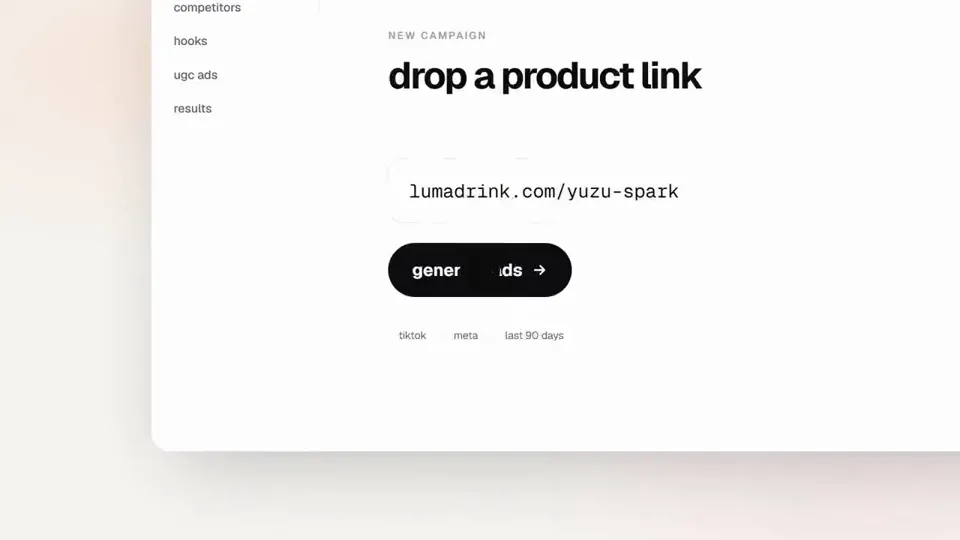
<inputs> Ask me for: the product name and a one-line promise, 3 to 5 UI moments to show, one accent color, 10 to 20 real vertical clips I own, and a royalty-free song with a clear drop (e.g. Mixkit, free for commercial use). </inputs> <direction> High-end minimal. One idea per shot, lots of empty space, one accent color, one clean sans (Geist or Inter) with tight tracking. Masked type reveals, match cuts, one smooth camera language. Real footage only, never placeholder cards. No full stops in on-screen text. Banned: shockwave rings, particle bursts, RGB split, camera shake, lens flares, neon glows, grid floors, flashing backgrounds, bouncy easing. </direction> <structure> 10 bars at 120 BPM, 2 seconds each. Bar 1: the hook lands word by word on the beats. Bar 2: one hook word morphs into the product UI. A cursor types and clicks. The drop: a circle opens out of the button into a dark scene. Then one move per bar: a wall of real clips with a scan line and 3 winners, the key output as big type, a 3D carousel of real videos with floor reflections and a motion-blurred whip onto one hero clip, the hero in a phone next to a panel that flips into results, big stats on push cuts, a 3-word ticker, a logo reveal, a fade to black. </structure> <build> 1. One HTML file at 1920x1080. Every style is computed from time inside http:// window.seek(t): no CSS animations, no timers, no state between frames. 2. Real video: extract clips to 30fps JPEG sequences with ffmpeg and swap img sources per frame. seek awaits the image decodes. 3. Analyze the song with numpy: tempo, beat grid, energy per bar, the drop. Calibrate the grid to the real kick hits. Every cut sits on a downbeat, every UI hit on a beat. 4. Render with Playwright: 3 subframes per frame at t minus, at, and plus 1/240s, then blend with ffmpeg tmix for real motion blur at 60fps. 5. Place each sound effect so its measured peak, not its file start, lands on the event. Keep the effects quiet under the music. Loudnorm to -14 LUFS. 6. Probe 20 or more frames before the full render. Fix anything cluttered, overlapping or hard to read. </build> <gotchas> Never set opacity or filter on a preserve-3d element, because it flattens and both faces show. Fade its wrapper instead. Measure element positions at runtime for match cuts. Only use music and sound effects whose license allows commercial use. </gotchas> <start> Ask me for the inputs, then show me a storyboard with every timing on the beat grid before you write any code. </start>
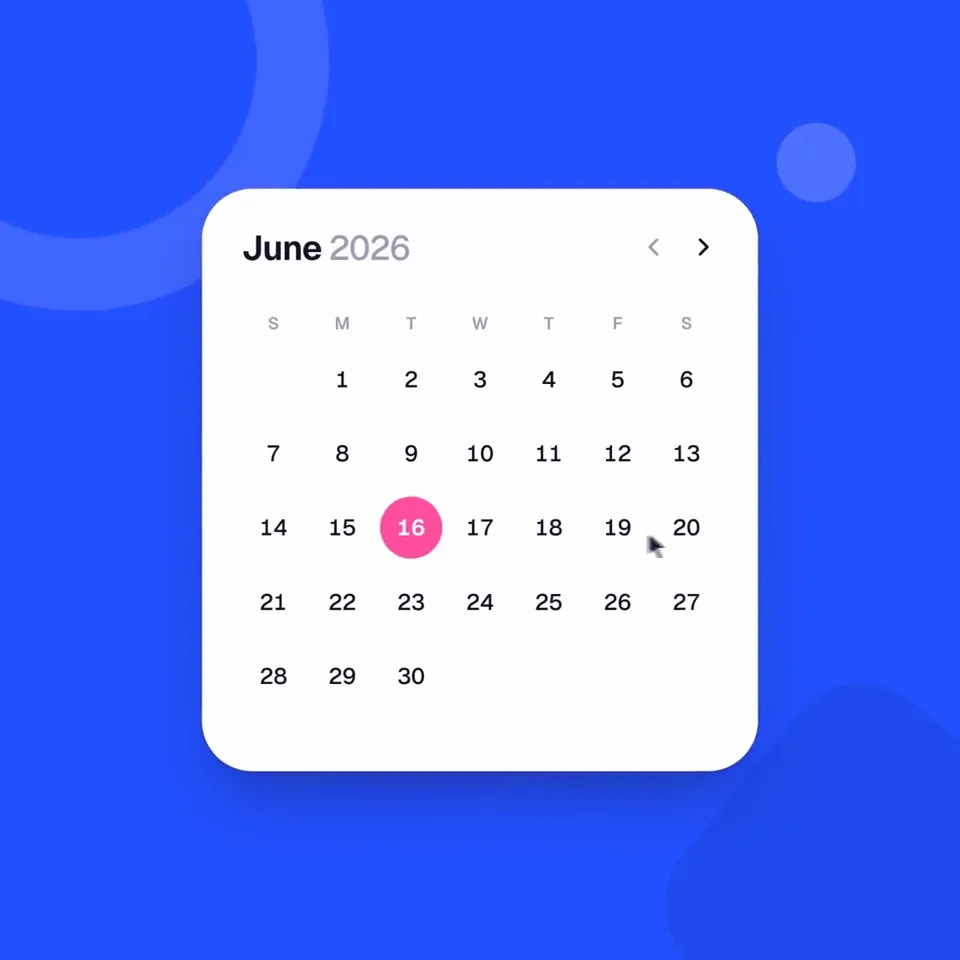
<inputs> Ask me for: 8 to 12 UI states I want the shape to become (e.g. button, loader, player, slider, toggle, tabs, chart, command palette, toast), pure black and white or one accent color, and a royalty-free song around 120 BPM (e.g. Mixkit, free for commercial use). </inputs> <direction> Dribbble-level UI motion. One shape, never cut: every state is the same element morphing its size, radius and color while its content swaps with a short blur. A cursor drives every change with real clicks and drags. Light warm-gray canvas, black and white components, one clean UI font (Geist). Springs everywhere, a tiny overshoot at most. The camera zooms so each state fills the frame. The last frame is the first frame, so it loops. Banned: bouncy easing, particle bursts, glows, gradients on UI chrome, mismatched icon strokes, dead time, anything that looks like a template. </direction> <structure> 120 BPM, 7 bars, something happens on every beat. Button → loader → check → dynamic island → music player with a play/pause morph → scrub the progress bar → it becomes a volume slider that stretches when dragged past max → a toggle flips on the beat → the knob becomes a liquid tab indicator → the tabs open into a chart that draws itself, with a tooltip on hover → it collapses into ⌘K → type to filter → enter → toast → back to the button. </structure> <build> 1. One HTML file, square 1440x1440. Every style is computed from time inside seek(t): no CSS transitions, no timers, no state carried between frames. 2. Springs are closed-form step responses. A value that changes target many times is the sum of one spring per change, so it stays a pure function of time. 3. The tab indicator's two edges ride different springs, so the leading edge stretches ahead of the trailing one. Same trick for the toggle knob. 4. Drags are direct manipulation: while the cursor is held, the value is computed from its position. On release it springs back from wherever it was. 5. Analyze the song with numpy for the beat grid and start on a downbeat. Place every UI sound by its measured peak. 6. Render with Playwright: 4 subframes per frame, blended with ffmpeg tmix for motion blur at 60fps. 7. Render one frame per beat before the full render. Fix anything off the grid, cramped or hard to read. </build> <gotchas> Never put will-change on anything the camera scales or the text renders blurry. Text that swaps inside a morphing container needs its own enter and exit timing or it overlaps. Make the last frame identical to the first, cursor position and speed included, or the loop stutters. </gotchas> <start> Ask me for the inputs, then show me the state list on the beat grid before you write any code. </start>
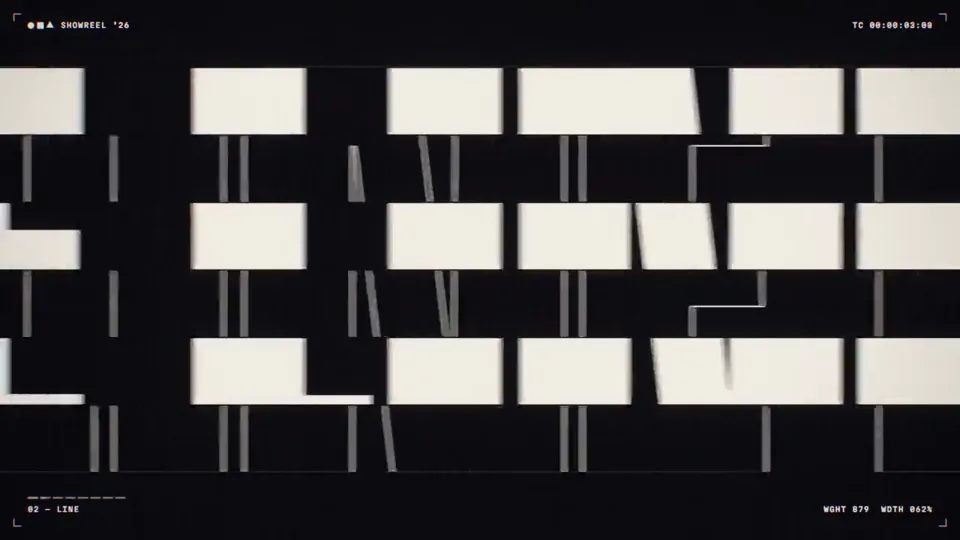
Create a bold, dynamic 15-second motion graphics showreel that feels like the ultimate portfolio piece of an exceptionally talented motion designer. Showcase a wide range of advanced techniques: kinetic typography, smooth transitions, 2D and 3D animation, abstract geometry, fluid simulations, particles, distortion, creative masking, compositing, lighting, depth, and seamless camera movement. Keep the pacing fast, confident, and visually surprising, with every shot transitioning naturally into the next. Make it feel meticulously art-directed rather than like a random collection of effects. Push the creativity, polish, timing, and visual impact as far as possible. This should feel like the opening reel that gets a motion designer hired.
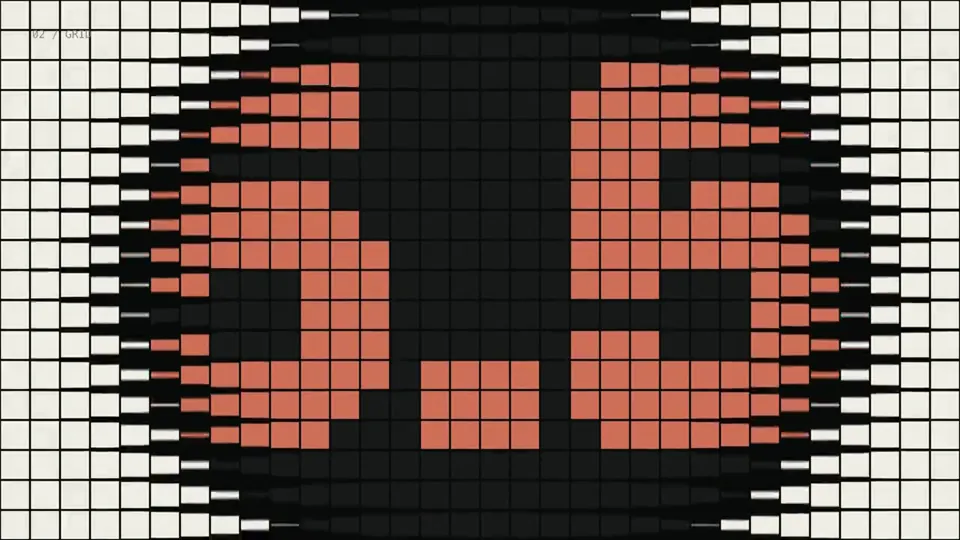
make a dynamic 15-second motion graphics video that shows what an incredible motion designer you are, like it's your showreel for a résumé. go all out.
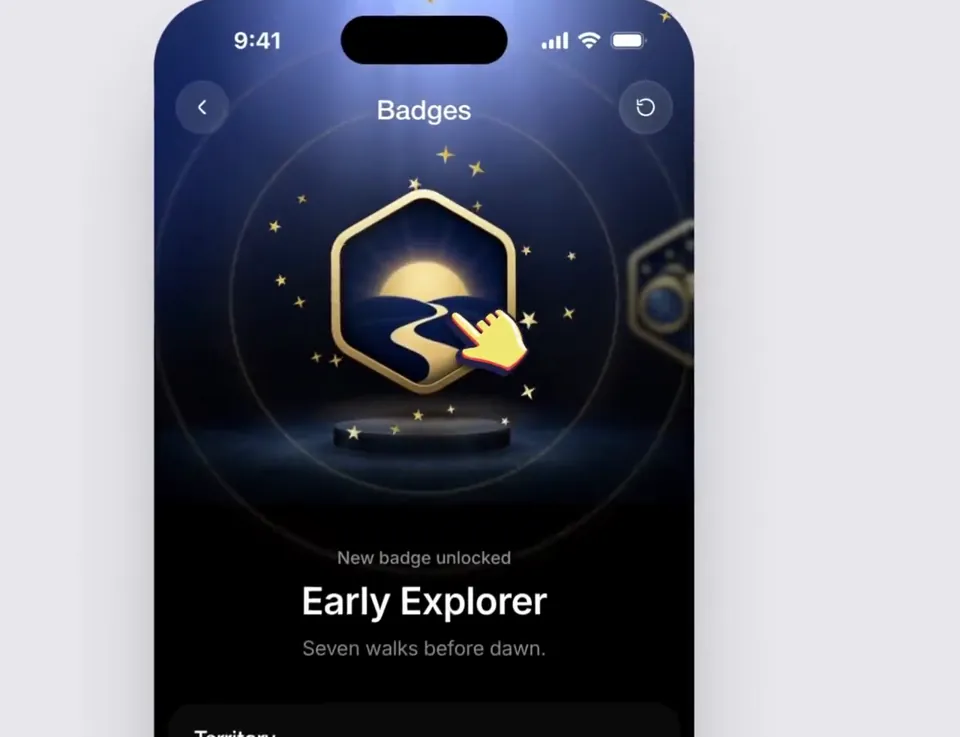
Using the linked Figma frame build a badge unlock screen. Match the design exactly. Use the file's assets, lighting, type and layout and add only the motion. Animate the badge so it feels premium and celebratory. Build its scene and then celebrate with gold particles. Treat the badge as a solid 3D object that tilts toward the cursor following the rules of physics. Keep it fast and smooth, it should not be bouncy.
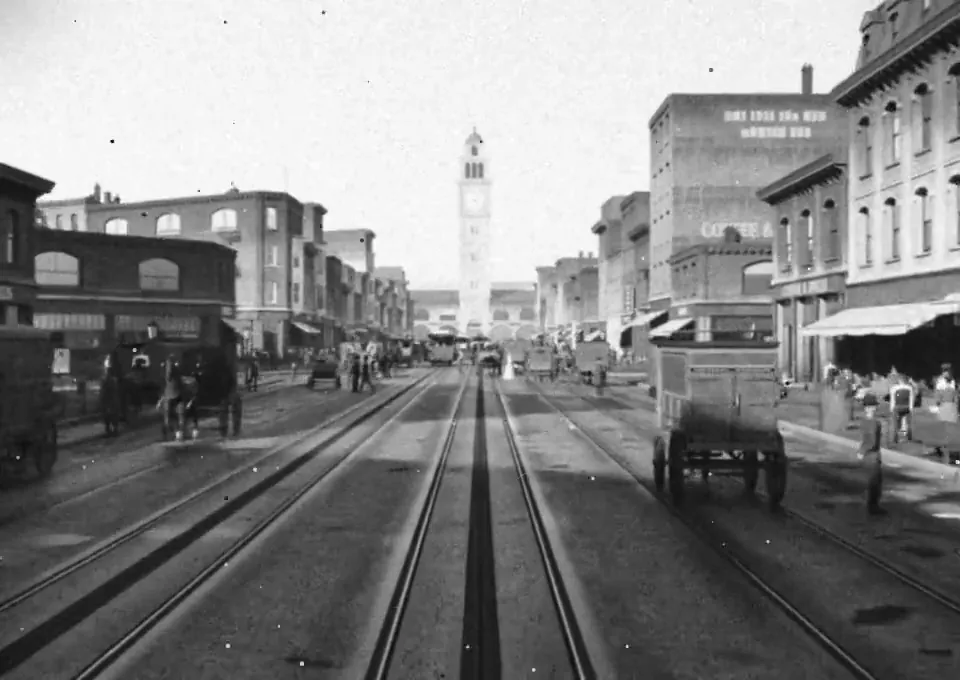
Recreate Market Street, San Francisco as it stood on April 17, 1906, the afternoon before the earthquake, in Blender. Scope: the Ferry Building up Market to Fifth Street, including the Palace Hotel, the Call Building, the Chronicle Building, Lotta's Fountain and the Emporium. Before modeling anything, build a source file from: the 1899-1905 Sanborn fire insurance maps (footprints, heights, materials, occupants), the Miles Brothers film "A Trip Down Market Street" (April 1906), period photographs from OpenSFHistory, the Library of Congress and the David Rumsey collection, and USGS topography. Record every building with footprint, height, facade material, occupant, and the source for each fact with a confidence level. Build everything in Blender Python. No downloaded meshes, textures or HDRIs. Write reusable generators (Victorian commercial facade, mansard roof, bay windows, awnings, painted signage, gas and electric street lamps, cable car, horse-drawn wagon, early automobile) and assemble the street from the source file, so every building traces back to data. Provide a 10 second video up the street.
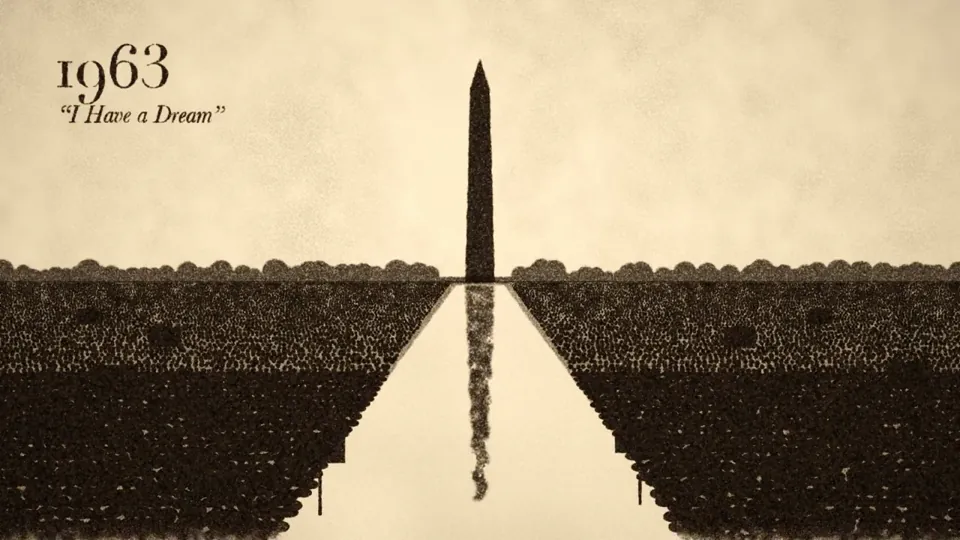
Make a 2-minute sand animation that tells the story of 250 years of U.S. history. Keep it lively, engaging, and tasteful. Add appropriate background music and sound design.
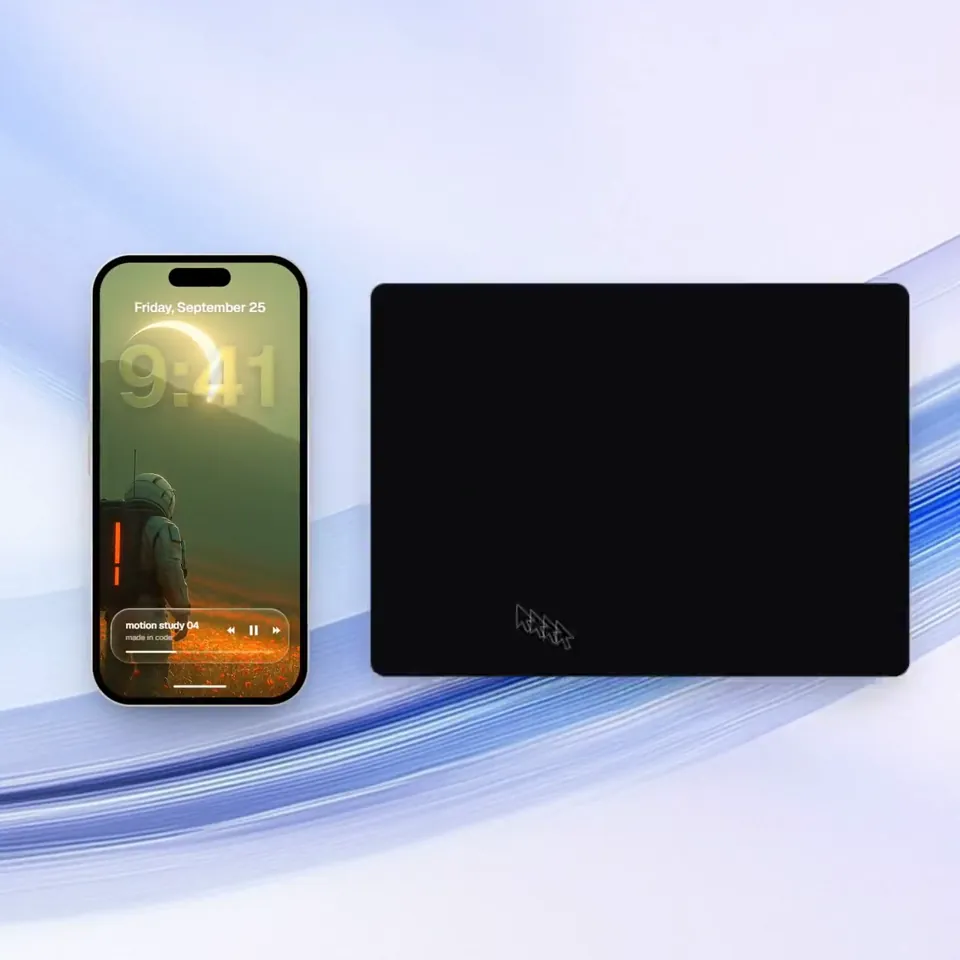
<inputs> Ask me for: a one-word brand name for the wordmark (a verb works best), 9 to 12 high-res photos, a royalty-free song around 120 BPM with a drop and a quiet breakdown (Mixkit, free for commercial use), and a free stock clip of a plain wall with moving plant shadows (Pexels). </inputs> <direction> An Apple-keynote launch film, 2D only, one continuous take. Every scene is made out of the previous one: nothing fades, blurs or cuts. Objects change shape instead: text rises out of a mask line, icons pop from zero on a spring, bars draw across, pages push, and a black shape floods the whole frame and contracts into the next scene. Warm off-white canvas, black UI, iOS 26 liquid glass over the photos. Archivo (wdth 125, weight 800) for the wordmark, Geist for UI. A cursor drives every change with real clicks, drags and long-presses. The camera zooms screen-studio style so each moment fills the square, and the cursor scales with it. Banned: crossfades, blur-ins, brightness "developing", 3D flips, particles, glows, holds longer than 1s, anything that looks like a template. </direction> <structure> 120 BPM, 54 beats, something happens on every beat. Open: the wordmark squeezes into its own period like an accordion, the dot grows into a black pill, a label rises inside it. Click: six iris blades close over the label and snap open onto a photo. The circle becomes a square, shrinks, the grid unfolds from behind it like a paper map (center, plus, corners), reflows into a bento, and a click zooms into one tile, landing exactly on the drop. Glass: a glass word pops in letter by letter, melts into a droplet that stretches into a glass toolbar. The adjust icon turns it into a slider. Dragging relights the photo from day to golden hour (two aligned shots), and the knob turns into a glass lens while held. It lifts into a glass orb, the next photo opens inside it as a circle, and the orb expands into a lock screen: glass clock digits, date, and a home bar that stretches into a glass music player. Stage: the lock screen pulls back into a phone (the bezel grows out of the screen edge). The Dynamic Island stretches like liquid, pinches off, flies over and grows into a Mac window that rolls up like a blind. Long-press the wallpaper, drag it onto a Safari tab, the page pushes in, drop it and it becomes the hero of a landing page. Scroll: the hero morphs into a framed print on a product card, with the mat and molding growing out of the photo's edge. Pick a frame color (it paints across) and a size, then the nav button flies down into "Order print". Order: one black shape keeps morphing: Ordered ✓ → Printing % → On its way (a van on a route) → Delivered ✓. Wall: the delivered circle floods the frame edge to edge, holds black for a beat, and contracts into the framed print hanging on the real wall footage. The same iris opens onto the print, closes again, the frame floods the screen and contracts into the pill → the dot → the letters spring back out, landing on the beat return. Last frame = first frame. </structure> <build> 1. One HTML file, square 1440x1440. Every style is computed from time inside an async seek(t): no CSS transitions, no timers, no state between frames. 2. Springs are closed-form step responses. A value with many targets is the sum of one spring per change, so it stays a pure function of time. 3. Liquid glass: each glass element holds its own clone of the scene behind it, filtered with an SVG feImage displacement map (a rounded-rect distance field) through three feDisplacementMaps at slightly different scales for chromatic edges, plus a rim light. Glass letters: a canvas distance field per glyph gives the map, mask and highlights. 4. Goo: blur + alpha threshold, then composite the source atop it so the glass stays sharp inside. 5. Iris: 6 blades around a hexagonal aperture. Each blade is its two vertices, both edge extensions and the SHORT arc between them. 6. Wordmark squeeze: every letter moves toward the dot by the same factor and its drawn width follows (narrow the wdth axis, scale the rest), so the letters stay touching. 7. Footage: re-encode all-intra (ffmpeg -g 1), load it as a blob URL, await 'seeked' before drawing each frame. 8. Sound: a downloaded SFX for every event (Mixkit), never synthesized, each placed by its measured peak. The song starts on a downbeat: the zoom lands on the drop, the wall sits in the breakdown, the wordmark returns with the beat. Loudnorm to -14 LUFS. 9. Render with Playwright: 4 subframes per frame blended with ffmpeg tmix, 60fps. Check one frame per beat, then scan for single-frame pops (frame-difference spikes 3x their neighbours). </build> <gotchas> backdrop-filter: url() misreads displacement maps in Chromium, so clone the scene instead. A flood must overscale past the corners and take about 0.3s, or half the screen changes in one frame. A child with visibility: visible shows through a hidden parent, so use inherit. Text that swaps inside a morphing shape needs its own mask. python http.server can't range-seek video, so use the blob URL. </gotchas> <start> Ask me for the inputs, then show me the beat map and 4 stills (open, glass, stage, wall) before you write the full film. </start>
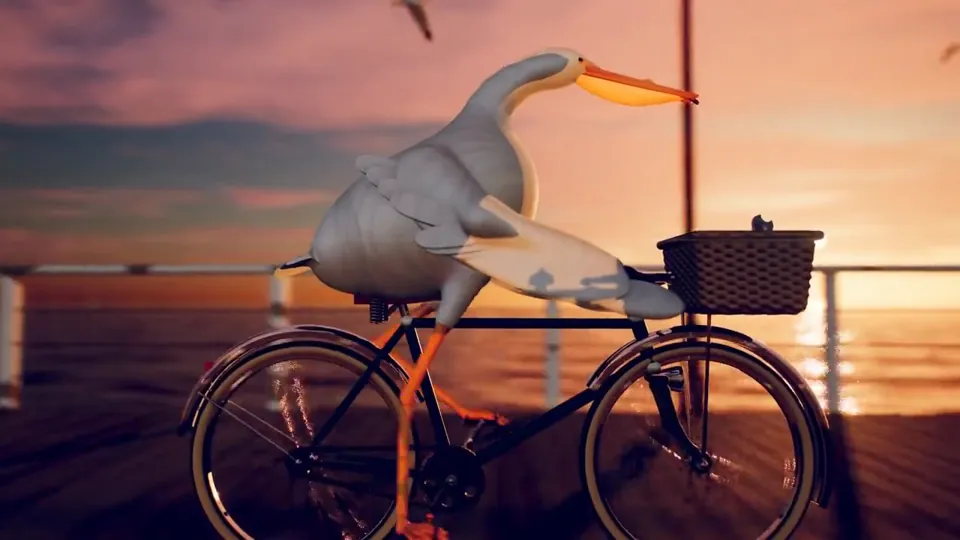
每次一个新的模型出来呢,大家都让它去画 “鹈鹕骑自行车” 来判断这个模型的空间能力,基本上都是用 HTML、SVG 来画动画。当我实在看得都有审美疲劳了,我希望你能画一个最复杂、最精细、最精美的 “鹈鹕骑自行车”的动画视频,你可以用任何的技术,不用着急,画一天都可以。
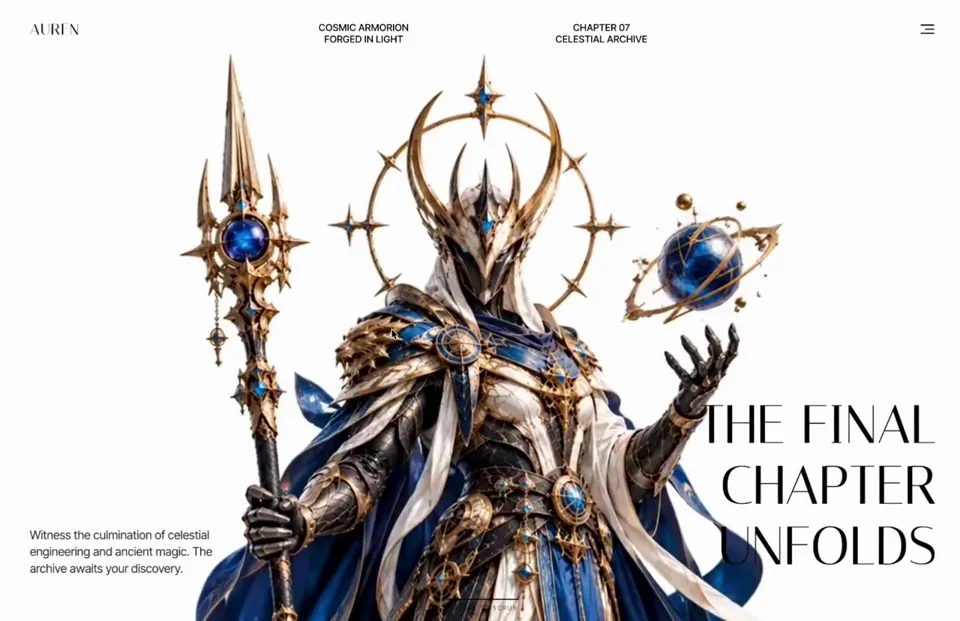
# Auren Header A cinematic, scroll-scrubbed 3D hero header for the luxury/fantasy brand "AUREN" where a full-screen background video plays frame-by-frame as the user scrolls through a 500vh section, with sequential timed overlays (title, description, feature cards, final title) revealing themselves at specific video timestamps. ## Tech stack - React 18+ with "use client" directive (Next.js App Router compatible) - framer-motion (all overlay entrance/exit animations, AnimatePresence, staggered per-character reveals) - gsap + gsap/ScrollTrigger (scroll-driven scrubbing that maps scroll progress to video.currentTime) - No icon library used; the arrow is a literal → character and the card overlay button is a literal + character ## Fonts & global styles - Import via: `https://fonts.googleapis.com/css2?family=Italiana&family=Inter+Tight:wght@400;500&display=swap` - Display / serif font: 'Italiana', serif — used for the AUREN logo, hero titles, card numbers, and card titles. - Body / sans font: 'Inter Tight', sans-serif — weights 400 and 500 — used for nav text, descriptions, menu items, card subtitles/descriptions/buttons. - box-sizing: border-box applied to the whole section and all descendants. - Scope all styles to the section; do NOT set global body/html rules. ## Section container - Root: `.auren-header-section` — position: relative; width: 100%; height: 500vh; background: #FEFFFE. The 500vh height is what creates the scroll runway for scrubbing. - Inner sticky wrapper: `.auren-sticky-content` — position: sticky; top: 0; width: 100%; height: 100vh; overflow: hidden. Everything visible lives inside this sticky viewport. ## Structure, section by section 1. **Background video** `.auren-video-bg`: position absolute; inset 0; width/height 100%; object-fit: cover; object-position: center; z-index: 1. Element is `<video muted playsInline>` (NOT autoplay — playback is driven by scroll). Source: `https://cdn.jiro.build/Header%20Section/Auren3d/output.mp4` (type video/mp4). On ≤768px, object-position becomes 70% center. 2. **Navigation** `.auren-nav`: position absolute; top 0; left 0; width 100%; padding 40px 60px; display flex; justify-content space-between; align-items flex-start; z-index 2. - Logo `.auren-logo`: text "AUREN", Italiana 400, 26px, line-height 1, color #000000, letter-spacing 0.05em. - Center nav `.auren-nav-center`: absolutely centered (left 50%, translateX(-50%)); display flex; gap 15vw. Two `.auren-nav-text` blocks (Inter Tight 500, 16px, line-height 1.2, uppercase, color #000000, centered): first reads "COSMIC ARMORION" / "FORGED IN LIGHT" (two lines via <br/>); second reads "CHAPTER 07" / "CELESTIAL ARCHIVE". - Hamburger `.auren-menu-btn`: flex column; align-items flex-end; gap 5px; transparent, no border. Three `.auren-menu-line` bars, height 2px, background #161414; widths 22px / 15px / 22px. On hover the middle bar animates to 22px width (transition width 0.3s ease). - Dropdown `.auren-menu-dropdown` (toggled by hamburger): position absolute; top 60px; right 60px; width 150px; background rgba(255,255,255,0.8); backdrop-filter blur(10px); border-radius 8px; padding 10px; flex column gap 10px; border 1px solid rgba(0,0,0,0.1); z-index 20. Items `.auren-menu-item` (Inter Tight 500, 16px, #000, padding 8px, border-radius 4px, right-aligned, hover background rgba(0,0,0,0.05)): "Home", "About", "Contact". 3. **Timed hero title (initial, shown while videoTime < 2.5s)** `.auren-hero-title`: position absolute; left 60px; bottom 80px; max-width 400px; Italiana 400; 90px; line-height 1.13; color #000000; z-index 2. Words: "RISE", "OF THE", "ASTRAL", "GUARD", "MAN" — each on its own line (via <br/>), rendered per-character for the reveal animation. 4. **Timed hero description (initial, videoTime < 2.5s)** `.auren-hero-desc`: position absolute; right 60px; bottom 80px; max-width 320px; Inter Tight 400; 20px; line-height 1.4; color #2E2A2A; z-index 2. Text verbatim: "Enter a realm where ancient artistry meets futuristic armor. Discover legendary warriors, cosmic relics". 5. **Feature cards overlay (shown while 3s ≤ videoTime ≤ 4s)** `.auren-cards-container`: position absolute; bottom 100px; left 0; width 100%; flex; justify-content center; gap 60px; z-index 10. Two `.auren-card`s (each 560px × 320px; background linear-gradient(135deg, rgba(250,246,240,0.95), rgba(240,235,225,0.95)); border-radius 24px; padding 32px; flex; gap 30px; border 1px solid rgba(200,180,150,0.3); box-shadow 0 12px 40px rgba(0,0,0,0.15)): - Card content column: header row with number (Italiana 24px, #000) + a 30px × 1px line rgba(0,0,0,0.2); subtitle (Inter Tight 10px, letter-spacing 0.1em, uppercase, #666); title (Italiana 32px, line-height 1, #000, each word forced onto its own line via `.auren-br`); description (Inter Tight 12px, line-height 1.5, #444, margin-bottom auto); button row (`.auren-card-btn`, cursor pointer, color #000) with `.auren-card-btn-text` (Inter Tight 11px, weight 500, letter-spacing 0.05em) followed by a 14px →. - Card image `.auren-card-image`: 240px wide, full height, border-radius 16px, background-image from URL center/cover, with a `.auren-card-plus` badge bottom-right (32px circle, background #111, color #FFF, contains "+"). - Card 1: number "01", subtitle "THE WARRIOR", title "ASTRAL GUARDIAN", desc "Forged in celestial alloy, the Guardian represents a balance of precision, power, and ancient craft.", button "EXPLORE GUARDIAN", image `https://cdn.jiro.build/Header%20Section/Auren3d/auren1.png`. - Card 2: number "02", subtitle "THE ARMOR", title "FORGED IN LIGHT", desc "Layered armor, luminous cores, and hand-forged celestial details built for the unknown.", button "DISCOVER THE ARMOR", image `https://cdn.jiro.build/Header%20Section/Auren3d/auren2.png`. 6. **Final hero title (shown while videoTime ≥ 5s)** — same `.auren-hero-title` styling but overridden inline to right: 60px; left: auto; text-align: right. Words: "THE FINAL", "CHAPTER", "UNFOLDS" (each on its own line). 7. **Final hero description (videoTime ≥ 5s)** — same `.auren-hero-desc` styling overridden inline to left: 60px; right: auto. Text verbatim: "Witness the culmination of celestial engineering and ancient magic. The archive awaits your discovery." ## Assets - Video: `https://cdn.jiro.build/Header%20Section/Auren3d/output.mp4` - Card 1 image: `https://cdn.jiro.build/Header%20Section/Auren3d/auren1.png` - Card 2 image: `https://cdn.jiro.build/Header%20Section/Auren3d/auren2.png` ## Animations - **Scroll-scrub video** (signature effect): register ScrollTrigger and map scroll progress across the 500vh section to the video's currentTime, also storing it in state so overlays can appear/disappear at timestamps. ```tsx st = ScrollTrigger.create({ trigger: ".auren-header-section", start: "top top", end: "bottom bottom", scrub: 1.5, onUpdate: (self) => { if (video.duration) { const time = self.progress * video.duration; video.currentTime = time; setVideoTime(time); } }, }); ``` Initialise only after the video's metadata is available (readyState >= 1 or on the "loadedmetadata" event) and kill the trigger on unmount. - **Nav entrance**: fade + slide down, initial { opacity: 0, y: -20 } → { opacity: 1, y: 0 }, duration 0.8, ease "easeOut". - **Menu dropdown**: AnimatePresence, initial/exit { opacity: 0, y: -10, scale: 0.95 } → animate { opacity: 1, y: 0, scale: 1 }, duration 0.2. - **Per-character title reveal** (both titles): parent variant staggers children by 0.05 (initial title also delays children by 0.3); each character starts { opacity: 0, y: 50 } and animates to { opacity: 1, y: 0 } with duration 0.6 ease "easeOut". Each word is wrapped in an inline-block, overflow:hidden span so letters wipe up from below. Titles exit via AnimatePresence (initial title exits { opacity: 0, y: -50 } over 0.5s). - **Description clip reveal**: initial { opacity: 0, clipPath: 'inset(100% 0 0 0)' } → animate { opacity: 1, clipPath: 'inset(0% 0 0 0)' }, duration 1, initial one delayed 0.8s, both ease "easeOut"; matching clip-path exit. - **Cards overlay**: container initial { opacity: 0, y: 100 } → { opacity: 1, y: 0 }, exit { opacity: 0, y: -150 }, duration 0.6 ease "easeInOut"; each card additionally slides { y: 50, opacity: 0 } → { y: 0, opacity: 1 } with staggered delays 0.1 and 0.2, exit { y: -100, opacity: 0 }. - All overlays are gated by videoTime windows: titles/desc #1 for time < 2.5, cards for 3 ≤ time ≤ 4, titles/desc #2 for time ≥ 5. ## Responsive behavior - **≤1200px**: center nav gap shrinks to 5vw; cards gap 20px with 20px side padding; cards 450px wide, padding 24px, gap 20px; card image 180px. - **≤1024px**: nav padding 30px 40px; hero title left 40px / font-size 70px; hero desc right 40px / bottom 60px / 18px; center nav hidden; dropdown right 40px top 50px; cards stack vertically centered, gap 20px, bottom 40px; cards full width (max 560px) height 280px; card image 240px. - **≈768px**: nav padding 20px with center-aligned items; hero title and desc hidden (display none); video object-position 70% center; dropdown right 20px top 50px; cards become position relative with margin-top 100px, gap 16px, 16px side padding; each card full width, height auto, flex-direction column-reverse, padding 20px, gap 16px; card image full width height 180px; card title 28px; `.auren-br` forced-line-break spans hidden. ## Key design principles - Editorial luxury aesthetic: serif Italiana display type against clean white, minimal chrome, generous negative space. - Cinematic scroll-scrubbing is the hero interaction — the video is a timeline, not autoplay. - Content is choreographed to video timestamps, not scroll position directly. - High-contrast black text on light video for legibility; frosted-glass dropdown for depth. - Per-character mask reveals give the type a premium, deliberate entrance. ## Common mistakes to avoid - Do NOT autoplay the video — keep it muted + playsInline and drive currentTime from ScrollTrigger. - Do NOT register ScrollTrigger at module top level without a window guard in an SSR/Next.js environment. - Do NOT forget the 500vh root height + sticky inner wrapper; without both, there is no scroll runway and the video won't scrub. - Keep every AnimatePresence child keyed so exit animations fire correctly. - Initialise the ScrollTrigger only after video metadata loads, and kill it on unmount to avoid leaks. ## Page title AUREN — Rise of the Astral Guardman ## Integration (build-safety — do not skip) - Add this section as a **new** component file with a unique name. Don't edit or overwrite any existing file except to add its import and render it. - Render it **after** all existing sections; keep every previously built section exactly as-is — never replace or remove them. - If no project exists, create a minimal React + Tailwind app; if one exists, use it as-is — don't re-scaffold or change the Tailwind/build config or version. - Keep it self-contained: scope its fonts and any resets to this section; never set global `body`/`html`/`*` styles or a global font. - Install only the libraries this section names.
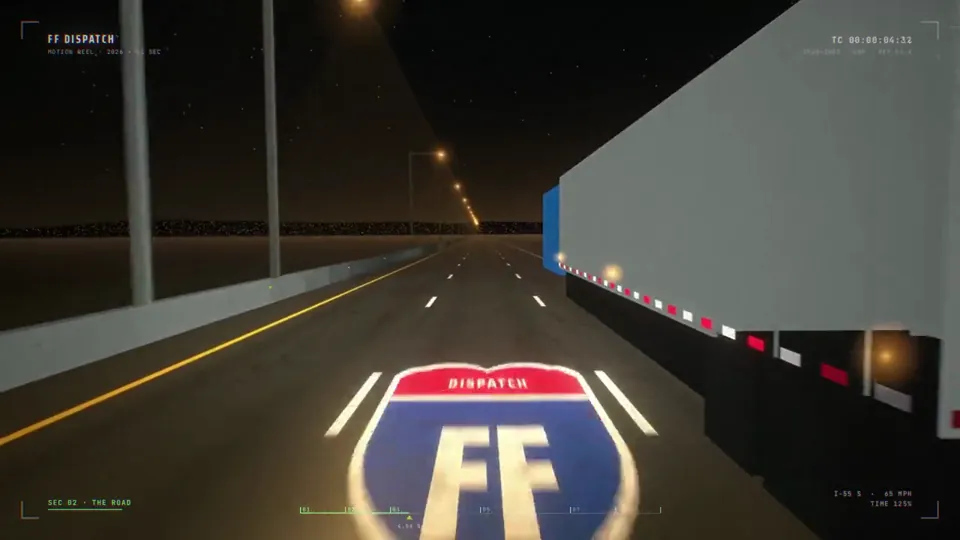
make a dynamic 15-second motion graphics video that shows what an incredible motion designer you are, like it's your showreel for a résumé. go all out.
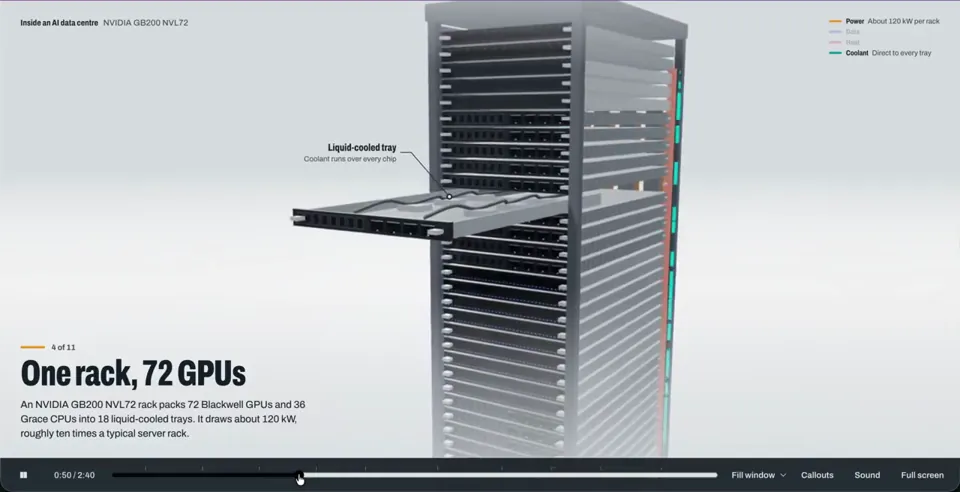
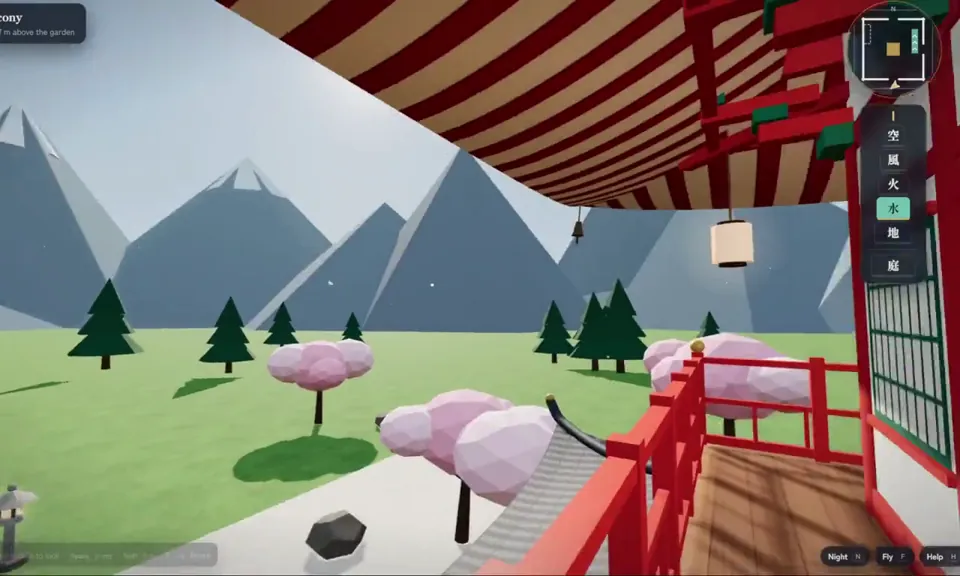
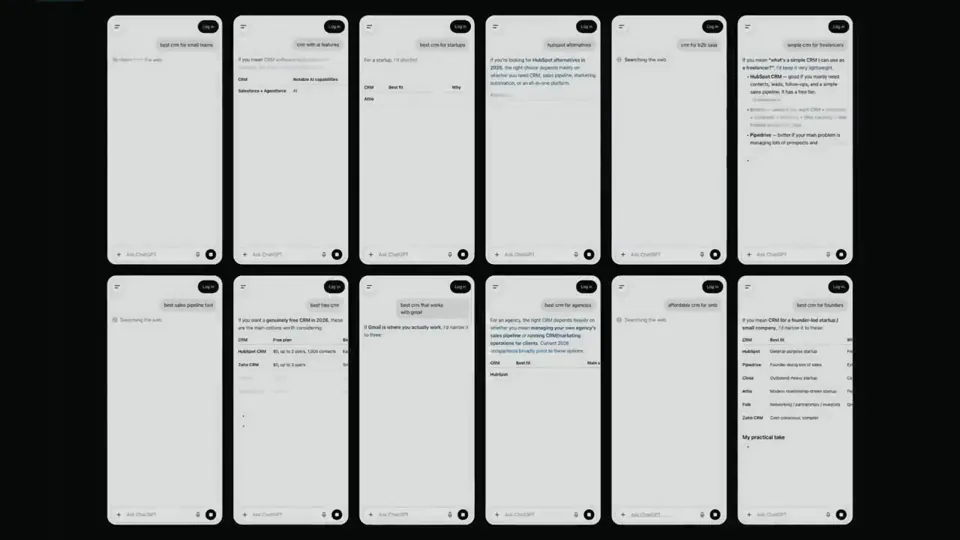
<inputs> Ask me for: the product name and a one-line promise, 3 to 5 UI moments to show, one accent color, 10 to 20 real vertical clips I own, and a royalty-free song with a clear drop (e.g. Mixkit, free for commercial use). </inputs> <direction> High-end minimal. One idea per shot, lots of empty space, one accent color, one clean sans (Geist or Inter) with tight tracking. Masked type reveals, match cuts, one smooth camera language. Real footage only, never placeholder cards. No full stops in on-screen text. Banned: shockwave rings, particle bursts, RGB split, camera shake, lens flares, neon glows, grid floors, flashing backgrounds, bouncy easing. </direction> <structure> 10 bars at 120 BPM, 2 seconds each. Bar 1: the hook lands word by word on the beats. Bar 2: one hook word morphs into the product UI. A cursor types and clicks. The drop: a circle opens out of the button into a dark scene. Then one move per bar: a wall of real clips with a scan line and 3 winners, the key output as big type, a 3D carousel of real videos with floor reflections and a motion-blurred whip onto one hero clip, the hero in a phone next to a panel that flips into results, big stats on push cuts, a 3-word ticker, a logo reveal, a fade to black. </structure> <build> 1. One HTML file at 1920x1080. Every style is computed from time inside http:// window.seek(t): no CSS animations, no timers, no state between frames. 2. Real video: extract clips to 30fps JPEG sequences with ffmpeg and swap img sources per frame. seek awaits the image decodes. 3. Analyze the song with numpy: tempo, beat grid, energy per bar, the drop. Calibrate the grid to the real kick hits. Every cut sits on a downbeat, every UI hit on a beat. 4. Render with Playwright: 3 subframes per frame at t minus, at, and plus 1/240s, then blend with ffmpeg tmix for real motion blur at 60fps. 5. Place each sound effect so its measured peak, not its file start, lands on the event. Keep the effects quiet under the music. Loudnorm to -14 LUFS. 6. Probe 20 or more frames before the full render. Fix anything cluttered, overlapping or hard to read. </build> <gotchas> Never set opacity or filter on a preserve-3d element, because it flattens and both faces show. Fade its wrapper instead. Measure element positions at runtime for match cuts. Only use music and sound effects whose license allows commercial use. </gotchas> <start> Ask me for the inputs, then show me a storyboard with every timing on the beat grid before you write any code. </start>
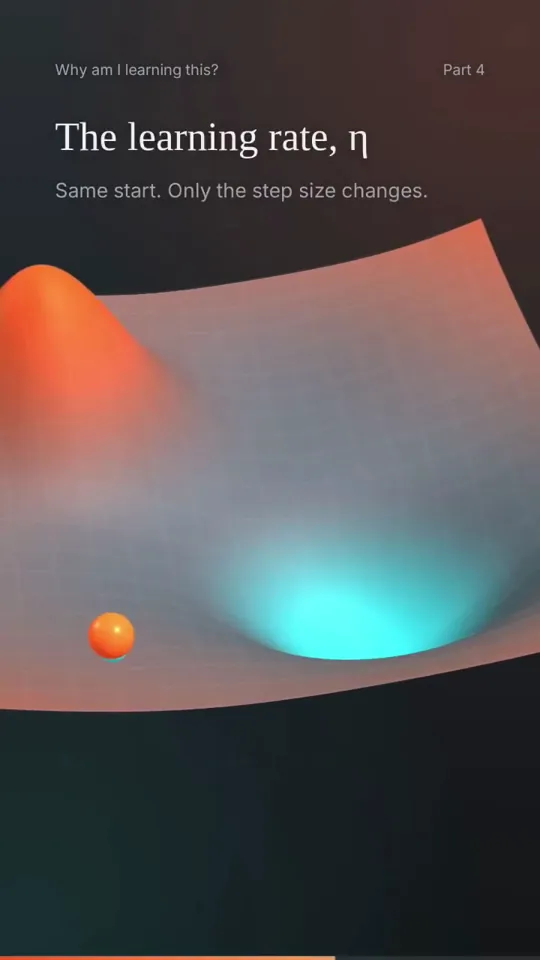
Create a 3D animation of a Path Points in this case ball reaching approximation from crest to trough. Discuss the type of ML algorithm gradient descent is. Also list major use cases.And trasition can be fade in fade out. Colour theory Volcanic Orange, Cyan and gradient of grey
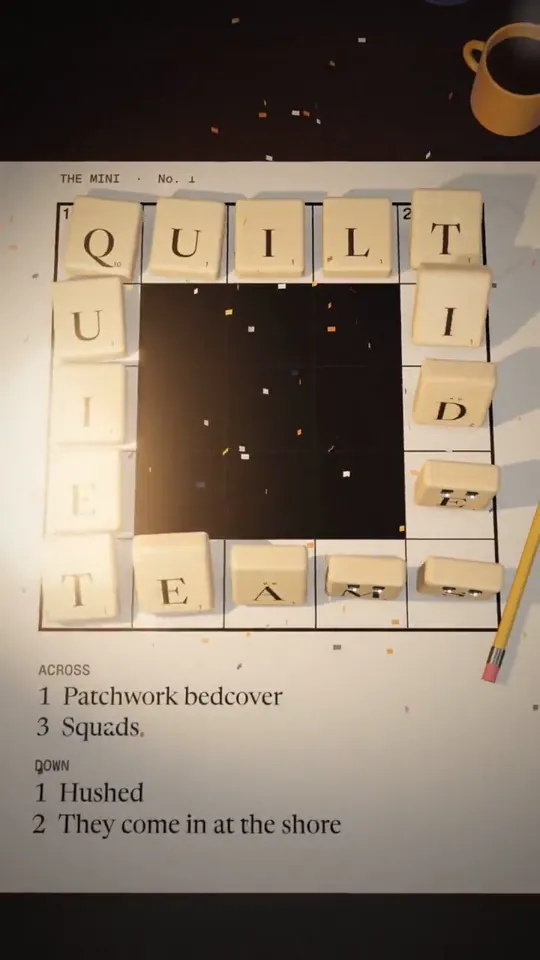
I want you to imagine a story, that subtly promotes grid genius. Or it can not even have grid genius, but something that aligns with our app and helps us get more eyeballs when posted on social media. Then using threejs/javascript I want you to create full animation, Pixar-level quality out of the story you imagine
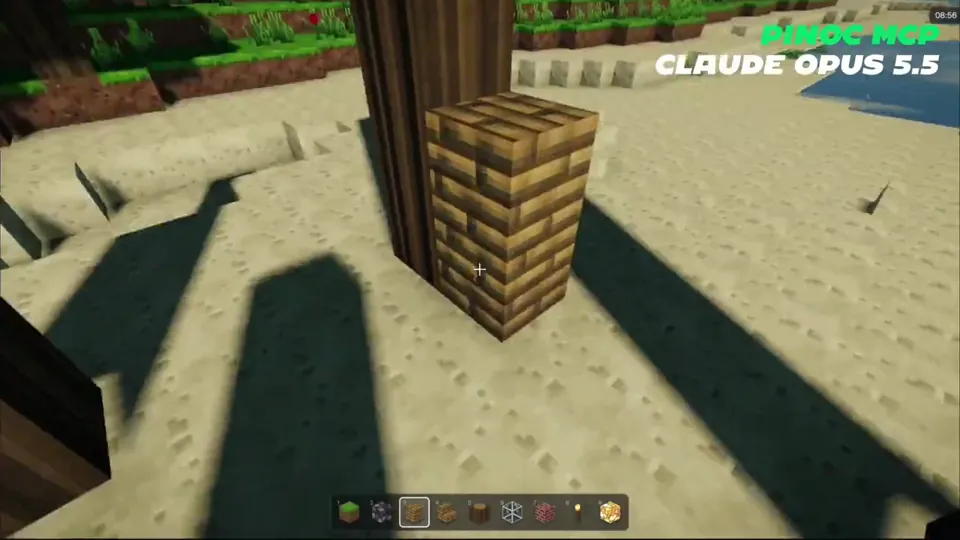
Create a playable version of Minecraft in my browser. Add advanced shaders that make it look as real and beautiful as possible. World: vanilla ES modules + three.js (importmap from jsdelivr, no build step). Procedural voxel terrain with trees, beaches and water. Make it look as real and beautiful as possible: physically based sky, clouds, soft shadows, water reflections and caustics, god rays, bloom, PBR block textures. First/third-person player (V toggles), mining and placing blocks, torches, stairs, a hotbar and an inventory (E), a day/night cycle with nights that are still readable. Characters: keep the look pixel-art blocky Minecraft people (box head/body/arms/legs), but animate them with PINOC MCP. Use PINOC only for motions: download the skinned-glb format (Mixamo skeleton) and bake each clip onto the six blocky parts (limbs follow shoulder→wrist and hip→ankle, torso follows the spine, head copies the head bone). Strip the bundled X Bot mesh from every GLB so they stay small, strip root motion so walks play in place, turn every clip so the hips face forward on frame 1, and trim clips that don't loop cleanly to a matching span. Motions: check the free PINOC motion library first. Only generate a motion when the library has nothing that fits, and tell me the credit cost before generating. For every generation, compare the 4 samples and keep the one with the cleanest loop. Opening scene: a small village on the flattest open ground in view of spawn, with the player facing it. Each villager has a job, and each job uses a different motion: - a greeter that wanders and waves when it sees you - a miner, a lumberjack at a real tree and a farmer on a tilled dirt patch, each swinging a blocky tool; every strike chips particles off the block it hits - an archer with a bow that shoots arrows into a target on the release frame - a guard who draws a sword when you get close and faces you - a porter who carries crates between two piles, one at a time No floating labels over the NPCs.
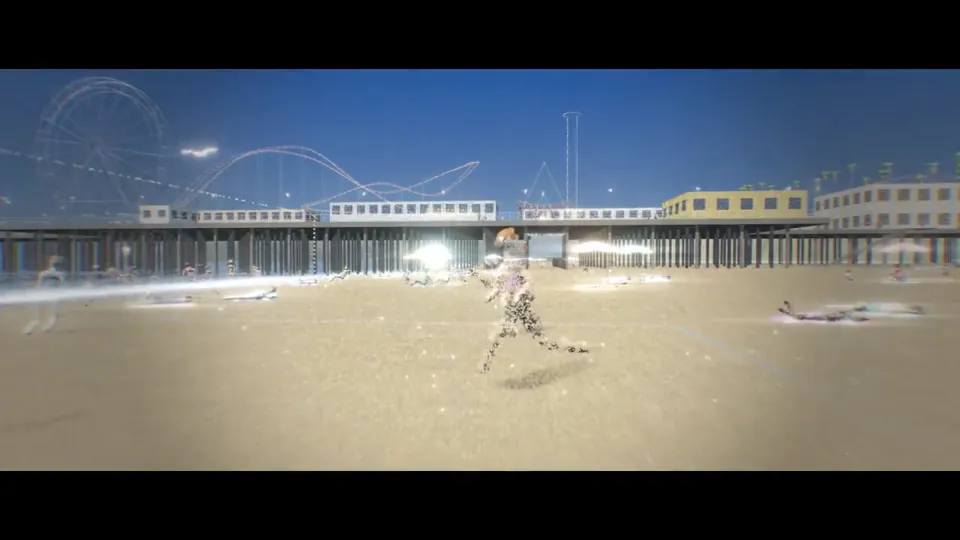
Create a stylistic 3D environment of a busy Santa Monica beach that adapts to the time of day. The art style must be a particle illustration, which uses thousands of tiny glowing specks rather than solid fills with flowing ribbon strokes behind figures to suggest motion. I had 2-3 more prompts on top of this, but this is a good starting point. Repo link: https://github.com/ishuagrawal/particle-beach
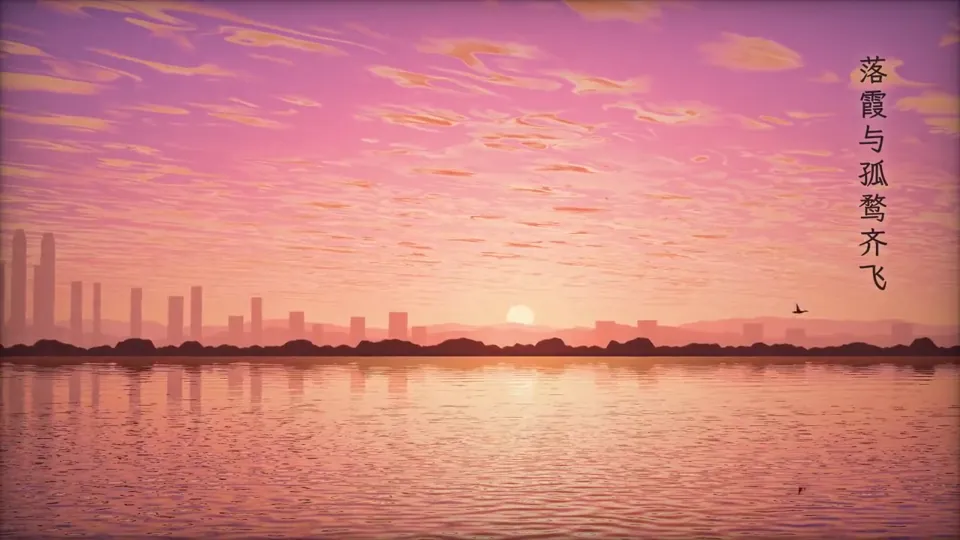
opus5.5有点强,我让它自由选题做交互页面和视频, 提示词:用你最强的思维和能力,根据对我的了解,自行寻找我可能喜欢的主题,制作一个30s的视频还有互动html,尽可能的展示你的前端能力! 它的选题思路:滕王阁·中秋夜。 今天(2026-09-25)正好是丙午年八月十五。所以我选了《滕王阁序》里最有画面感的那句:"落霞与孤鹜齐飞,秋水共长天一色"。短片是船上视角:落日时一只孤鹜飞过太阳,天上是鱼鳞云,然后江天一色,楼阁由下往上亮起灯,满月从东边升起,江面上漂着河灯,诗句以竖排书法字幕配印章出现。 前端做的更牛,但是这里没法放! 画面:整幅画面由一个 WebGL2 着色器逐像素算出来,没有用任何图片。包括天空的暮色层次、按南昌纬度推算的日月轨迹、程序生成的鱼鳞云、9 组波浪叠加的江面倒影,以及用 Canvas 2D 画出来的滕王阁立面。 声音:全部用 WebAudio 实时合成,没有一段录音。古筝用 Karplus-Strong 弦振动模型,带按滑和揉弦;另有箫、江水声、虫鸣和混响。 自由观赏模式:可以拖动环视和缩放,拖时间轴改变时辰;点江面放河灯,会弹出一句诗、响一声古筝;点月亮进入月面特写;还能切换查看渲染图层,或者在网页里直接录制视频。
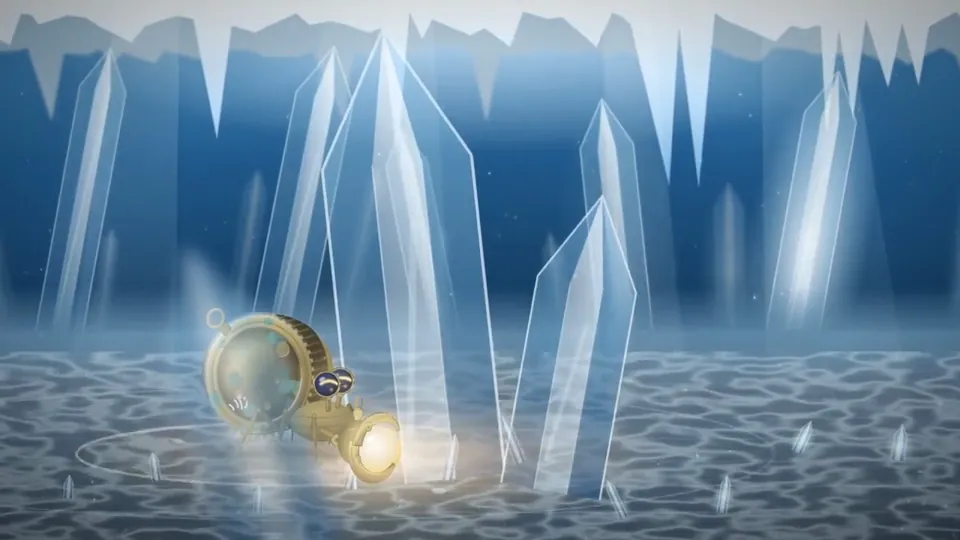
我让 @claudeai Opus 5.5 制讲一只机械寄居蟹在深海追一束光,追到最后发现,发现那束光其实一直在自己手里的动画视频。 没用任何视频生成AI,纯靠写代码画出来的—— 角色、镜头、转场、音乐全是程序渲染的。 看完了。感觉能做到这个程度还是很可以的!
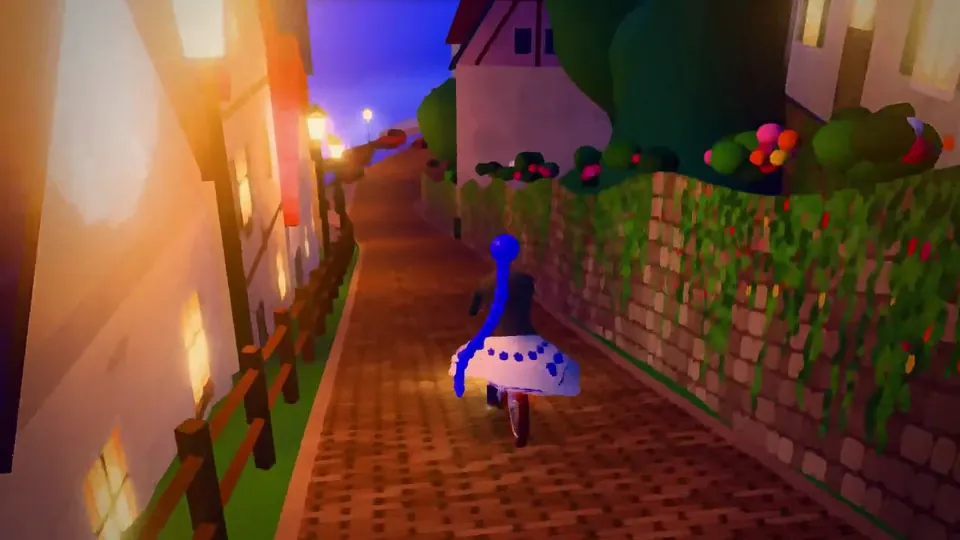
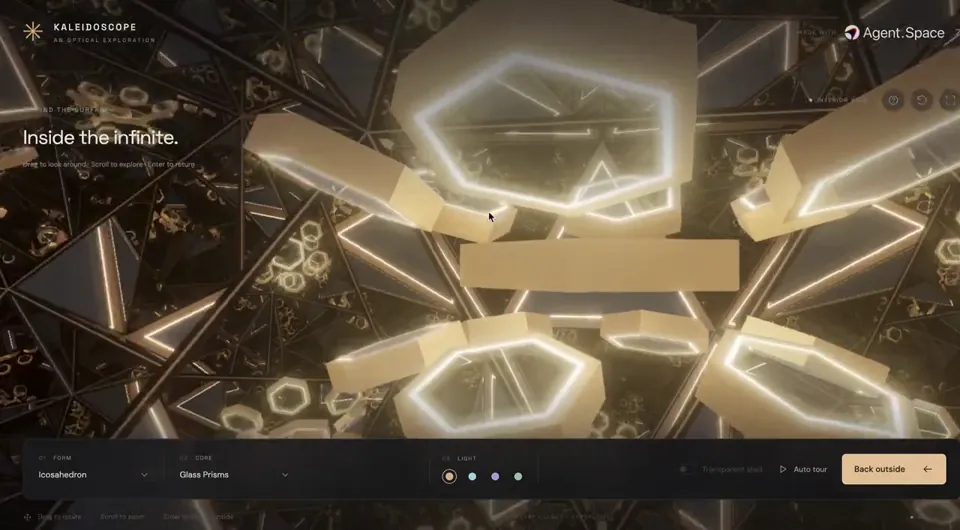
最近用 GPT 6 Astra、Opus 5.5 做了一堆 web 3d 的项目,游戏、室内、Fx、文旅、整活的都有尝试hh 我把这些项目的全部工作流与prompt都整合到了线上的workplace里,之后也会持续更新,感兴趣的朋友可以收藏一波hh
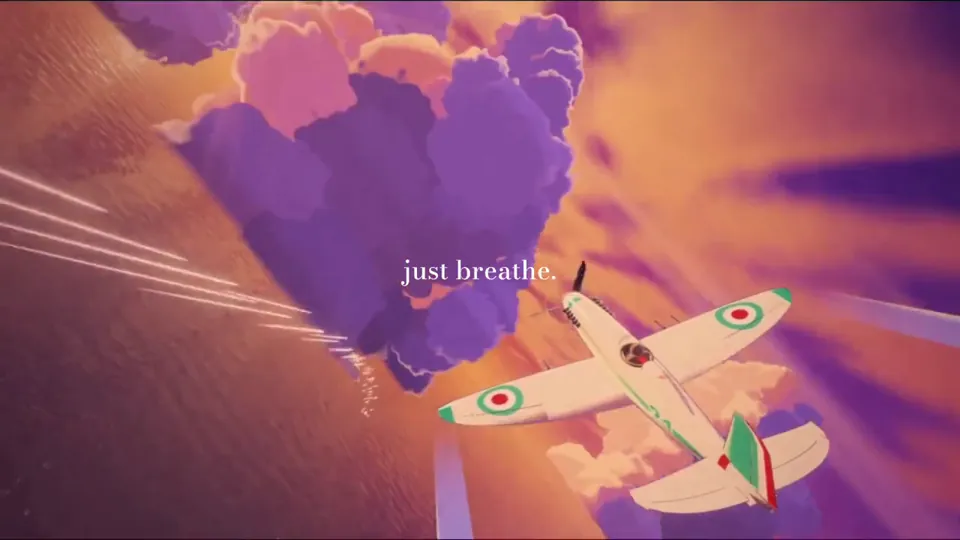
✨审美绝了!Opus 5.5 用 Three.js 把宫崎骏《红猪》经典空战复刻出来了! 只给了这一句prompt: 「用 web3D 复刻宫崎骏《红猪》日落海面上的经典空战:白绿红涂装战斗机、紫色积云、海面反光、吉卜力运镜,画面写 just breathe.」 建模、配色、云层、尾迹和镜头全部一次对齐,审美直接封神。 #Opus5_5 #宫崎骏 #红猪 #ThreeJS #Web3D #AIGC #vibecoding #审美天花板 #3D #AI #Dario #Anthropic https://x.com/nft_chen/status/2103401780117938683?s=46
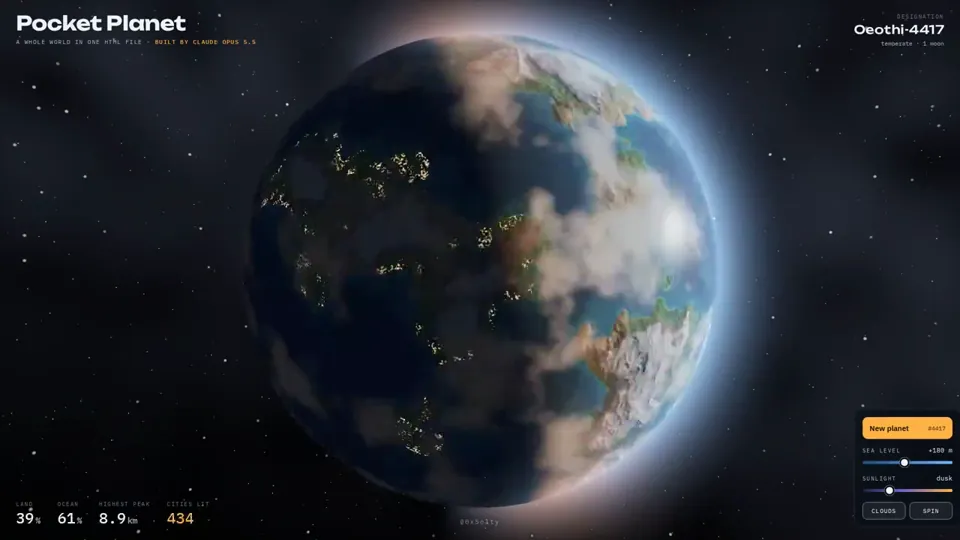
i asked opus 5.5 to build me a planet. not a picture of a planet. a whole planet. it wrote a single html file. no libraries, no images, no 3d models. every ocean, every mountain and every city light is math, generated live in your browser. then i started playing with it. drag it and it spins. raise the sea level and watch continents drown. move the sun and watch the cities switch on at night. hit "new planet" and it invents a new world. it even names it. a year ago this was a semester project for a graphics student. now it's a prompt.
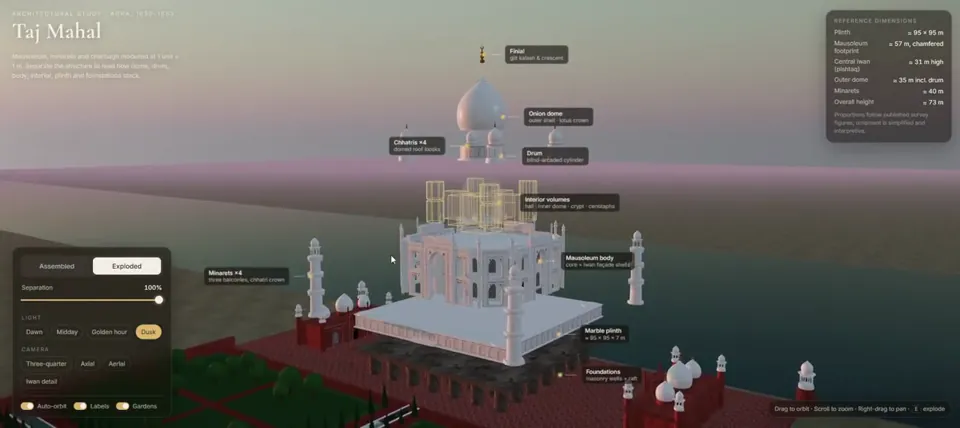
I asked Opus 5.5 to generate a realistic 3D model of the Taj Mahal Dome, minarets, marble inlay, even the foundations. One prompt ⤵️ One HTML file.
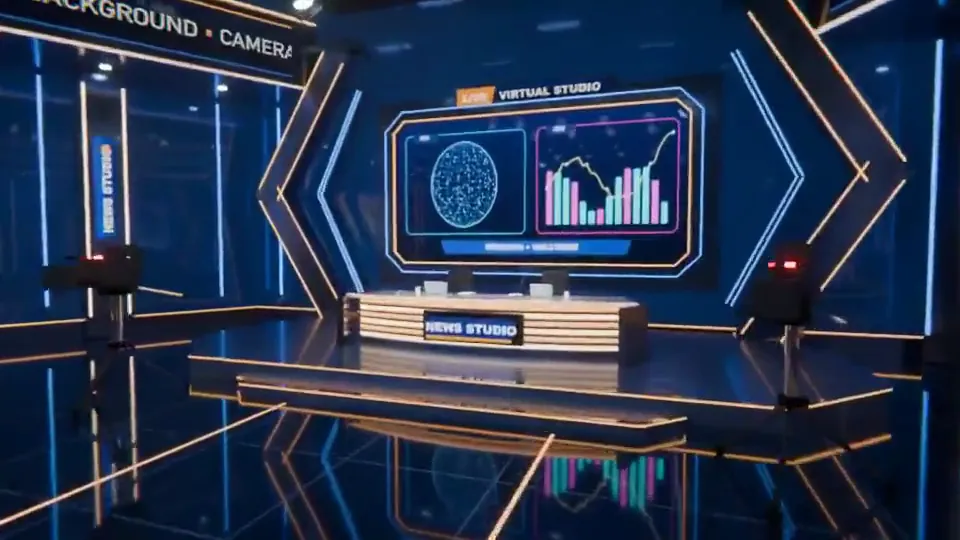
Claude Opus 5.5 just one-shotted an entire 3D virtual studio in Blender. We used to sell studios like this on Envato. Built in After Effects + Element 3D, each one took our team months. This took one prompt. @claudeai @AnthropicAI @alexalbert__ @bcherny
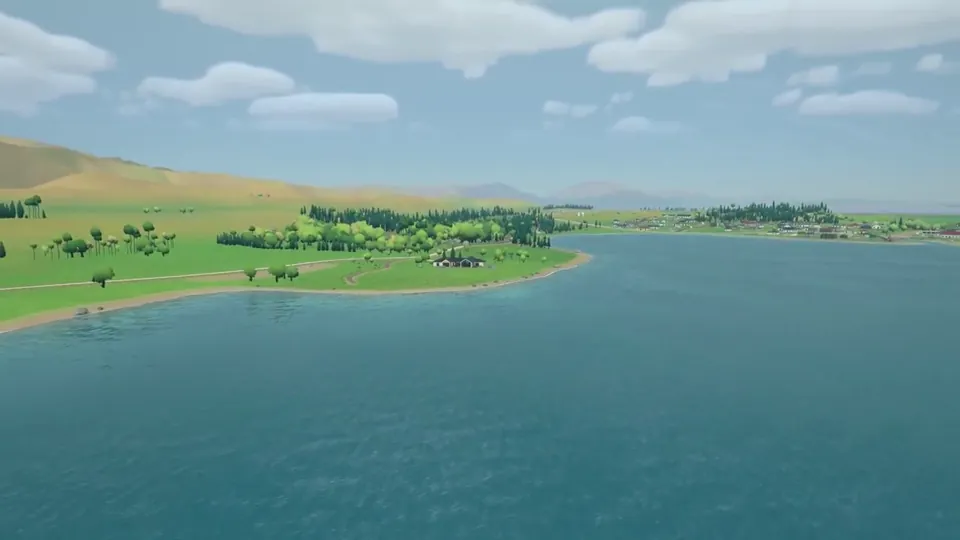
Claude Opus 5.5 is absurdly good at 3D. I reran one of my recent 3D experiments with Claude Opus 5.5. Same prompt, same references, same real-world scene I had previously built with GPT-6 Astra. The result was much better than I expected. Put simply, for this specific use case, Claude Opus 5.5 was a clear win for me. The biggest differences for me were instruction following and taste. With the same references, Opus 5.5 got much closer to the Zelda Breath of the Wild-style look I was aiming for. The layout felt more intentional. It picked better camera angles. Asset placement made more sense. And I spent much less time fixing basic mistakes. In my Astra version, I had to repeatedly correct things like tree roots not touching the ground, rough geometry being used where proper assets already existed, or objects being placed in ways that just looked wrong. Opus 5.5 got much more of this right on its own. The interesting part for me is that I have almost zero real 3D skills. I mostly give references, look at the result, explain what feels wrong, and keep iterating. With better instruction following and visual judgment, that loop becomes dramatically easier. Still plenty to improve, especially indoors. Next test is whether I can recreate the interior of the house with the same level of quality.
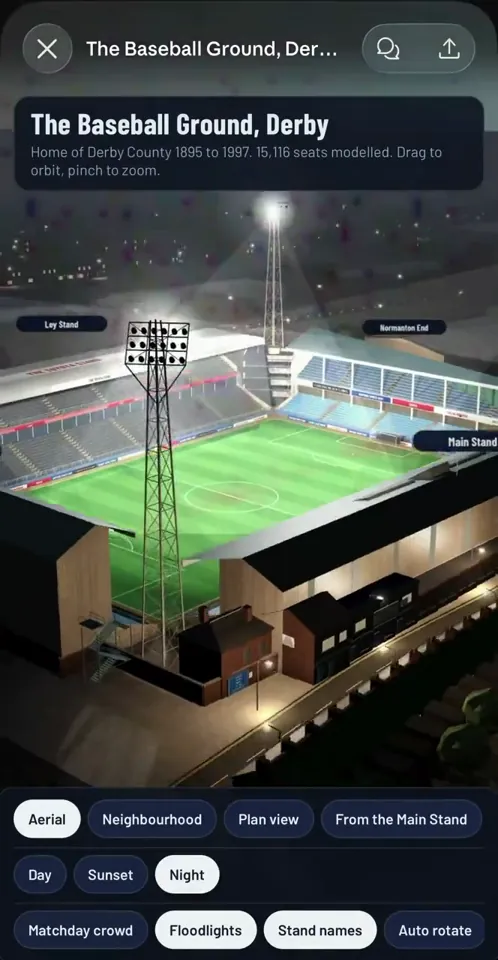
OK so Opus 5.5 SMOKED GPT Astra at 3d modelling this stadium from old plans and reference pics This was a near one shot. 1000x better than Astras one shot (check reply for Astra’s one shot) I gave them the same prompt and the exact same reference plans 👇🏻
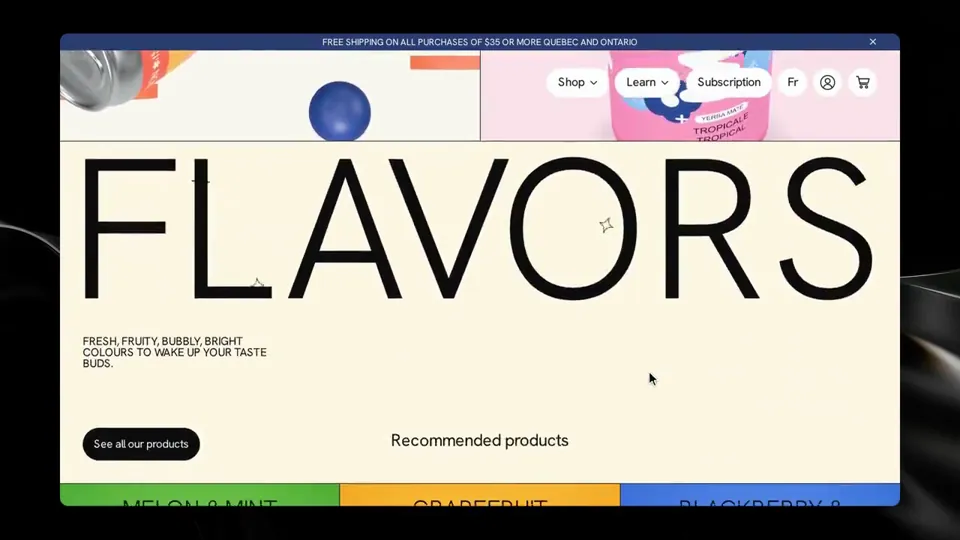
Opus 5.5 building a website for a drink brand. -It generated all the svgs -Built the can in 3D -Painted its own labels and then rendered those to make product photo variations All this in a single (albeit, beefy) prompt
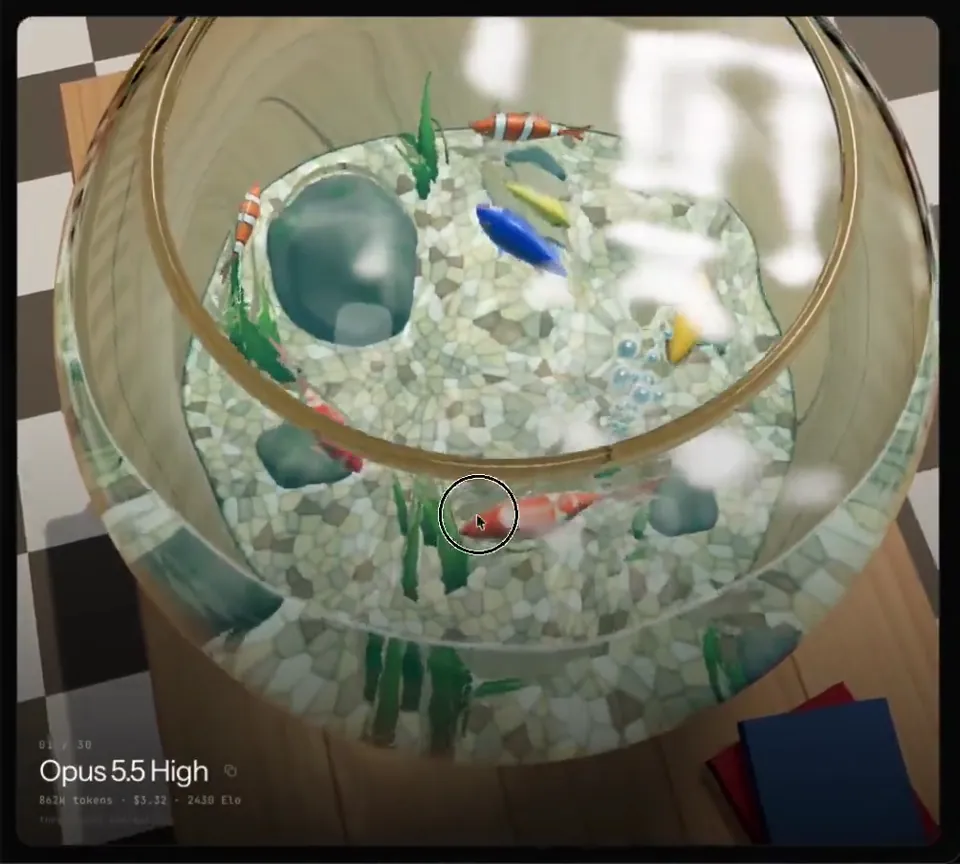
Opus 5.5 does a great job in eval of GLSL (OpenGL Shading Language) in threejs. The prompt here is roughly. A fishbowl with reflection, refraction and water caustics. Check it out yourself! And compare it to other models https://threejseval.com/gallery?eval=fishtank
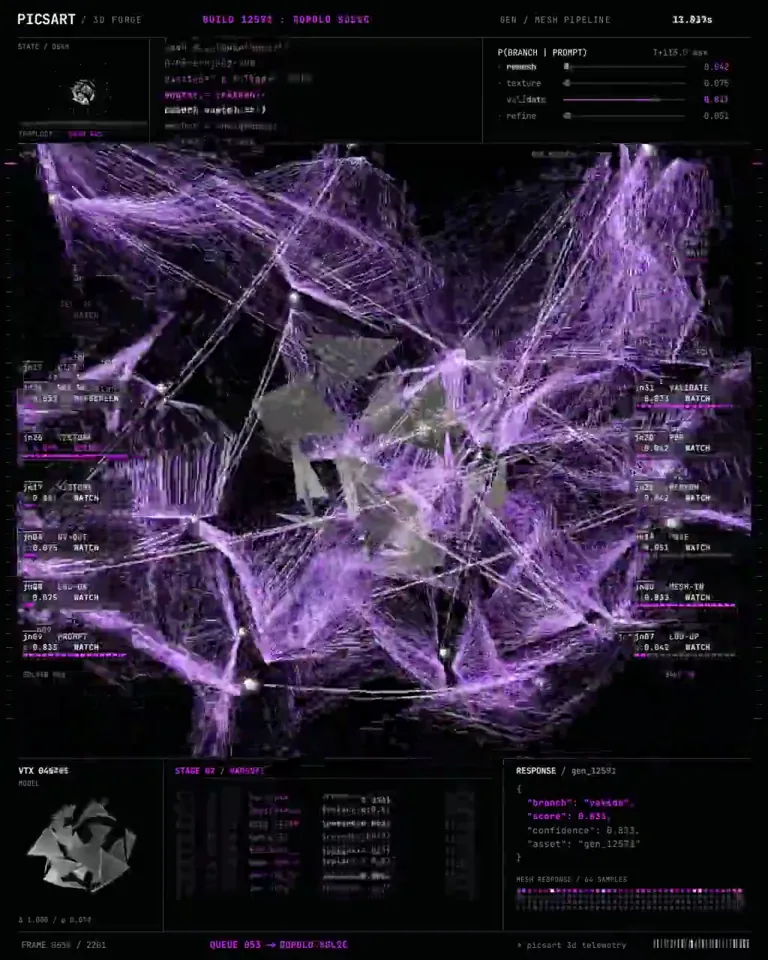
Opus 5.5 turned one sentence into a 3D system that opens in Blender, rigged, textured and ready to animate. It does not render the object. It constructs it, part by part, the way a modeller would if they had a week. > PARSE - the sentence becomes a parts list with real dimensions, nothing implied > MASS - each part built as clean geometry, quads only, no sculpted mush > RIG - joints and pivots placed where the object physically bends > SKIN - materials assigned per surface, scale and roughness set separately > PACK - exported with a named hierarchy, so a human can edit one part Image models stop at the render. What you get is a photograph of a thing that does not exist as a thing. That gap appears the second someone wants to move an arm, swap a material, or send it to a printer. Rigging is what nobody automates. Without pivots you have a statue, and a statue cannot be a system. Topology beats detail every time. A dense mesh looks stunning in a screenshot and folds the moment it deforms. Names carry through the whole export. Every part, joint and material reads the way a person would label it. Studios burn days on modelling and cleanup before anyone gets to the creative part of the job. The prompt format and what each stage returns are laid out underneath.
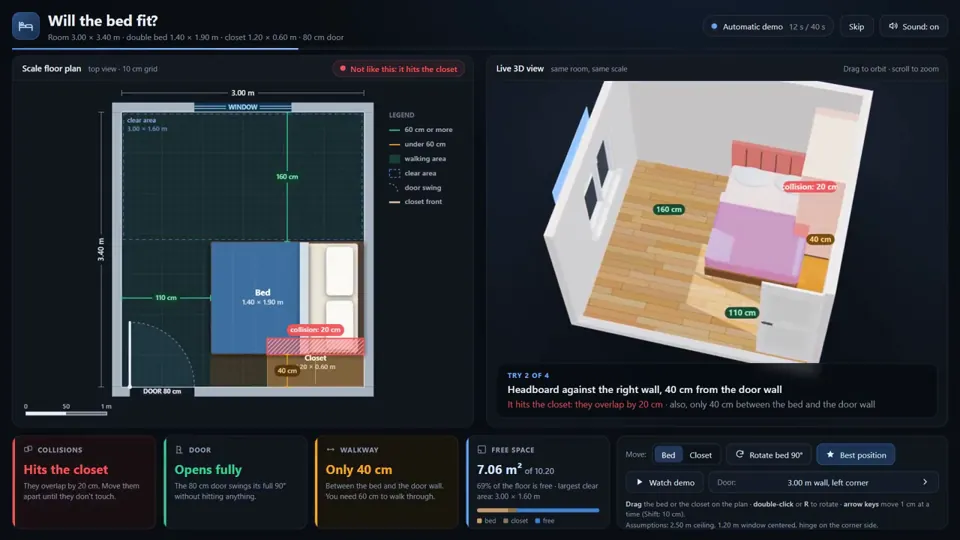
Esta app probó 3,932 posiciones de una cama matrimonial hasta encontrar dónde cabe. La hizo Claude Opus 5.5 con un prompt mío: cuarto de 3.00 x 3.40 m, puerta de 80 cm, un clóset de 1.20 x 0.60 y la cama de 1.40 x 1.90. Armó el plano a escala y el cuarto en 3D al lado, y los dos se mueven juntos. Si la cama choca con el clóset, no deja abrir la puerta o te deja menos de 60 cm para pasar, te avisa. Solo 108 posiciones no tenían ningún problema. La mejor deja 70 cm para pasar por cada lado. Tardó 47 minutos, más 5 para pasarla a inglés, y no le corregí nada. Para una mudanza, esto dice más que cualquier benchmark.
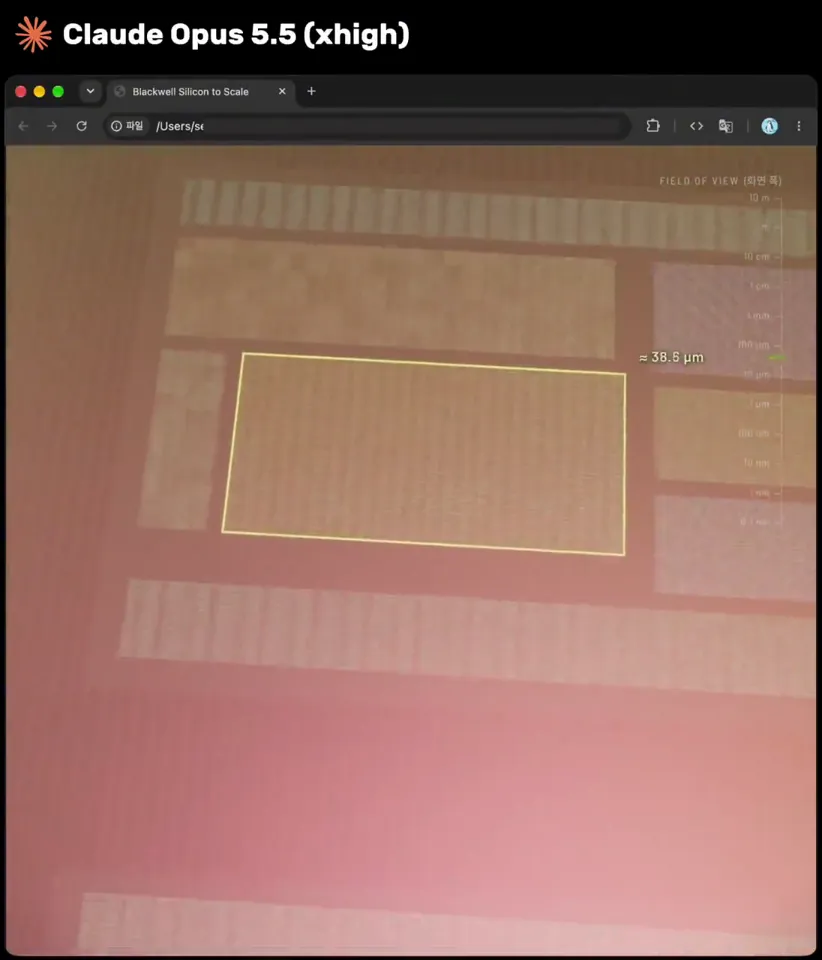
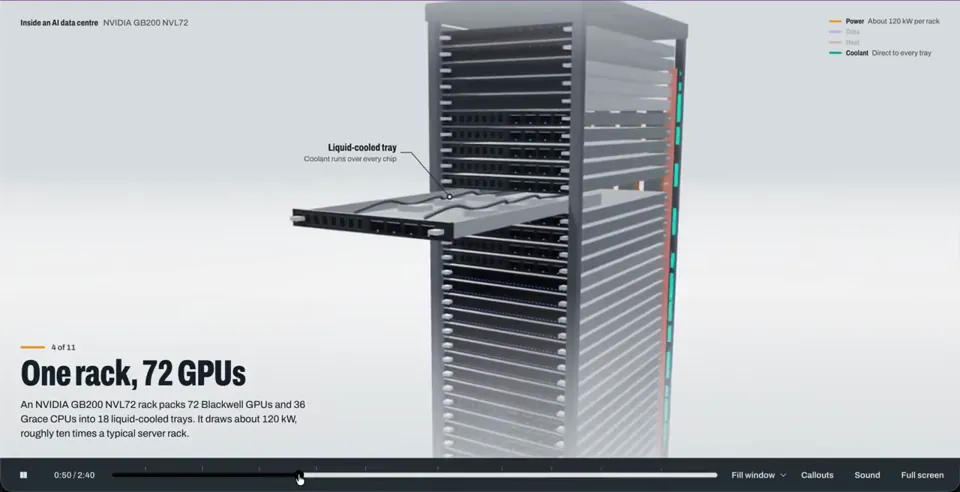
Claude Opus 5.5 یه انیمیشن 3D دیوونهکننده ساخته از دیتاسنتر شروع میشه، وارد سرور میشه، کارت گرافیک رو باز میکنه، داخل چیپ میره، از مدار و ترانزیستور رد میشه و تا اتم سیلیکون میرسه. همهش توی یک فایل HTML واحد اجرا میشه و حدود ۱ ساعت طول کشیده.
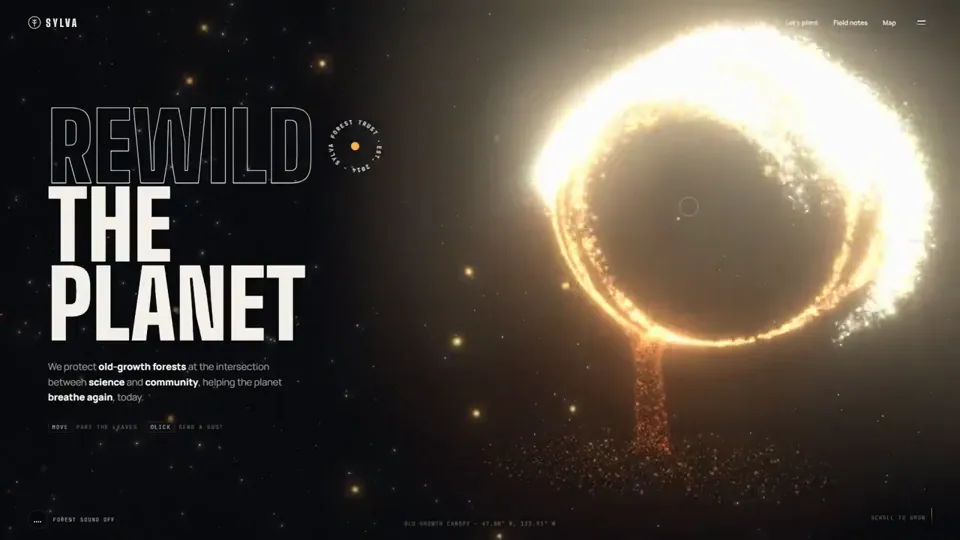
Opus 5.5 is mind boggling. It created this 3D website from just one prompt. Told it to create a website for forest conservation agency with pinterest post as reference for 3D animation. It one shotted into a single html file.
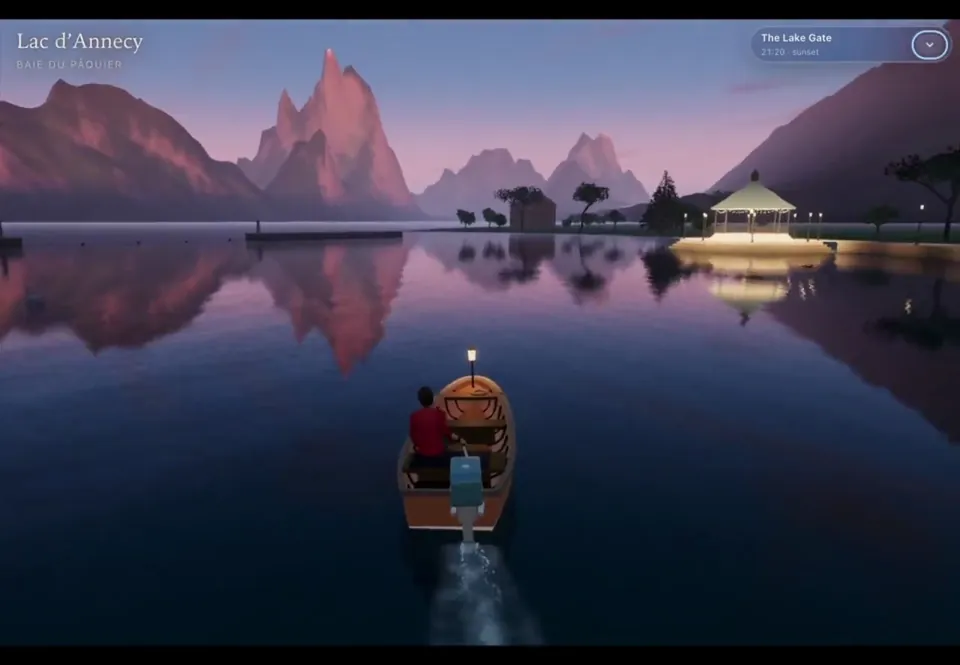
I wanted to see if beautiful destinations could become playable 3D experiences. Annecy, France became the prototype: a boat journey through canals, bridges, waterfront, and the mountain lake, built with Claude Opus 5.5 using Three.js + TSL. I trimmed the navigation footage for the sake of keeping the video short and the post below below has a slightly longer version. The whole workflow behind this is simple:- - Explained the concept to Opus and asked it to list some ideas. - Shortlisted one and asked it to generate a prompt, with tech stack directions. - Thats it, needed few iterations and is still a work in progress with few issues needing ironing. - The audio effects were added by Opus itself.
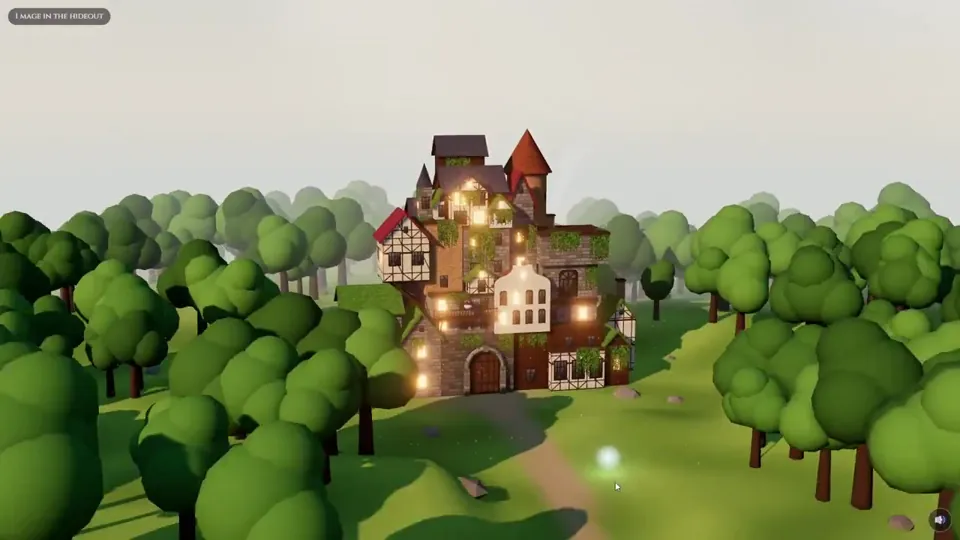
New Black Clover chapters are on the way and Opus 5.5 just dropped, so I put it to the test: A 3D diorama of the Black Bulls hideout, made with Opus 5.5 + three.js Every visitor is a floating mana light, come say hi to Nero 👋 https://ribes.cc/hideout/ #BlackClover #threejs
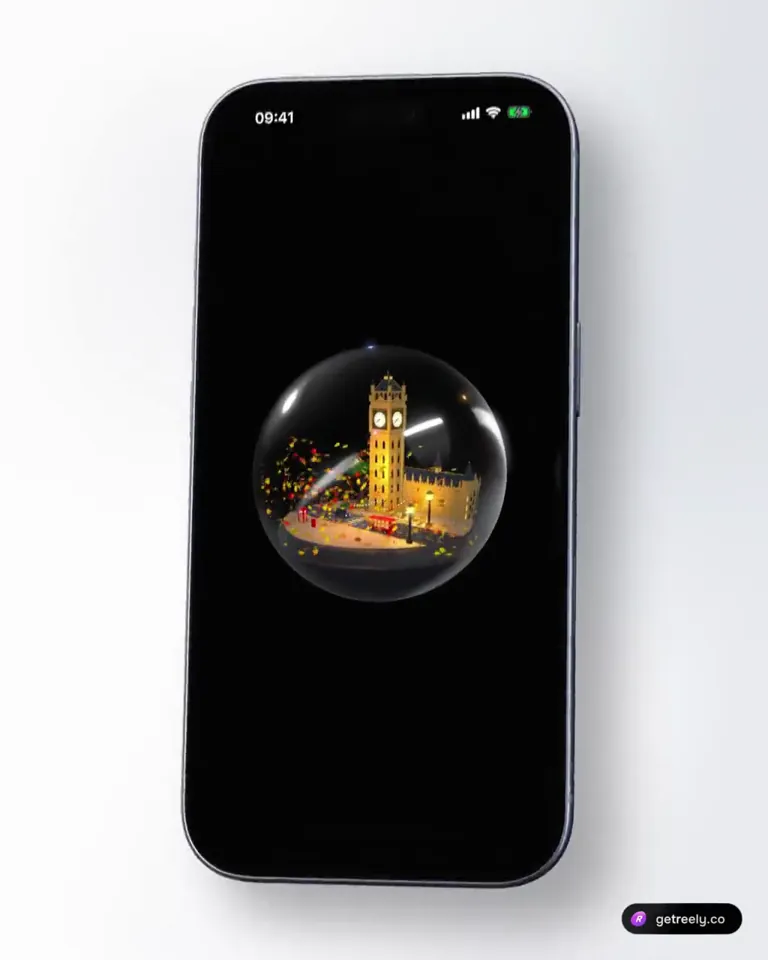
Opus 5.5 put London in a snow globe 🕰 Elizabeth Tower with lit clock faces 🚌 Red double-decker 🚕 Black cab at a zebra crossing ☎️ Phone box 🍂 Leaves that swirl when you shake the phone ~700 lines of Swift. No 3D files.
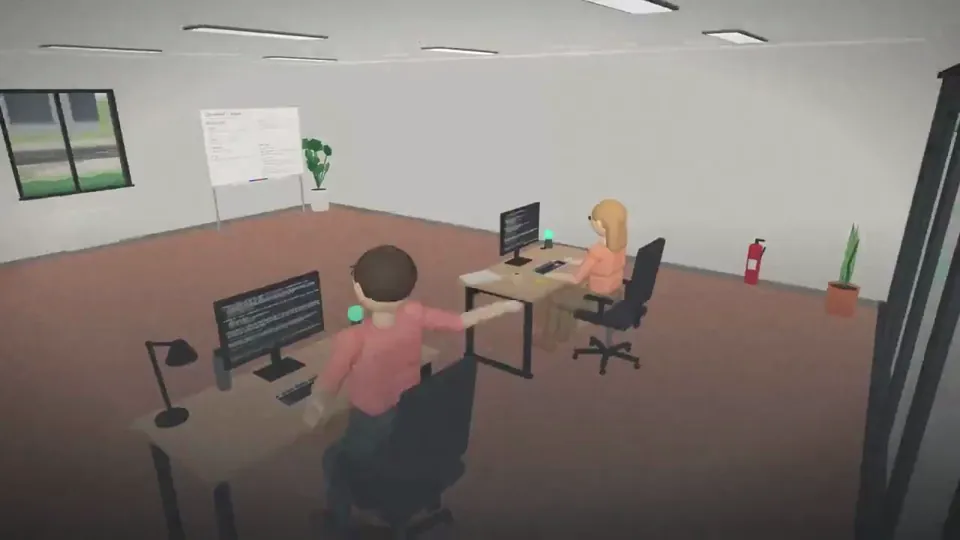
I gave my Claude Code sessions an office. Workspace turns each session into a desk in a 3D office: see who's working, who's done and who needs you, jump into any terminal, and let them work together. Open source, built entirely with @claudeai Opus 5.5.
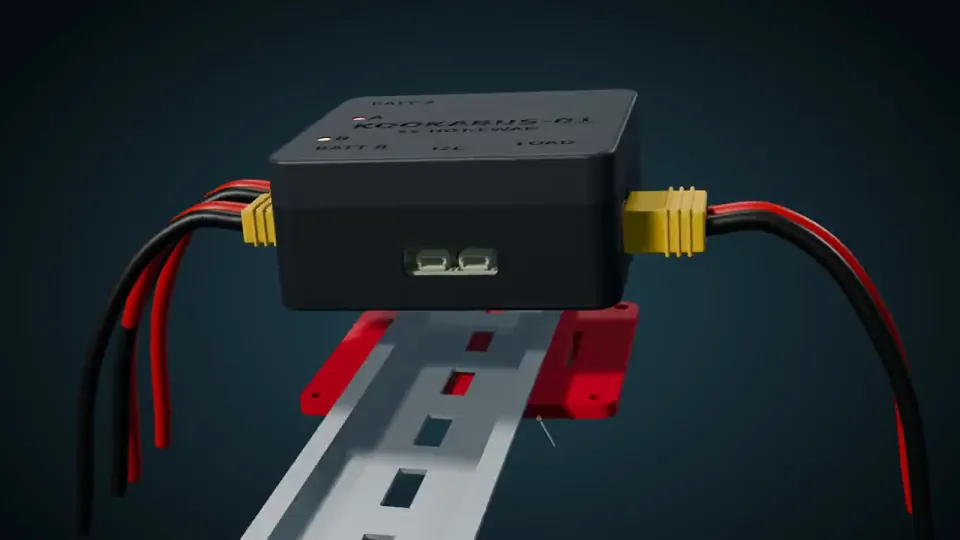
Claude Opus 5.5 continues to amaze me. Claude Opus 5.5 created a 3D printable enclosure for an existing PCB. Then it created this promo video for it. The PCB, the printable STLs and this animation are 100% just from prompting in Claude Code.
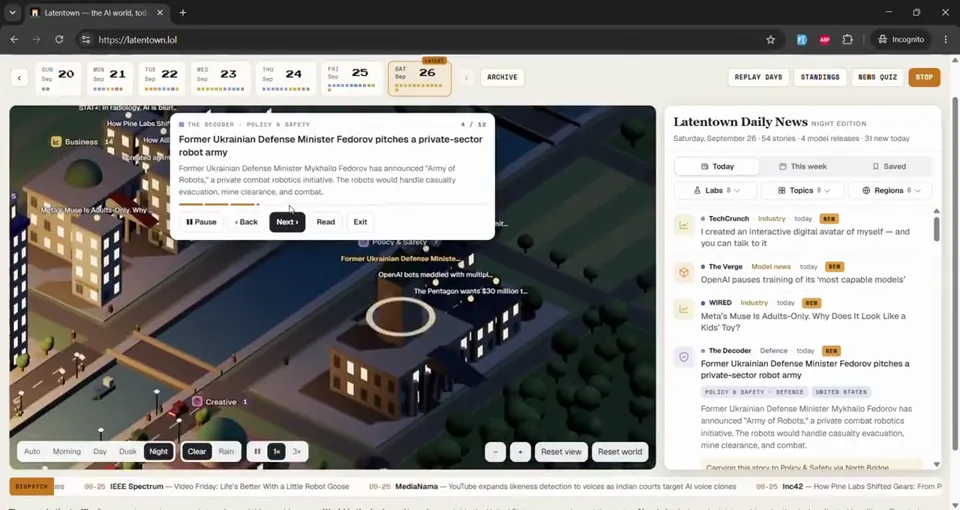
Latentown just went 3D 🏙️ The pixel town grew into a living city of AI news. Every story is a building, every lab has a tower, and couriers carry the day's news across the river. Built over a weekend with Claude Code + Opus 5.5 and three.js. https://latentown.lol
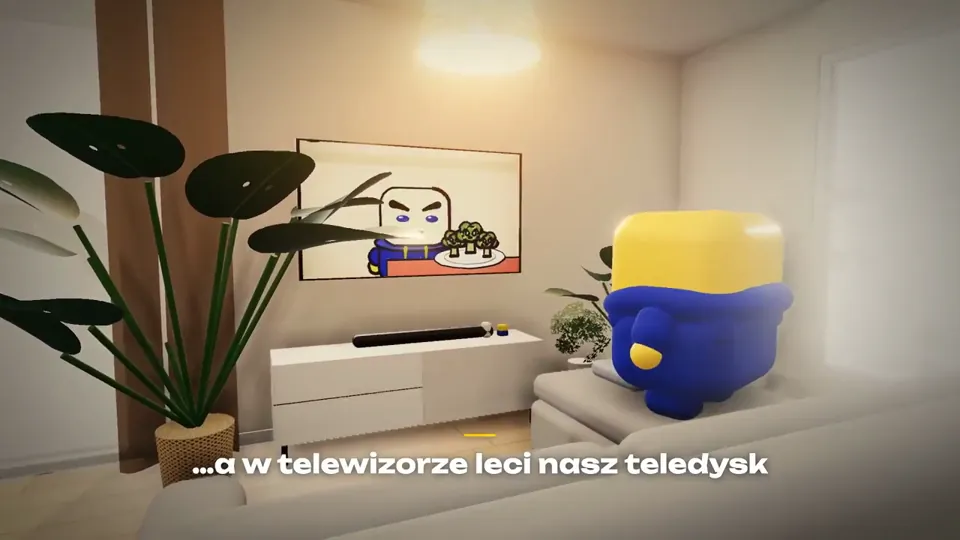
Rok temu próbowałem zrobić grę 3D z Opusem 4.1 - zrzut ekranu, jak to wtedy wyglądało, wrzucę w komentarzu. Zobaczcie, jak szybko to wszystko idzie do przodu. Minęło tylko 12 miesięcy, a dziś wygląda to tak. Całość zbudowana z modelem Opus 5.5. https://kreatio.pl/brokul
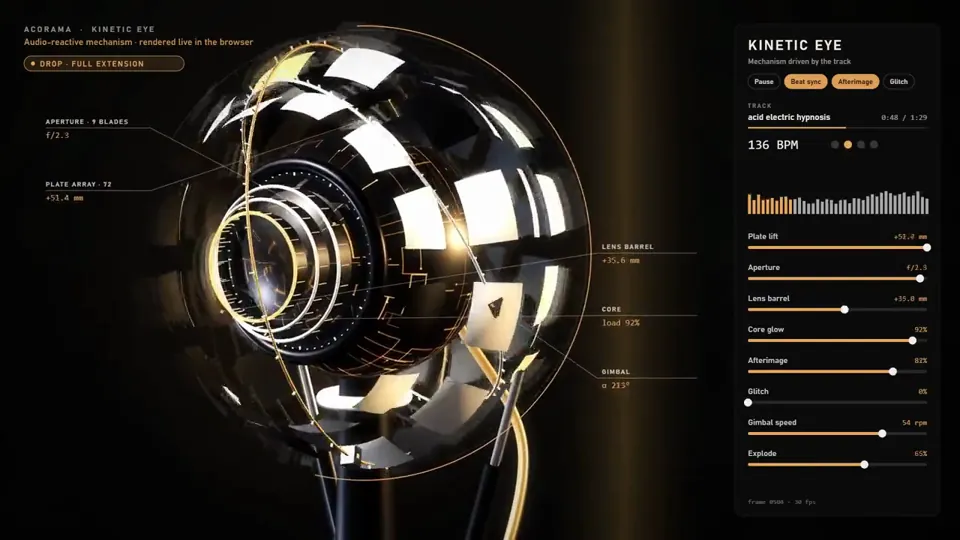
CLAUDE OPUS 5.5 MADE ME A MAGIC EYE. It doesn't just look around. It listens. 72 plates wrapped around a mechanical eyeball, a 9-blade iris, a lens that slides out when the bass hits, two rings orbiting it like it's its own little planet. Play a track and it comes alive. Every kick flips the plates open. The bass pushes the lens forward. The highs light up the glowing core inside. When the song drops into the breakdown, the eye closes and goes quiet, like it's thinking. Then the drop hits and it blows wide open. Opus 5.5 listened to the track first, found the tempo, the breakdown and the drop, and built the whole thing around it. Even the panel on the right is live: every slider moves with the music. All 3D, all code, rendered right in a browser. Turn the sound on.
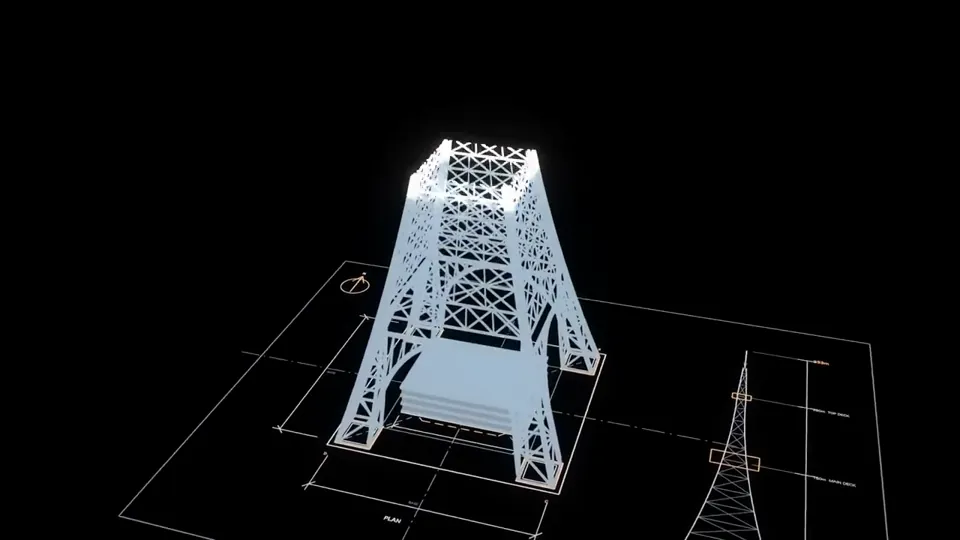
※デザイナーの仕事がなくなりました。 Claude Opus 5.5に3Dモデルで東京タワーの映像を作らせた結果、5分でこのクオリティをポン出し PR動画やYouTube動画制作など、複数の案件もこれ一つで全てこなせます。 具体的な作り方は記事で解説↓
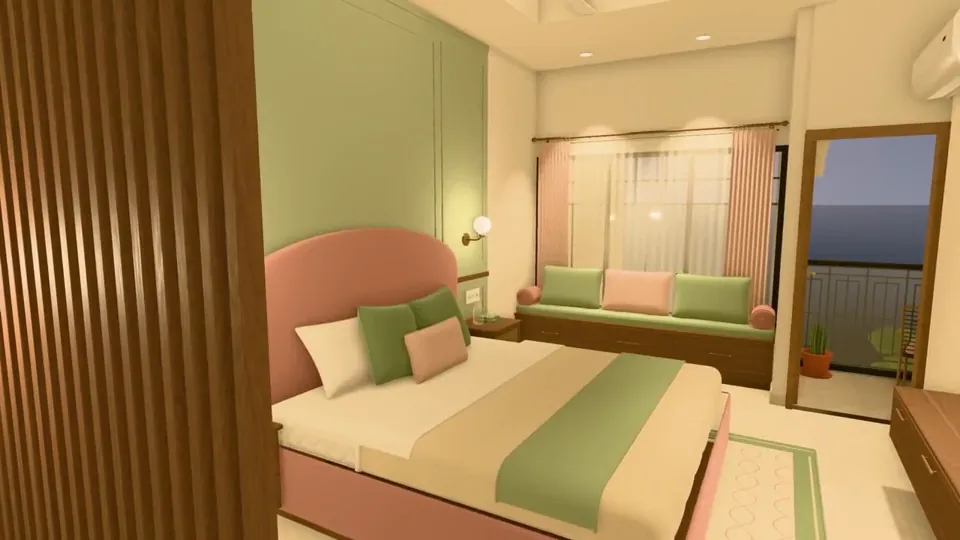
My family is planning to build a house, and all we had was the floor plan. I wanted to see how it would really look once it's built: which colors, layout and design would suit it best. So I gave the plan to Claude Opus 5.5 and asked it to create a 3D view of the house. It's one of the most useful things I've created recently. We can now walk through the house before a single brick is laid, and when we want to try a different color or layout, I just ask for the change. In the video: the hall, room, and the terrace at dusk, all at eye height. How it worked: • I gave it the 5-page floor-plan PDF and one reference image for the front of the house. • It read the drawings and rebuilt every floor: walls, doors, windows and stairs. • Where a printed size didn't match the drawn wall, it flagged it (15 places) instead of quietly guessing. • It furnished every room itself: 500+ pieces of furniture, decor and lighting. • Everything runs in a web browser with three.js. No Blender, no game engine. You can walk through it like a game, in daylight or evening light, and the lamps actually light the rooms. • It treated it like a real software project: ~37k lines of JavaScript, 185 unit tests, 56 browser tests, and deterministic video capture (render the same frame twice, get identical pixels). • It even tracked down a bug of its own: a room's lighting changed depending on which room you walked in from. • It split the work across sub-agents. Start to finish took about two days. My part was the decisions: what each room is for, the style, and the changes I wanted.
How Claude Opus 5.5 Generates Videos from Code
Rather than sampling diffusion frames directly, Claude Opus 5.5 writes real-time procedural animation code rendered directly in the browser or headlessly via Chromium and Remotion.
Opus 5.5 writes raw HTML5 Canvas 2D render loops and Three.js WebGL shaders. Camera trajectories, particle systems, and raymarching lighting equations run at native 60 FPS with zero compression artifacts.
By orchestrating SVG vector paths with GreenSock (GSAP) timelines, Opus 5.5 generates sharp typographic title sequences, interface walkthroughs, and kinetic logos that scale infinitely without pixelation.
Every prompt in this directory can be pasted directly into Animatiq. Animatiq bundles the code into structured React Remotion components with keyframes, editable text layers, and 4K MP4 export.