airlophone · Launch Video Breakdown: Hook, Pacing & Motion Design
Browser-only international calling with no app, SIM, or roaming. US calls from $0.02/min to 220+ countries.
Scene-by-scene timeline & spoken transcript
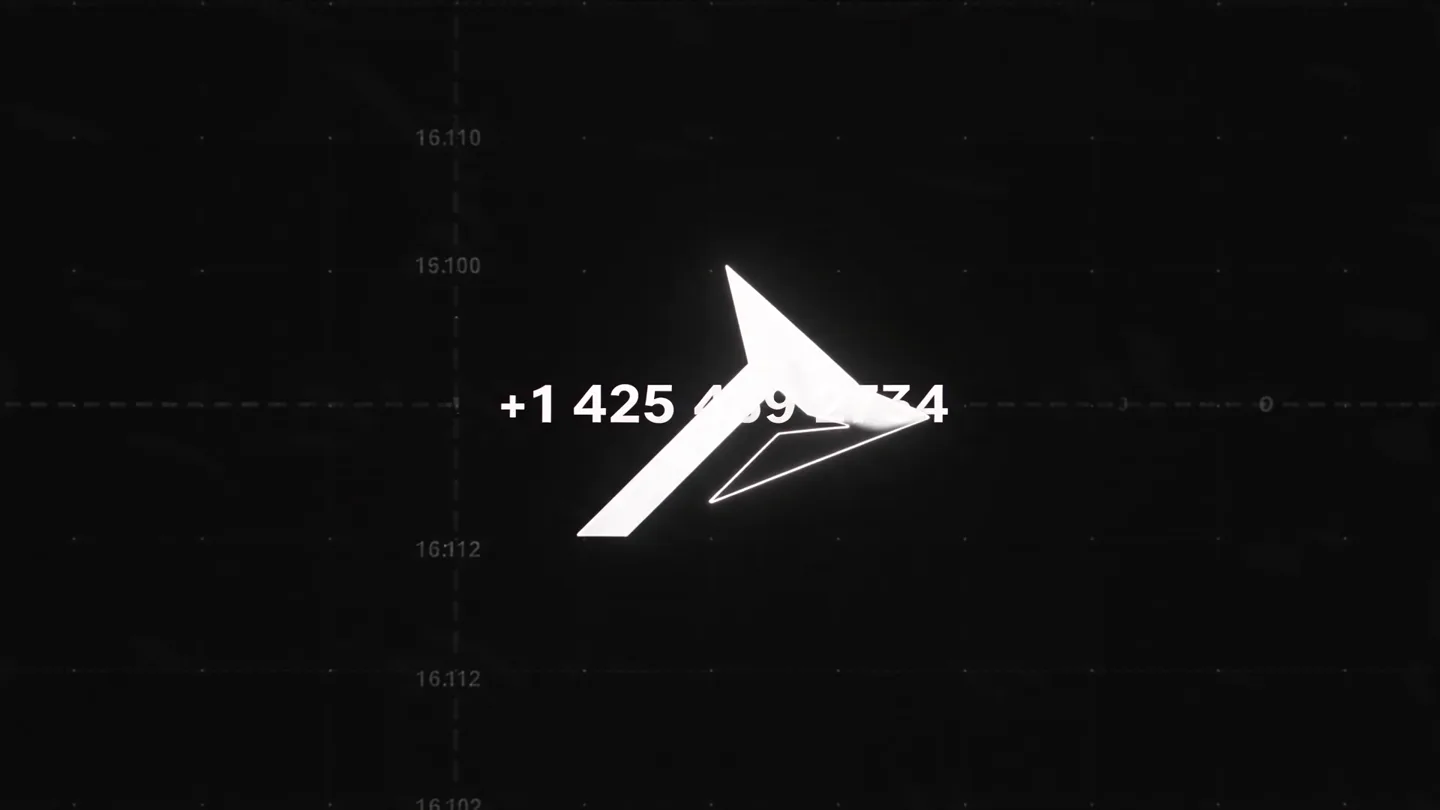
The Hook
Global Connection Initiated
“(No spoken dialogue — Pizzicato synths and evolving pads build anticipation, leading to a riser at 0:02 and a sub-bass drop/impact at 0:03.)”
- On screen
- +1 425 469 2734
- Camera
- Static, then a subtle zoom out revealing a grid overlay.
- Motion
- Text fade-in with a central glow, followed by a line drawing animation forming an arrow, then a quick zoom out.
Problem Agitation
Seamless International Reach
“(No spoken dialogue — The ambient electronic score continues, maintaining a sense of expansive movement.)”
- On screen
- +1 425 469 2734
- Camera
- Camera pulls back and rotates to reveal a world map, then pans across the map.
- Motion
- Animated lines connecting points on a world map, illustrating multiple international call routes. The map itself has a subtle texture and glow effect.
Product Reveal
Browser-Only Calling Interface
“(No spoken dialogue — The electronic score maintains its rhythm, with subtle sound design elements accompanying the UI interaction.)”
- On screen
- +1 425 469 2734, $0.02 / min, AIRLOPHONE, CALL THE WORLD
- Camera
- Zoom into a smartphone screen, then a quick pull back with a ripple effect.
- Motion
- A smartphone UI appears with a call in progress, showing the cost per minute. A tap animation on the screen triggers a ripple effect that expands outwards, transitioning back to the world map.
Feature Teaser
Global Network Expansion
“(No spoken dialogue — A significant audio riser at 0:12 culminates in a powerful sub-bass impact at 0:13, emphasizing the reveal.)”
- On screen
- (No on-screen text)
- Camera
- Wide shot of the world map, then a rapid zoom in and out.
- Motion
- The world map populates with numerous interconnected nodes, representing a vast global network. The airlophone logo briefly appears as an overlay, then fades.
Call to Action
airlophone: Call The World
“(No spoken dialogue — The sub-bass impact resonates, followed by the sustained electronic score.)”
- On screen
- AIRLOPHONE, CALL THE WORLD
- Camera
- Static shot, centered on the logo.
- Motion
- The airlophone logo and tagline appear with a subtle glow and light pulse, reinforcing brand identity.
Motion design primitives
Synthesizable in Remotion · key components of the global-tech-launch-montage template.
GlobalCallRoute
A glowing line animates from a source point on a world map to a destination, often accompanied by a small, bright node at the origin and destination. Multiple lines can emanate from a single source.
+ Code construction recipe
Utilize Remotion's <Line> component or SVG path animations. Interpolate 'stroke-dashoffset' for drawing effect. Use <AbsoluteFill> with a world map image. Animate position and opacity of small circular <Div> elements for nodes. Apply a 'drop-shadow' filter for the glow effect.
UIInteractionRipple
A circular glow expands outwards from a tap point on a UI element, creating a ripple or wave effect that can transition to a new scene.
+ Code construction recipe
Implement with a <Div> element styled as a circle, animating its 'scale' and 'opacity' properties using `spring()` or `interpolate()`. Apply a `radial-gradient` or `box-shadow` for the glow. Use `z-index` to ensure it overlays the UI, and coordinate with scene transitions.
NetworkNodeExpansion
Numerous glowing nodes appear on a world map, rapidly connecting to each other with thin, animated lines, symbolizing a vast and interconnected network.
+ Code construction recipe
Generate an array of node coordinates. For each node, animate its 'opacity' and 'scale' from 0 to 1. For connections, use <Line> components, animating 'stroke-dashoffset' or 'opacity' to reveal them. Consider using a `loop()` for continuous subtle pulsing of nodes.
Style DNA & aesthetic system
Visual aesthetic
Typography
Motion
Special effects
Pacing & rhythm
Conceptual story rhythm
- 1
The Call Origin
Purpose. Establish the core action (making a call) and introduce the product's global reach.
Execution. A phone number appears, an arrow forms, and then a world map is revealed with a call route.
- 2
Global Network Visualization
Purpose. Illustrate the extensive international connectivity and ease of use.
Execution. Multiple call routes animate across the world map, highlighting various destinations.
- 3
Product Interface & Cost
Purpose. Showcase the browser-only UI and transparent pricing.
Execution. A smartphone screen displays the calling interface and cost per minute, followed by a ripple effect.
- 4
Brand Reveal & CTA
Purpose. Solidify brand identity and provide a clear call to action.
Execution. The airlophone logo and tagline appear with a glowing effect, reinforcing the brand message.